
Meteox PC
Infoplaza
Download Meteox on PC With GameLoop Emulator
Meteox on PC
Meteox, coming from the developer Infoplaza, is running on Android systerm in the past.
Now, You can play Meteox on PC with GameLoop smoothly.
Download it in the GameLoop library or search results. No more eyeing the battery or frustrating calls at the wrong time any more.
Just enjoy Meteox PC on the large screen for free!
Meteox Introduction
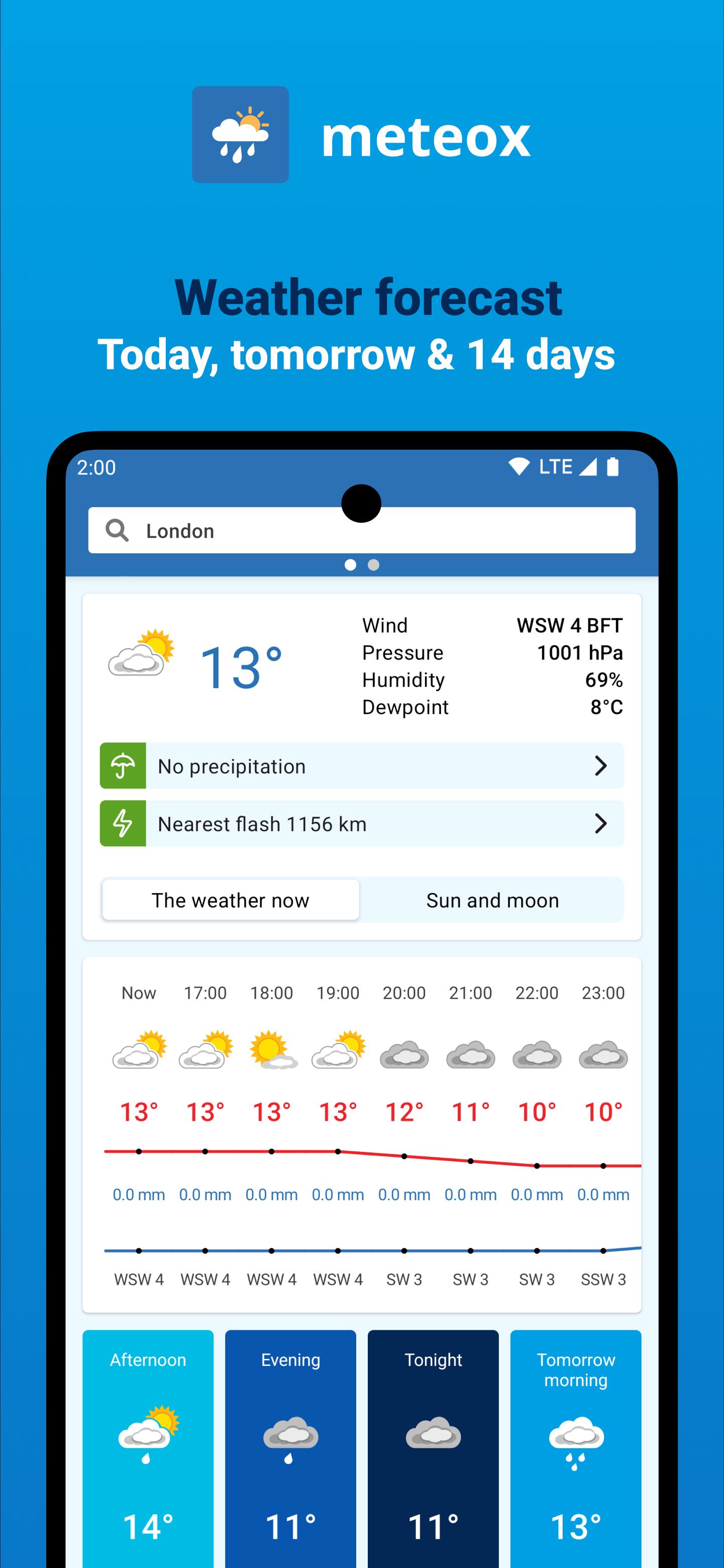
If you want to know what’s happening with the weather then nothing will keep you more up to date than the Meteox App. No matter what you’re doing this App will make sure the weather won’t ruin your day.
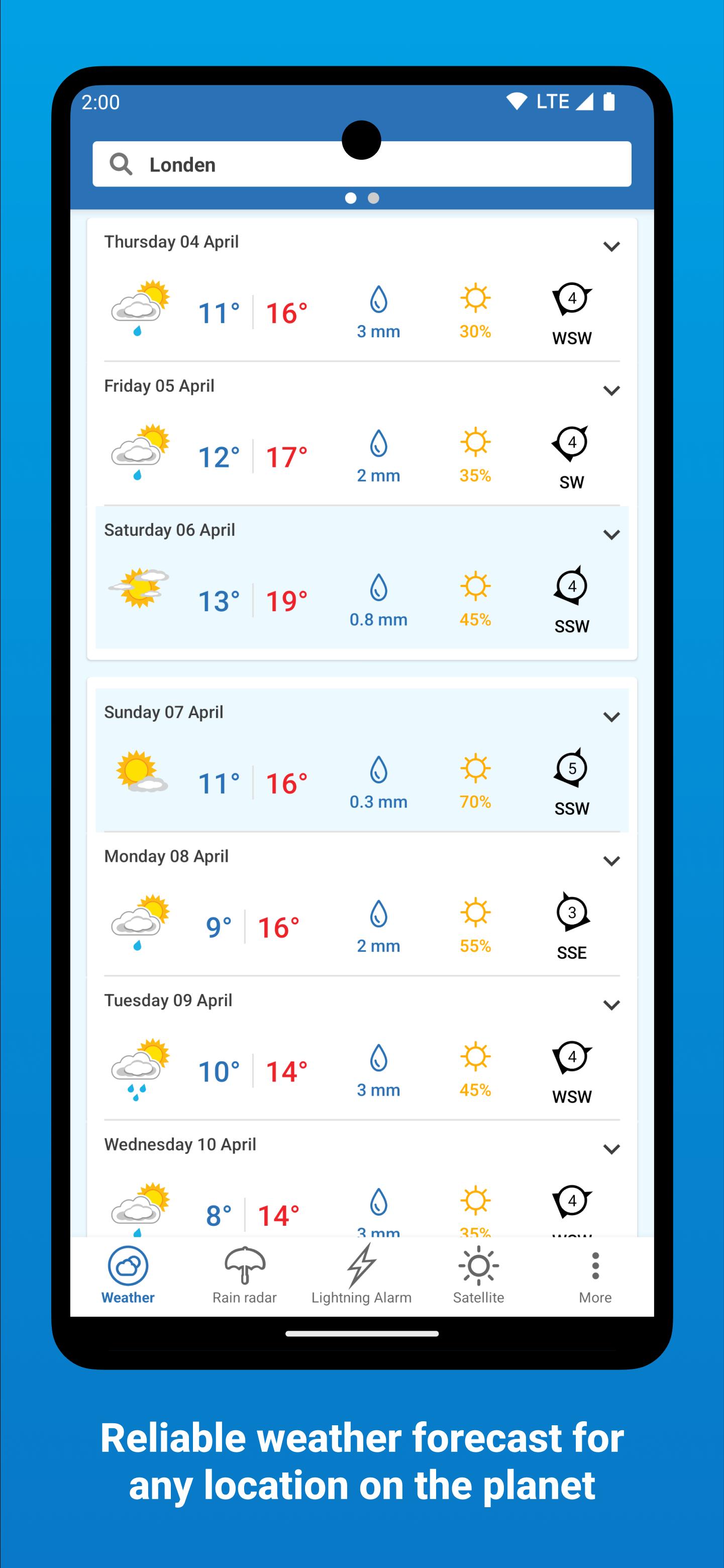
The App provides weather forecasts up to 14 days ahead for locations worldwide using the latest global model weather data available.
However the key features of the App are ‘weather alerts’ which will notify you as soon as bad weather is likely to affect your activities. If you’re planing a barbecue, planning some winter sports, playing golf or simply hanging out washing, you’ll receive an alert if the weather is going to turn against you.
So wherever you are, you’ll not only know what the weathers going to be, but you’ll also be alerted if the weather going to threaten your plans
Why Meteox
- A simple and easy to understand App
- A service which uses global weather models combined with intuitive content development to provide accurate and reliable forecasts used by individuals, companies and governments
- A one-stop shop for all your weather needs
Preview
Tags
WeatherInformation
Developer
Infoplaza
Latest Version
3.6.0
Last Updated
2025-02-05
Category
Weather
Available on
Google Play
Show More
How to play Meteox with GameLoop on PC
1. Download GameLoop from the official website, then run the exe file to install GameLoop
2. Open GameLoop and search for “Meteox” , find Meteox in the search results and click “Install”
3. Enjoy playing Meteox on GameLoop
Minimum requirements
OS
Windows 8.1 64-bit or Windows 10 64-bit
GPU
GTX 1050
CPU
i3-8300
Memory
8GB RAM
Storage
1GB available space
Recommended requirements
OS
Windows 8.1 64-bit or Windows 10 64-bit
GPU
GTX 1050
CPU
i3-9320
Memory
16GB RAM
Storage
1GB available space