The Wave Clock - Waveclock PC
The Wave Clock Team
Download The Wave Clock - Waveclock on PC With GameLoop Emulator
The Wave Clock - Waveclock on PC
The Wave Clock - Waveclock, coming from the developer The Wave Clock Team, is running on Android systerm in the past.
Now, You can play The Wave Clock - Waveclock on PC with GameLoop smoothly.
Download it in the GameLoop library or search results. No more eyeing the battery or frustrating calls at the wrong time any more.
Just enjoy The Wave Clock - Waveclock PC on the large screen for free!
The Wave Clock - Waveclock Introduction
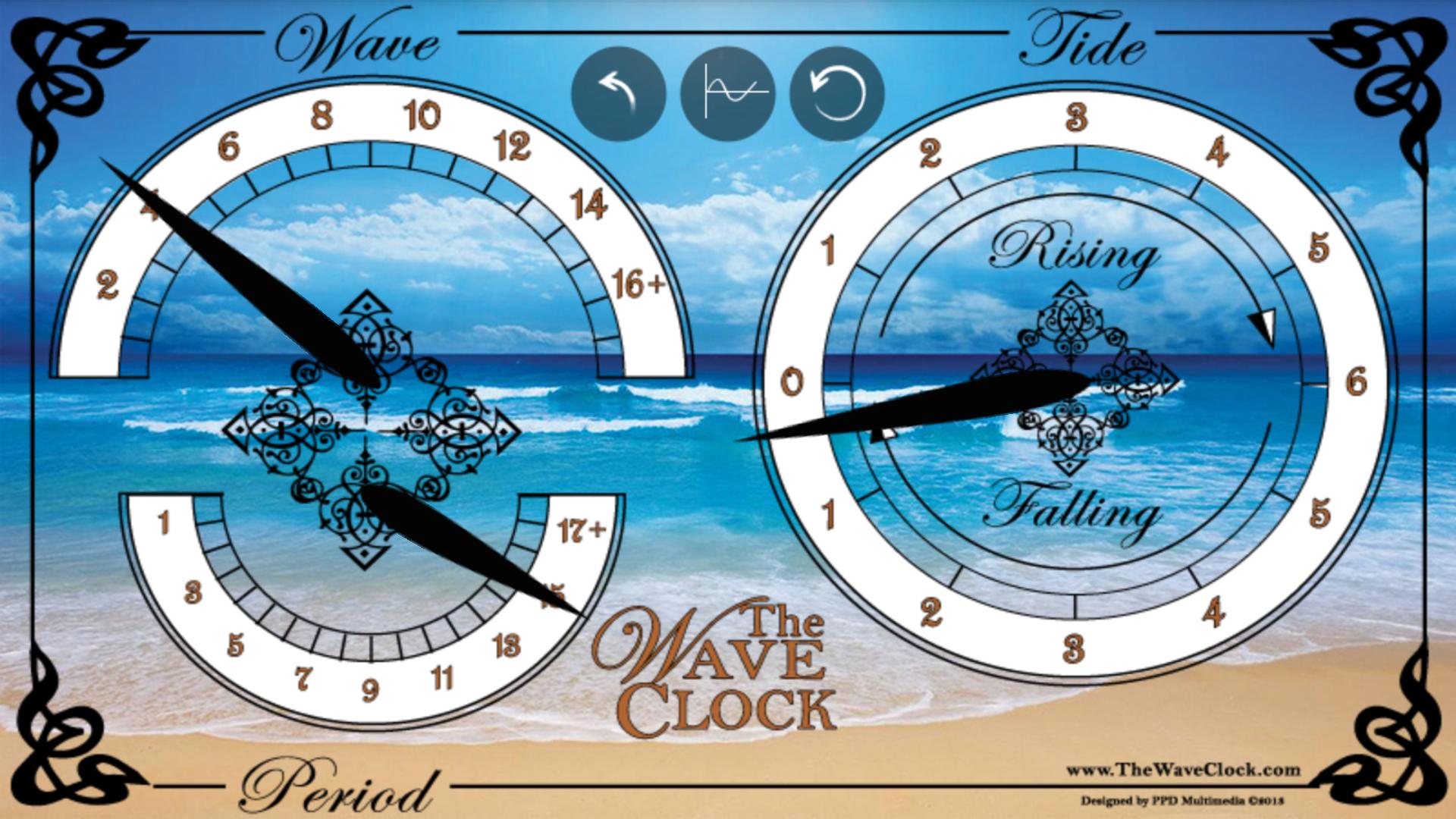
Allowing us to view the ocean to us in a brand new way is the Wave Clock! The Wave Clock is a simple intuitive clock to see everything we need for our favorite spots on the coast at a glance.
The Wave Clock offers:
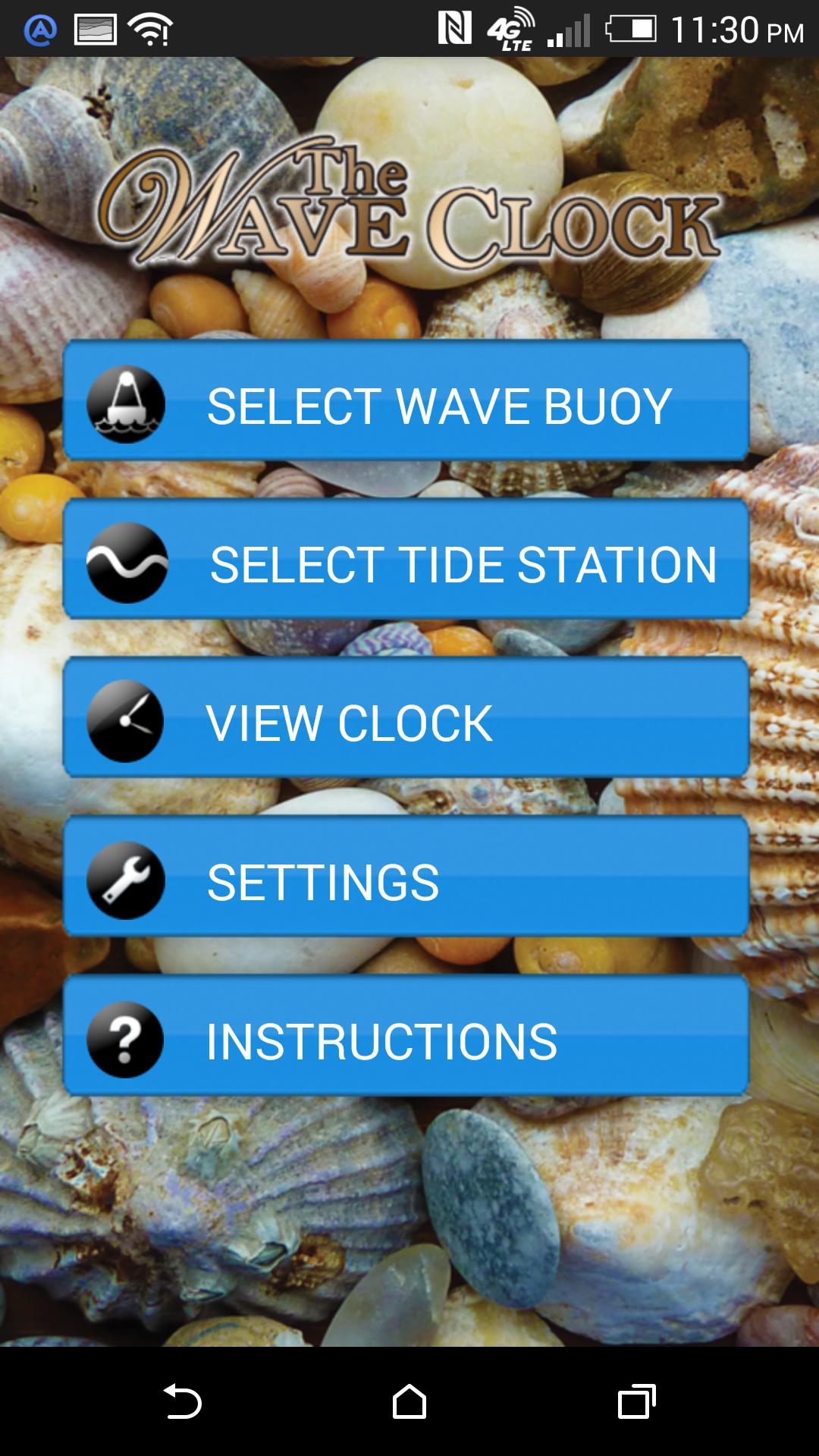
• Customizable to give constant updates for your coastal location of interest out of many hundreds of locations
• Intuitive analog interface
• Wave heights and period
• Tide heights and trend
The Wave Clock queries real-time oceanographic databases customized to the location of your interest and displays the information in an intuitive analog interface. The Wave Clock app can show you at glance or sit on your desk tablet to give you an accurate view of just what’s happening out there. Just set it up for your location so that you don’t have to search to see what’s happening when it matters … NOW!
Hardware Wave Clocks will be available soon.
If you’re interested sign up for our newsletter at www.thewaveclock.com.
Preview
Tags
WeatherInformation
Developer
The Wave Clock Team
Latest Version
3.4.5
Last Updated
2025-05-27
Category
Weather
Available on
Google Play
Show More
How to play The Wave Clock - Waveclock with GameLoop on PC
1. Download GameLoop from the official website, then run the exe file to install GameLoop
2. Open GameLoop and search for “The Wave Clock - Waveclock” , find The Wave Clock - Waveclock in the search results and click “Install”
3. Enjoy playing The Wave Clock - Waveclock on GameLoop
Minimum requirements
OS
Windows 8.1 64-bit or Windows 10 64-bit
GPU
GTX 1050
CPU
i3-8300
Memory
8GB RAM
Storage
1GB available space
Recommended requirements
OS
Windows 8.1 64-bit or Windows 10 64-bit
GPU
GTX 1050
CPU
i3-9320
Memory
16GB RAM
Storage
1GB available space