
Live Weather Wallpaper PC
Sean Dillon
Download Live Weather Wallpaper on PC With GameLoop Emulator
Live Weather Wallpaper on PC
Live Weather Wallpaper, coming from the developer Sean Dillon, is running on Android systerm in the past.
Now, You can play Live Weather Wallpaper on PC with GameLoop smoothly.
Download it in the GameLoop library or search results. No more eyeing the battery or frustrating calls at the wrong time any more.
Just enjoy Live Weather Wallpaper PC on the large screen for free!
Live Weather Wallpaper Introduction
Live Weather Wallpaper is a simple to use, one-click app.
It delivers hourly weather updates along with high quality wallpaper images that correspond to the season and current weather conditions in your area.
Directions for use:
1) Download the Live Weather Wallpaper app
2) Open the app and proceed through the easy initial setup
3) Click the large, red activation button
4) Enjoy
*** Optimization Note ***
This app was designed for phones and is not currently optimized for larger tablets.
All of the features will still work on both phones and tablets however the weather images may be skewed, stretched, or pixelated when viewing on tablets.
*** Further Noted ***
I developed and built this app for an educational purpose. I enjoy making Android apps so I wanted to learn more about it and get better.
I do not own any of the weather images or facts used in this app.
The weather images originated from a number of different sources and are used under a creative commons license. The fun facts also originated from a variety of sources.
The source for the current weather wallpaper image and weather fun fact is clearly displayed on the related screen.
Preview
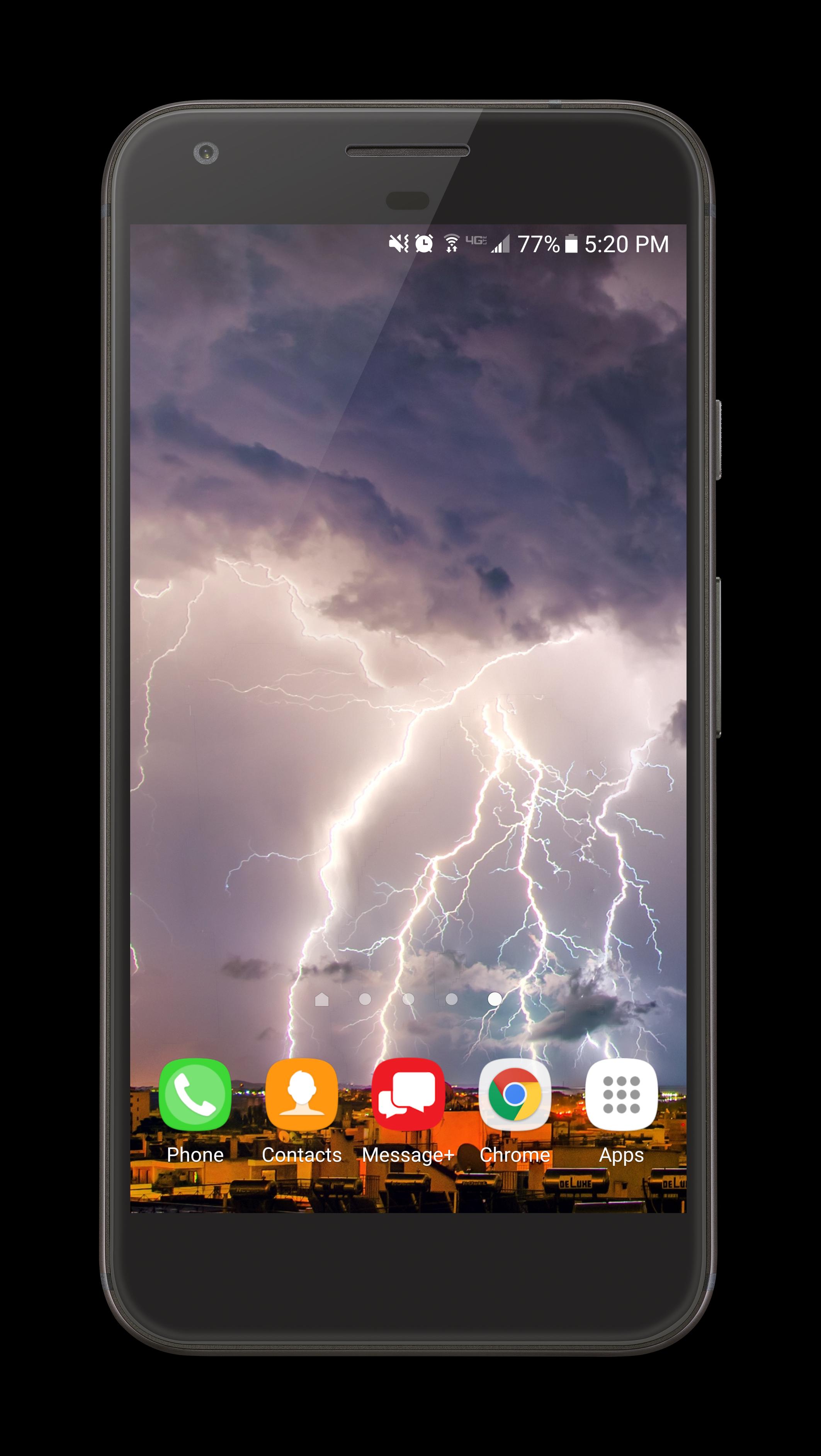
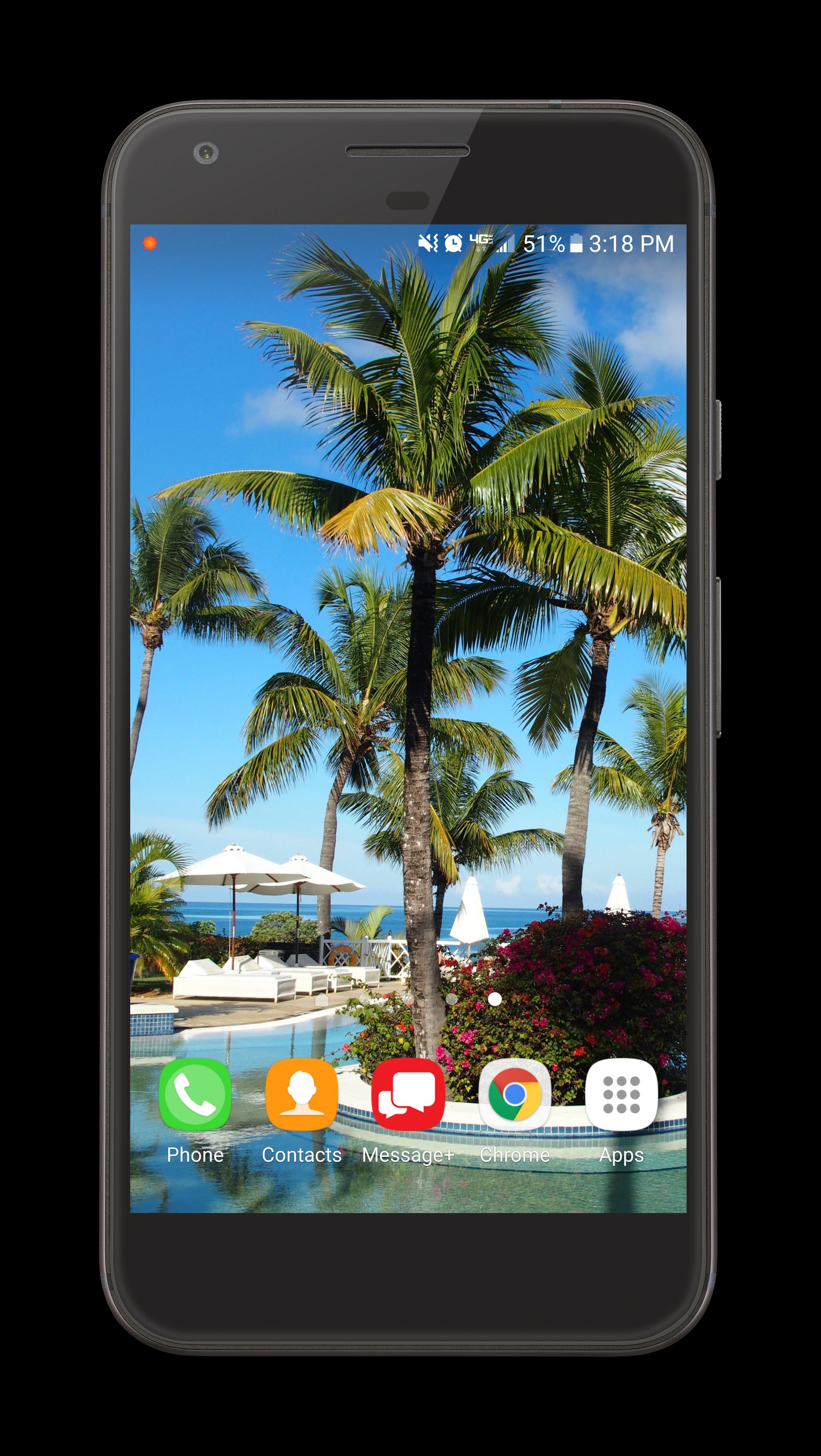
Tags
WeatherInformation
Developer
Sean Dillon
Latest Version
4.2 P
Last Updated
2021-11-14
Category
Weather
Available on
Google Play
Show More
How to play Live Weather Wallpaper with GameLoop on PC
1. Download GameLoop from the official website, then run the exe file to install GameLoop
2. Open GameLoop and search for “Live Weather Wallpaper” , find Live Weather Wallpaper in the search results and click “Install”
3. Enjoy playing Live Weather Wallpaper on GameLoop
Minimum requirements
OS
Windows 8.1 64-bit or Windows 10 64-bit
GPU
GTX 1050
CPU
i3-8300
Memory
8GB RAM
Storage
1GB available space
Recommended requirements
OS
Windows 8.1 64-bit or Windows 10 64-bit
GPU
GTX 1050
CPU
i3-9320
Memory
16GB RAM
Storage
1GB available space