
FishTrack - Fishing Charts PC
Surfline/Wavetrak, Inc.
Download FishTrack - Fishing Charts on PC With GameLoop Emulator
FishTrack - Fishing Charts on PC
FishTrack - Fishing Charts, coming from the developer Surfline/Wavetrak, Inc., is running on Android systerm in the past.
Now, You can play FishTrack - Fishing Charts on PC with GameLoop smoothly.
Download it in the GameLoop library or search results. No more eyeing the battery or frustrating calls at the wrong time any more.
Just enjoy FishTrack - Fishing Charts PC on the large screen for free!
FishTrack - Fishing Charts Introduction
FishTrack provides saltwater anglers with everything they need to find fish. The FishTrack app offers free cloudfree sea surface temperature (SST) charts, global satellite imagery and marine weather forecasts – all in one layered tool.
With FishTrack you can:
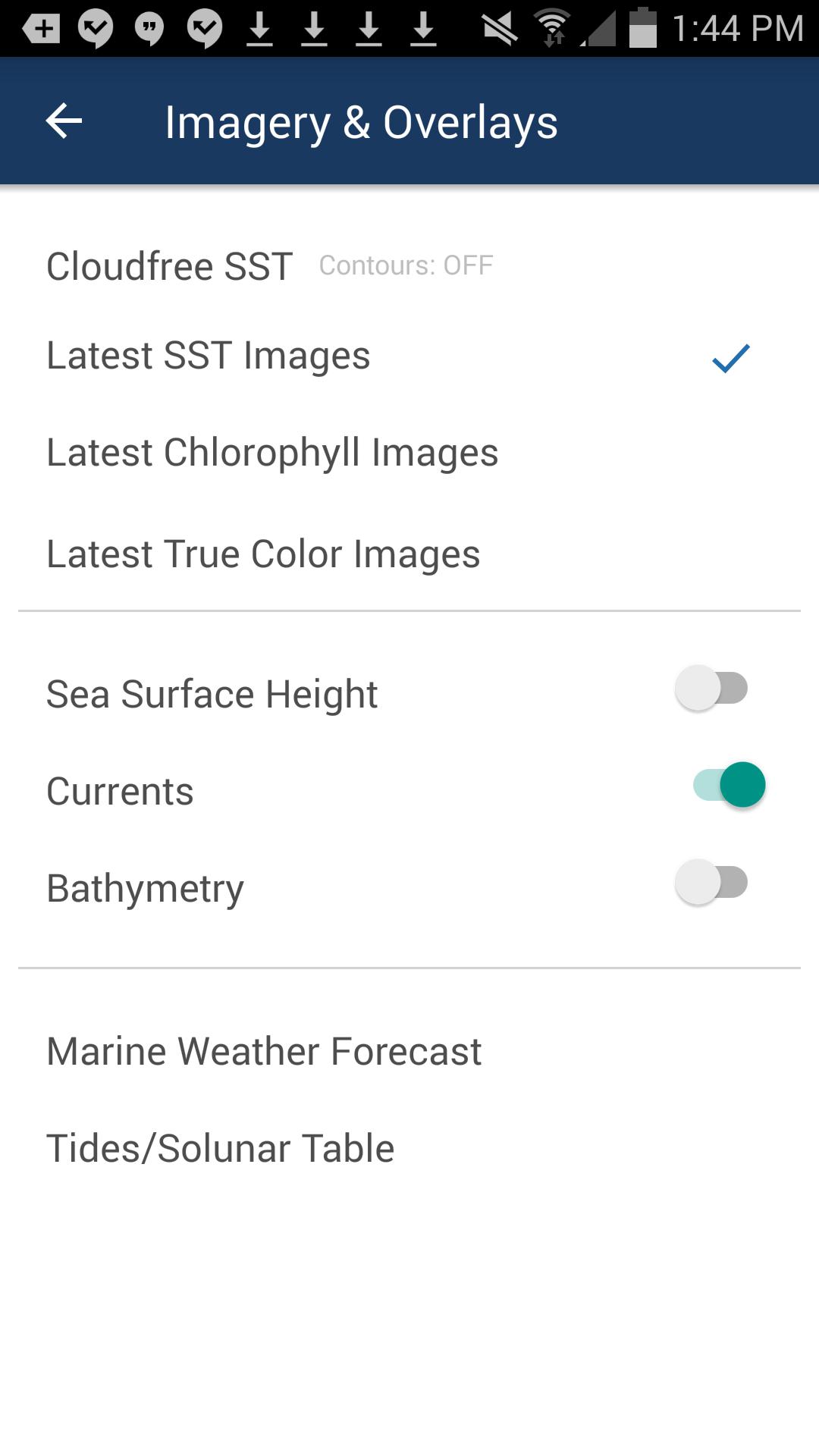
- View the latest SST, chlorophyll and true color satellite imagery
- Overlay bathymetry, ocean currents and sea surface height
- Save waypoints to mark fishing spots and catches
- Create routes to plan a trip and view distances and headings
- View marine weather forecasts and tides/solunar tables
- Save fishing chart imagery for offline use
- View your current location both online and offline
Don't fish blind! FishTrack helps you plan a productive trip offshore. Burn less fuel and find fish faster.
We want to hear from you! Submit your questions or comments through our app to let us know what you think. If you'd like to speak directly with our customer service team, please e-mail us at: support@fishtrack.com.
Preview
Tags
WeatherInformation
Developer
Surfline/Wavetrak, Inc.
Latest Version
1.4.2
Last Updated
2025-01-07
Category
Weather
Available on
Google Play
Show More
How to play FishTrack - Fishing Charts with GameLoop on PC
1. Download GameLoop from the official website, then run the exe file to install GameLoop
2. Open GameLoop and search for “FishTrack - Fishing Charts” , find FishTrack - Fishing Charts in the search results and click “Install”
3. Enjoy playing FishTrack - Fishing Charts on GameLoop
Minimum requirements
OS
Windows 8.1 64-bit or Windows 10 64-bit
GPU
GTX 1050
CPU
i3-8300
Memory
8GB RAM
Storage
1GB available space
Recommended requirements
OS
Windows 8.1 64-bit or Windows 10 64-bit
GPU
GTX 1050
CPU
i3-9320
Memory
16GB RAM
Storage
1GB available space