
Digital Alarm Clock PC
MobileRise
Download Digital Alarm Clock on PC With GameLoop Emulator
Digital Alarm Clock on PC
Digital Alarm Clock, coming from the developer MobileRise, is running on Android systerm in the past.
Now, You can play Digital Alarm Clock on PC with GameLoop smoothly.
Download it in the GameLoop library or search results. No more eyeing the battery or frustrating calls at the wrong time any more.
Just enjoy Digital Alarm Clock PC on the large screen for free!
Digital Alarm Clock Introduction
⊙Digital Alarm Clock Main Features
✭
Alarm Clock with shake and math cancel methods
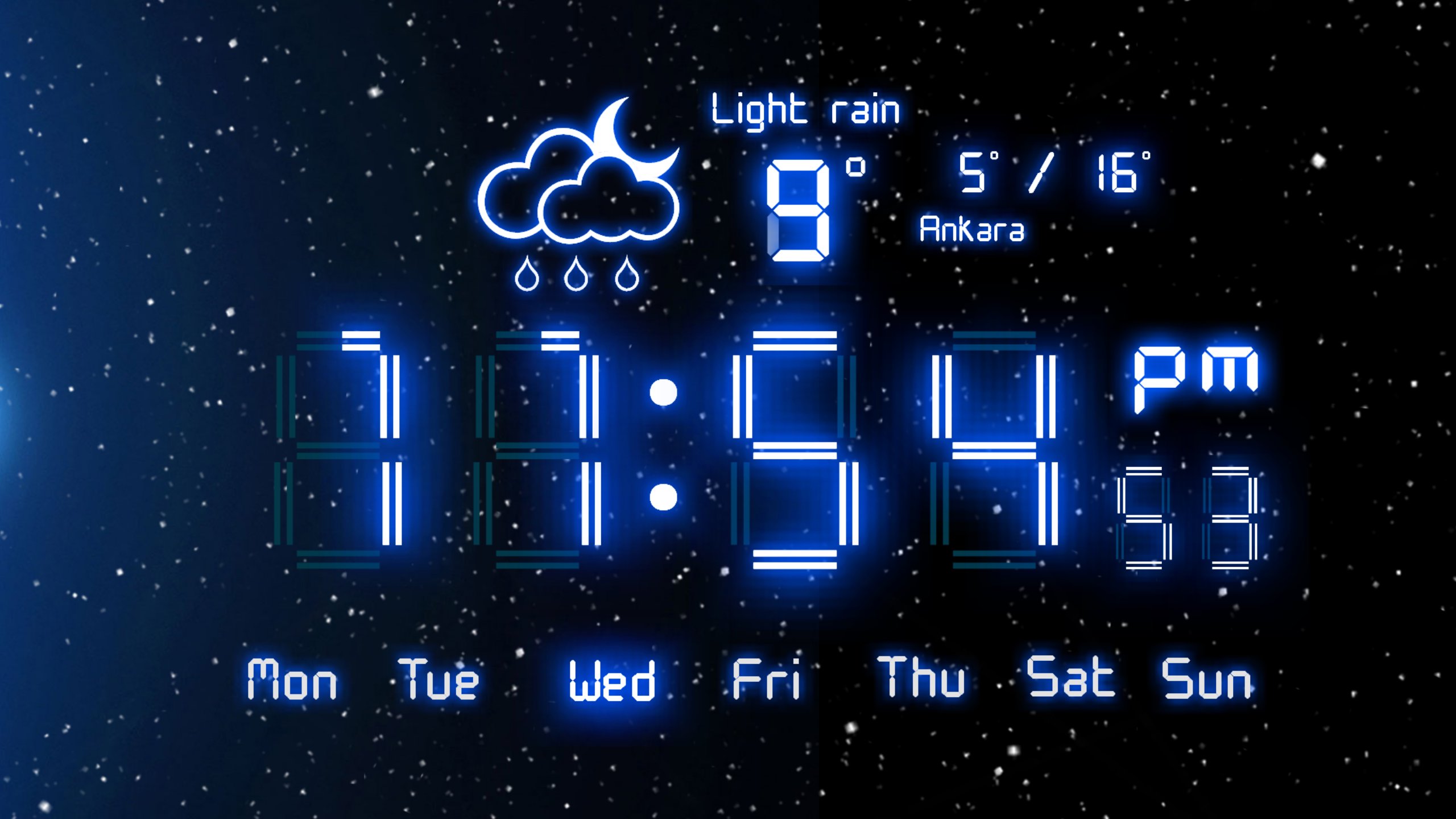
✭ Weather Clock
✭ Night Stand Clock
✭ Additional 18 great App Widgets.
All clocks are HD optimized.
You will not get up late anymore with the shake and wake up function of Digital Alarm Clock.
Or you can choose Math solve to cancel alarm method.
⊙ FREE Led Clocks
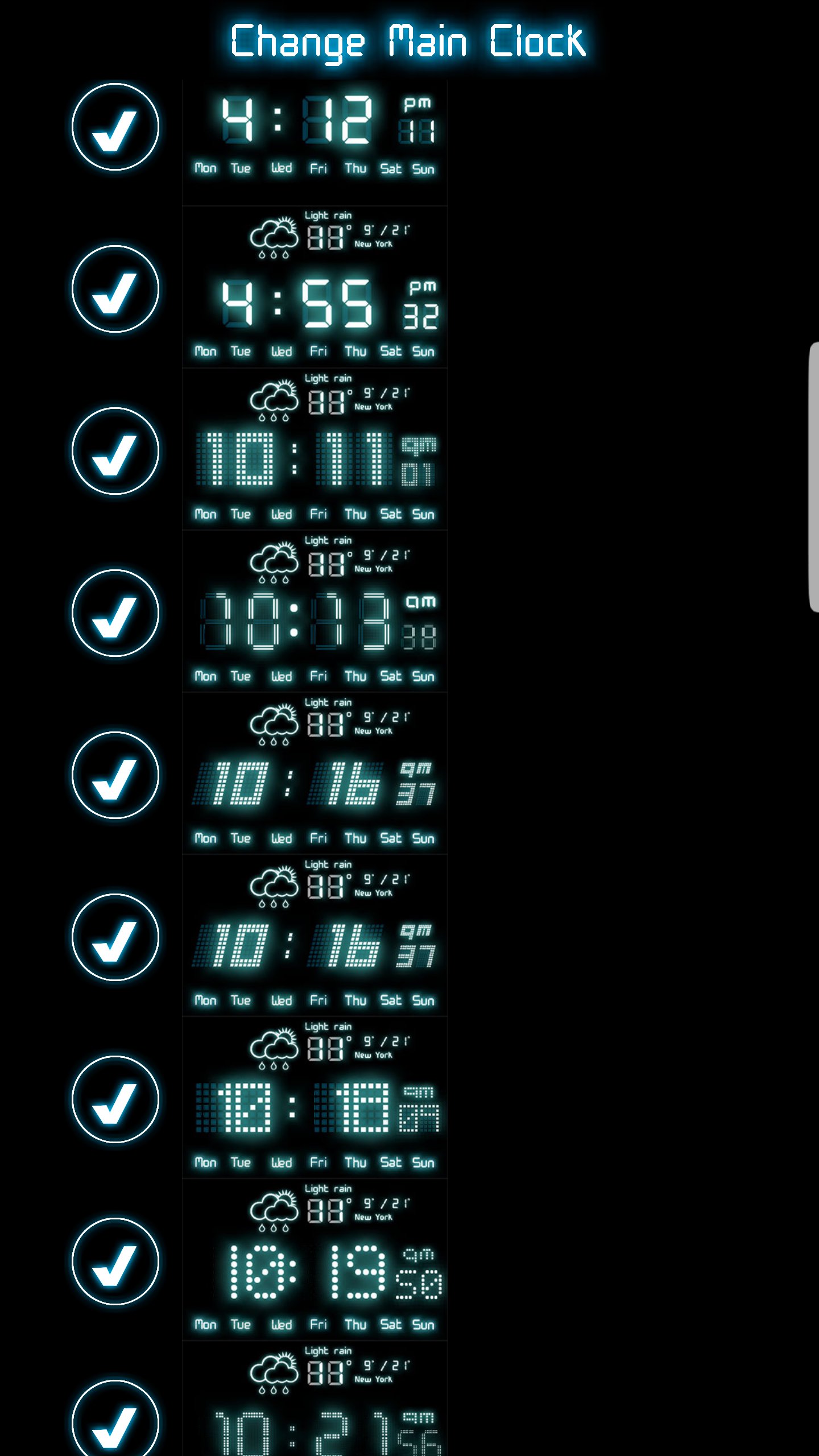
• 10 different gorgeous led digital clock. All of the clocks are made with great effort. 3 of them has local weather information.
• 10 different Full Screen Clocks
• 11 different 4x2 Digital alarm clocks , some of them with weather and battery indicator.
• 10 different 4x1 Digital alarm clocks
⊙ Night Stand Clock Features
• You can use it as a nightlight. In this mode
• You can adjust brightness with slide up and down
• Power saving mode screen light off if the battery less then %30 and not plugged.
• Protects Amoled screens.
⊙ Alarm Features
Alarms work even if you don't use your Android.
Set Alarms that work everywhere. Reading a book? Alarms still work.
• Alarm works even screen is locked.
You won't be late anymore because of you dismiss the alarm.
You have to shake your device or solve math problem to dismiss the alarm.
• Shake to snooze or stop the alarm, you can also set shake intensity
• Solve math problem to dismiss or snooze alarm clock, you can also select difficulty levels
• You can set a label alarms , for example "go to dentist"
• Detailed Alarm Options
• Snooze/Stop Alarm buttons
• Multiple alarms supported
• Ringtone selection.
• Mp3 as a ringtone.
• Every alarm can have it's own alarm volume and ringtone
• Snooze time customizable
• Predefined alarm profiles.
• User-configurable alarms.
• Gentle Alarm
Preview
Tags
WeatherToolsInformation
Developer
MobileRise
Latest Version
4.6.4.GMS
Last Updated
2025-11-26
Category
Weather
Available on
Google Play
Show More
How to play Digital Alarm Clock with GameLoop on PC
1. Download GameLoop from the official website, then run the exe file to install GameLoop
2. Open GameLoop and search for “Digital Alarm Clock” , find Digital Alarm Clock in the search results and click “Install”
3. Enjoy playing Digital Alarm Clock on GameLoop
Minimum requirements
OS
Windows 8.1 64-bit or Windows 10 64-bit
GPU
GTX 1050
CPU
i3-8300
Memory
8GB RAM
Storage
1GB available space
Recommended requirements
OS
Windows 8.1 64-bit or Windows 10 64-bit
GPU
GTX 1050
CPU
i3-9320
Memory
16GB RAM
Storage
1GB available space