
AI Video & Portrait : Vidmix PC
Music Video Studio
Download AI Video & Portrait : Vidmix on PC With GameLoop Emulator
AI Video & Portrait : Vidmix on PC
AI Video & Portrait : Vidmix, coming from the developer Music Video Studio, is running on Android systerm in the past.
Now, You can play AI Video & Portrait : Vidmix on PC with GameLoop smoothly.
Download it in the GameLoop library or search results. No more eyeing the battery or frustrating calls at the wrong time any more.
Just enjoy AI Video & Portrait : Vidmix PC on the large screen for free!
AI Video & Portrait : Vidmix Introduction
Vidmix is an AI-powered video maker that turns your photos, selfies, or clips into stunning AI videos and AI portraits with trending effects, 3D transitions, and creative visual magic.
From AI Portrait to 3D Mini Figures, Vidmix brings your imagination to life — transforming every moment into art that’s fast, fun, and effortless.
📌 AI Video Generator
Turn photos, selfies, or text into cinematic AI videos with realistic motion and animation. Choose trending templates to create viral short videos — perfect for Reels, Shorts, and TikTok. With Vidmix, anyone can make professional AI videos in seconds.
🎵 AI MV Maker
Create your own AI music videos (AI MVs) effortlessly with Vidmix. Simply upload photos or clips, and the AI MV Maker syncs visuals to beats, adds stylish transitions, and generates cinematic motion automatically. Choose from trending templates to make viral short videos — perfect for Reels, Shorts, and TikTok. Whether romantic, dynamic, or creative, every AI MV is crafted with precision for stunning, professional results.
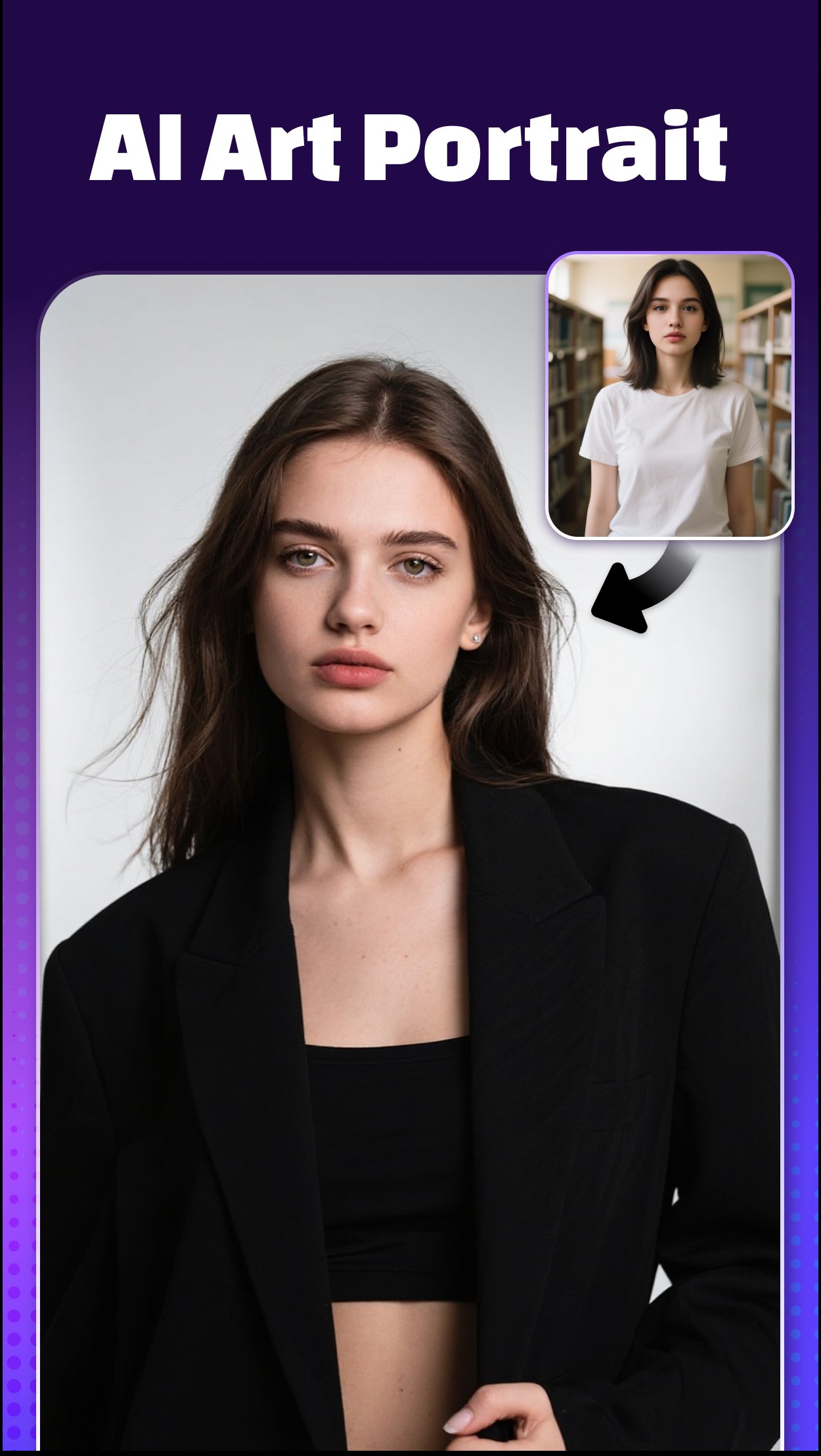
👩🏻🦰AI Portrait
Turn your selfies or photos into elegant, artistic AI portraits that look straight out of a dream.
Choose from trending art styles — realistic, anime, cinematic, or fantasy — and let AI recreate your image with breathtaking detail and expression.
With Vidmix, every AI portrait becomes a visual story — perfect for profile pictures, digital art collections, or sharing your creative identity with the world.
🎭 AI Video Remover
Easily remove unwanted people, backgrounds, or distractions with precision. The AI Video Remover keeps your AI videos clean, focused, and professional — no manual editing needed.
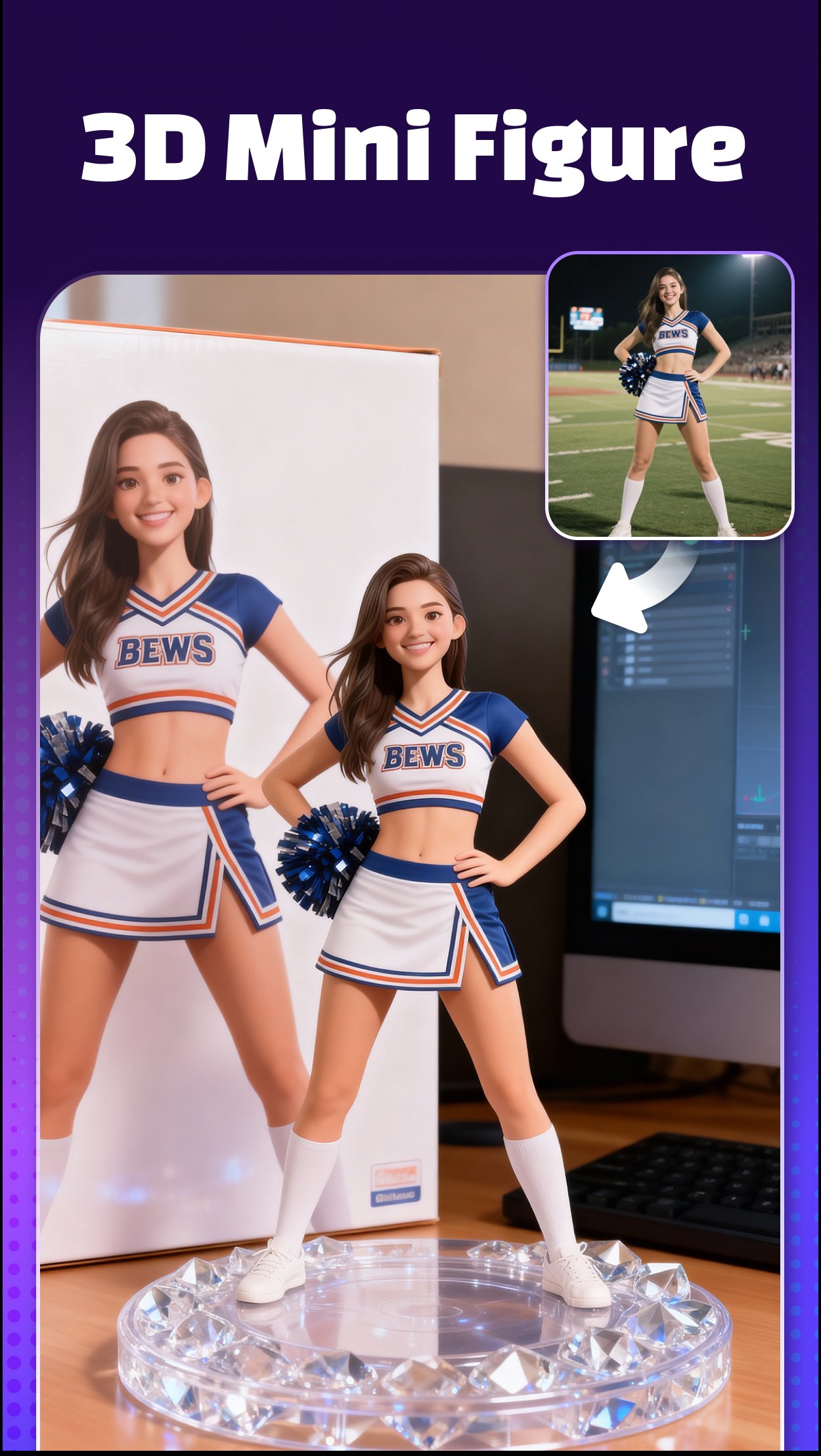
❗❗ 3D Mini Figure
Bring your selfies to life with Vidmix’s AI 3D Mini Figure feature, powered by Nano Banana Engine. Upload your portrait or group photo, and AI instantly generates a cute, collectible 3D mini version of you. Customize, save, and share your mini figures — a fun, AI-driven way to turn memories into interactive digital art.
✨ AI Beautify & Muscle Editor
Enhance your natural charm with AI beautify and body reshaping tools. Smooth skin, refine facial features, and add realistic muscle tone — all powered by AI for a natural, confident look.
🎨 Filters, Effects & 3D Transitions
Choose from hundreds of filters, 3D transitions, and dynamic visual effects. Whether cinematic or playful, Vidmix gives every AI video personality, depth, and style.
💎 Add Music to Video
Sync your visuals to trending sounds. Vidmix includes a massive library of beats and music templates that automatically match your video rhythm — turning every AI video into a masterpiece.
🎈 User-Friendly Interface
Vidmix is designed for everyone — from beginners to pro creators. Its intuitive design lets you combine photos, music, and AI effects effortlessly to craft stunning AI videos in minutes.
Why Choose Vidmix?
• 🌟 AI Creativity: Exclusive effects like AI Portrait, AI Video Generator.
• 🎬 All-in-One Editor: Beautify, reshape, clean backgrounds, sync music — all in one app.
• 🎵 Music-Driven Design: Beat-synced templates for instant rhythm perfection.
• 💎 HD Export: Save and share in 720P or 1080P — crisp and professional.
Download Vidmix: AI Video & Music Editor now to turn your photos into AI-powered videos and portraits that inspire, entertain, and go viral in seconds! 🚀
Contact us at 📩 vidmix.sup@gmail.com anytime!
Age Notice: Vidmix is suitable for users 13 years old and above.
Preview
Tags
Video-PlayersToolsInformation
Developer
Music Video Studio
Latest Version
2.35.614
Last Updated
2026-08-19
Category
Video-players-editors
Available on
Google Play
Show More
How to play AI Video & Portrait : Vidmix with GameLoop on PC
1. Download GameLoop from the official website, then run the exe file to install GameLoop
2. Open GameLoop and search for “AI Video & Portrait : Vidmix” , find AI Video & Portrait : Vidmix in the search results and click “Install”
3. Enjoy playing AI Video & Portrait : Vidmix on GameLoop
Minimum requirements
OS
Windows 8.1 64-bit or Windows 10 64-bit
GPU
GTX 1050
CPU
i3-8300
Memory
8GB RAM
Storage
1GB available space
Recommended requirements
OS
Windows 8.1 64-bit or Windows 10 64-bit
GPU
GTX 1050
CPU
i3-9320
Memory
16GB RAM
Storage
1GB available space