
Video Compress King PC
Xigeme Technology Co., Ltd.
Download Video Compress King on PC With GameLoop Emulator
Video Compress King on PC
Video Compress King, coming from the developer Xigeme Technology Co., Ltd., is running on Android systerm in the past.
Now, You can play Video Compress King on PC with GameLoop smoothly.
Download it in the GameLoop library or search results. No more eyeing the battery or frustrating calls at the wrong time any more.
Just enjoy Video Compress King PC on the large screen for free!
Video Compress King Introduction
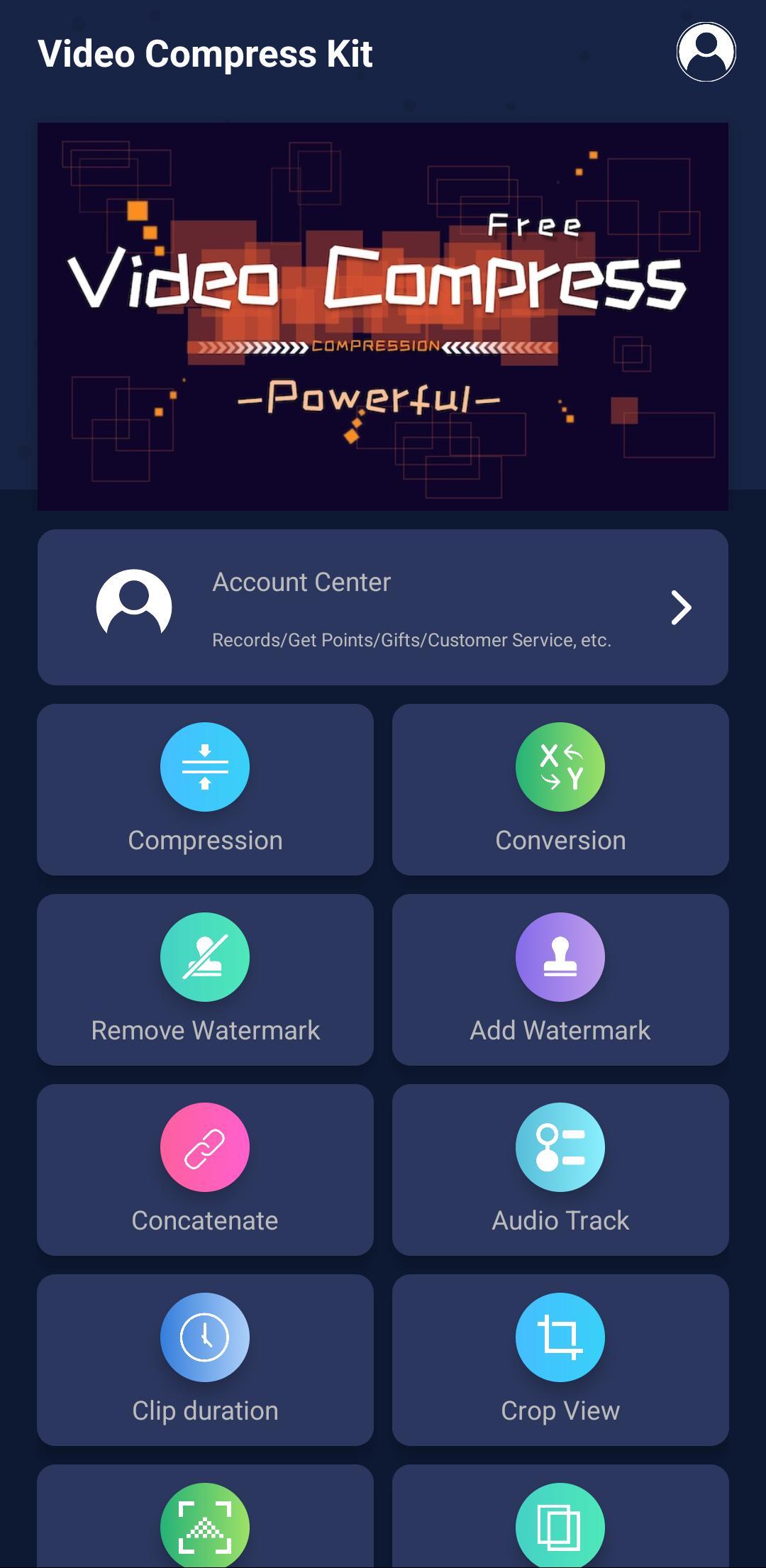
Video Compress King is a powerful video editing toolset that can doing some awesome work, operation is simple and convenient, to help you quickly complete video production.
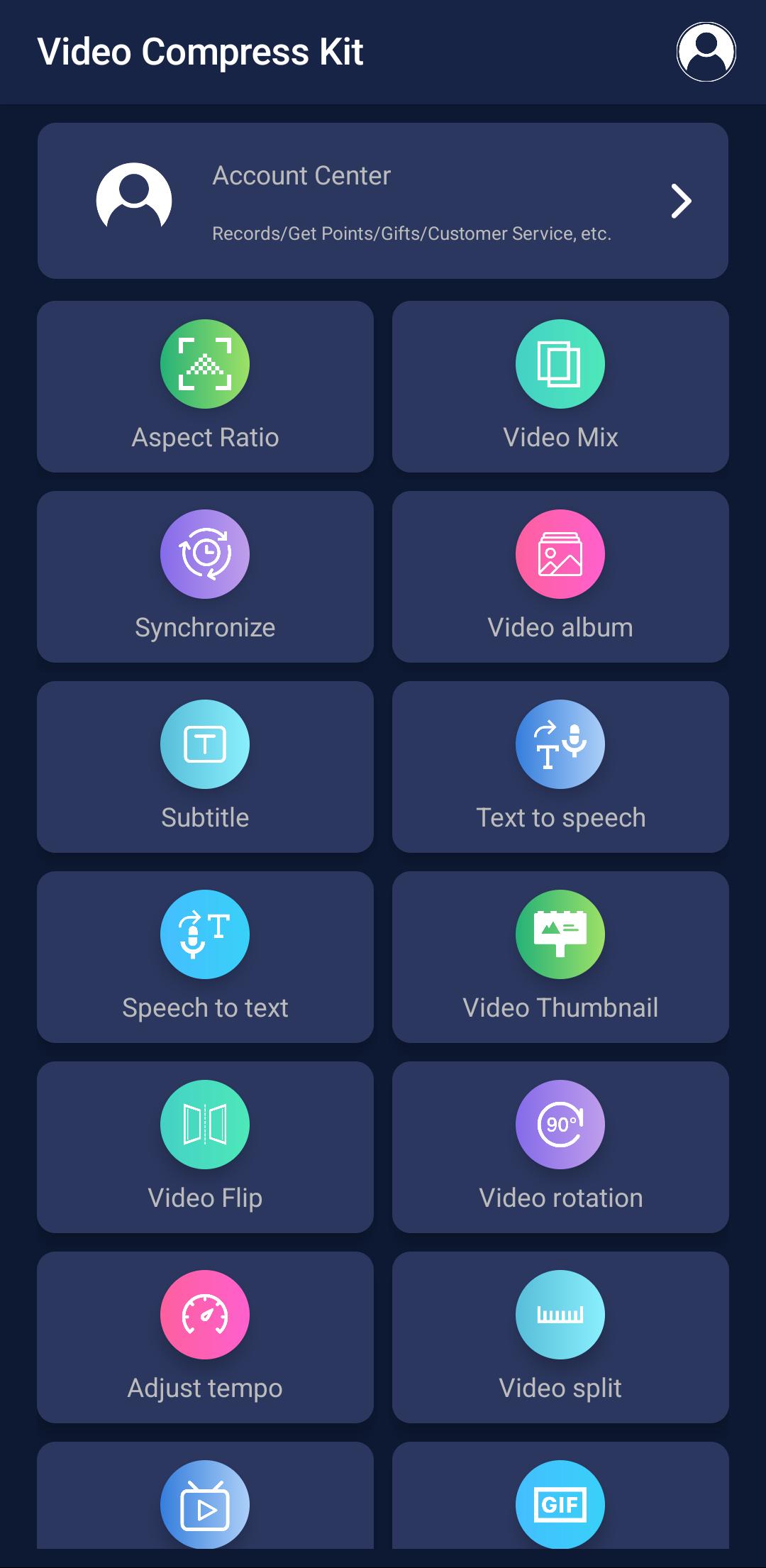
The app includes functions: video compression, format conversion, Online extraction, watermark removal, M3U8 generation, video subtitles, crop view, watermark addition,audio track, clip duration, aspect ratio, video rotation, video reverse, video flip, video concatenate, video mixing, animated image, audio mixing, video fade, video synchronize, video album, video thumbnail, video mosiac, video split, adjust tempo
Supported video formats: mp4, m4v, mov, m3u8, mkv, flv, avi, 3gp, 3gpp, mtv, swf, wmv, mpg, vob, rm, rmvb, asf, asx, f4v, ts, blv, amv, webm
Compression: Compress video to the specified file size
Conversion: Convert video to the specified format
M3U8 production: make the video into M3U8 segmented format
Remove watermark: remove watermark in video
Online extraction: extract/download,/recordingvideo from web pages
Add watermark: add your own watermark in video
Video reverse: Play the video in reverse order
Clip duration: intercept a period of time to save to a new video
Crop view: crop a rectange of view to save to a new video
Audio mixing: mix multi audio in video
Aspect ratio: adjust the size ratio of the video picture and fill the color / photo / virtual image
Video flip: Mirror the video upside down / left and right
Video thumbnail: make video artist/cover/thumbnail
Video tempo: adjust the video playback speed
Video rotation: rotate the video, support custom degree
Video synchronization: Synchronize audio and video tracks
Video split: split a video to multi section videos, support splitting according to duration or number
Video concatenate: concatenate multiple videos into a new video
Audio track: add or delete audio track in video
Video mosiac: add mosaic to video and audio
Video Mixing: Mix two videos to one, achieve the picture-in-picture effect
Video subtitles: add subtitles to the video
Video fade: Add fade in and fade out effect to video
Video album: combine multiple photos to generate a video with transition animation
Animated image: Convert the video to animated image in GIF/APNG/WEBP format
Preview
Tags
Video-PlayersInformation
Developer
Xigeme Technology Co., Ltd.
Latest Version
1.6.1
Last Updated
2025-08-23
Category
Video-players-editors
Available on
Google Play
Show More
How to play Video Compress King with GameLoop on PC
1. Download GameLoop from the official website, then run the exe file to install GameLoop
2. Open GameLoop and search for “Video Compress King” , find Video Compress King in the search results and click “Install”
3. Enjoy playing Video Compress King on GameLoop
Minimum requirements
OS
Windows 8.1 64-bit or Windows 10 64-bit
GPU
GTX 1050
CPU
i3-8300
Memory
8GB RAM
Storage
1GB available space
Recommended requirements
OS
Windows 8.1 64-bit or Windows 10 64-bit
GPU
GTX 1050
CPU
i3-9320
Memory
16GB RAM
Storage
1GB available space