Video Call Recorder With Audio PC
Autovity Infotech
Download Video Call Recorder With Audio on PC With GameLoop Emulator
Video Call Recorder With Audio on PC
Video Call Recorder With Audio, coming from the developer Autovity Infotech, is running on Android systerm in the past.
Now, You can play Video Call Recorder With Audio on PC with GameLoop smoothly.
Download it in the GameLoop library or search results. No more eyeing the battery or frustrating calls at the wrong time any more.
Just enjoy Video Call Recorder With Audio PC on the large screen for free!
Video Call Recorder With Audio Introduction
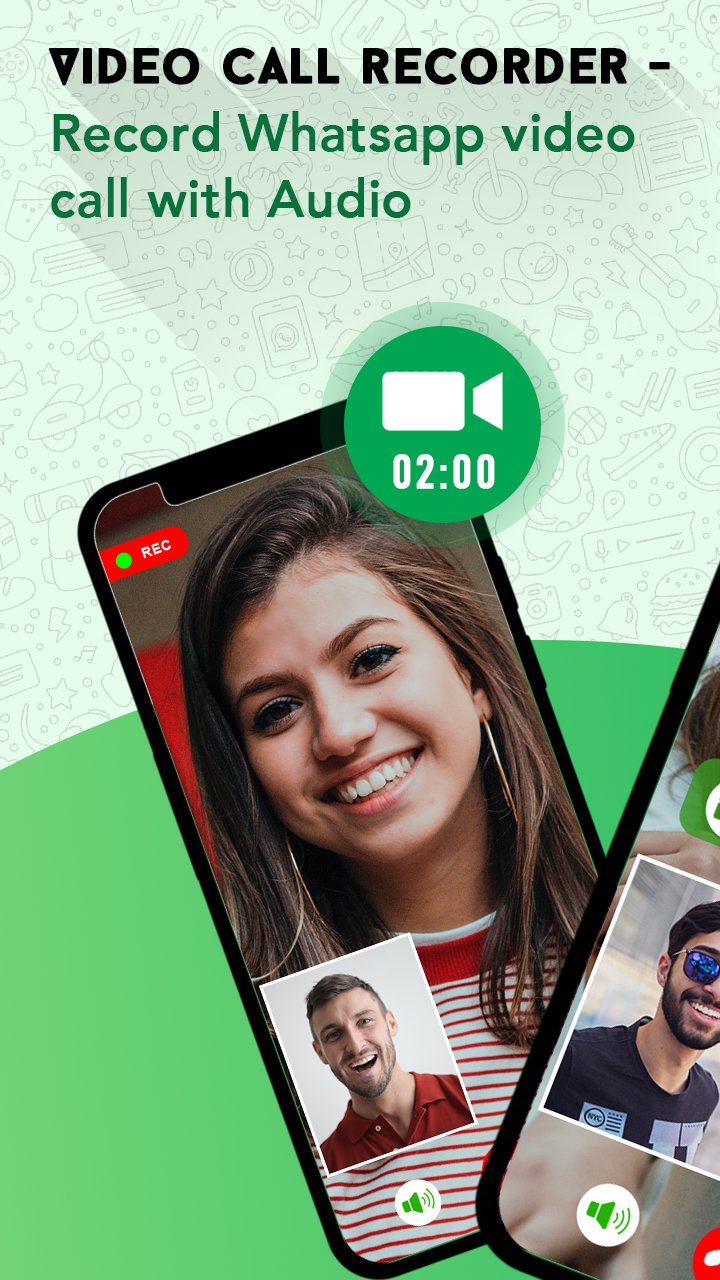
We all have important calls and sweet memories with friends and family to save and to share, with Video Call recorder- Record Whatsapp Video Call With Audio for All it's funny and simple.
Any Video Call recorder allow you to record your video calls with anyone and store them on memory in good Quality with Audio Voice Video CallVideo Call recorder- Record Whatsapp Video Call With Audio app will let you make beautiful conversation Video Call cast videos by providing every feature that you need in a simple and elegant user experience design.This is the best free for android phone and tablet.
Download Video Call recorder- Record Whatsapp Video Call With Audio
you can record any incoming calls and outgoing calls with high quality. Call recording is automatic and very reliable.Call recorder is very easy to use.You can manage your recording files, listen to the recording, add notes and share it to other apps.
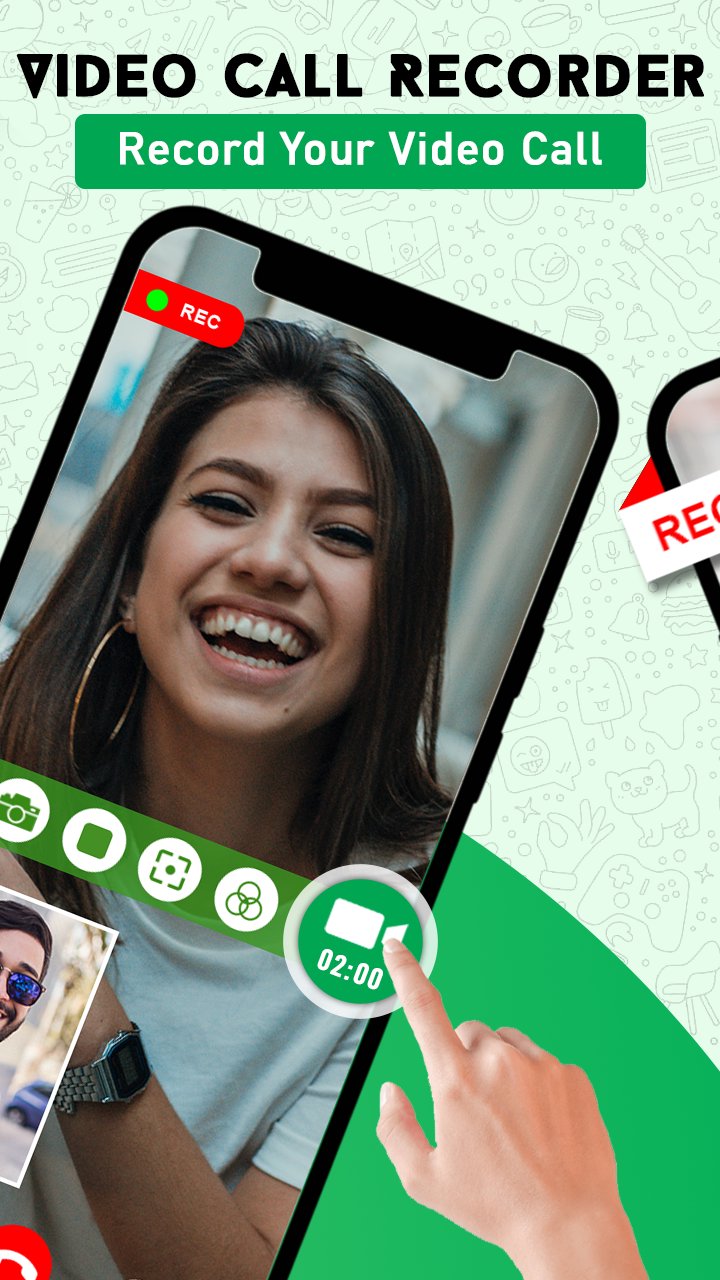
Video Call recorder- Record Whatsapp Video Call With Audiois the leading-edge technology in android bringing the ultimate experience in video call recording. you can easily record video calls on all your social media apps and it only takes one touch to start recording.
How does it work?
➤ Open the app and Tap on the Start button.
➤ Notification with Start Stop button will appear.
➤ Start Recording before your call starts and stop on end.
➤ Recording Video will be saved in the App folder.
➤ you can share and delete videos from there.
➤ you can see your recordings in the MY creation folder.
➤ record any outgoing and incoming video conference with multiple people or strangers.
FEATURES
➞ Record WhatsApp video call screen recorder
➞ Audio And Video Recording and with good Quality Available.
➞ Record any video call with just 1 click.
➞ delete recorded videos anytime.
➞ Play, share or delete videos from within the application.
➞ Smaller app size, faster and more simple.
➞ Quick and easy to Use.
If you like this Video Call recorder- Record Whatsapp Video Call With Audio app share with your friends and family.
Thanks for your support.
Preview
Tags
Video-PlayersInformation
Developer
Autovity Infotech
Latest Version
12.0
Last Updated
2024-04-16
Category
Video-players-editors
Available on
Google Play
Show More
How to play Video Call Recorder With Audio with GameLoop on PC
1. Download GameLoop from the official website, then run the exe file to install GameLoop
2. Open GameLoop and search for “Video Call Recorder With Audio” , find Video Call Recorder With Audio in the search results and click “Install”
3. Enjoy playing Video Call Recorder With Audio on GameLoop
Minimum requirements
OS
Windows 8.1 64-bit or Windows 10 64-bit
GPU
GTX 1050
CPU
i3-8300
Memory
8GB RAM
Storage
1GB available space
Recommended requirements
OS
Windows 8.1 64-bit or Windows 10 64-bit
GPU
GTX 1050
CPU
i3-9320
Memory
16GB RAM
Storage
1GB available space