
Video & GIF Memes PC
ZomboDroid
Download Video & GIF Memes on PC With GameLoop Emulator
Video & GIF Memes on PC
Video & GIF Memes, coming from the developer ZomboDroid, is running on Android systerm in the past.
Now, You can play Video & GIF Memes on PC with GameLoop smoothly.
Download it in the GameLoop library or search results. No more eyeing the battery or frustrating calls at the wrong time any more.
Just enjoy Video & GIF Memes PC on the large screen for free!
Video & GIF Memes Introduction
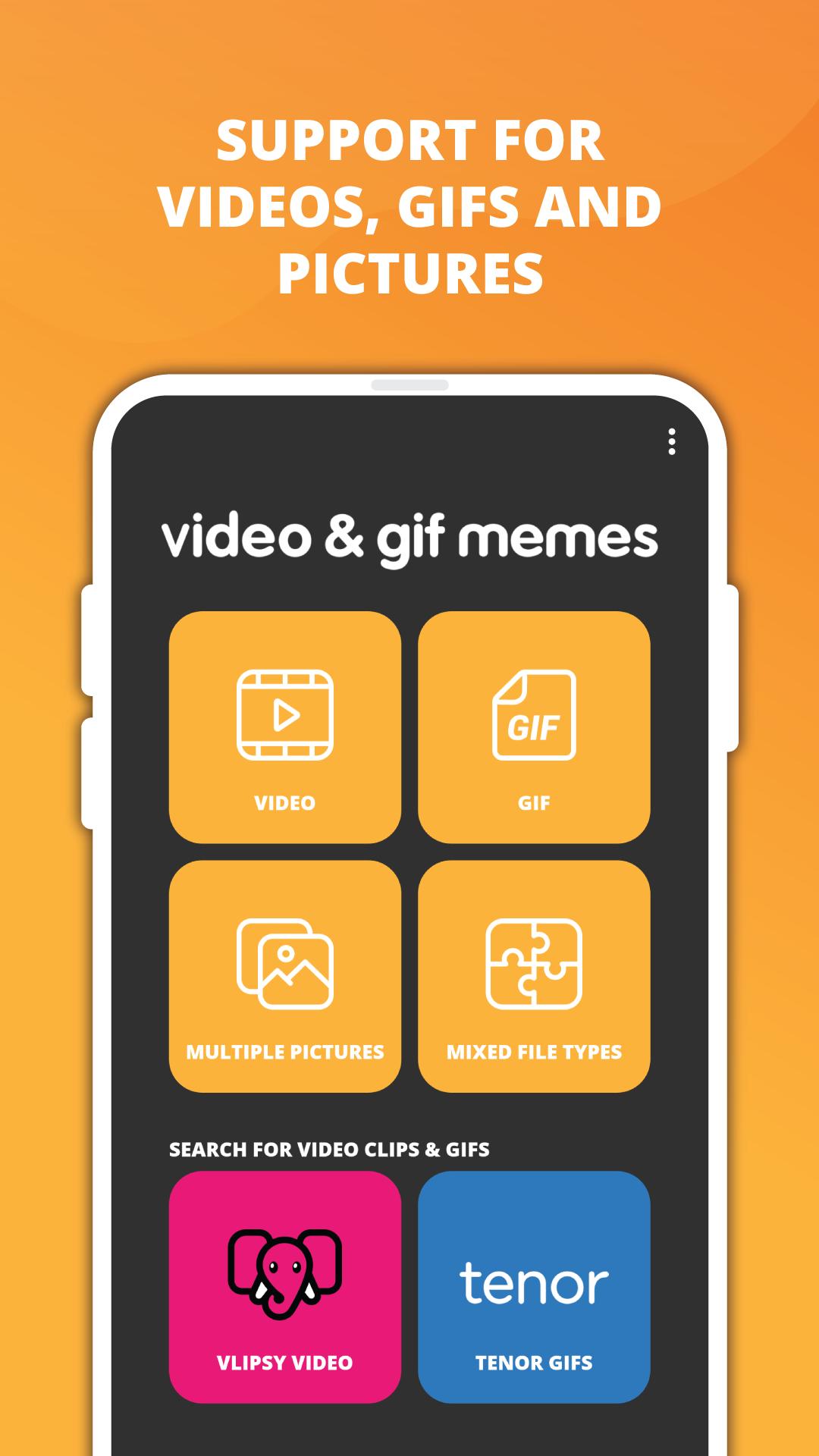
Elevate your meme game with Video & GIF Memes! Craft eye-catching video or GIF memes effortlessly and amuse your friends with your creativity. Simply choose your source file, add text, sprinkle in stickers, and voila – your meme masterpiece is ready to be unleashed.
Key Features:
✨ Vast Library: Dive into a treasure trove of meme templates with access to millions via Tenor and Vlipsy.
🎨 Sticker Bonanza: Customize your memes with thousands of built-in stickers or create your own using our intuitive sticker editor.
📸 Free Stock Photos: Explore millions of free stock photos from Pixabay to add that extra flair to your creations.
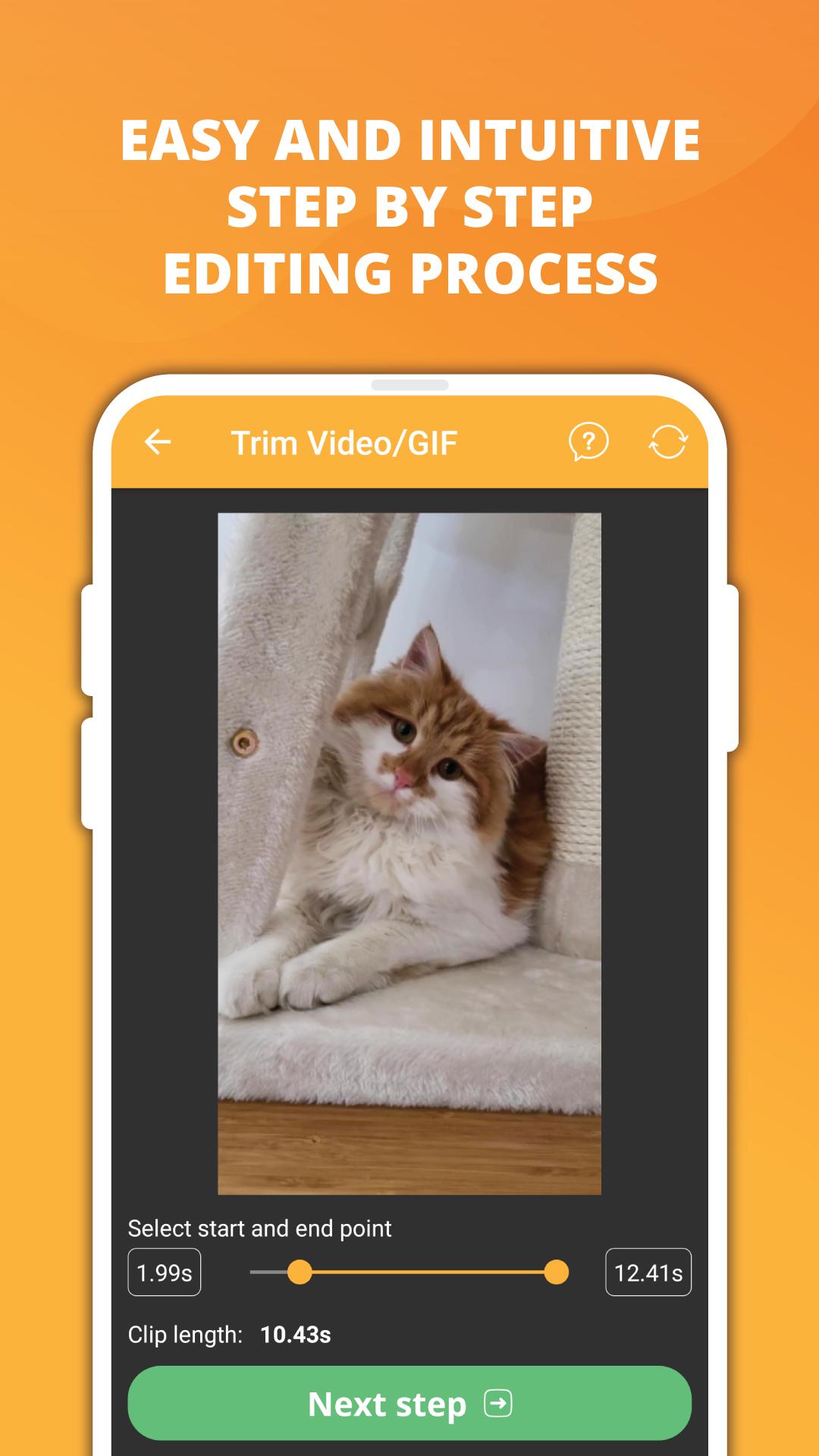
✂️ Seamless Editing: Enjoy a user-friendly step-by-step editing process for effortless meme-making.
🎬 Trimming Magic: Trim videos or GIFs to extract the perfect snippet for your meme.
💬 Multi-Caption Mastery: Craft intricate modern or classic memes with multiple captions.
🎭 Mixed Media Support: Combine images, GIFs, and videos to create a unified meme experience.
🎥 Video Customization: Fine-tune your videos with options like frame rate, speed, quality, and more.
✏️ Text Tweaks: Fully customize text with adjustable parameters like size, color, font, and alignment.
🖋️ Font Fiesta: Choose from over 60 fonts or import your own to add a personal touch.
🚫 Watermark-Free: Your memes stay pristine without any pesky watermarks.
📱 Instagram-Ready: Create square or 4:5 videos perfect for Instagram sharing.
📤 Share & Save: Spread the laughter by sharing your creations as videos or GIFs.
👍 Similar to Meme Generator Free: Enjoy the familiar feel of meme creation with the added bonus of videos and GIFs.
🔒 Privacy Priority: Rest assured, we only collect anonymous analytic data to enhance app stability; your personal data stays safe.
Unleash your meme-making prowess with Video & GIF Memes!
Preview
Tags
Video-PlayersInformation
Developer
ZomboDroid
Latest Version
1.1192
Last Updated
2025-04-14
Category
Video-players-editors
Available on
Google Play
Show More
How to play Video & GIF Memes with GameLoop on PC
1. Download GameLoop from the official website, then run the exe file to install GameLoop
2. Open GameLoop and search for “Video & GIF Memes” , find Video & GIF Memes in the search results and click “Install”
3. Enjoy playing Video & GIF Memes on GameLoop
Minimum requirements
OS
Windows 8.1 64-bit or Windows 10 64-bit
GPU
GTX 1050
CPU
i3-8300
Memory
8GB RAM
Storage
1GB available space
Recommended requirements
OS
Windows 8.1 64-bit or Windows 10 64-bit
GPU
GTX 1050
CPU
i3-9320
Memory
16GB RAM
Storage
1GB available space