
VBox LiveTV (Legacy) PC
VBox Communications
Download VBox LiveTV (Legacy) on PC With GameLoop Emulator
VBox LiveTV (Legacy) on PC
VBox LiveTV (Legacy), coming from the developer VBox Communications, is running on Android systerm in the past.
Now, You can play VBox LiveTV (Legacy) on PC with GameLoop smoothly.
Download it in the GameLoop library or search results. No more eyeing the battery or frustrating calls at the wrong time any more.
Just enjoy VBox LiveTV (Legacy) PC on the large screen for free!
VBox LiveTV (Legacy) Introduction
*** This App only works with a VBox TV Gateway Device ***
- To learn more about the VBox TV Gateway PVR please go to - www.vboxcomm.com
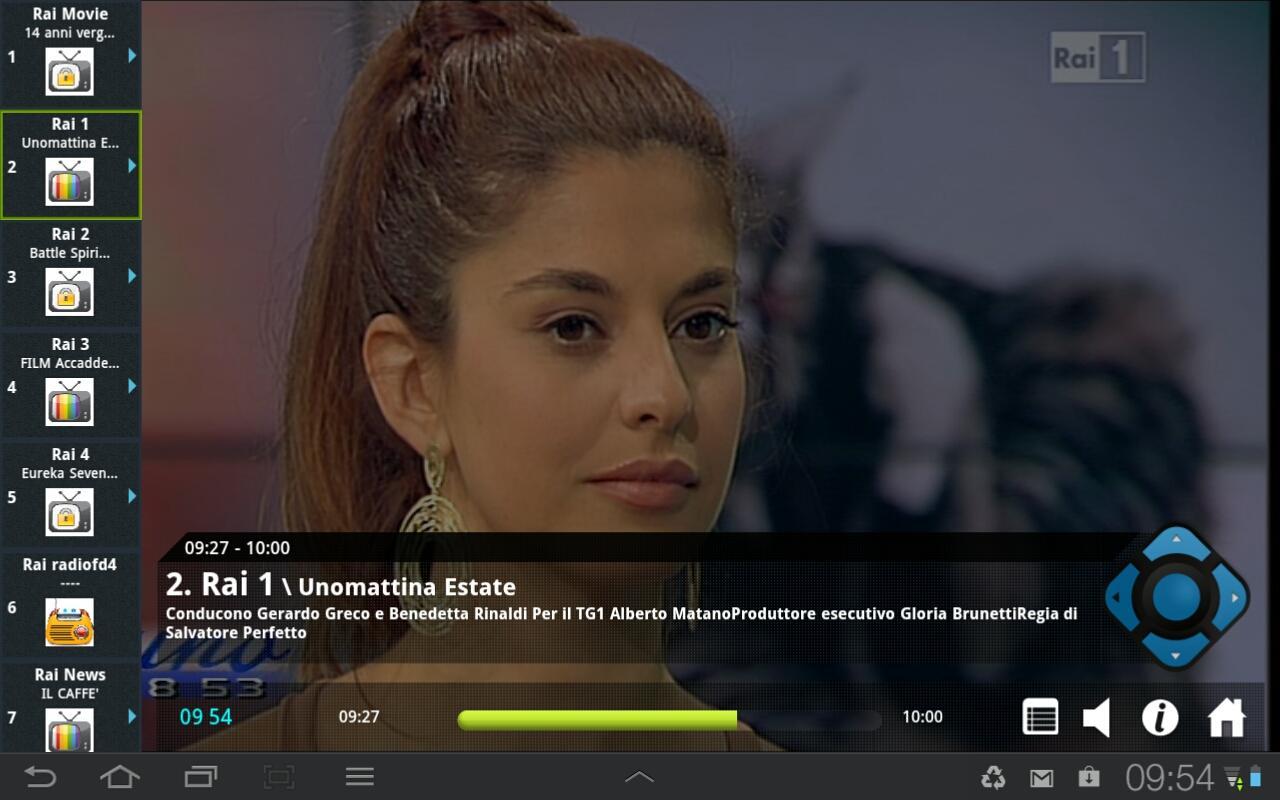
Bring Live TV to Android Smartphone and Tablet*
Watch and Record Live TV on any device, anywhere!
- Watch all your favorite Live TV channels
- Bring live TV and recordings to your Android Smartphone and Tablet
- In full broadcast quality
- Record live, scheduled and series TV - recordings are stored on an attached USB storage or network drive (NAS) as configured on your VBox TV Gateway
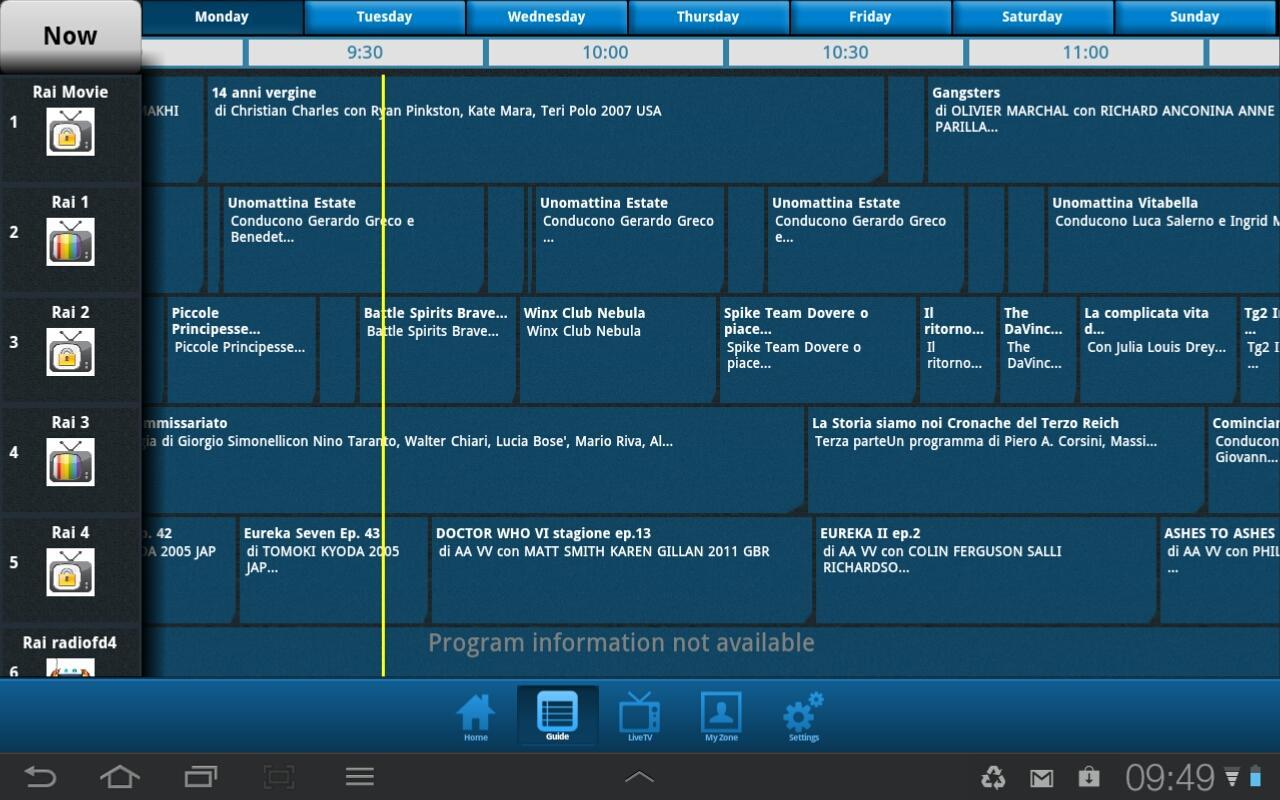
- Discover programs with the free program guide EPG
- Easy navigation
- Watch Live and recorded programs or set recordings from outside your home
No internet connection is required! the VBox TV Gateway receives broadcast TV signal from your Satellite, Cable or digital Antenna, converts the signal to IP and streams multiple live TV channels to any connected device over your home network.
* For Android Box please use the VBox Live TV for Set Top Box "Pink" app
Preview
Tags
Video-PlayersInformation
Developer
VBox Communications
Latest Version
1.09
Last Updated
2016-05-28
Category
Video-players-editors
Available on
Google Play
Show More
How to play VBox LiveTV (Legacy) with GameLoop on PC
1. Download GameLoop from the official website, then run the exe file to install GameLoop
2. Open GameLoop and search for “VBox LiveTV (Legacy)” , find VBox LiveTV (Legacy) in the search results and click “Install”
3. Enjoy playing VBox LiveTV (Legacy) on GameLoop
Minimum requirements
OS
Windows 8.1 64-bit or Windows 10 64-bit
GPU
GTX 1050
CPU
i3-8300
Memory
8GB RAM
Storage
1GB available space
Recommended requirements
OS
Windows 8.1 64-bit or Windows 10 64-bit
GPU
GTX 1050
CPU
i3-9320
Memory
16GB RAM
Storage
1GB available space