
TopPlay - IPTV Player PC
비트로그 (BITLOG)
Download TopPlay - IPTV Player on PC With GameLoop Emulator
TopPlay - IPTV Player on PC
TopPlay - IPTV Player, coming from the developer 비트로그 (BITLOG), is running on Android systerm in the past.
Now, You can play TopPlay - IPTV Player on PC with GameLoop smoothly.
Download it in the GameLoop library or search results. No more eyeing the battery or frustrating calls at the wrong time any more.
Just enjoy TopPlay - IPTV Player PC on the large screen for free!
TopPlay - IPTV Player Introduction
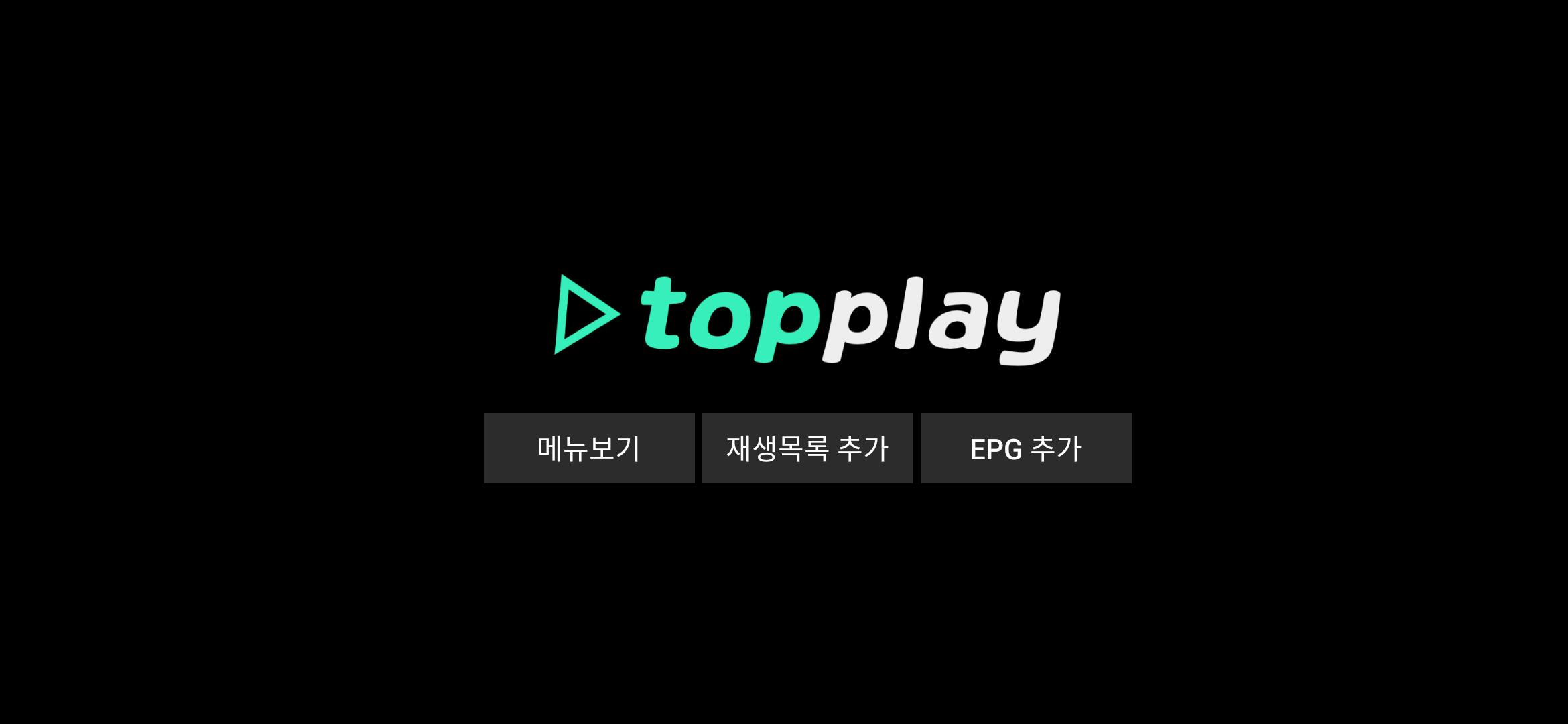
Mobile and Android TV support!
Landscape mode and portrait mode supported!
This is a Korean IPTV and video player.
It is composed of UI suitable for domestic set-top environment, so anyone aims for an easy and fast use environment.
* function
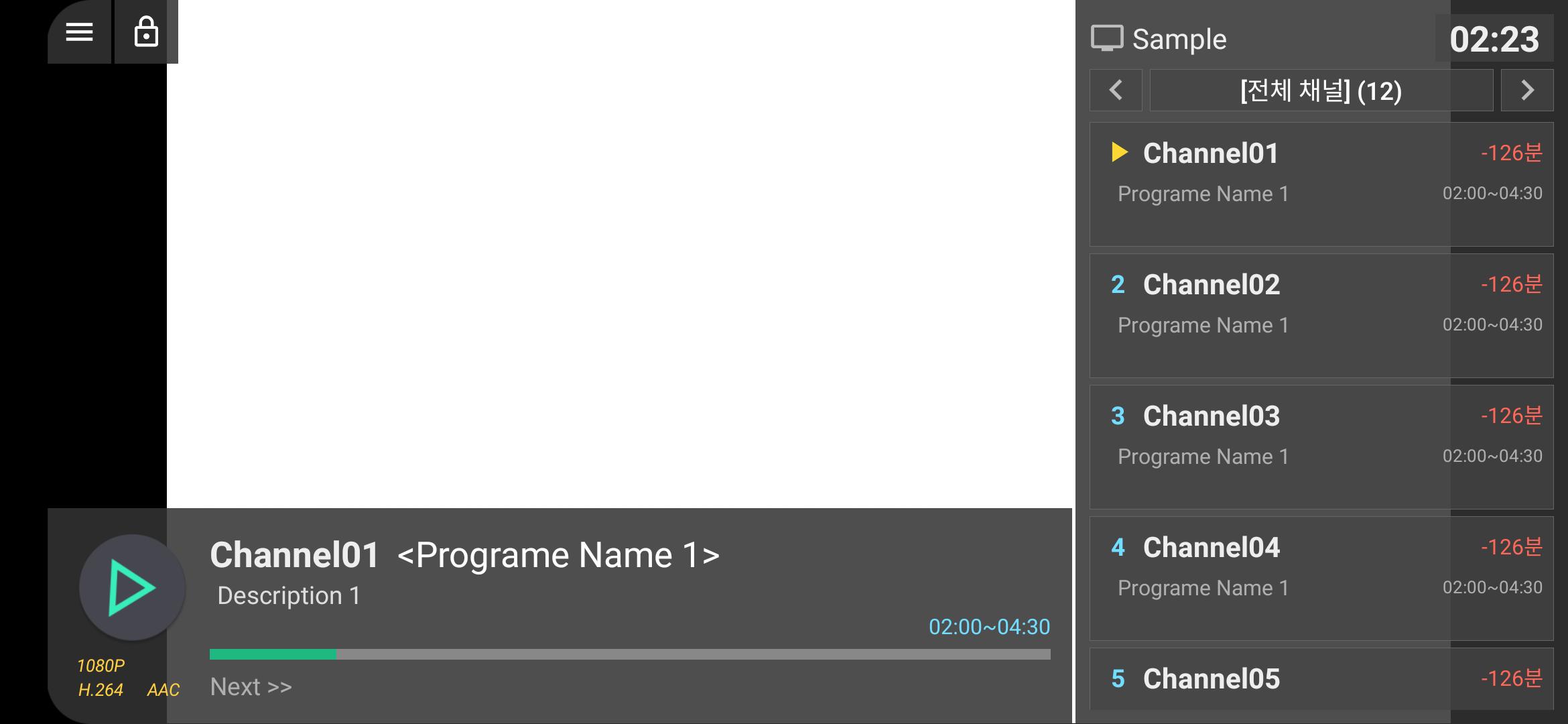
-Real-time M3U list support
-XMLTV EPG support
-Editable [My Channel] function
-App execution setting at boot
-Basic support for last channel auto play
-App launcher, favorite apps
-Screen lock function (touch interface only)
-Landscape/Portrait mode supported
-Web page viewer function
-Remote control operation control
-Other convenience functions will be added
* Scheduled to apply
-On/offline VOD playback
-Google Drive integration
-PLEX interworking
-PIP mode, background playback, etc.
[Optional access rights]
-Read storage space: Used to read playlist files (m3u, etc.).
Preview
Tags
Video-PlayersInformation
Developer
비트로그 (BITLOG)
Latest Version
1.0.7
Last Updated
2021-03-02
Category
Video-players-editors
Available on
Google Play
Show More
How to play TopPlay - IPTV Player with GameLoop on PC
1. Download GameLoop from the official website, then run the exe file to install GameLoop
2. Open GameLoop and search for “TopPlay - IPTV Player” , find TopPlay - IPTV Player in the search results and click “Install”
3. Enjoy playing TopPlay - IPTV Player on GameLoop
Minimum requirements
OS
Windows 8.1 64-bit or Windows 10 64-bit
GPU
GTX 1050
CPU
i3-8300
Memory
8GB RAM
Storage
1GB available space
Recommended requirements
OS
Windows 8.1 64-bit or Windows 10 64-bit
GPU
GTX 1050
CPU
i3-9320
Memory
16GB RAM
Storage
1GB available space