
ReShoot 360 - Video and Photo PC
Loic Martin
Download ReShoot 360 - Video and Photo on PC With GameLoop Emulator
ReShoot 360 - Video and Photo on PC
ReShoot 360 - Video and Photo, coming from the developer Loic Martin, is running on Android systerm in the past.
Now, You can play ReShoot 360 - Video and Photo on PC with GameLoop smoothly.
Download it in the GameLoop library or search results. No more eyeing the battery or frustrating calls at the wrong time any more.
Just enjoy ReShoot 360 - Video and Photo PC on the large screen for free!
ReShoot 360 - Video and Photo Introduction
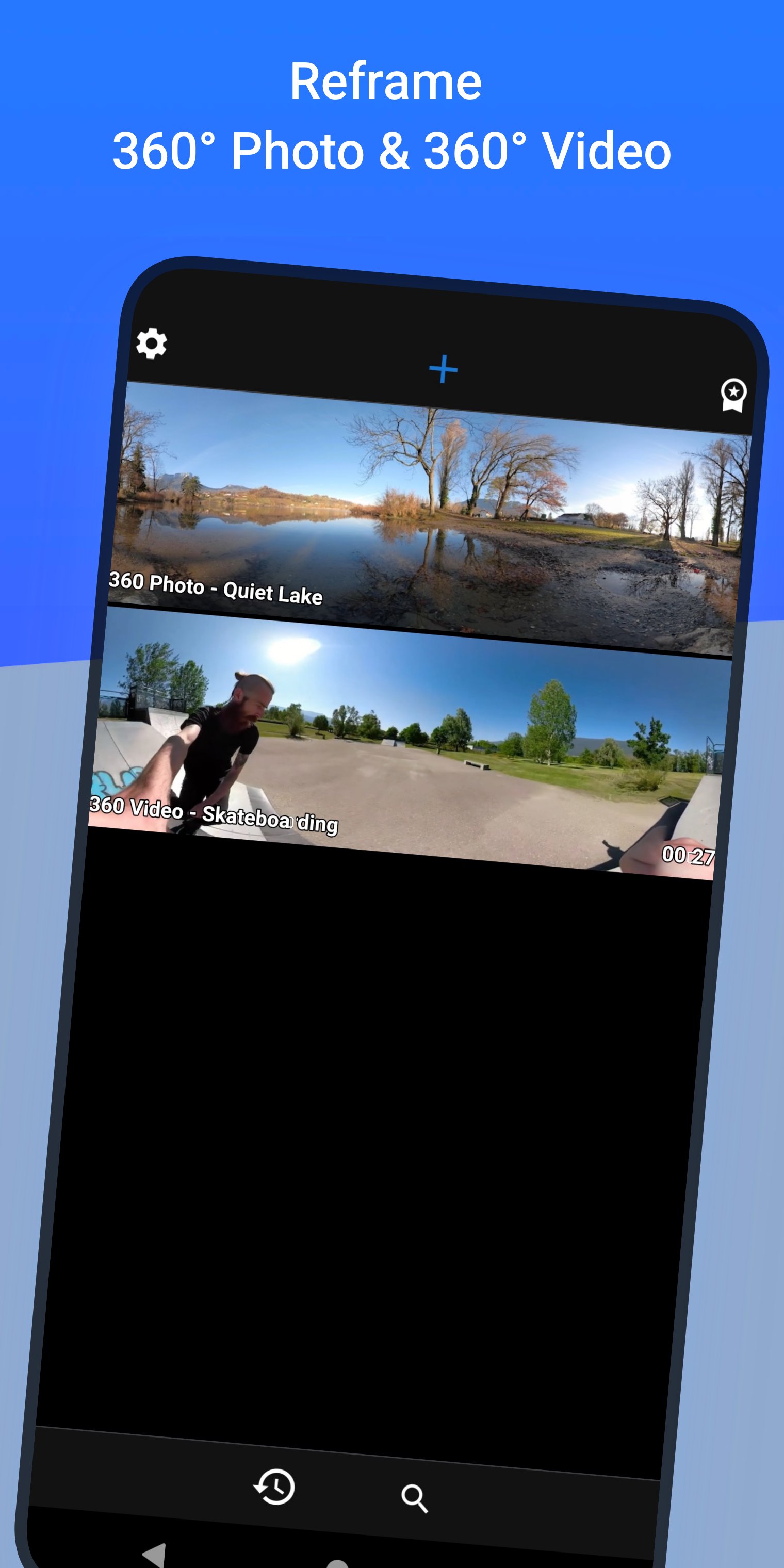
🚀 Reframe your 360° photos & videos
Transform your 360° spherical content into stunning creations and grow your audience on social media!
⚠️ This app does not capture 360° photos or videos. It is designed to edit existing 360° content.
📷 Works with all 360° cameras and any equirectangular file
✅ Insta360 X
✅ GoPro Max
✅ DJI Osmo 360
✅ Ricoh Theta
👉 use your 360 camera app to export your 360° file and then open it in ReShoot 360
🎁 Free Version
▪ Filters – Instantly reframe your 360° photos & 360° videos
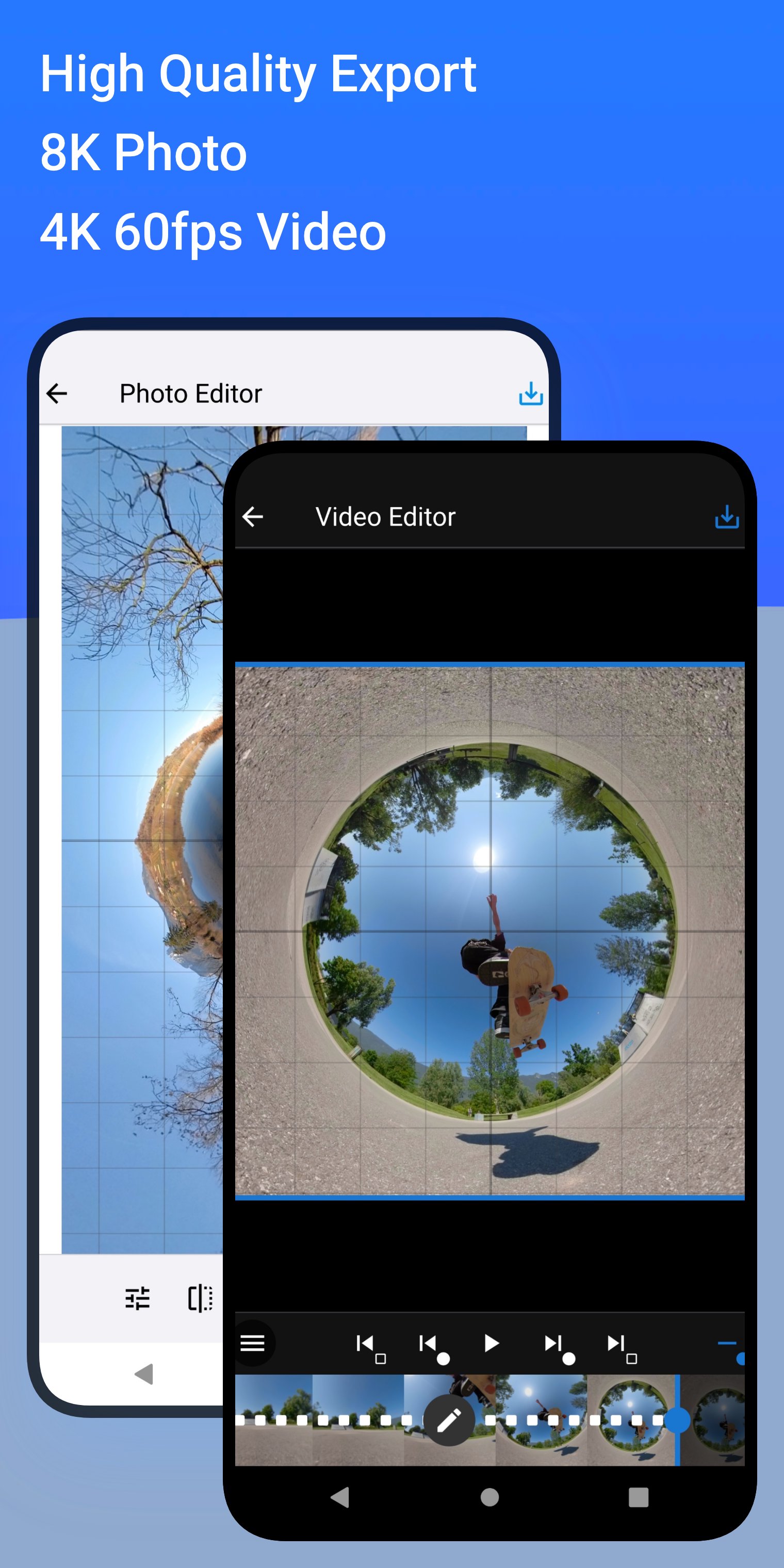
▪ Editor – Add keyframes, transitions & control camera movements
▪ AI Tracking – Automatically follow faces, bodies, animals & more
▪ Photo → Video – Animate your 360° photos with smooth camera moves
▪ Social Media Presets – Export optimized for TikTok, Instagram, YouTube, X, Facebook
💎 PRO Version (subscription)
Unlock the full potential with PRO features:
▪ High Quality – Export up to 8K photos & 4K/60fps videos
▪ Spherical Tools – Hide tripod & straighten horizon
▪ Creative Effects – Add Mirror & Spiral
▪ Split Pano – Turn your 360° photo into swipeable Instagram posts
✨ Whether you’re a creator, influencer, or just experimenting, this app makes 360° editing easy, fun, and powerful.
🎥 Plenty of video tutorials are available on the ReShoot 360 YouTube channel.
Preview
Tags
Video-PlayersPhotographyInformation
Developer
Loic Martin
Latest Version
1.16.2
Last Updated
2026-02-03
Category
Video-players-editors
Available on
Google Play
Show More
How to play ReShoot 360 - Video and Photo with GameLoop on PC
1. Download GameLoop from the official website, then run the exe file to install GameLoop
2. Open GameLoop and search for “ReShoot 360 - Video and Photo” , find ReShoot 360 - Video and Photo in the search results and click “Install”
3. Enjoy playing ReShoot 360 - Video and Photo on GameLoop
Minimum requirements
OS
Windows 8.1 64-bit or Windows 10 64-bit
GPU
GTX 1050
CPU
i3-8300
Memory
8GB RAM
Storage
1GB available space
Recommended requirements
OS
Windows 8.1 64-bit or Windows 10 64-bit
GPU
GTX 1050
CPU
i3-9320
Memory
16GB RAM
Storage
1GB available space