
Play SRF: Streaming TV & Radio PC
Schweizer Radio und Fernsehen (SRF)
Download Play SRF: Streaming TV & Radio on PC With GameLoop Emulator
Play SRF: Streaming TV & Radio on PC
Play SRF: Streaming TV & Radio, coming from the developer Schweizer Radio und Fernsehen (SRF), is running on Android systerm in the past.
Now, You can play Play SRF: Streaming TV & Radio on PC with GameLoop smoothly.
Download it in the GameLoop library or search results. No more eyeing the battery or frustrating calls at the wrong time any more.
Just enjoy Play SRF: Streaming TV & Radio PC on the large screen for free!
Play SRF: Streaming TV & Radio Introduction
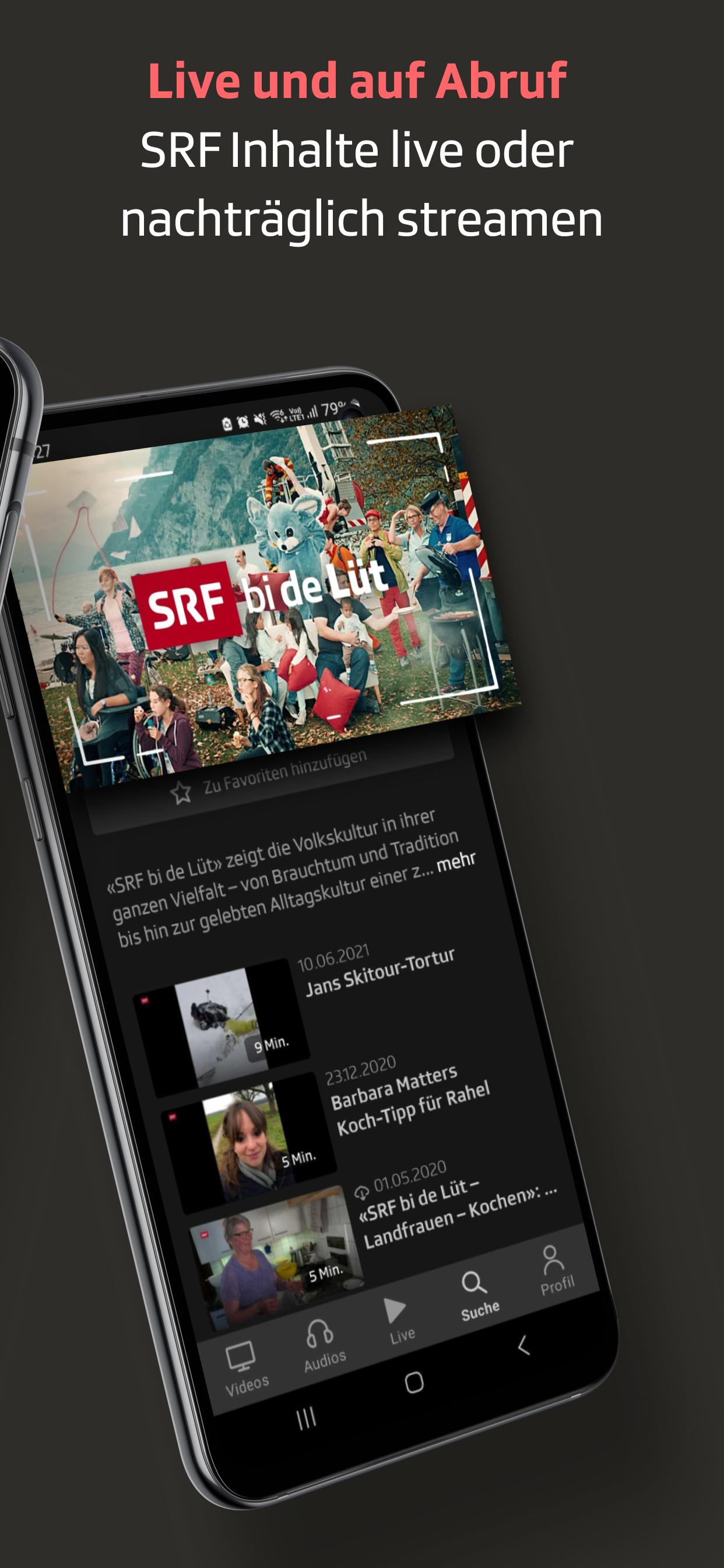
The Play SRF app immerses you directly in the fascinating world of Swiss radio and television and offers a huge selection of video and audio content for streaming. Access all the content in our media library: TV, radio, podcasts, and much more – whenever and wherever you want. Stream live and on demand.
SERIES, FILMS, AND DOCUMENTARIES
With the Play SRF app, you'll find exactly what you're looking for to stream. Browse through our wide selection. From gripping series and touching films to inspiring documentaries and nostalgic archive gems, we've got it all. Quickly and easily find new and favorite content thanks to the practical sorting options by topic/genre, date, and alphabet. You can save your favorites for easier access later. Enjoy the best entertainment with popular content such as "DOK Auf und davon," "Einstein," and "SRF bi de Lüt."
LIVE AND ON-DEMAND
Stream all SRF content live, afterward, or even before broadcast. Whether at home on your couch, on the go, or at work. Experience the full diversity of SRF – whenever and wherever it suits you best.
LIVESTREAMS
With the Play SRF app, you can experience all the highlights from TV live. Follow all SRF TV programs as live streams – SRF 1, SRF zwei, and SRF info. And that's not all: With the Play SRF app, you can enjoy all the excitement of live sports highlights from football, tennis, ice hockey, skiing, and many other sports. You can also stream exclusive sports live streams that aren't broadcast on TV.
RADIOS AND PODCASTS
Discover SRF's entire audio offering in one app. Choose from more than 100 different podcasts such as "Echo der Zeit," "Persönlich," "Input," "Focus," and our diverse selection of radio plays and crime thrillers. For all radio lovers, all SRF radio stations are also available as live streams with a timeshift function: Radio SRF 1, Radio SRF 2 Kultur, Radio SRF 3, Radio SRF 4 News, Radio SRF Musikwelle, and Radio SRF Virus.
FOR ALL DEVICES
You can use the Play SRF app on a wide range of devices: Smart TV, tablet, smartphone, and even in your car.
KEY FEATURES:
• Wide range of streaming options: films, series, and documentaries
• Stream content live and on demand
• Favorites: Save your favorite content
• All SRF radio and TV channels as live streams
• Push notifications: Receive notifications about new episodes of your favorite content
• TV Guide: TV schedule with a practical reminder function in your calendar
• Topic filters for individual categories
• For tablet and smartphone (iOS and Android)
• Streamable on your smart TV (Android TV, Apple TV and AirPlay, Amazon Fire TV, Chromecast)
• Can also be used in the car (Apple CarPlay, Android Auto)
• Downloads: Download content to watch offline
• Accessible and ad-free
• Some content can be displayed in the original format 4:3, 9:16, or 1:1.
• Some Play SRF programs cannot be accessed outside of Switzerland for legal reasons.
Do you like the Play SRF app? Then please take a few minutes to leave a review. We will consider your feedback as we continue to develop it. If you have any problems with the Play SRF app, please contact SRF Customer Service via https://www.srf.ch/kontakt or by phone (+41 848 80 80 80).
Preview

Tags
Video-PlayersInformation
Developer
Schweizer Radio und Fernsehen (SRF)
Latest Version
3.16.5
Last Updated
2025-10-07
Category
Video-players-editors
Available on
Google Play
Show More
How to play Play SRF: Streaming TV & Radio with GameLoop on PC
1. Download GameLoop from the official website, then run the exe file to install GameLoop
2. Open GameLoop and search for “Play SRF: Streaming TV & Radio” , find Play SRF: Streaming TV & Radio in the search results and click “Install”
3. Enjoy playing Play SRF: Streaming TV & Radio on GameLoop
Minimum requirements
OS
Windows 8.1 64-bit or Windows 10 64-bit
GPU
GTX 1050
CPU
i3-8300
Memory
8GB RAM
Storage
1GB available space
Recommended requirements
OS
Windows 8.1 64-bit or Windows 10 64-bit
GPU
GTX 1050
CPU
i3-9320
Memory
16GB RAM
Storage
1GB available space