Play RTS : audio et vidéo PC
RTS Radio Télévision Suisse
Download Play RTS : audio et vidéo on PC With GameLoop Emulator
Play RTS : audio et vidéo on PC
Play RTS : audio et vidéo, coming from the developer RTS Radio Télévision Suisse, is running on Android systerm in the past.
Now, You can play Play RTS : audio et vidéo on PC with GameLoop smoothly.
Download it in the GameLoop library or search results. No more eyeing the battery or frustrating calls at the wrong time any more.
Just enjoy Play RTS : audio et vidéo PC on the large screen for free!
Play RTS : audio et vidéo Introduction
Between Us, It's Play RTS
There's so much to discover with the Play RTS app! With one click, access a rich catalog of exclusive audio and video content and all RTS programs.
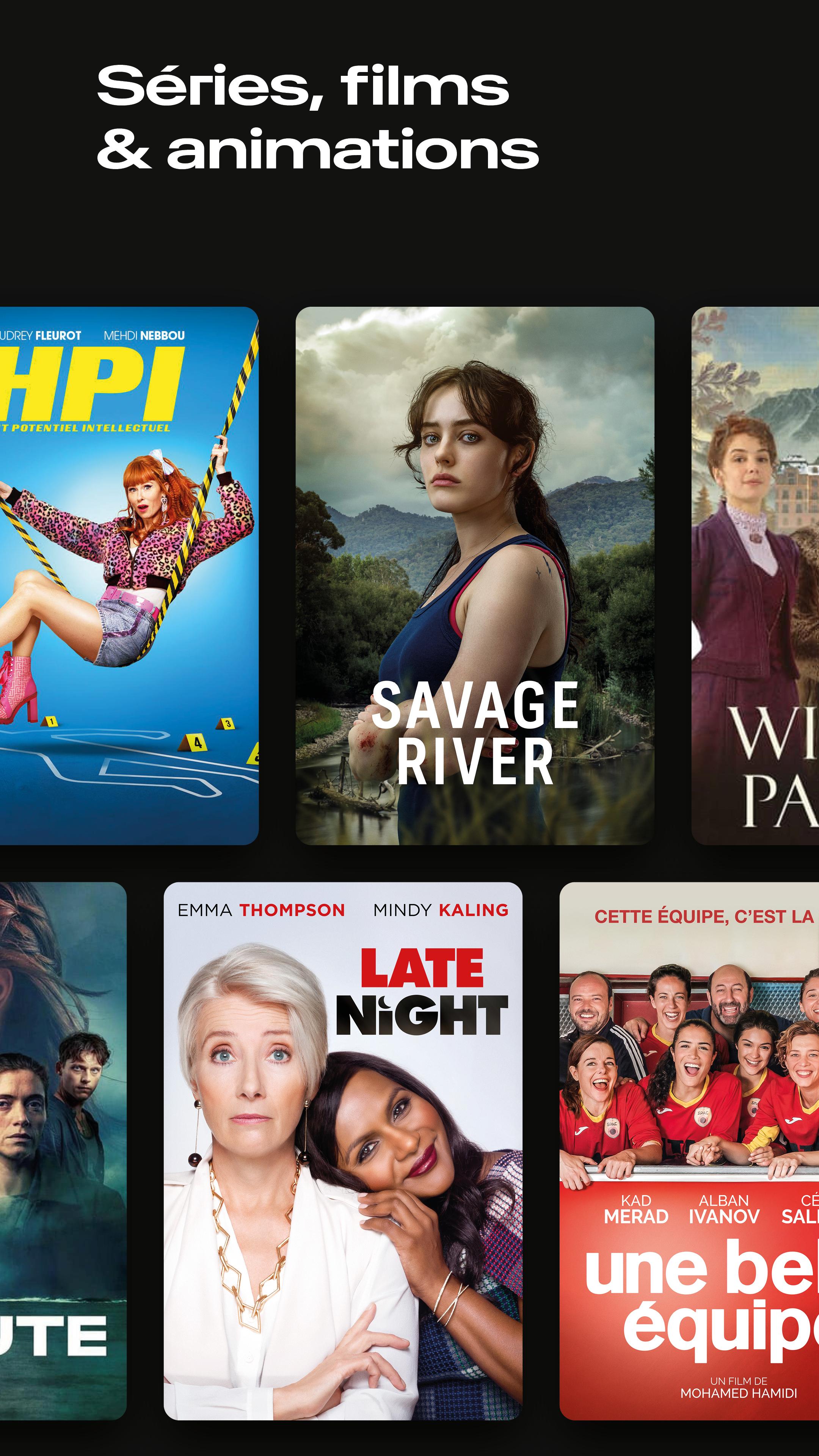
Series and Films: a regularly updated selection of captivating Swiss and international series and films.
Documentaries: reality decoded to better understand the challenges facing our society, travel the planet, or explore our history.
Podcasts: Let yourself be captivated by the largest catalog of original Swiss podcasts!
Info & Society: our magazines and newspapers to catch up on the day's news or delve deeper into a current topic.
Youth: a tailored program with cartoons, educational programs, and other entertainment content.
Live Sports: wherever you are, experience the biggest sporting events in Switzerland and around the world live (Olympic Games, Football World Cup, Alpine skiing, Grand Slam tournaments, etc.).
App Features
Take advantage of advanced playback features:
- Use AirPlay or Chromecast to stream our content to your TV.
- Enjoy original versions, audio descriptions, or subtitles.
- Use the mini-player to manage current playback or resume playback of the last played content.
- Control playback at any time via the Control Center or your Apple Watch.
- Download certain content to watch later without an internet connection (for content that offers it).
- Listen to our video content by enabling background playback.
Accessibility
Our offering is accessible to users with visual or hearing impairments:
- VoiceOver navigation.
- Audio descriptions.
- Subtitles.
- Enlarged text size.
Profile
Find your favorite content and the content you've viewed in the profile section:
- Subscribe to your shows Favorites to be notified when a new episode is available.
- Mark content to watch later and find it in your profile.
- Resume playback at any time from where you left off using the history feature.
- Log in to your maRTS account or sign up to sync your favorite shows, your viewing history, and content you plan to watch later across your devices.
Note
- Some content may be presented in its original 4:3, 9:16, or 1:1 aspect ratio.
- Due to legal restrictions, some Play RTS programs cannot be viewed outside of Switzerland.
Preview

Tags
Video-PlayersInformation
Developer
RTS Radio Télévision Suisse
Latest Version
3.16.4
Last Updated
2025-08-13
Category
Video-players-editors
Available on
Google Play
Show More
How to play Play RTS : audio et vidéo with GameLoop on PC
1. Download GameLoop from the official website, then run the exe file to install GameLoop
2. Open GameLoop and search for “Play RTS : audio et vidéo” , find Play RTS : audio et vidéo in the search results and click “Install”
3. Enjoy playing Play RTS : audio et vidéo on GameLoop
Minimum requirements
OS
Windows 8.1 64-bit or Windows 10 64-bit
GPU
GTX 1050
CPU
i3-8300
Memory
8GB RAM
Storage
1GB available space
Recommended requirements
OS
Windows 8.1 64-bit or Windows 10 64-bit
GPU
GTX 1050
CPU
i3-9320
Memory
16GB RAM
Storage
1GB available space