
Photo & Video Editor Pro App PC
Hopeitz Software
Download Photo & Video Editor Pro App on PC With GameLoop Emulator
Photo & Video Editor Pro App on PC
Photo & Video Editor Pro App, coming from the developer Hopeitz Software, is running on Android systerm in the past.
Now, You can play Photo & Video Editor Pro App on PC with GameLoop smoothly.
Download it in the GameLoop library or search results. No more eyeing the battery or frustrating calls at the wrong time any more.
Just enjoy Photo & Video Editor Pro App PC on the large screen for free!
Photo & Video Editor Pro App Introduction
Bring your photos and videos to life with Free Photo & Video Editor Pro app with a user-friendly interface and a wide range of editing tools. This Free Photo & Video Editor app lets you enhance your photos and videos with a range of features, including:
👉 Photo Editor
👉 Background Remover
👉 Video Editor
👉 Photo Collage
👉 Photo Status Maker
👉 Photo Slideshow
👉 Photo Status Maker
Photo Editor Pro
Use Free Photo Editor to Crop photos, resize images, edit photos, and add photo effects, frames, text, & more. Photo Editing is made for everyone, you can easily create and share impactful images, social graphics, or animated designs that stand out on any channel, any device.
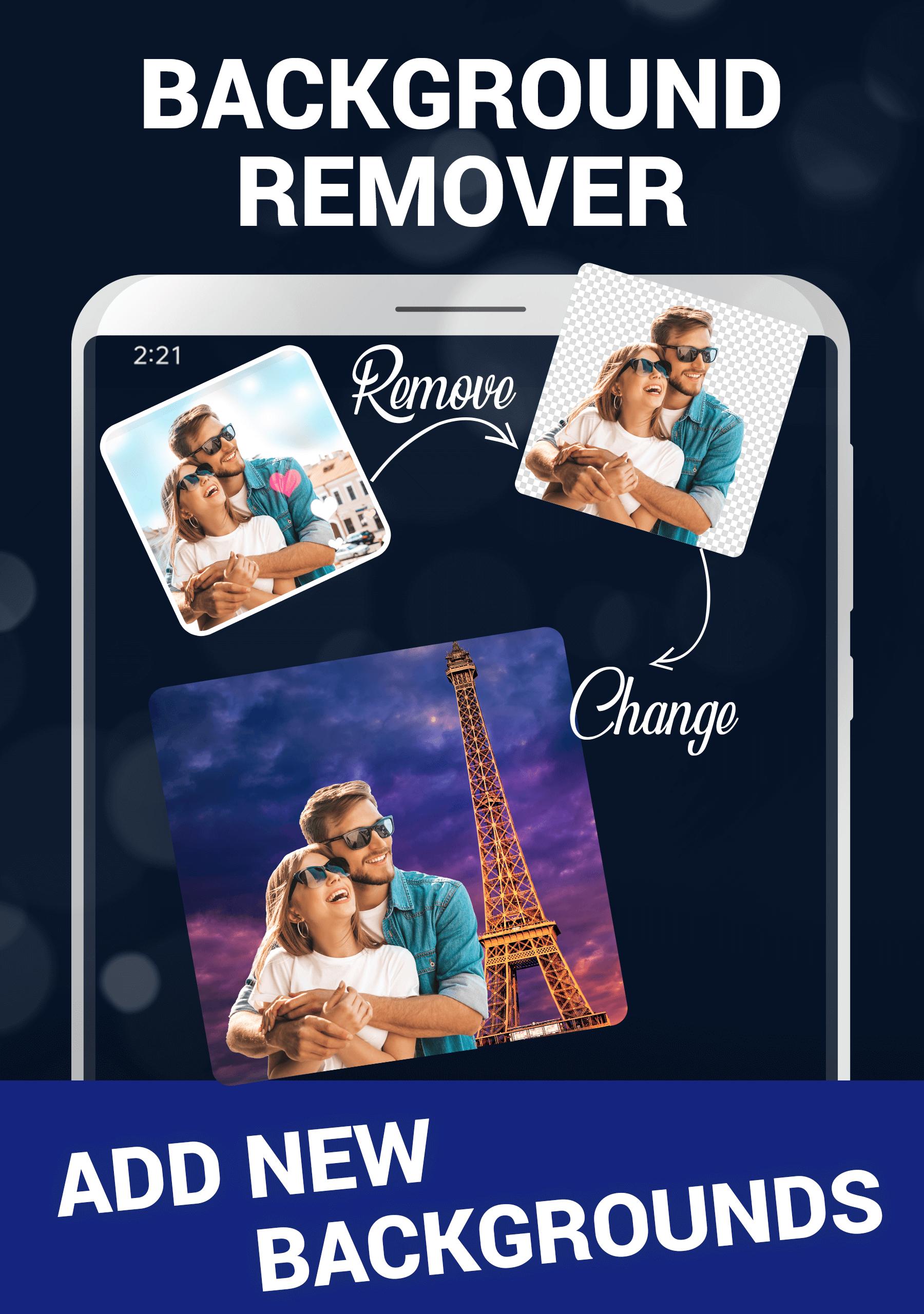
Remove & Replace Background
Remove image backgrounds automatically in a few seconds with our free Background Eraser. Could you quickly replace the background of any image? This AI Background Remover allows you to refine your image and remove any part of your image.
Photo Collage Maker
Create photo collages for free. Add photos and arrange them into a free-form collage or use one of the many templates. This full-featured Photo Collage Maker app offers collage layouts, frames, backgrounds, templates, stickers & text fonts, & more.
Photo Status with Music
Add Music to your favorite photo and create the latest photo status at your fingertip. This feature helps you to create and share your daily musical photo stories on any social media
Video Editor Pro
Begin Making Awesome Videos was not so easy before. Trim, Crop, Cut your video and apply a Collection of Cool Effects and trendy transactions. Here, you can add a piece of special music or sound as per your requirement. Also, you can mute any video here.
Photo Slideshow with Music
Photo Slideshow Maker with music app to merge multiple photos to create a slideshow with music. Easily create slideshows with our free slideshow maker. Simply choose a slideshow template, add photos, music & text then share.
Powerful Affirmation
Get the perfect dose of motivation and change your perspective to see things.
Interesting Facts
Learn something new every day through daily exciting and random facts
Create photo & video slideshows fast using built-in templates with music & narration.
Permissions
https://sites.google.com/hopeitz.com/pixmagic/app-permissions
For quick support, please write to us at feedback@hopeitz.com
Preview

Tags
Video-PlayersInformation
Developer
Hopeitz Software
Latest Version
2.6.2.1
Last Updated
2025-07-08
Category
Video-players-editors
Available on
Google Play
Show More
How to play Photo & Video Editor Pro App with GameLoop on PC
1. Download GameLoop from the official website, then run the exe file to install GameLoop
2. Open GameLoop and search for “Photo & Video Editor Pro App” , find Photo & Video Editor Pro App in the search results and click “Install”
3. Enjoy playing Photo & Video Editor Pro App on GameLoop
Minimum requirements
OS
Windows 8.1 64-bit or Windows 10 64-bit
GPU
GTX 1050
CPU
i3-8300
Memory
8GB RAM
Storage
1GB available space
Recommended requirements
OS
Windows 8.1 64-bit or Windows 10 64-bit
GPU
GTX 1050
CPU
i3-9320
Memory
16GB RAM
Storage
1GB available space