
Net ipTV PC
Net ipTV
Download Net ipTV on PC With GameLoop Emulator
Net ipTV on PC
Net ipTV, coming from the developer Net ipTV, is running on Android systerm in the past.
Now, You can play Net ipTV on PC with GameLoop smoothly.
Download it in the GameLoop library or search results. No more eyeing the battery or frustrating calls at the wrong time any more.
Just enjoy Net ipTV PC on the large screen for free!
Net ipTV Introduction
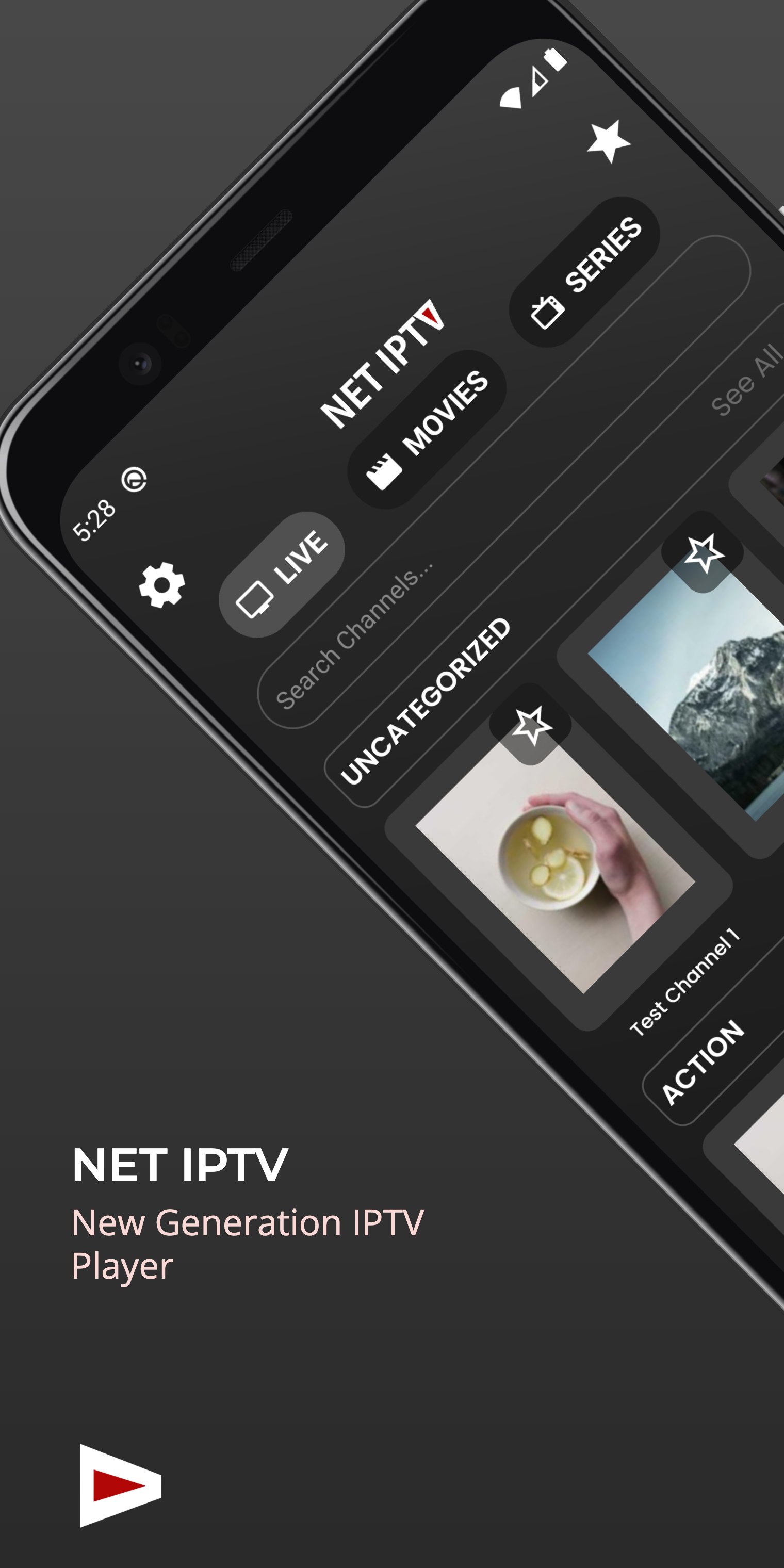
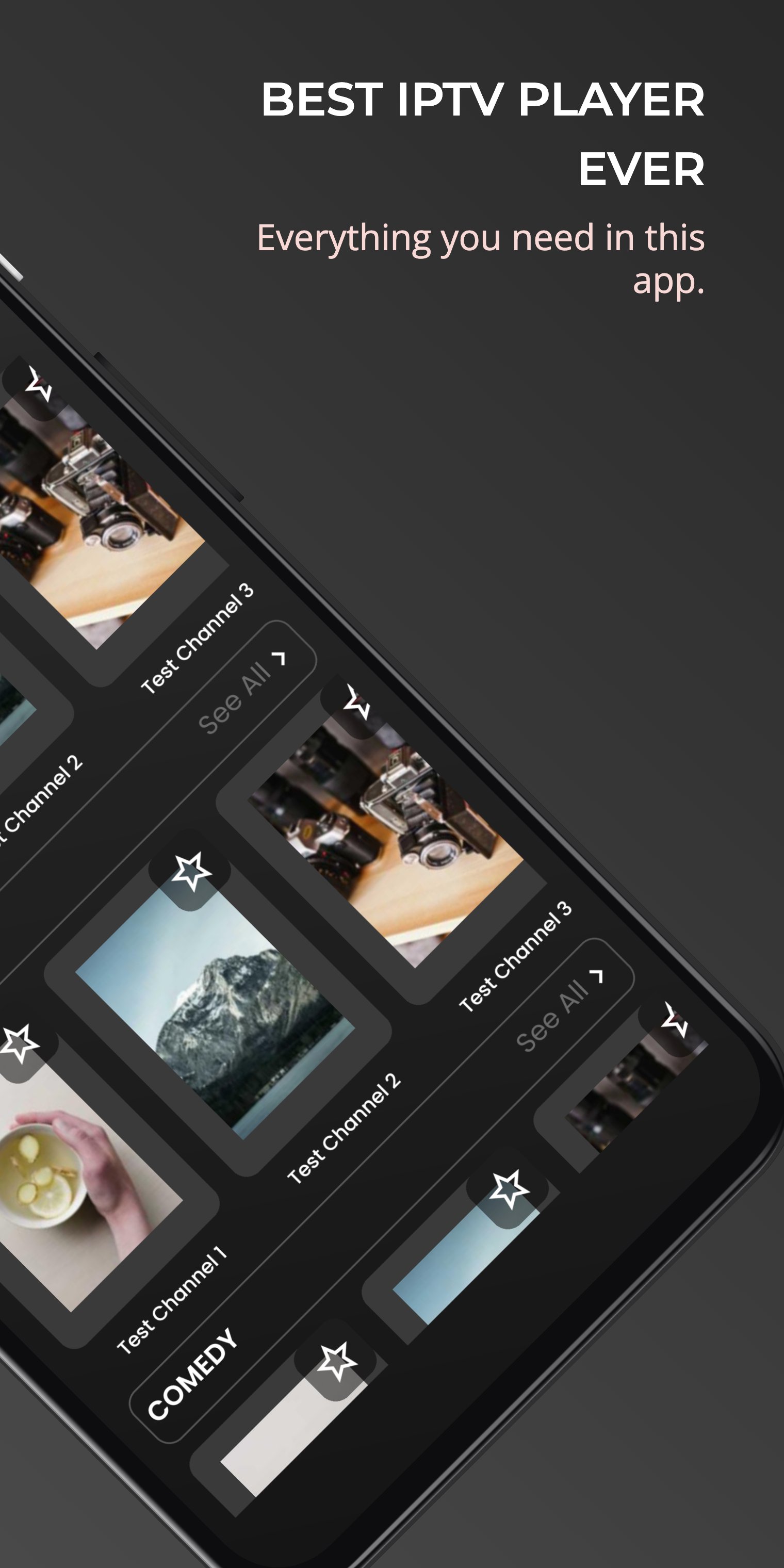
Experience your favorite digital content, live TV broadcasts, movies, and series just the way they’re meant to be. A smart IPTV player solution with all the features, now available for download.
NET IPTV PLAYER DOES NOT PROVIDE ANY CONTENT AND IS NOT AFFILIATED WITH ANY THIRD-PARTY LINKS.
Since 2017, NET IPTV has been one of the few IPTV player applications continuously available across all major Smart TV platforms – including Samsung Tizen, LG webOS, Android TV, Fire TV, Apple TV, and more. This long-standing presence demonstrates our commitment to quality, stability, and user trust.
NET IPTV Player is compatible with all M3U and Xtream playlists, allowing you to take your digital content with you, add it to your playlist, and enjoy the best IPTV player experience across all your devices.
Features of NET IPTV
The app offers a wide range of advanced features designed to enhance your viewing experience:
• Browse movies and series in detail, including full season and episode support
• View cast information and trailers for movies and TV shows
• Add movies, series, live TV, and videos to your favorites for quick access
• Resume watching content from where you left off
• Use the smart search function to find exactly what you’re looking for
• Adjust video aspect ratios for an optimized viewing experience
• Add and manage multiple M3U and Xtream playlists
• Picture-in-picture support within the app
• Continue streaming in the background while using other apps
• Quickly skip to the next episode while watching the current one
Legal Notices
To ensure full transparency and legal compliance, please note the following:
• NET IPTV Player uses the TMDB API to provide information on your digital content but is not endorsed or certified by TMDB.
• Built using the VLCKit player developed by the makers of VLC.
• Screenshots shown are for illustrative purposes only and do not depict actual video content.
• NET IPTV or its developers do not provide or host any digital content.
• All media must be provided by the user.
• Sample images and videos are public domain and do not violate any copyright.
Disclaimer
• NET IPTV Player does not provide any audiovisual content and does not solicit such content.
• NET IPTV Player is not affiliated with any third-party providers or services.
• Users are solely responsible for the content they use within the app.
• We do not endorse or support the streaming of copyrighted material without permission from the rights holder.
Download NET IPTV Player today and experience digital streaming the way it was meant to be.
NET IPTV – Redefining the way you watch TV.
Preview
Tags
Video-PlayersInformation
Developer
Net ipTV
Latest Version
4.5
Last Updated
2026-03-25
Category
Video-players-editors
Available on
Google Play
Show More
How to play Net ipTV with GameLoop on PC
1. Download GameLoop from the official website, then run the exe file to install GameLoop
2. Open GameLoop and search for “Net ipTV” , find Net ipTV in the search results and click “Install”
3. Enjoy playing Net ipTV on GameLoop
Minimum requirements
OS
Windows 8.1 64-bit or Windows 10 64-bit
GPU
GTX 1050
CPU
i3-8300
Memory
8GB RAM
Storage
1GB available space
Recommended requirements
OS
Windows 8.1 64-bit or Windows 10 64-bit
GPU
GTX 1050
CPU
i3-9320
Memory
16GB RAM
Storage
1GB available space