
클립 크리에이터 PC
NAVER Corp.
Download 클립 크리에이터 on PC With GameLoop Emulator
클립 크리에이터 on PC
클립 크리에이터, coming from the developer NAVER Corp., is running on Android systerm in the past.
Now, You can play 클립 크리에이터 on PC with GameLoop smoothly.
Download it in the GameLoop library or search results. No more eyeing the battery or frustrating calls at the wrong time any more.
Just enjoy 클립 크리에이터 PC on the large screen for free!
클립 크리에이터 Introduction
The Naver TV app is getting a new facelift with Clip Creator!
Clip Creator empowers creators to grow with their fans, generate revenue, and enjoy creating.
It offers all the tools you need, from creation to analysis and monetization, to inspire you and unleash your creativity.
[Key Features]
• Home: We'll help you find ideas and inspiration. Explore trends and gain insights, including creator programs, popular clips by category, creators with rapidly increasing followers, and tag rankings.
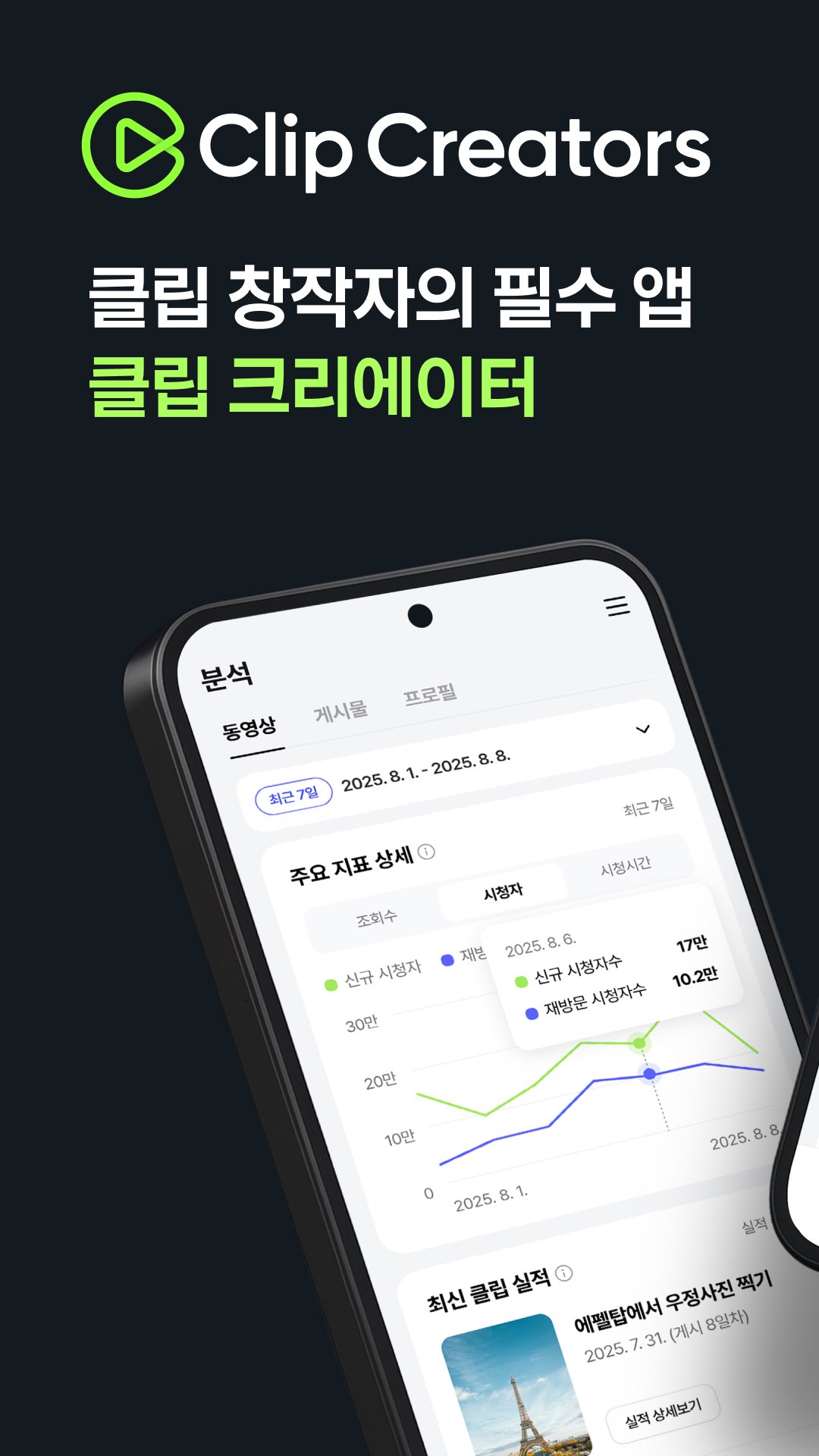
• Analytics: We provide various metrics on user engagement with your clips and profiles. Track performance and plan your next video with detailed analytics.
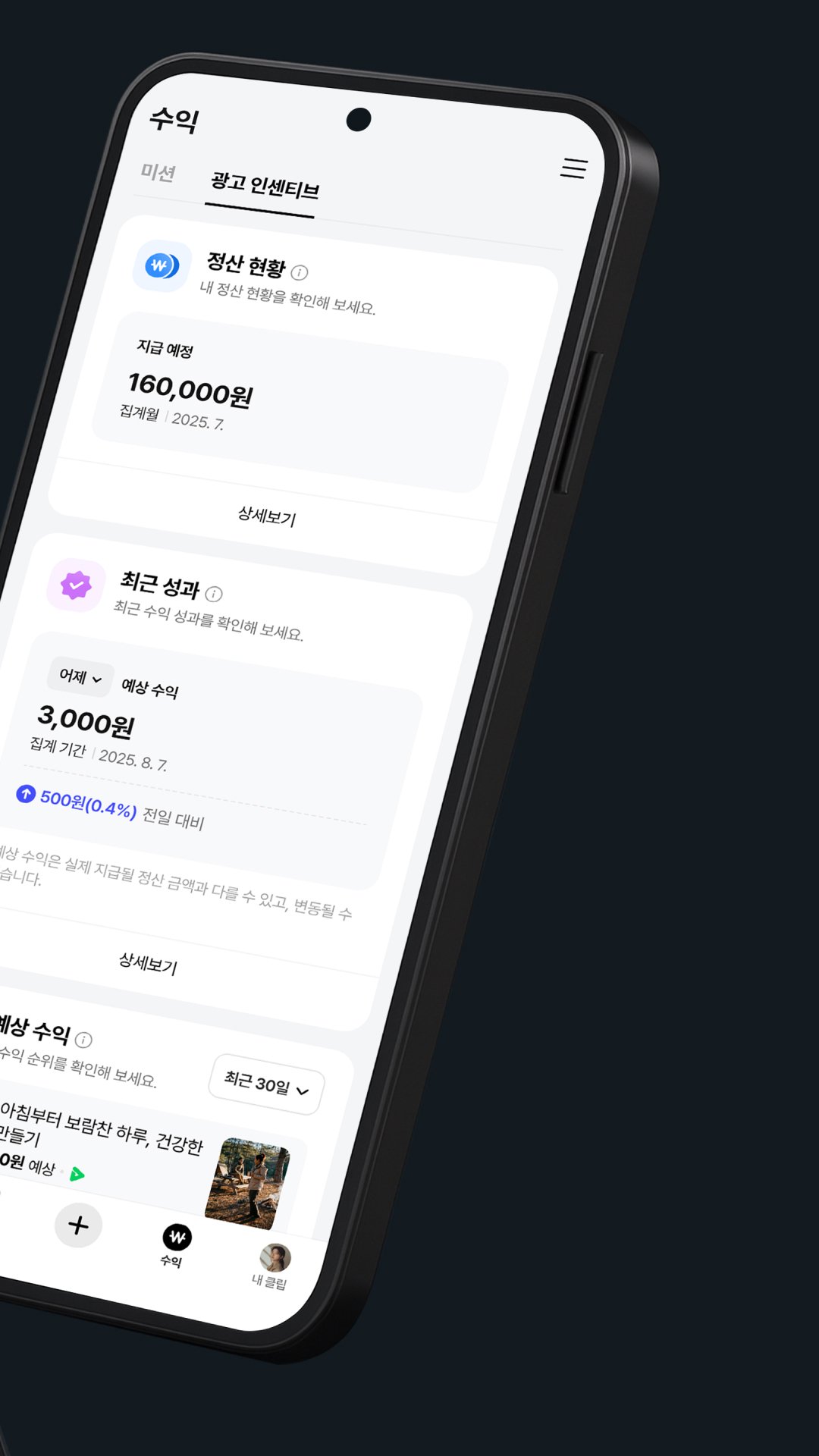
• Revenue: We offer the Clip Ad Incentive Program to ensure your clips grow and earn rewards. Check your monetization status and receive your earnings.
• Upload: Easily create clips in video and post formats. Create high-quality short-form content with a variety of editing features, including tags, stickers, sounds, and filters. • MY Profile: Manage your Clip content, following, and followers in one place, reflecting your experiences and interests.
* The Clip Creator app is for creators who have created Clip profiles. Create a Clip profile in just 10 seconds.
* Clip Profile is a new space for Clip creators. Create and manage Clips scattered across Naver Blog, Naver TV, and other platforms more easily, and showcase your interests and individuality through your profile.
* The existing Naver TV app can continue to be used on Naver TV Web, and we will continue to strive for better service.
[Required Access Permissions]
• Notifications: Receive important announcements, event information, and new post notifications. (Only available on devices with OS version 13.0 or higher)
• Files and Media (Photos and Videos): Required for using photo and video files stored on your device when creating posts or using Clip (short-form) editor features.
• Camera: Required for capturing Clip (short-form) photos and videos.
• Microphone: Required for recording audio when capturing Clip (short-form) videos. • Location: Required for searching for places near your current location, including in the Clip (short-form) editor.
----
Developer Contact:
1588-3820
naver_market@naver.com
NAVER, 6 Buljeong-ro, Bundang-gu, Seongnam-si, Gyeonggi-do
----
Developer Contact:
NAVER Corporation, 95 Jeongja-il-ro, Bundang-gu, Seongnam-si, Gyeonggi-do 13561, Republic of Korea
NAVER 1784, Naver 220-81-62517 2006-Gyeonggi Seongnam-0692
Preview
Tags
Video-PlayersEntertainmentInformation
Developer
NAVER Corp.
Latest Version
7.11.0
Last Updated
2026-08-17
Category
Video-players-editors
Available on
Google Play
Show More
How to play 클립 크리에이터 with GameLoop on PC
1. Download GameLoop from the official website, then run the exe file to install GameLoop
2. Open GameLoop and search for “클립 크리에이터” , find 클립 크리에이터 in the search results and click “Install”
3. Enjoy playing 클립 크리에이터 on GameLoop
Minimum requirements
OS
Windows 8.1 64-bit or Windows 10 64-bit
GPU
GTX 1050
CPU
i3-8300
Memory
8GB RAM
Storage
1GB available space
Recommended requirements
OS
Windows 8.1 64-bit or Windows 10 64-bit
GPU
GTX 1050
CPU
i3-9320
Memory
16GB RAM
Storage
1GB available space