
VM Master - Video Status Maker PC
Hashtags Developer
Download VM Master - Video Status Maker on PC With GameLoop Emulator
VM Master - Video Status Maker on PC
VM Master - Video Status Maker, coming from the developer Hashtags Developer, is running on Android systerm in the past.
Now, You can play VM Master - Video Status Maker on PC with GameLoop smoothly.
Download it in the GameLoop library or search results. No more eyeing the battery or frustrating calls at the wrong time any more.
Just enjoy VM Master - Video Status Maker PC on the large screen for free!
VM Master - Video Status Maker Introduction
You don't need to be an expert to create animated short video clips in no time.
The best thing take about MV master is its user-friendly interface so you can just drag and drop your images.
FEATURES
=============
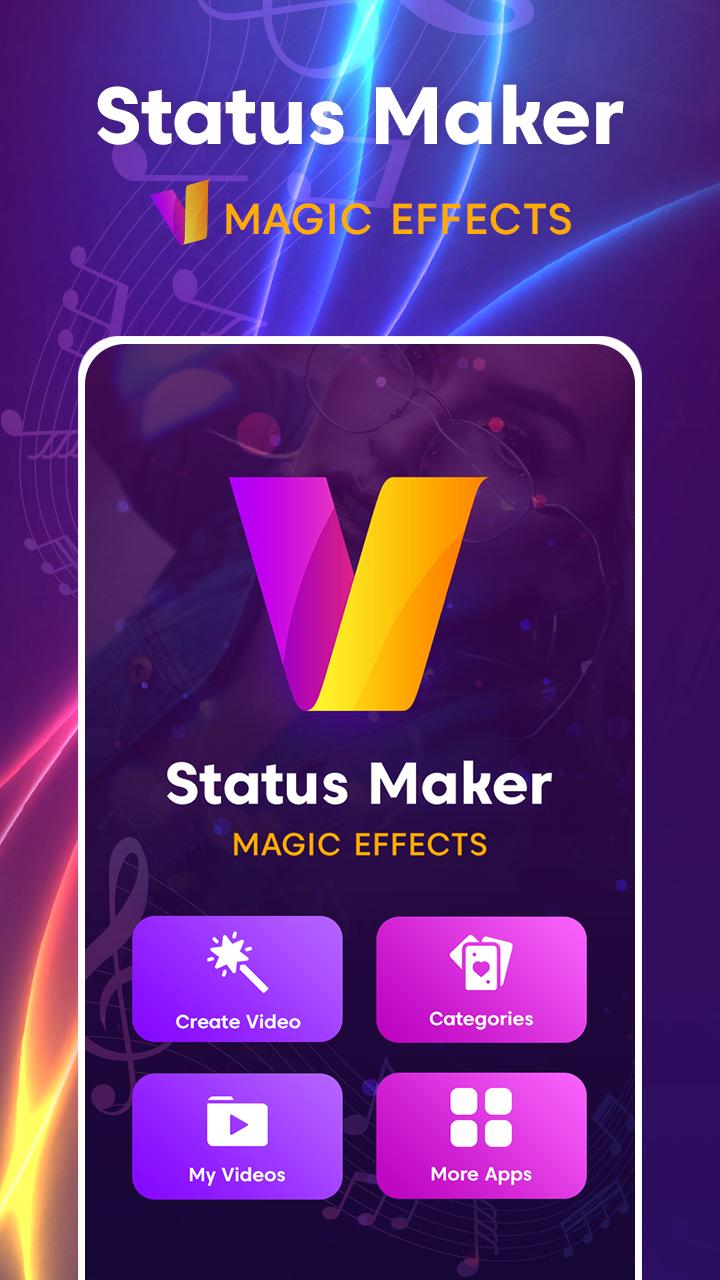
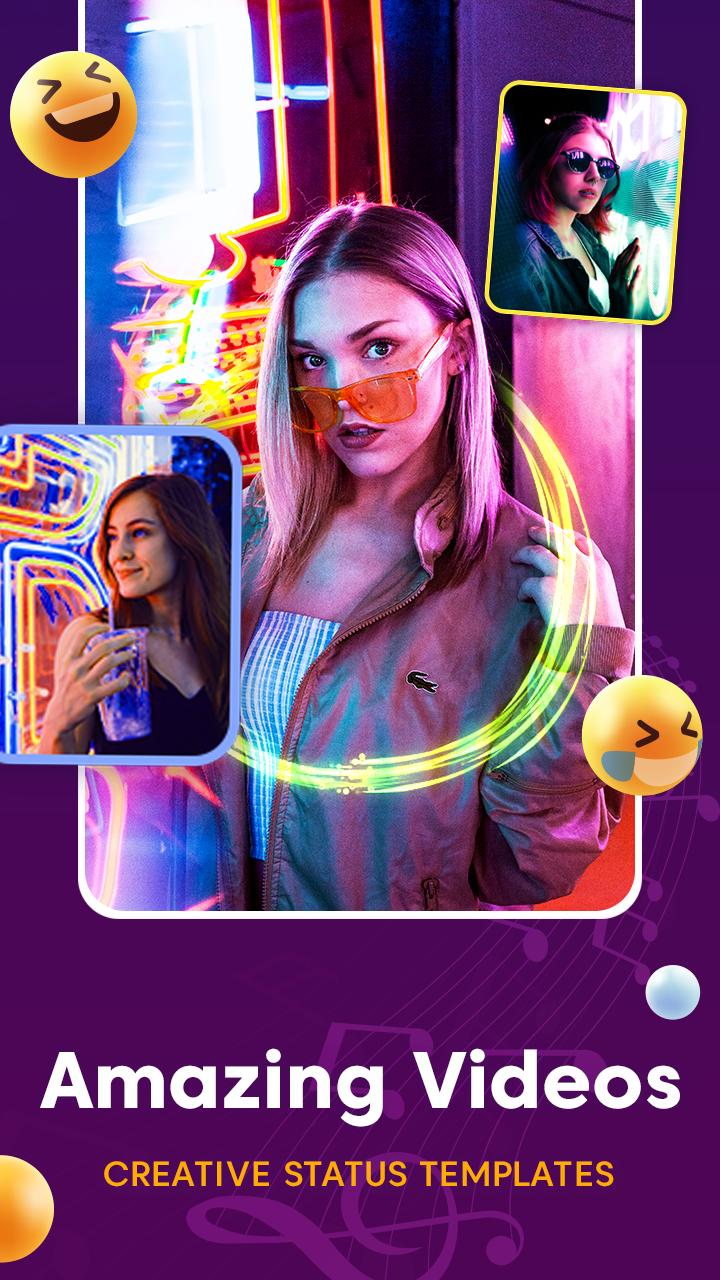
🎥 Choose 30 Image of amazing video templates!
🎥 Magical, anniversary, birthday, lyrical and festival special videos!
🎥 Add your own images!
🎥 Preview and Export videos!
🎥 Easy to Save and Share icons!
🎥 Add your Special music in background..
HOW TO USE?
=============
🎥 Browse Images and select the one you like!
🎥 Select your favorite images!
🎥 Click on EXPORT
🎥 You are done!
MV Master Video Maker - Photo Video Editor lets you create, edit and share amazing music videos, slideshows and stories with your photos, videos and free licensed music. Add filters, text, music and create personalized videos from your pictures
Photo Video Maker with Music - Video Editor and Movie Maker App Available.
Professional video editing tools
Photo Video Maker with Music & video editor provides the best tools for you to easily create video from your photos and music to create a slideshow video extremely easy
MV Master: Create Amazing Videos & Status
> MV - Master app mix with photo collage maker,photo editor,all photo frames,trending frames,scrapbook and more options waiting for u.
> Here we have 500+ video special effects.
> Best FREE MV - Master -MV bit master - MV Bit Editor and Video Maker with all features,trim & cut out video, blur background and no crop, add music and video effects!
Turn your photos into videos
MV Master lyrical video editing allows users to add song lyrics on that picture to make it more unique, similar to a video.
Preview
Tags
Video-PlayersInformation
Developer
Hashtags Developer
Latest Version
1.5
Last Updated
2023-04-09
Category
Video-players-editors
Available on
Google Play
Show More
How to play VM Master - Video Status Maker with GameLoop on PC
1. Download GameLoop from the official website, then run the exe file to install GameLoop
2. Open GameLoop and search for “VM Master - Video Status Maker” , find VM Master - Video Status Maker in the search results and click “Install”
3. Enjoy playing VM Master - Video Status Maker on GameLoop
Minimum requirements
OS
Windows 8.1 64-bit or Windows 10 64-bit
GPU
GTX 1050
CPU
i3-8300
Memory
8GB RAM
Storage
1GB available space
Recommended requirements
OS
Windows 8.1 64-bit or Windows 10 64-bit
GPU
GTX 1050
CPU
i3-9320
Memory
16GB RAM
Storage
1GB available space