
KwaiCut - Video Editor PC
Kwai Technology Limited
Download KwaiCut - Video Editor on PC With GameLoop Emulator
KwaiCut - Video Editor on PC
KwaiCut - Video Editor, coming from the developer Kwai Technology Limited, is running on Android systerm in the past.
Now, You can play KwaiCut - Video Editor on PC with GameLoop smoothly.
Download it in the GameLoop library or search results. No more eyeing the battery or frustrating calls at the wrong time any more.
Just enjoy KwaiCut - Video Editor PC on the large screen for free!
KwaiCut - Video Editor Introduction
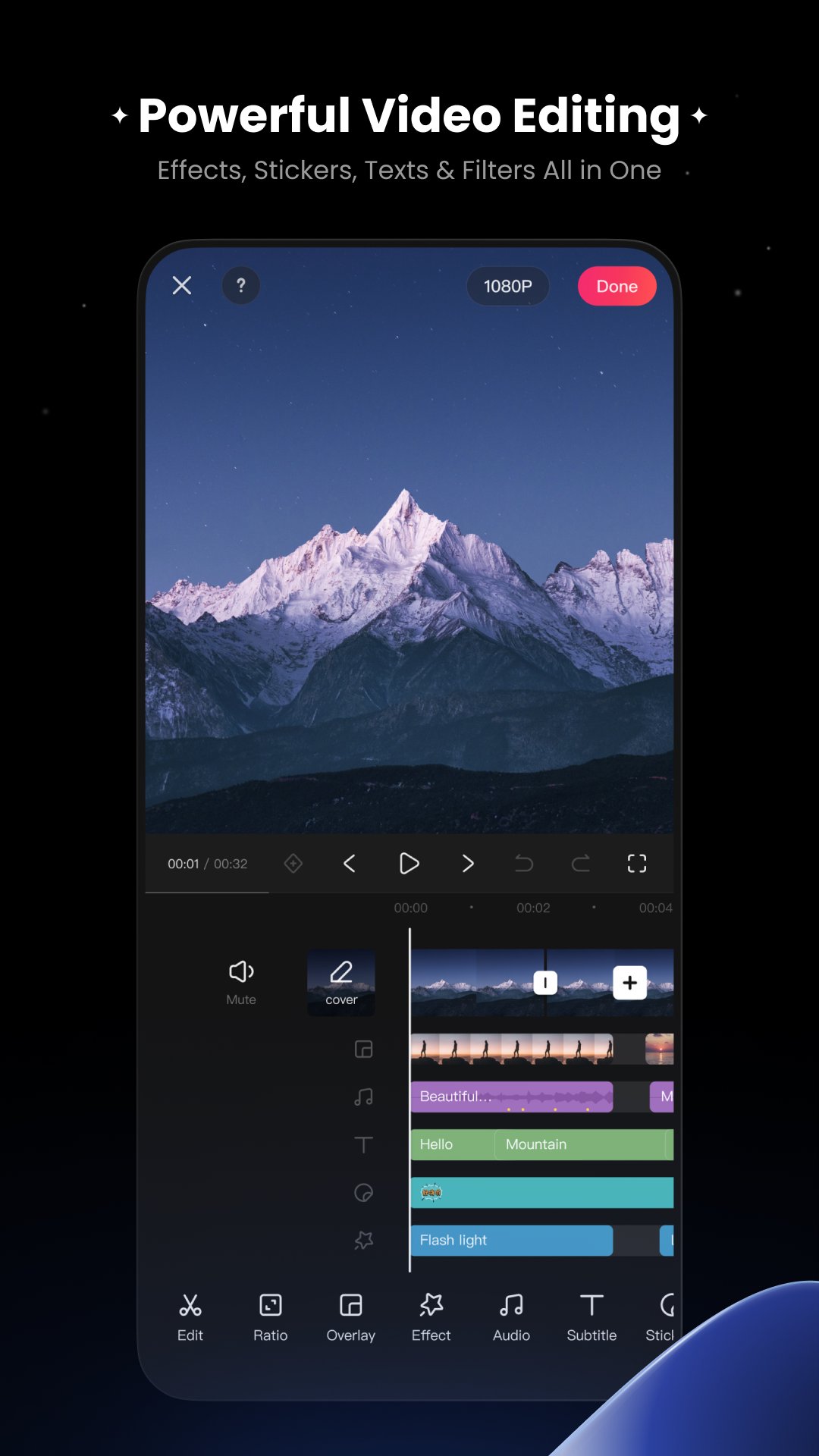
KwaiCut provides you with completely free, powerful and easy-to-use professional video editing capabilities to help you efficiently realize creativity at zero cost.
[Free & Easy]
Precise video segmentation, cropping, splicing, rewind, and speed adjustment
Supports exporting in multiple ultra-high definition resolutions, compatible with various platforms
[Rich Sound]
Professional audio noise reduction for clear vocal performance
Multi-style sound effect library for easily adding video music
[Smart Subtitles]
Convenient manual subtitle adding and editing tools
Hundreds of professional subtitle styles and dynamic effects library
[Cinematic Filters]
Offers advanced visual effects for professional dynamic results
Massive movie-grade filters with adjustable intensity
[Creative Stickers]
Extensive static and dynamic sticker library covering multiple themes
Supports custom sticker import and management, convenient sticker addition, scaling, and adjustment
[Inspiration Center]
Material center upgraded - apply trending materials with one click
Vast exclusive design materials - endless creative inspiration
Preview

Tags
Video-PlayersInformation
Developer
Kwai Technology Limited
Latest Version
7.5.0.710135
Last Updated
2025-12-25
Category
Video-players-editors
Available on
Google Play
Show More
How to play KwaiCut - Video Editor with GameLoop on PC
1. Download GameLoop from the official website, then run the exe file to install GameLoop
2. Open GameLoop and search for “KwaiCut - Video Editor” , find KwaiCut - Video Editor in the search results and click “Install”
3. Enjoy playing KwaiCut - Video Editor on GameLoop
Minimum requirements
OS
Windows 8.1 64-bit or Windows 10 64-bit
GPU
GTX 1050
CPU
i3-8300
Memory
8GB RAM
Storage
1GB available space
Recommended requirements
OS
Windows 8.1 64-bit or Windows 10 64-bit
GPU
GTX 1050
CPU
i3-9320
Memory
16GB RAM
Storage
1GB available space