Xtream IPTV PC
Mind Cube Apps
Download Xtream IPTV on PC With GameLoop Emulator
Xtream IPTV on PC
Xtream IPTV, coming from the developer Mind Cube Apps, is running on Android systerm in the past.
Now, You can play Xtream IPTV on PC with GameLoop smoothly.
Download it in the GameLoop library or search results. No more eyeing the battery or frustrating calls at the wrong time any more.
Just enjoy Xtream IPTV PC on the large screen for free!
Xtream IPTV Introduction
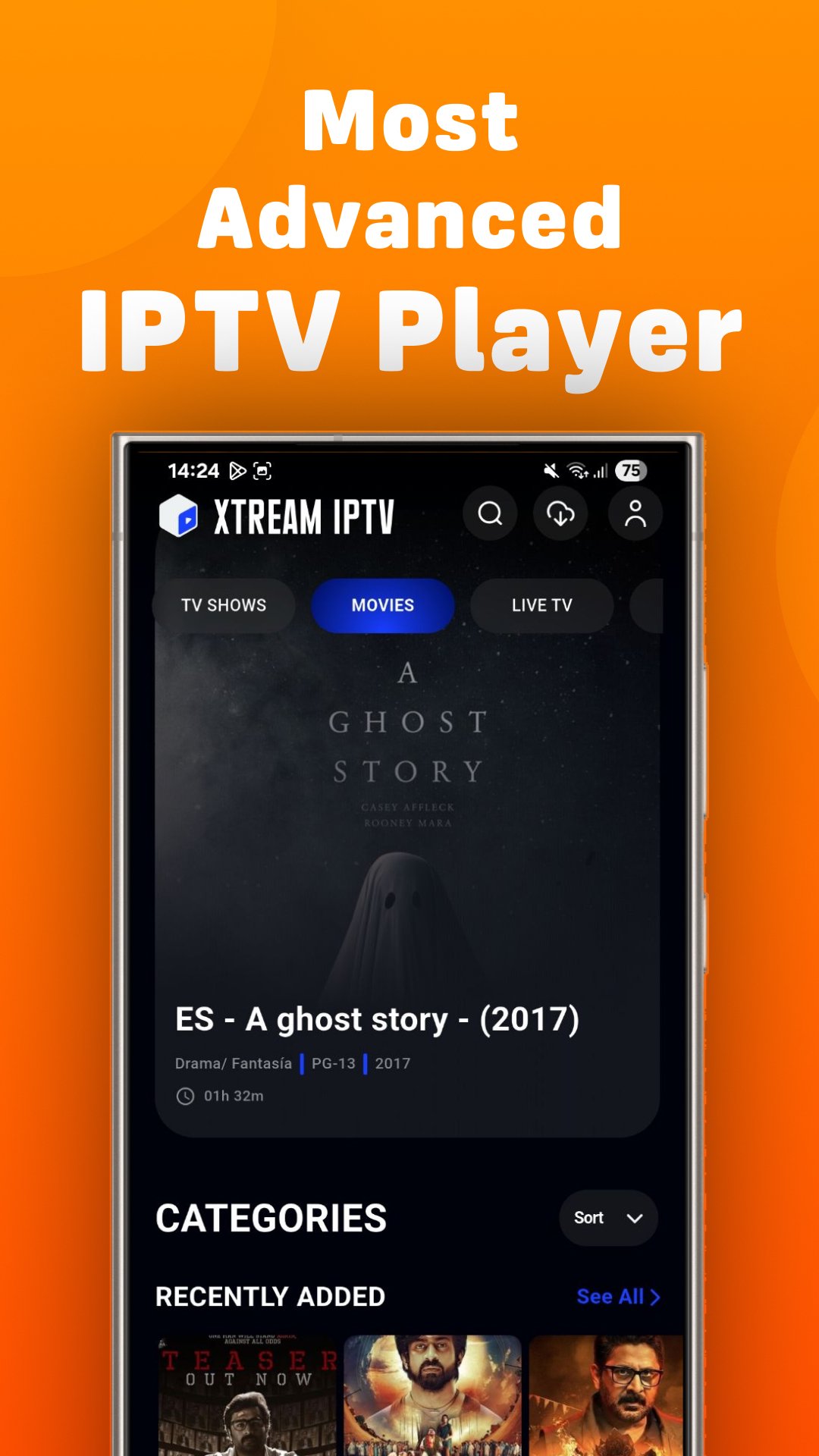
IPTV Android is an adaptable player, that enables users to stream their preferred content online. This comprehensive entertainment package caters to a diverse audience, allowing seamless viewing of live TV, TV shows, and movies on various Android devices, including phones and TVs.
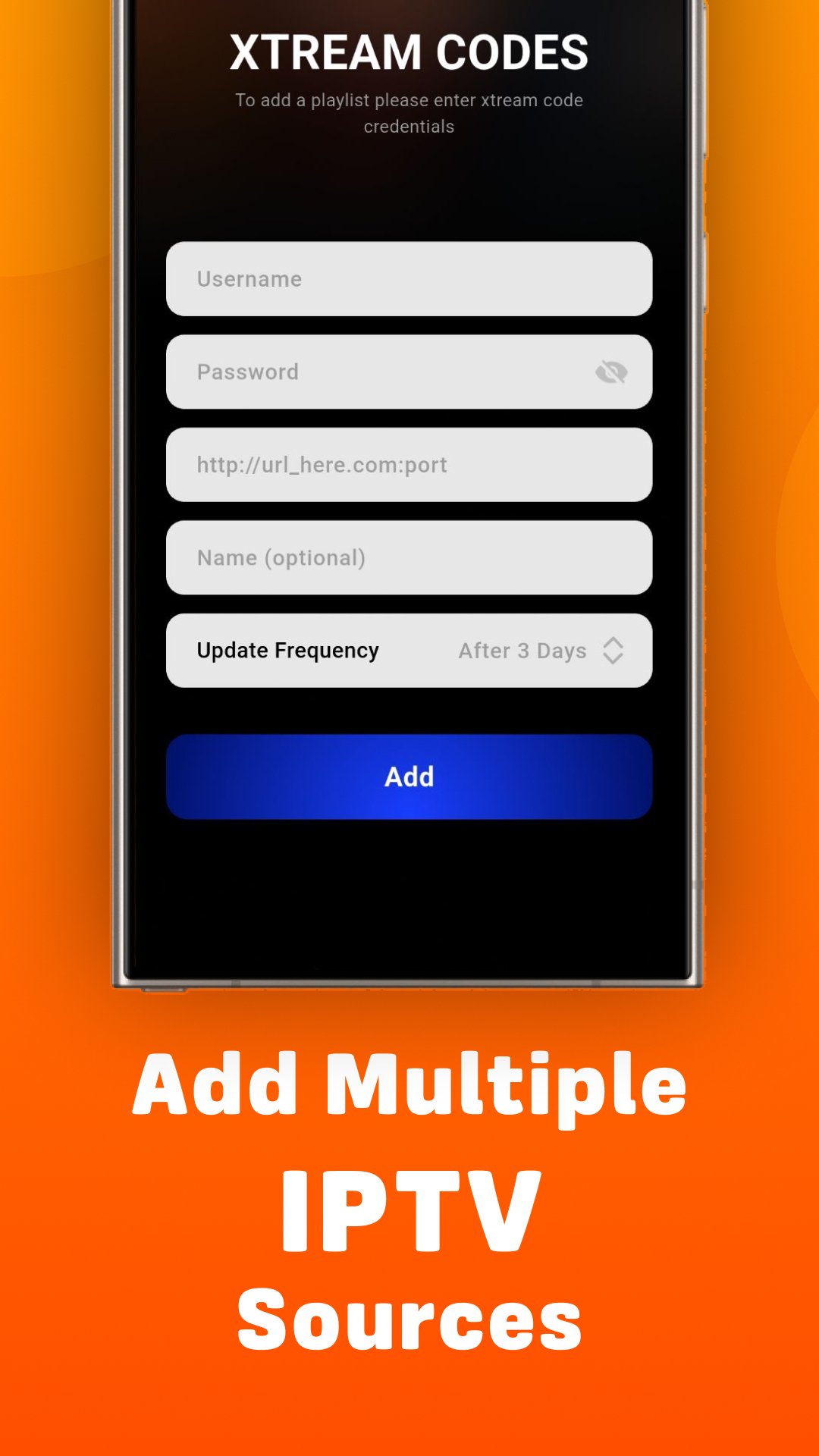
It is noted that the application solely functions as a player and doesn't come with preset channels or streams. Users are required to add playlists and EPGs from their respective IPTV providers.
Facilitated by a Wi-Fi connection, IPTV simplifies content streaming from home networks. It is an ideal solution for catching up on favorite shows, featuring a convenient one-touch button for on-demand viewing anytime, anywhere. This IPTV is particularly suitable for those with time constraints, IPTV player provides instant access to a vast library of episodes and movies.
Download the IPTV application now and immerse yourself in a matchless entertainment experience with the most advanced IPTV player.
Key Features of IPTV Player:
Live streaming of movies, and TV series.
Recently added movies and TV shows.
Supported Multi-Users
Compatibility with Xtream Codes API, M3U Playlist via URL, Play M3U8 URL.
User interface optimized for larger screens.
Audio selection feature.
Chromecasting.
Favorite channels.
Sort playlists.
Ability to download on-demand programs.
Episode resumes bar / Continue watching support.
Master search.
Upcoming Features of IPTV Player:
External Subtitle Compatibility.
Drag and drop functionality to sort channels and playlists.
EPG (TV Program Guide).
Parental controls.
TV catch-up streaming.
Local audio/video file playing.
Single stream playback.
Internal and external video player options.
Speed test and VPN integration.
Dynamic language switching.
Native player and built-in player options.
Auto next episode play.
Backup and restore settings.
Picture-in-picture mode.
Grid, list, or tile view of TV channels.
Ability to record live streaming with a time limit.
Search for similar events on TV Guide.
Profile lock
User-Friendly IPTV Player :
IPTV Android ensures ease of use, offering many features to enhance the enjoyment of cricket, football matches, series, and kid's channels.
IPTV Xtreme is a content service provider offering access to third-party channels and streams. We do not create or own any third-party content like M3U Playlists accessible on our platform.
Disclaimer:
IPTV xtream is a player providing access to user-added content, channels, and streams. We do not create or own any content accessible on our platform.
IMPORTANT NOTICE:
IPTV xtream is not responsible for the accuracy, legality, or any issues related to content. Users should contact respective content providers for concerns or ambiguities about specific content.
* Our app:
* Does not provide any content.
* Does not recommend any content.
* Does not endorse any third party.
* Is not affiliated with any third party.
* Does not contain links to external content.
* Our website does not host or recommend any third-party content.
By using IPTV xtream, you acknowledge and agree to this disclaimer, understanding our role as a player facilitating access to various content sources. For questions or concerns, please contact relevant third-party content providers directly.
Privacy Policy: https://mindcubeapps.com/data/privacy.html
Terms & Conditions: https://mindcubeapps.com/data/terms.html
Preview
Tags
Video-PlayersBoardInformation
Developer
Mind Cube Apps
Latest Version
2.0.10
Last Updated
2025-12-16
Category
Video-players-editors
Available on
Google Play
Show More
How to play Xtream IPTV with GameLoop on PC
1. Download GameLoop from the official website, then run the exe file to install GameLoop
2. Open GameLoop and search for “Xtream IPTV” , find Xtream IPTV in the search results and click “Install”
3. Enjoy playing Xtream IPTV on GameLoop
Minimum requirements
OS
Windows 8.1 64-bit or Windows 10 64-bit
GPU
GTX 1050
CPU
i3-8300
Memory
8GB RAM
Storage
1GB available space
Recommended requirements
OS
Windows 8.1 64-bit or Windows 10 64-bit
GPU
GTX 1050
CPU
i3-9320
Memory
16GB RAM
Storage
1GB available space