
Grayjay PC
FUTO
Download Grayjay on PC With GameLoop Emulator
Grayjay on PC
Grayjay, coming from the developer FUTO, is running on Android systerm in the past.
Now, You can play Grayjay on PC with GameLoop smoothly.
Download it in the GameLoop library or search results. No more eyeing the battery or frustrating calls at the wrong time any more.
Just enjoy Grayjay PC on the large screen for free!
Grayjay Introduction
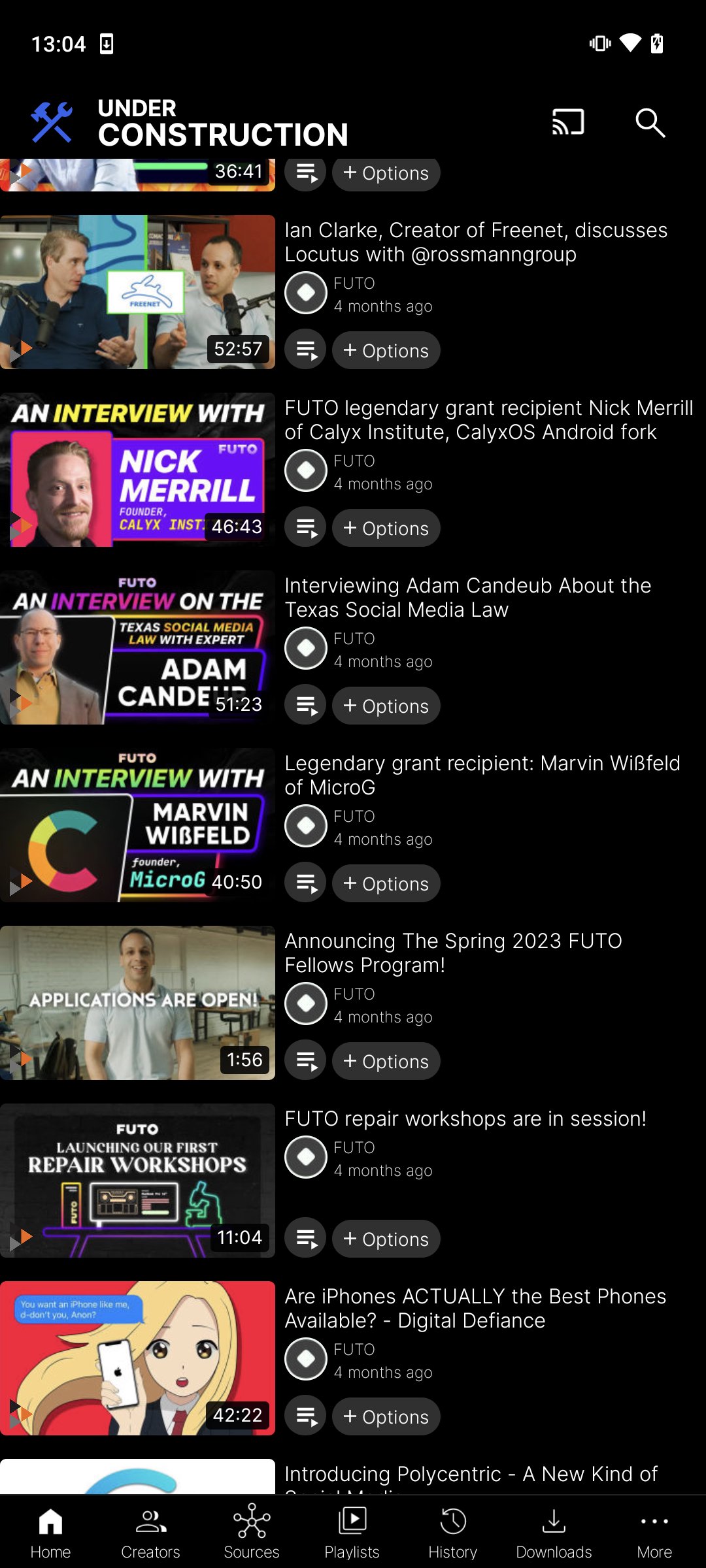
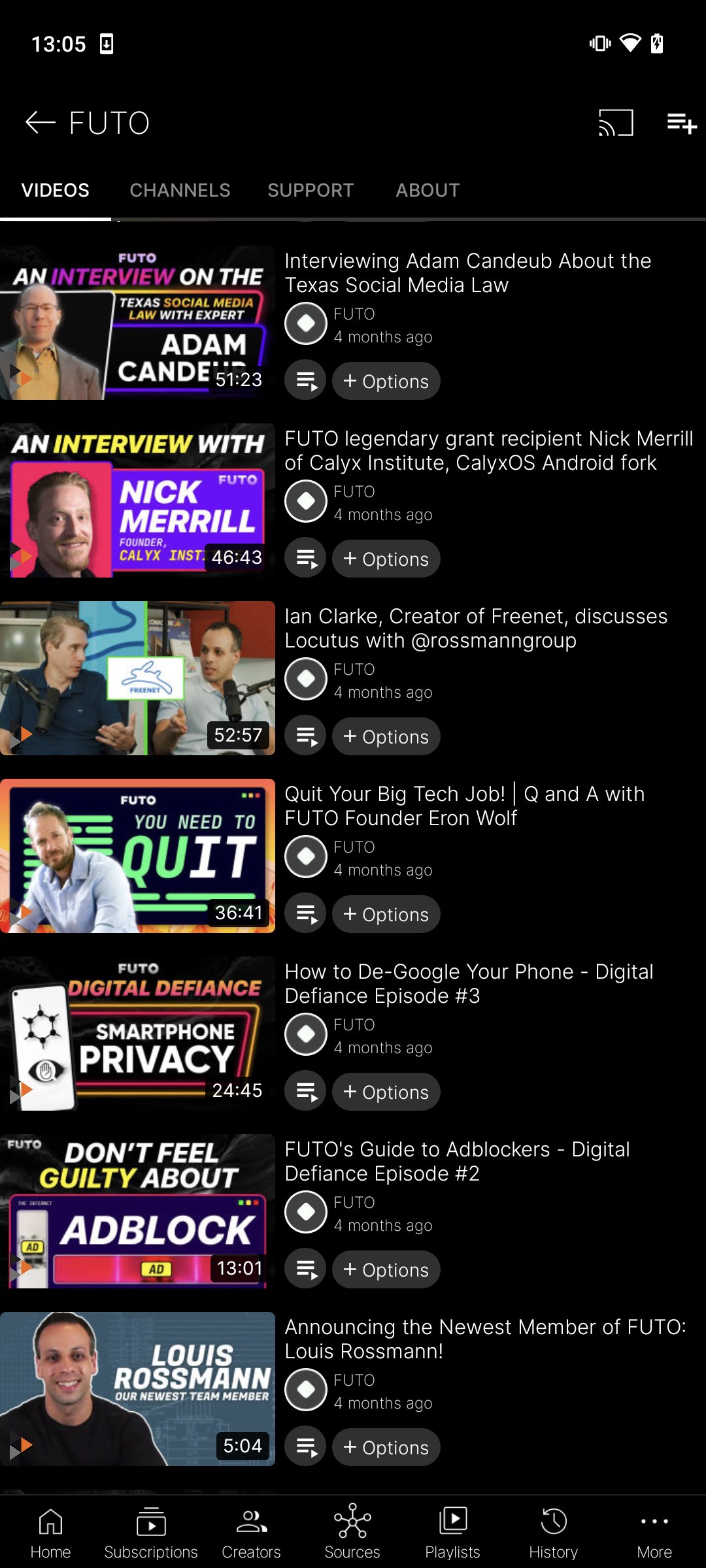
Welcome to Grayjay, where content discovery is reimagined. Dive into a world where you're not limited by platforms but empowered by creators. More than just an app, Grayjay opens the door to a content-rich universe, with features tailored to prioritize your experience and freedom:
- Follow Creators, Not Platforms: Stay seamlessly connected with your favorite creators, irrespective of their primary content platform.
- Personalized Content Feed: Immerse yourself in a feed curated by your tastes, free from restrictive algorithms.
- On-device Data Storage: Your playlists, subscriptions, settings, and downloaded videos remain offline, ensuring a private and secure browsing experience.
- Multi-platform Integration: Grayjay continually expands its support for numerous platforms, driven by community collaboration and input.
- Flex UI: Customize the user interface to fit your preference, offering a truly personal browsing environment.
- Direct Engagement: Foster a direct connection between creators and audiences, promoting authentic interactions and support.
See https://grayjay.app/faq.html for the FAQ.
Preview
Tags
Video-PlayersInformation
Developer
FUTO
Latest Version
372
Last Updated
2026-02-16
Category
Video-players-editors
Available on
Google Play
Show More
How to play Grayjay with GameLoop on PC
1. Download GameLoop from the official website, then run the exe file to install GameLoop
2. Open GameLoop and search for “Grayjay” , find Grayjay in the search results and click “Install”
3. Enjoy playing Grayjay on GameLoop
Minimum requirements
OS
Windows 8.1 64-bit or Windows 10 64-bit
GPU
GTX 1050
CPU
i3-8300
Memory
8GB RAM
Storage
1GB available space
Recommended requirements
OS
Windows 8.1 64-bit or Windows 10 64-bit
GPU
GTX 1050
CPU
i3-9320
Memory
16GB RAM
Storage
1GB available space