
FanTV Trending Videos & Music PC
ArtistFirst Technology Inc
Download FanTV Trending Videos & Music on PC With GameLoop Emulator
FanTV Trending Videos & Music on PC
FanTV Trending Videos & Music, coming from the developer ArtistFirst Technology Inc, is running on Android systerm in the past.
Now, You can play FanTV Trending Videos & Music on PC with GameLoop smoothly.
Download it in the GameLoop library or search results. No more eyeing the battery or frustrating calls at the wrong time any more.
Just enjoy FanTV Trending Videos & Music PC on the large screen for free!
FanTV Trending Videos & Music Introduction
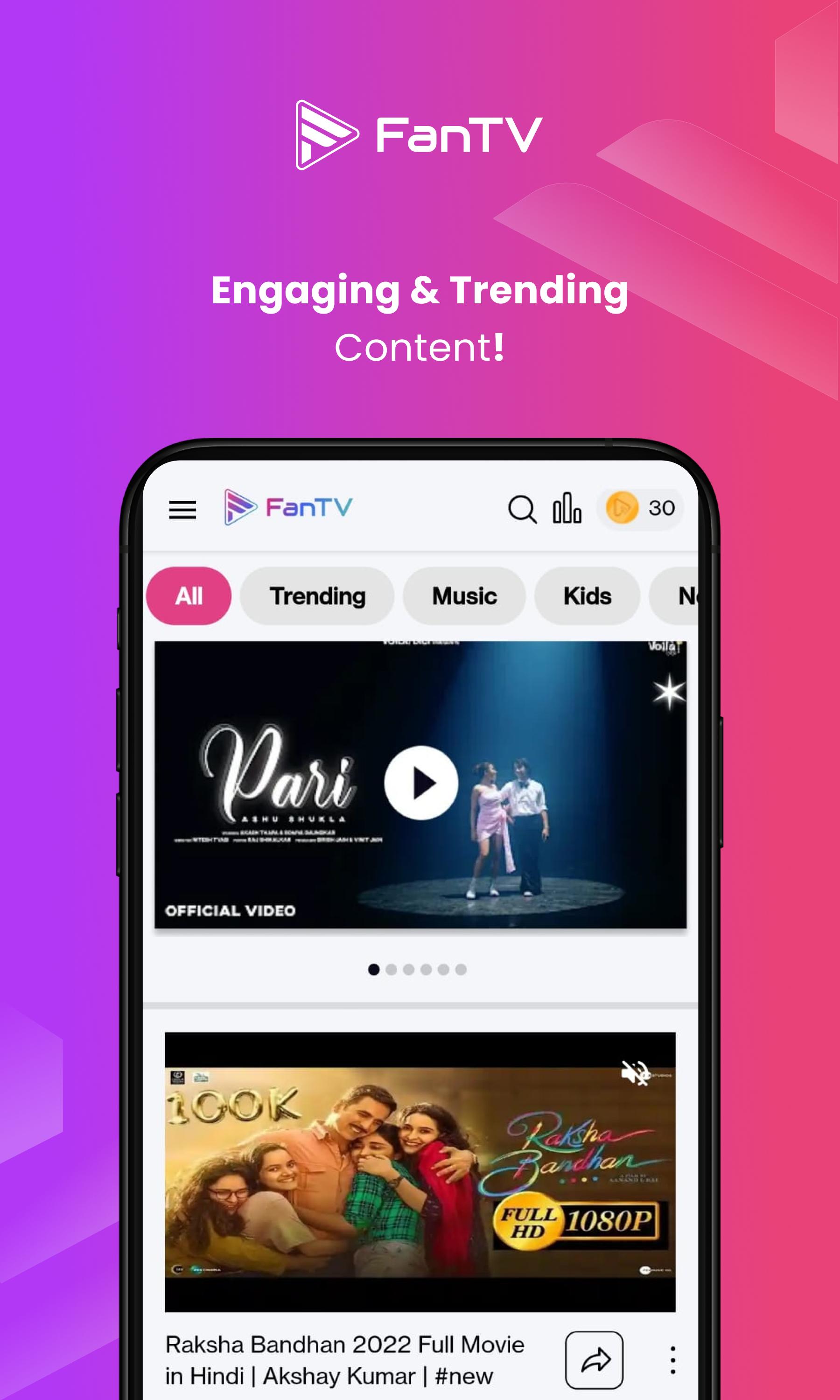
🎯 FanTV - Watch, Create & Earn with AI!
Create AI Videos, Watch Premium Content & Earn Real Rewards! India's #1 Entertainment Platform with 6M+ Users.
🌟 Why Choose FanTV:
📱 WATCH & EARN
Watch Premium HD Videos & Music
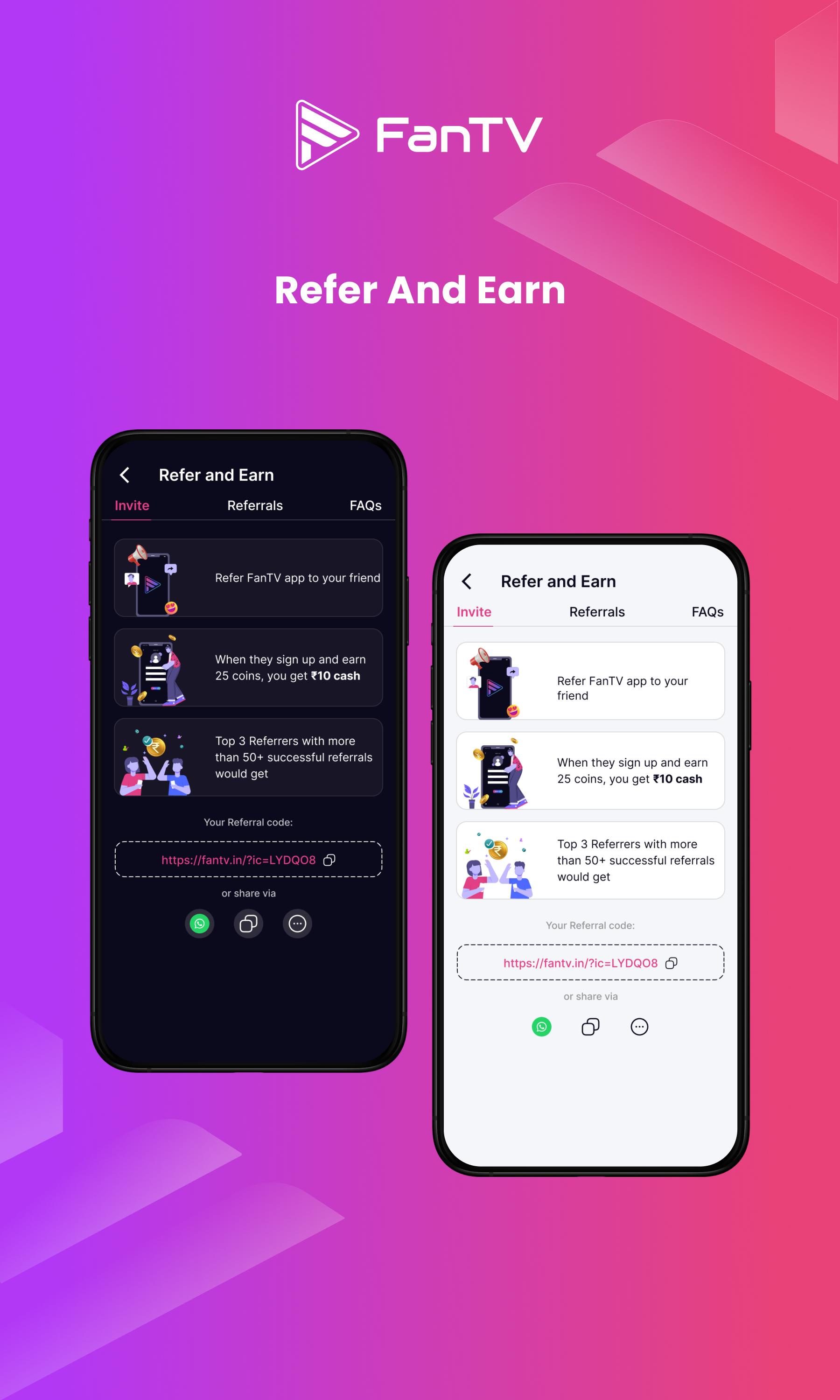
Earn Real Rewards Daily
Zero Ads, Pure Entertainment
AI-Personalized Content Feed
Multi-Language Support
🎥 CREATE WITH AI
Transform Text to Videos Instantly
AI Music Generation
Professional Video Editor
Viral Content Templates
One-Click Multi-Platform Sharing
💰 EARN & GROW
Daily Watch Rewards
Creator Monetization
Weekly Contests & Jackpots
Brand Collaboration Opportunities
Exclusive Creator Program
✨ TRENDING FEATURES
Short Videos & Music
Live Streaming
AI Video Creation
Premium Content Library
Community Challenges
🏆 INDIA'S TOP ENTERTAINMENT APP
6 Million+ Active Users
75,000+ Professional Creators
1.2M+ Hours Watched Monthly
Multiple Language Support
Made in India 🇮🇳
Join the AI Entertainment Revolution! Create, Watch, and Earn with FanTV - Where Everyone's a Creator! 🚀
📲 Updates & Community:
Instagram: @fantv.official
Twitter: @FanTV_official
YouTube: @FanTV.official
Facebook: @FanTV.in
Telegram: https://t.me/+6ldTYbzU1epmMmU9
Do you love the app? Rate us ⭐⭐⭐⭐⭐
Preview
Tags
Video-PlayersInformation
Developer
ArtistFirst Technology Inc
Latest Version
1.7.9
Last Updated
2025-03-18
Category
Video-players-editors
Available on
Google Play
Show More
How to play FanTV Trending Videos & Music with GameLoop on PC
1. Download GameLoop from the official website, then run the exe file to install GameLoop
2. Open GameLoop and search for “FanTV Trending Videos & Music” , find FanTV Trending Videos & Music in the search results and click “Install”
3. Enjoy playing FanTV Trending Videos & Music on GameLoop
Minimum requirements
OS
Windows 8.1 64-bit or Windows 10 64-bit
GPU
GTX 1050
CPU
i3-8300
Memory
8GB RAM
Storage
1GB available space
Recommended requirements
OS
Windows 8.1 64-bit or Windows 10 64-bit
GPU
GTX 1050
CPU
i3-9320
Memory
16GB RAM
Storage
1GB available space