
Exo Player・Video Player & IPTV PC
I N F I N I T Y
Download Exo Player・Video Player & IPTV on PC With GameLoop Emulator
Exo Player・Video Player & IPTV on PC
Exo Player・Video Player & IPTV, coming from the developer I N F I N I T Y, is running on Android systerm in the past.
Now, You can play Exo Player・Video Player & IPTV on PC with GameLoop smoothly.
Download it in the GameLoop library or search results. No more eyeing the battery or frustrating calls at the wrong time any more.
Just enjoy Exo Player・Video Player & IPTV PC on the large screen for free!
Exo Player・Video Player & IPTV Introduction
🎬 Looking for the Best Video Player for Android? Experience Exo Player – The Ultimate Video Player App! 🎬
Introducing Exo Player, a premium Android video player that supports all video formats including MP4, AVI, MOV, MKV, and more! With its user-friendly interface, easily organize, manage, and watch your video collection with just a few taps. Perfect for watching movies, TV shows, music videos, or home videos – Exo Player is your all-in-one solution for seamless video playback.
Key Features:
🎥 Support for all major video formats: MP4, AVI, MOV, MKV, FLV, and many others.
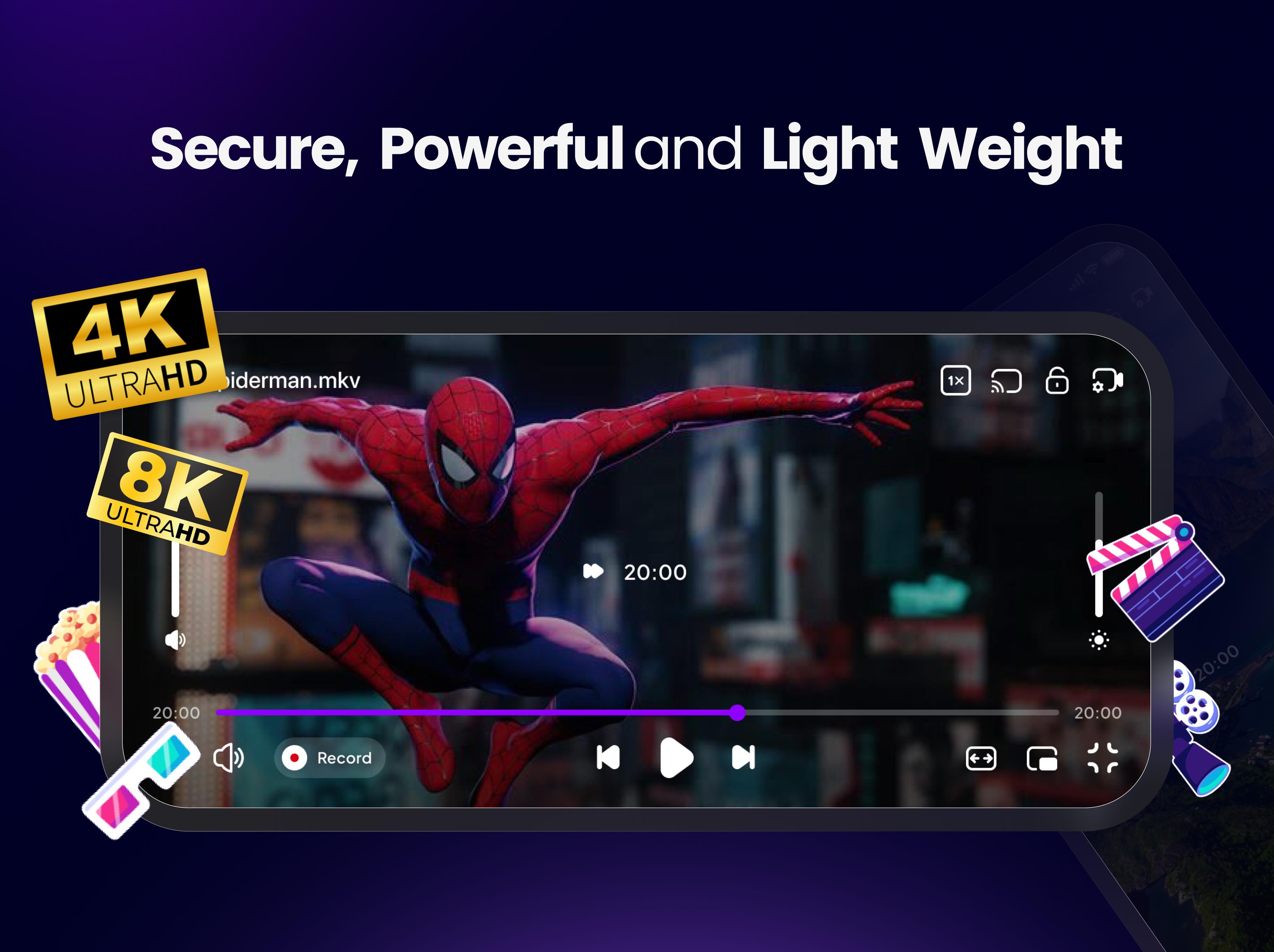
📺 HD Video Playback: Enjoy videos in 4K and 8K quality for a crystal-clear picture.
🔄 Seamless Playback: Experience smooth video playback without interruptions or lag. Enjoy adaptive streaming with HLS and DASH protocols.
⚙️ Advanced Playback Controls: Speed up, slow down, loop videos, adjust volume, brightness, contrast, and even change the aspect ratio.
🌍 Subtitle Support: Watch movies in different languages with subtitles support for a personalized experience.
🎨 Customizable Themes: Personalize the look and feel with customizable themes, including night mode and a range of color schemes.
🎶 Multiple Audio Tracks Support: Switch between multiple audio tracks for an enhanced listening experience.
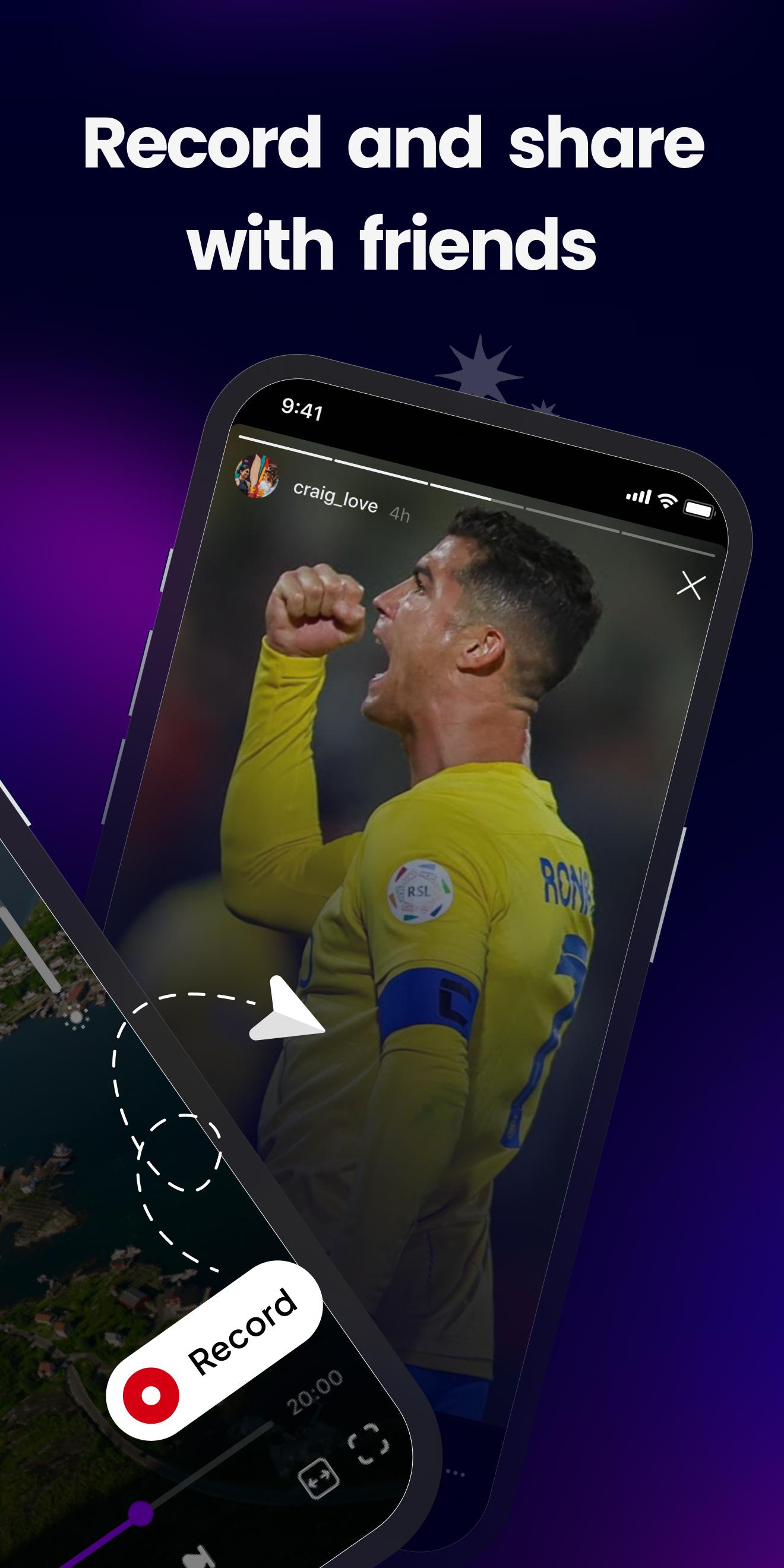
📽 Video Recording Feature: Capture your own videos with seamless recording for effortless playback.
☁️ Cloud Integration: Access your videos from Google Drive, Dropbox, or other cloud storage services.
📡 Chromecast & External Device Support: Stream videos easily on larger screens with Chromecast and other devices.
🔋 Battery Optimized: Watch videos for hours without draining your phone's battery thanks to our battery-efficient design.
📑 Closed Captioning & Accessibility: Support for closed captions to ensure a fully accessible experience for all users.
📂 Custom Playlists: Organize and play videos in customized playlists for easy access.
Why Choose Exo Player?
🏃♂️💨 Fast and smooth video playback across all video formats.
🌟 High-definition support including 4K, 8K, and HD videos.
🔊🎛️ Customizable playback options: playback speed, volume, aspect ratio, and more.
🔄🔧 Regular updates ensure optimal performance and bug fixes.
📱 User-friendly, intuitive design for an enjoyable viewing experience.
🌙 Night mode for low-light environments.
🔙📲 Background playback for uninterrupted viewing while you multitask.
Exo Player is the perfect app for anyone who loves watching HD, 4K, or 8K videos on their Android device. With superior performance, high compatibility, and advanced features, it’s the ideal choice for movie lovers, gamers, and video enthusiasts.
Download Exo Player now and elevate your video-watching experience! 🎥📱
Disclaimer:
Exo Player does not provide any media or content. 🚫
Users must supply their own videos. 🎬
Exo Player is not affiliated with third-party content providers. 🚫
We do not endorse illegal streaming or distribution of copyrighted content. ⚖️
Preview
Tags
Video-PlayersInformation
Developer
I N F I N I T Y
Latest Version
2.0.6
Last Updated
2025-10-22
Category
Video-players-editors
Available on
Google Play
Show More
How to play Exo Player・Video Player & IPTV with GameLoop on PC
1. Download GameLoop from the official website, then run the exe file to install GameLoop
2. Open GameLoop and search for “Exo Player・Video Player & IPTV” , find Exo Player・Video Player & IPTV in the search results and click “Install”
3. Enjoy playing Exo Player・Video Player & IPTV on GameLoop
Minimum requirements
OS
Windows 8.1 64-bit or Windows 10 64-bit
GPU
GTX 1050
CPU
i3-8300
Memory
8GB RAM
Storage
1GB available space
Recommended requirements
OS
Windows 8.1 64-bit or Windows 10 64-bit
GPU
GTX 1050
CPU
i3-9320
Memory
16GB RAM
Storage
1GB available space