
EasyCut - Video Editor & Maker PC
Great Talent Video Inc. Video Editor App
Download EasyCut - Video Editor & Maker on PC With GameLoop Emulator
EasyCut - Video Editor & Maker on PC
EasyCut - Video Editor & Maker, coming from the developer Great Talent Video Inc. Video Editor App, is running on Android systerm in the past.
Now, You can play EasyCut - Video Editor & Maker on PC with GameLoop smoothly.
Download it in the GameLoop library or search results. No more eyeing the battery or frustrating calls at the wrong time any more.
Just enjoy EasyCut - Video Editor & Maker PC on the large screen for free!
EasyCut - Video Editor & Maker Introduction
EasyCut - Free Video Editor & Video Maker
EasyCut is a FREE HD video editor and video maker app that helps you create amazing videos for TikTok shorts,
Instagram Reels, WhatsApp status, YouTube vlogs and more! Whether you're looking for a video editor like CapCut,
InShot, VN Video Editor, or KineMaster, EasyCut gives you all the video editing tools you need — totally free!
Looking for the best video editor and video maker? EasyCut is your all-in-one video editing app: trim, cut, merge,
split, add music, apply effects, change speed, and export in HD. A powerful yet easy video editor for Android — no
watermark!
★★★ Free Video Editor & Video Maker — All Features ★★★
🎬 Video Trimmer & Video Cutter
Cut and trim video to any length you need. The best video cutter and free video editor — perfect for TikTok short
video editing, Instagram story cutter, and YouTube intro maker. Export in HD quality.
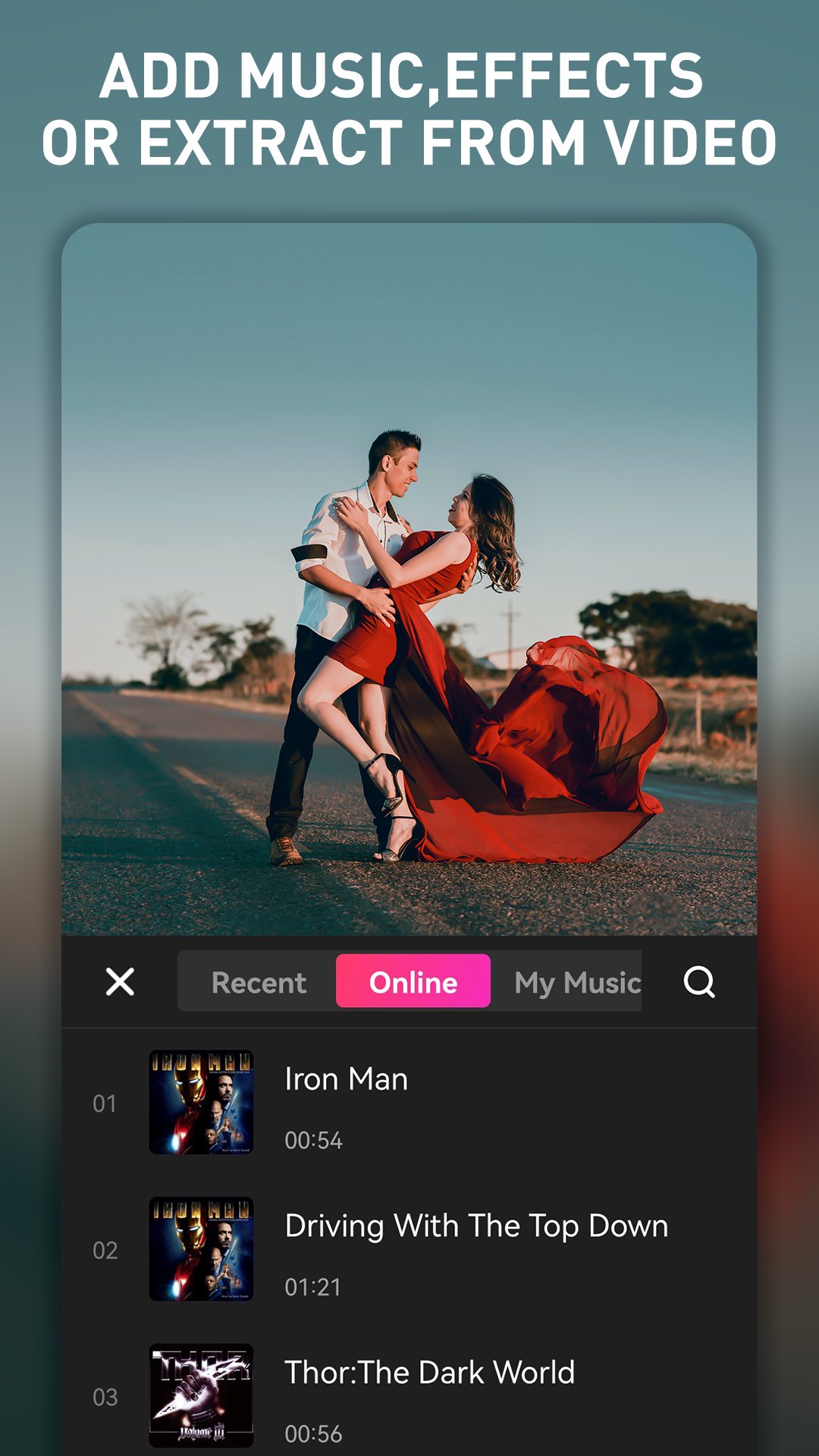
🎵 Video Maker with Music — Add Music to Video
Add music to videos easily! Choose from trending music, add voice-overs, or extract audio from any video. Create music
videos, photo video maker with music, birthday video maker with song — all in one video maker app.
🔧 Video Merger & Video Joiner
Merge video clips into one video. Combine videos and add audio — a free video joiner and video merger that compresses
and combines videos without losing quality.
⚡ Video Splitter & Slicer
Split and slice video into separate clips. Edit videos like a pro with this free movie maker and video editor for
Android.
🎞️ Change Video Background
White background for Instagram, black for a cinematic feel, or customize with your own picture. Also works as a video
background changer — remove and replace backgrounds easily.
📸 Video Crop & Ratio Change
Crop video to any size. Zoom in/out, rotate, and flip. Create videos for TikTok, YouTube, Instagram, WhatsApp in the
perfect ratio. Change video ratio like a video star!
💥 Video Effects, Filters & Transitions
Edit video with cool video effects, movie-style filters, and smooth transitions. Free movie maker and film editor for
TikTok, YouTube, Instagram, and WhatsApp.
⚡ Slow Motion Video Editor & Speed Control
Speed up or slow down your video. The best slow motion video editor — create slow-mo for special moments or speed up
for fun effects.
📝 Text, Stickers & Subtitles
Add artistic text, subtitles, emoji, and trending stickers. Make your videos cute, cool, and funny — a must-have
TikTok short video editor and Instagram video editor!
🎨 Blur Video Editor
Blur video backgrounds or specific areas. Perfect for privacy and cinematic focus effects.
🖼️ Photo to Video Maker & Movie Maker
Turn photos into stunning videos! Photo video maker with music, photo to video maker, and movie maker — create
slideshows with transitions, music, and effects.
📧 Save & Share
Export in original HD quality! Share to YouTube, Instagram, Facebook, WhatsApp, TikTok, and more.
★★★ Why Choose EasyCut? ★★★
✅ Best free video editor and video maker — no watermark!
✅ All-in-one: video cutter, trimmer, merger, joiner, splitter
✅ Free trendy templates, effects, transitions, and music
✅ Add music to videos, change speed, apply filters
✅ Photo video maker with music and movie maker
✅ Video editor for TikTok, YouTube, Instagram, WhatsApp
✅ Easy video editing app — beginner and pro friendly
✅ Works as a great alternative to CapCut, VN, InShot, KineMaster, YouCut, Filmora, VivaVideo, Alight Motion, and
Shotcut
Download EasyCut now — the best free video editor and video maker for everyone! Start creating amazing videos with our
powerful video editing app!
Preview

Tags
Video-PlayersInformation
Developer
Great Talent Video Inc. Video Editor App
Latest Version
2.1.1.1107
Last Updated
2026-09-15
Category
Video-players-editors
Available on
Google Play
Show More
How to play EasyCut - Video Editor & Maker with GameLoop on PC
1. Download GameLoop from the official website, then run the exe file to install GameLoop
2. Open GameLoop and search for “EasyCut - Video Editor & Maker” , find EasyCut - Video Editor & Maker in the search results and click “Install”
3. Enjoy playing EasyCut - Video Editor & Maker on GameLoop
Minimum requirements
OS
Windows 8.1 64-bit or Windows 10 64-bit
GPU
GTX 1050
CPU
i3-8300
Memory
8GB RAM
Storage
1GB available space
Recommended requirements
OS
Windows 8.1 64-bit or Windows 10 64-bit
GPU
GTX 1050
CPU
i3-9320
Memory
16GB RAM
Storage
1GB available space