
Easy Subtitles PC
Didier Hoarau
Download Easy Subtitles on PC With GameLoop Emulator
Easy Subtitles on PC
Easy Subtitles, coming from the developer Didier Hoarau, is running on Android systerm in the past.
Now, You can play Easy Subtitles on PC with GameLoop smoothly.
Download it in the GameLoop library or search results. No more eyeing the battery or frustrating calls at the wrong time any more.
Just enjoy Easy Subtitles PC on the large screen for free!
Easy Subtitles Introduction
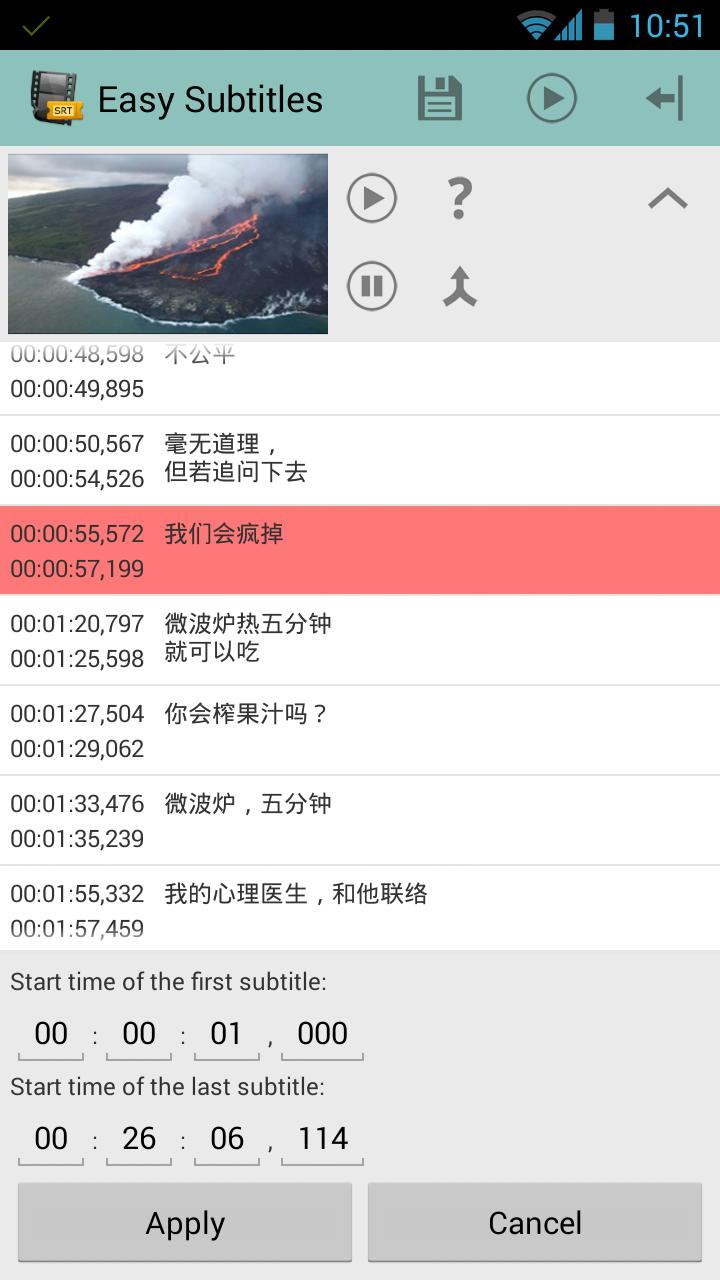
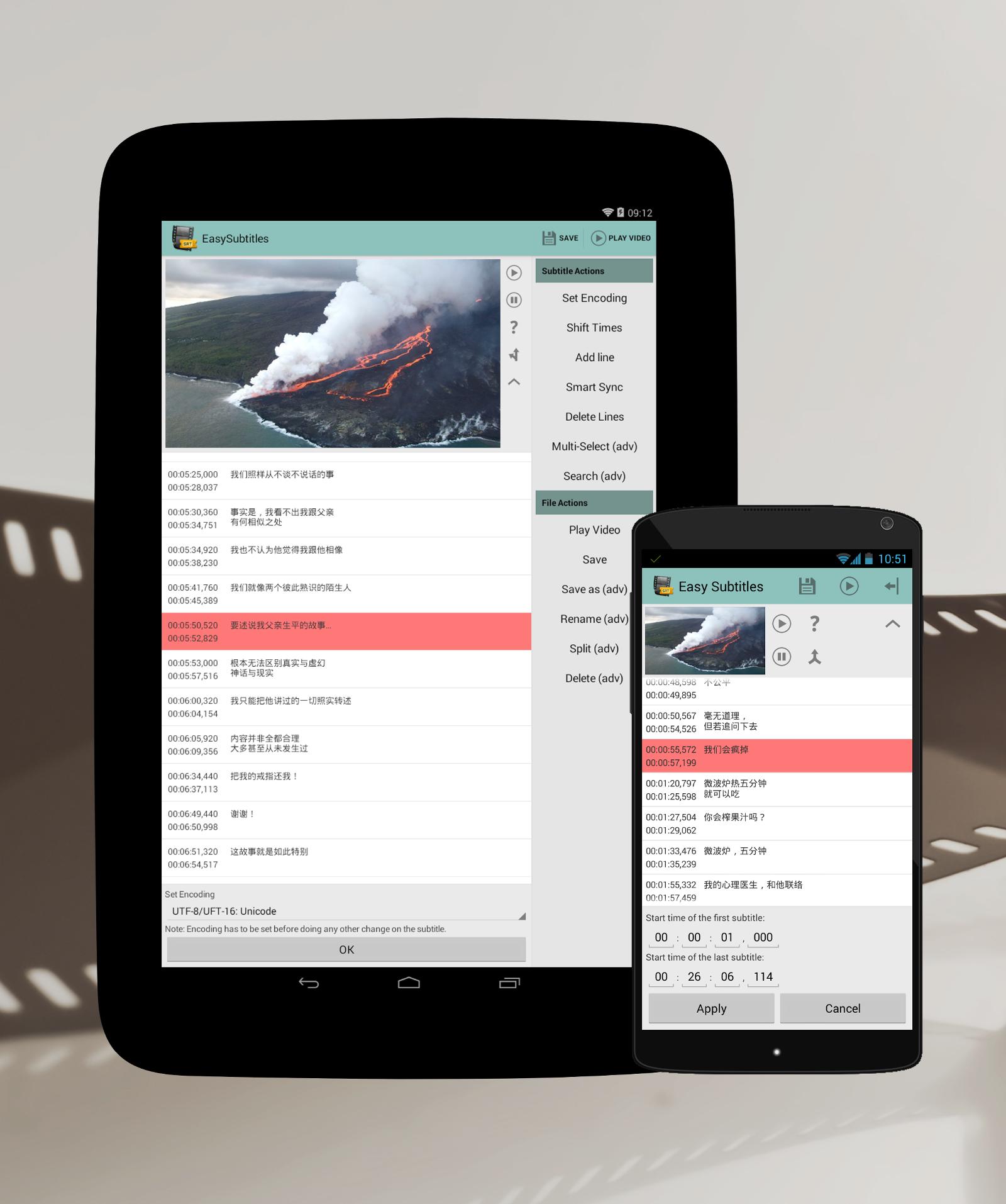
Some videos don't have embedded subtitles, then subtitles can be provided in separate subtitle files (.srt, .ssa, .ass). With Easy Subtitles you can easily modify your subtitle files to make sure that your subtitles are perfectly in sync with your videos.
Note: Because of a Google design decision, Android 4.4 doesn't allow apps to write on the SD Card. This is fixed for Android 5 and above.
Key features:
- Supported formats: SubRip (.srt) and SubStation Alpha (.ssa/.ass)
- Supports multiple characters encoding
- Lines can be added, removed and modified one by one
- Apply a time offset to all lines or a subset of lines
- Load files from the external storage
- Launch the associated video directly from the application (if there is a video file with the same name)
Content on the advanced mode (available as in-app purchase)
- Split files
- Merge 2 subtitle files
- Create files
- Delete files
- Search in the subtitle
- Multiple line selection
- Modify styles
For discussions, bug reports, feature requests, beta versions, please visit the Community:
Beta and Community: https://plus.google.com/communities/117504063096060095915
A big thank to Android Gamer for the Arabic translation!
Preview
Tags
Video-PlayersInformation
Developer
Didier Hoarau
Latest Version
2.3.1
Last Updated
2019-02-28
Category
Video-players-editors
Available on
Google Play
Show More
How to play Easy Subtitles with GameLoop on PC
1. Download GameLoop from the official website, then run the exe file to install GameLoop
2. Open GameLoop and search for “Easy Subtitles” , find Easy Subtitles in the search results and click “Install”
3. Enjoy playing Easy Subtitles on GameLoop
Minimum requirements
OS
Windows 8.1 64-bit or Windows 10 64-bit
GPU
GTX 1050
CPU
i3-8300
Memory
8GB RAM
Storage
1GB available space
Recommended requirements
OS
Windows 8.1 64-bit or Windows 10 64-bit
GPU
GTX 1050
CPU
i3-9320
Memory
16GB RAM
Storage
1GB available space