
dream Player PC
Christian Fees
Download dream Player on PC With GameLoop Emulator
dream Player on PC
dream Player, coming from the developer Christian Fees, is running on Android systerm in the past.
Now, You can play dream Player on PC with GameLoop smoothly.
Download it in the GameLoop library or search results. No more eyeing the battery or frustrating calls at the wrong time any more.
Just enjoy dream Player PC on the large screen for free!
dream Player Introduction
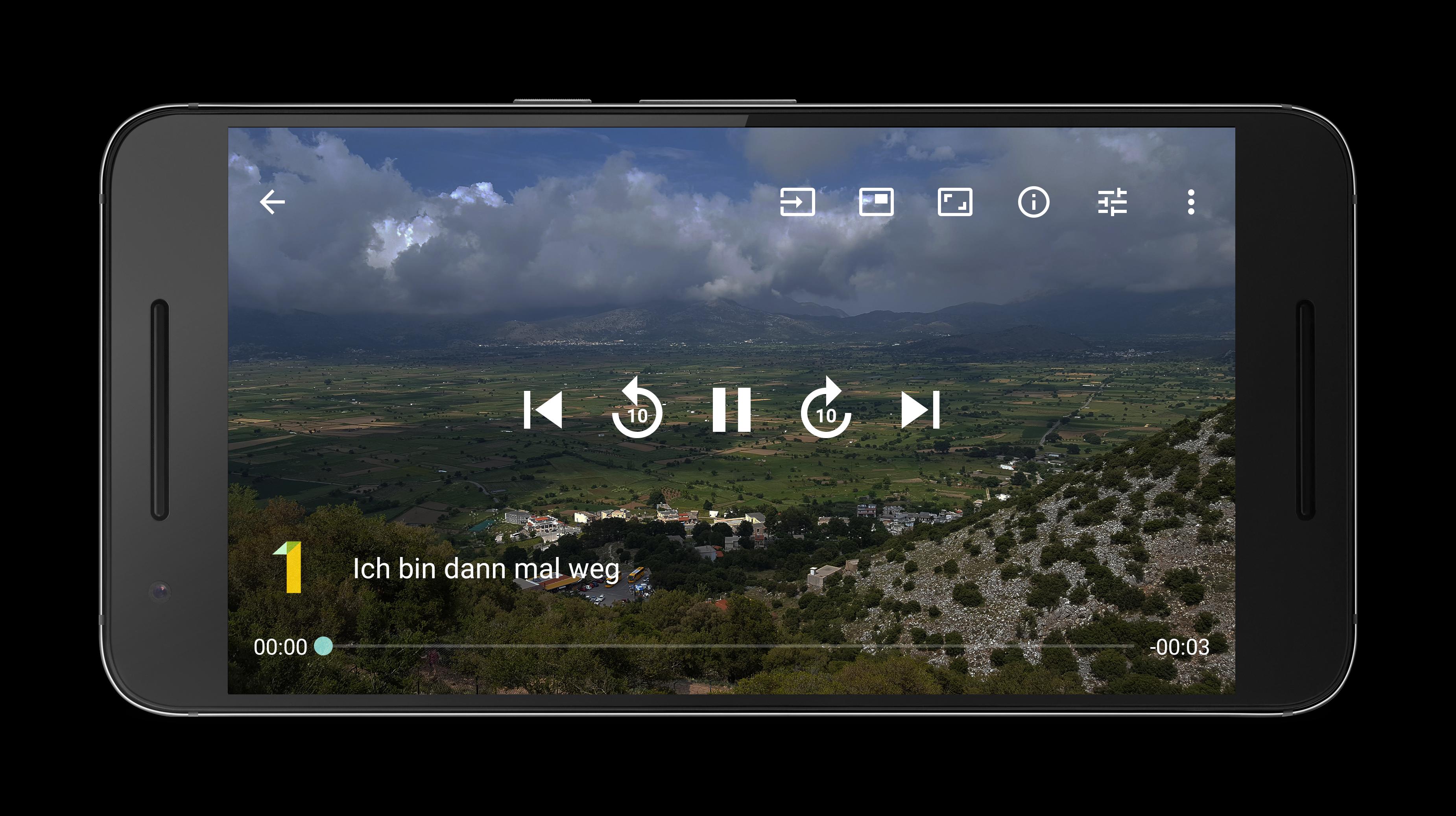
The perfect streaming app to stream Live TV, radio and movies to your mobile phone or tablet directly from your Enigma2 receiver e.g. dreambox VU+ Gigablue Xtrend Edision Optimuss openATV Octagon Telestar Axas WWIO Opticum Atemio Zgemma and more.
Features:
- Watch SD and HD channels
- Listen to radio channels
- Play recorded movies
- Show picons/channel logos
- Zap channels in Live TV mode (swipe left or right to the next/previous channel)
- Quick forward and rewind in movie mode (use seekbar or buttons)
- Display subtitles
- Change aspect ratio
- Swipe up and down to control volume/brightness
- Play audio in background
- Window mode: Shows video in a small resizable window
- Download movies and watch it offline (premium version)
- Use dream Player as mediaplayer to play local files
- Perfect in companion with the app dream EPG and dream EPG Premium
Prerequisites:
- Enigma2 compatible receiver (e.g. VU+ dreambox Gigablue Xtrend Edision Optimuss openATV Octagon ...)
- Enabled webinterface (OpenWebIf or Webinterface Plugin)
Hint:
Please use the app dream Player for Android TV on Android TV devices and the app dream Player for Fire TV on Fire TV devices. These apps need to be purchased separately.
Foreground service usage:
- A foreground service is used for Picture-in-Picture feature.
- A foreground service is used for downloading recordings.
Preview

Tags
Video-PlayersInformation
Developer
Christian Fees
Latest Version
14.1.1
Last Updated
2025-09-06
Category
Video-players-editors
Available on
Google Play
Show More
How to play dream Player with GameLoop on PC
1. Download GameLoop from the official website, then run the exe file to install GameLoop
2. Open GameLoop and search for “dream Player” , find dream Player in the search results and click “Install”
3. Enjoy playing dream Player on GameLoop
Minimum requirements
OS
Windows 8.1 64-bit or Windows 10 64-bit
GPU
GTX 1050
CPU
i3-8300
Memory
8GB RAM
Storage
1GB available space
Recommended requirements
OS
Windows 8.1 64-bit or Windows 10 64-bit
GPU
GTX 1050
CPU
i3-9320
Memory
16GB RAM
Storage
1GB available space