
Create Photo Video & Music - S PC
Alwalidi Dev
Download Create Photo Video & Music - S on PC With GameLoop Emulator
Create Photo Video & Music - S on PC
Create Photo Video & Music - S, coming from the developer Alwalidi Dev, is running on Android systerm in the past.
Now, You can play Create Photo Video & Music - S on PC with GameLoop smoothly.
Download it in the GameLoop library or search results. No more eyeing the battery or frustrating calls at the wrong time any more.
Just enjoy Create Photo Video & Music - S PC on the large screen for free!
Create Photo Video & Music - S Introduction
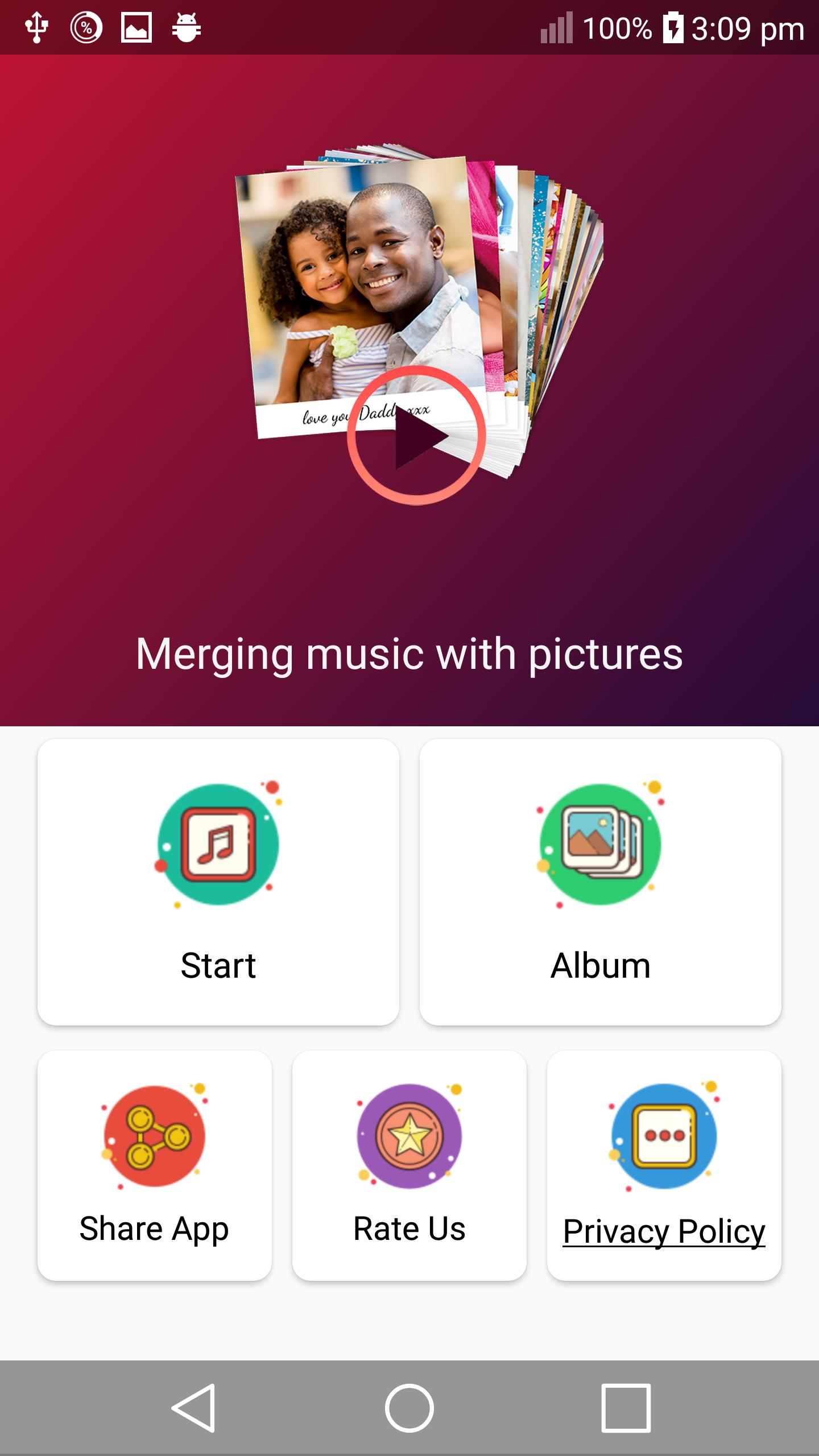
Merging pictures and songs and making a video is the first element in all occasions. You can make a video for a birthday, for joy, for engagement, for a trip, and so easy.
You can collect photos on any occasion, add your favorite songs and direct them in a more than wonderful video to share
You can make a professional video about your work and create a video
The most searched application in the application store is the program that allows you to create high-quality professional videos by combining pictures with music
Create a professional video with your selfie and favorite music
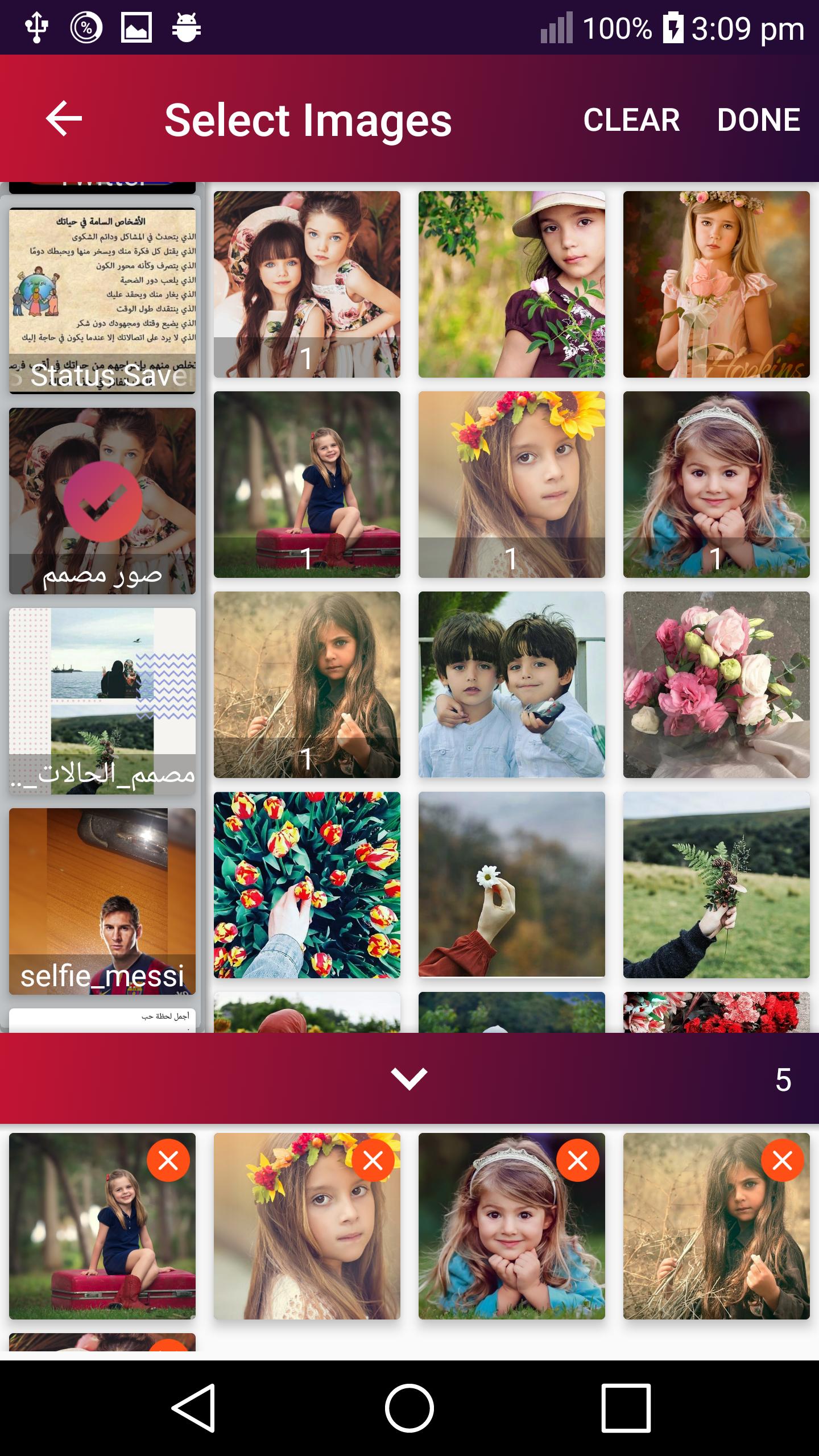
Choose a group of your photos
Choose music
Choose the mode of transition
Save the video so you can watch it together and show it to your loved ones and friends
And share it
Wonderful photo program that allows you to combine pictures into one professional video
Celebrate with the one you love and instead give you a gift with a video greeting card by merging your photos with some of your favorite music
Make a video of your baby with a picture of it, and they will sing and ride on it the song of my children as a whole
The program for installing pictures and merging them with the most famous and famous songs
Merge photos, convert them to video or animation on Android, and share them
Combine pictures, write on them, and add beautiful filters for each image separately
Photo merging, music and video making allow you to edit photos and control their movement
Combining photos, music and video making enables you to add more than 100 types of animation
Photo merging, music and video making enables you to create animated pictures and share them on different social media
Combining photos, music and video making enables you to save videos and watch them again through the application
Advantages of the application:
* Convert photos into a professional video
* Edit Pictures
* Add fictional effects to the video
* You can add to more than 100 photos to the video
* The application is light on the phone and does not consume RAM strongly
* Install photos and merge them with songs and video making
* Merging photos with songs is easy to use
* Convert photos to video with music
* Merging photos with songs, the fastest application for making a great video
* You can preview what you made before saving the video to the studio
* The number of images allowed to be placed is endless, meaning that you can place all your images
You can convert images to video with music without internet and only on your phone.
You can easily share the video with your friends by pressing the share button, such as Facebook, WhatsApp and Instagram.
After making the video, you can save the video in the studio
The program of integrating pictures, songs and making video is your first friend on all occasions. You can make a video for a birthday, for joy, for an engagement, for a trip or for documenting special moments for you or with others via video, this application is suitable for you where you can produce
A video consisting of a group of pictures with music accompanying this video ((on any mobile, tab, or any
Modern devices that use the Android system). So that the production of the clip requires only a few clicks and it will be
Totally professional, so the pictures are chosen or photographed, the program adopts the method of merging the pictures and grouping them in order
Preview
Tags
Video-PlayersInformation
Developer
Alwalidi Dev
Latest Version
1.1
Last Updated
2020-05-03
Category
Video-players-editors
Available on
Google Play
Show More
How to play Create Photo Video & Music - S with GameLoop on PC
1. Download GameLoop from the official website, then run the exe file to install GameLoop
2. Open GameLoop and search for “Create Photo Video & Music - S” , find Create Photo Video & Music - S in the search results and click “Install”
3. Enjoy playing Create Photo Video & Music - S on GameLoop
Minimum requirements
OS
Windows 8.1 64-bit or Windows 10 64-bit
GPU
GTX 1050
CPU
i3-8300
Memory
8GB RAM
Storage
1GB available space
Recommended requirements
OS
Windows 8.1 64-bit or Windows 10 64-bit
GPU
GTX 1050
CPU
i3-9320
Memory
16GB RAM
Storage
1GB available space