
All Video Downloader App PC
UBT video downloader - Social Video Downloader App
Download All Video Downloader App on PC With GameLoop Emulator
All Video Downloader App on PC
All Video Downloader App, coming from the developer UBT video downloader - Social Video Downloader App, is running on Android systerm in the past.
Now, You can play All Video Downloader App on PC with GameLoop smoothly.
Download it in the GameLoop library or search results. No more eyeing the battery or frustrating calls at the wrong time any more.
Just enjoy All Video Downloader App PC on the large screen for free!
All Video Downloader App Introduction
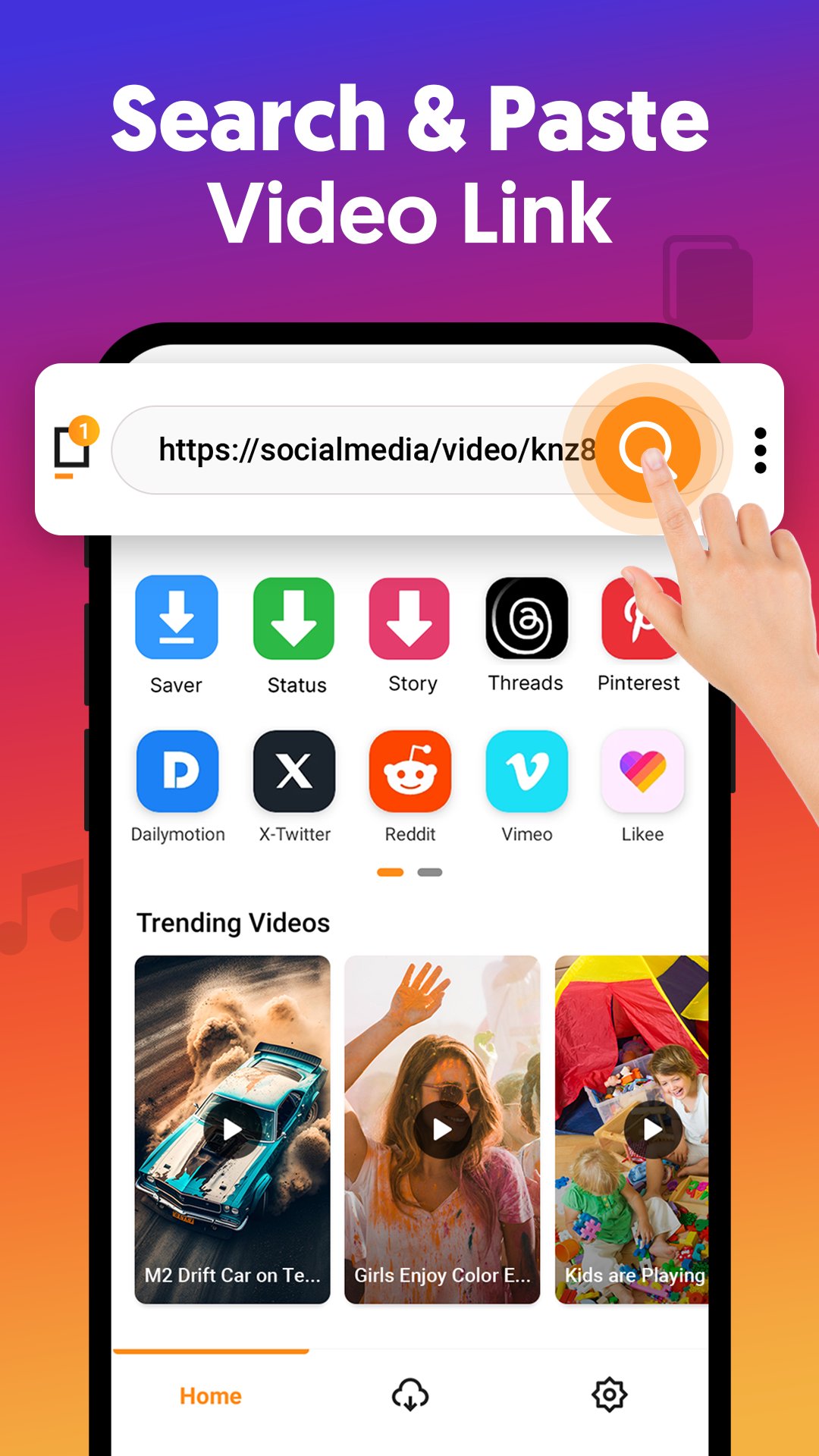
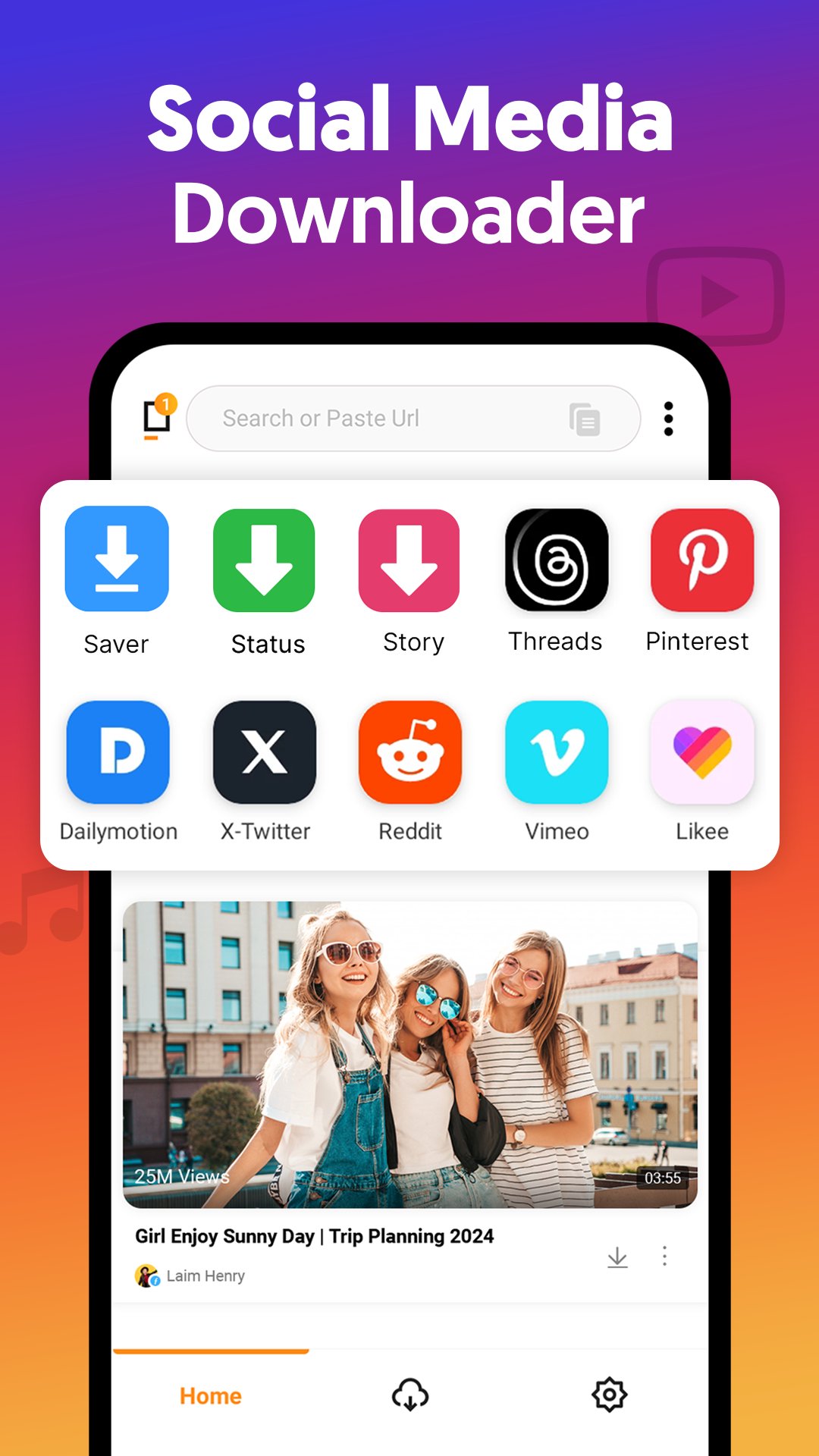
All Video Downloader is a powerful video downloader app to quickly download videos in HD, Full HD, and 4K. Save your favorite videos directly to your device for offline viewing anytime. The smart auto-detect feature finds videos instantly, while the built-in video download manager lets you pause, resume, and control multiple downloads at once.
Key Features:
• Auto-detect and download videos instantly
• Supports MP4, M4V, and more
• HD video downloader and 4K video downloader support
• Fast and stable downloading performance
• Background downloading while using other apps
• Manage multiple video downloads at the same time
• Built-in video player for offline viewing
• Wi-Fi and mobile data download options
How to Download Videos:
• Copy the video link
• Paste it into the app
• Tap download to save the video
Fast Video Downloader:
The fast video downloader engine delivers up to 3x faster speeds. Download multiple videos simultaneously without slowing down.
Disclaimer:
• Not affiliated with any social media site.
• Does not support downloading from YouTube.
• Users are responsible for the content they download.
Preview
Tags
Video-PlayersInformation
Developer
UBT video downloader - Social Video Downloader App
Latest Version
3.0.2
Last Updated
2026-08-12
Category
Video-players-editors
Available on
Google Play
Show More
How to play All Video Downloader App with GameLoop on PC
1. Download GameLoop from the official website, then run the exe file to install GameLoop
2. Open GameLoop and search for “All Video Downloader App” , find All Video Downloader App in the search results and click “Install”
3. Enjoy playing All Video Downloader App on GameLoop
Minimum requirements
OS
Windows 8.1 64-bit or Windows 10 64-bit
GPU
GTX 1050
CPU
i3-8300
Memory
8GB RAM
Storage
1GB available space
Recommended requirements
OS
Windows 8.1 64-bit or Windows 10 64-bit
GPU
GTX 1050
CPU
i3-9320
Memory
16GB RAM
Storage
1GB available space