GIF To Video, GIF To MP4 PC
GIF Maker & GIF Converter
Download GIF To Video, GIF To MP4 on PC With GameLoop Emulator
GIF To Video, GIF To MP4 on PC
GIF To Video, GIF To MP4, coming from the developer GIF Maker & GIF Converter, is running on Android systerm in the past.
Now, You can play GIF To Video, GIF To MP4 on PC with GameLoop smoothly.
Download it in the GameLoop library or search results. No more eyeing the battery or frustrating calls at the wrong time any more.
Just enjoy GIF To Video, GIF To MP4 PC on the large screen for free!
GIF To Video, GIF To MP4 Introduction
GIF Converter is the best free and complete application, which allows users to convert GIF to Video or Image.
Main functions of GIF Converter
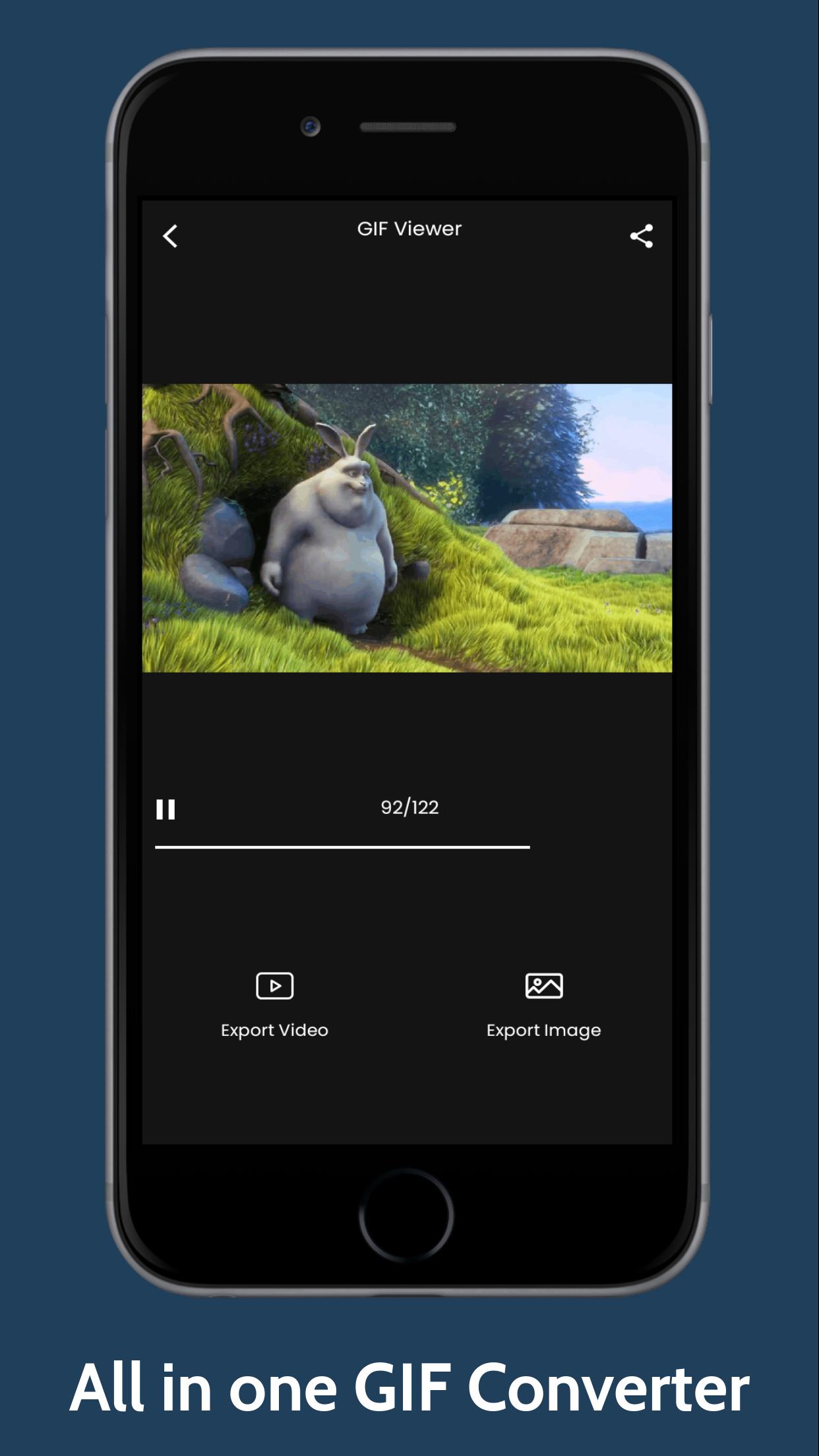
1. GIF player - Play GIF file, pause, seek to specific frame
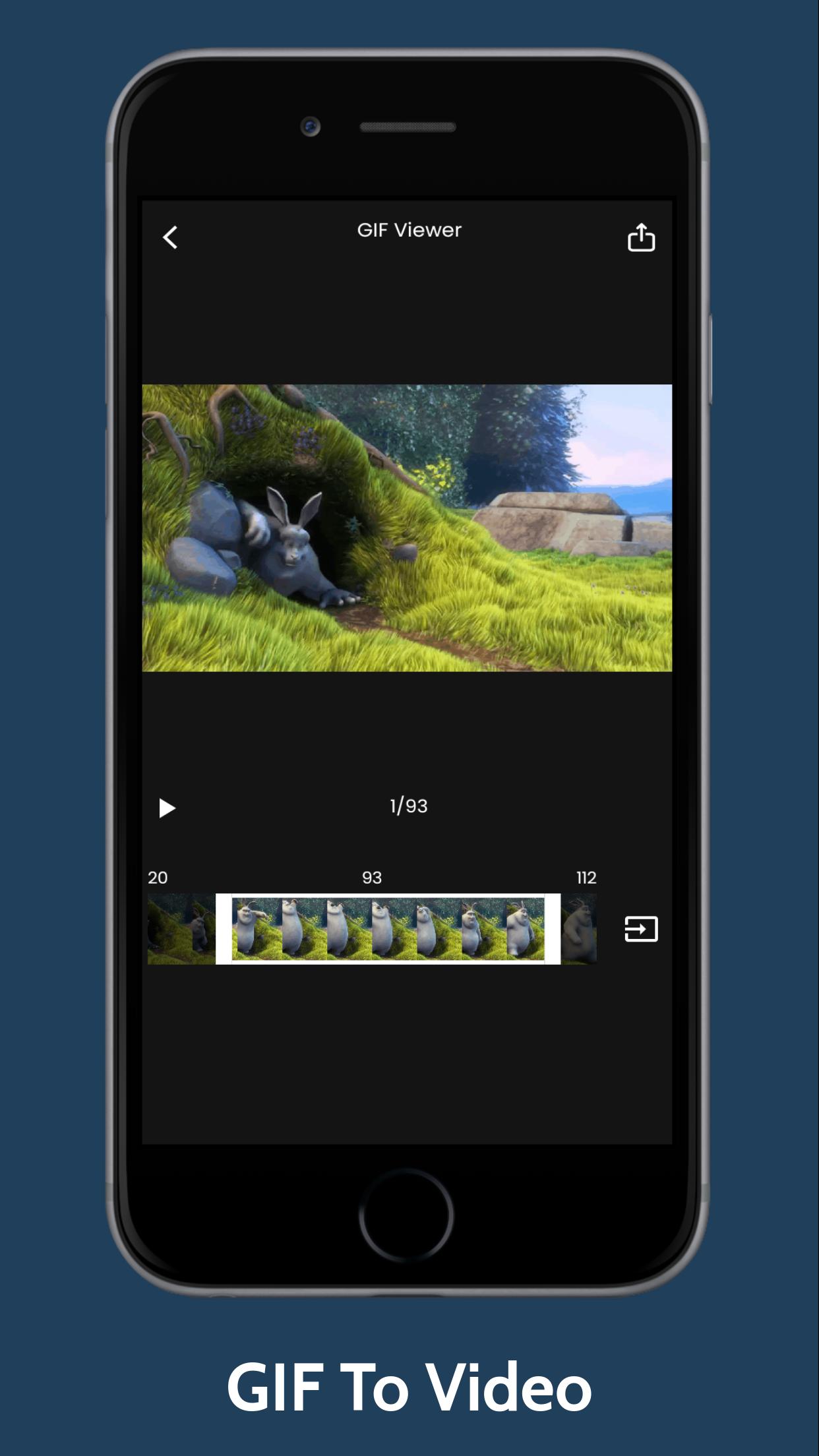
2. GIF to Video - Convert GIF To Video, GIF To MP4, the function also supports users to trim the GIF, so that users can get their desired part.
3. GIF Splitter, GIF Frame extractor – Convert GIF to Image, by extracting GIF frames, and saving them as PNG or JPEG format.
4. Sharing: Share GIFs, exported videos, images to friend or social network
Thank you for downloading our GIF To Video, GIF To MP4.
If you have any feedback about GIF Converter. Please click feedback button or send us an email to bkfmlmedia@gmail.com.
Preview
Tags
Video-PlayersInformation
Developer
GIF Maker & GIF Converter
Latest Version
2.9
Last Updated
2024-02-24
Category
Video-players-editors
Available on
Google Play
Show More
How to play GIF To Video, GIF To MP4 with GameLoop on PC
1. Download GameLoop from the official website, then run the exe file to install GameLoop
2. Open GameLoop and search for “GIF To Video, GIF To MP4” , find GIF To Video, GIF To MP4 in the search results and click “Install”
3. Enjoy playing GIF To Video, GIF To MP4 on GameLoop
Minimum requirements
OS
Windows 8.1 64-bit or Windows 10 64-bit
GPU
GTX 1050
CPU
i3-8300
Memory
8GB RAM
Storage
1GB available space
Recommended requirements
OS
Windows 8.1 64-bit or Windows 10 64-bit
GPU
GTX 1050
CPU
i3-9320
Memory
16GB RAM
Storage
1GB available space
