Cast Web video to Chromecast PC
QApps Tools
Download Cast Web video to Chromecast on PC With GameLoop Emulator
Cast Web video to Chromecast on PC
Cast Web video to Chromecast, coming from the developer QApps Tools, is running on Android systerm in the past.
Now, You can play Cast Web video to Chromecast on PC with GameLoop smoothly.
Download it in the GameLoop library or search results. No more eyeing the battery or frustrating calls at the wrong time any more.
Just enjoy Cast Web video to Chromecast PC on the large screen for free!
Cast Web video to Chromecast Introduction
This app are streamer for Chromecast you can use your Chromecast to it s full potential. Chromecast Streamer lets you do a lot. Here is how:
Connect to Chromecast
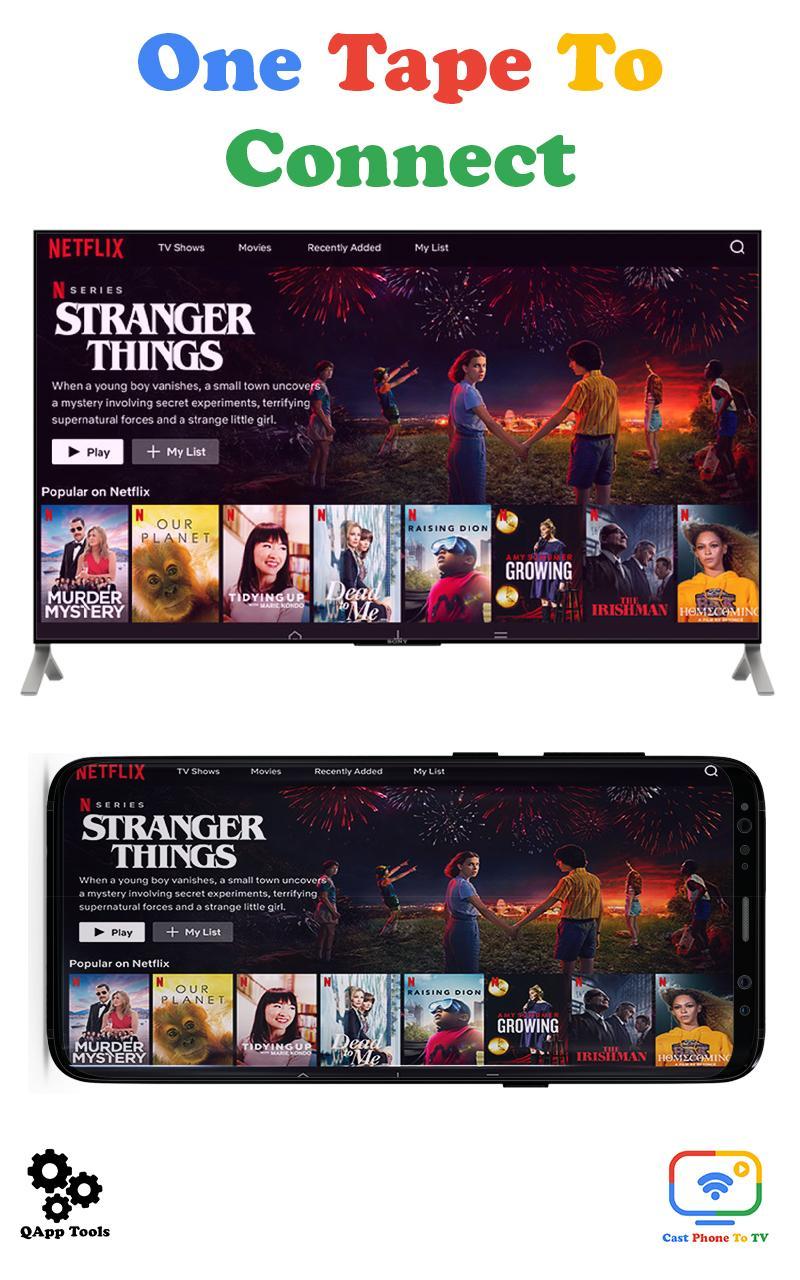
Make sure your chromecast devices or build-in your Smart TV are same Wifi network connect. Tap cast icon on top right screen. Then select your devices listing on connection dialog.
Screen Mirroring
Casting screen lets you mirror your Android device to the TV so you can enjoy your content exactly as you see it on your mobile device—only bigger.
Cast Photos
With Chromecast you can cast your Photos to your TV. Be it you trip pictures, still photos, live pictures or even Slo-mo vidoes you can cast then with the Chromecast app. You can Chromecast photos, Chromecast videos and Chrome cast recordings.
Cast Music
You can cast music from you Chromecast app to your TV. Browse through your music and cast. It is simple as that.
Video Cast
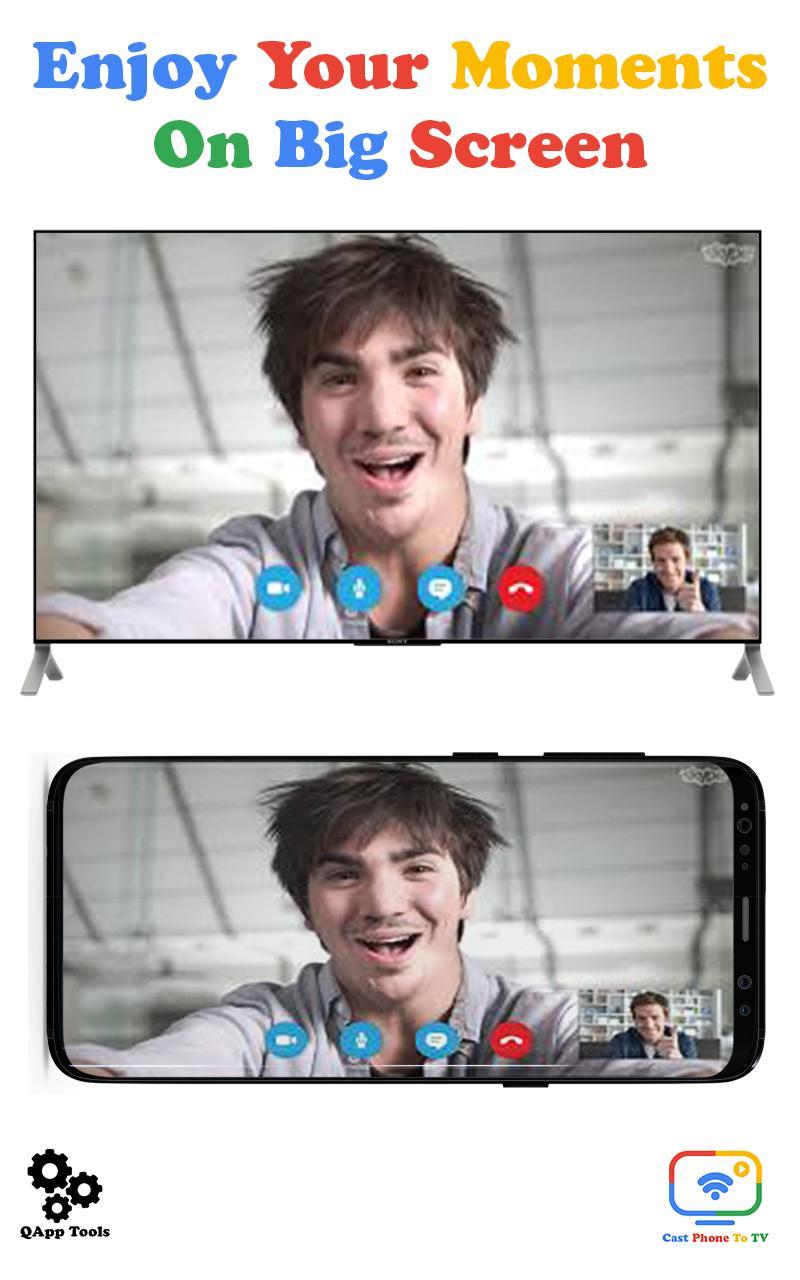
Cast your camera video to your TV screen. Share your favorite moments with family & friends on big of screen have lots of fun.
Cast IPTV/Channel :
Build your own favorites channel, live, m3u, m3u8 playlist & enjoy it on your big screen of TV.
Note: Please contact our support team if you face any problem casting from an app.
And much more... :
There are many more features waiting for you to explore. We keep adding new stuff. Just like you, the app never gets old.
Compatible devices
● Chromecast
- First generation Chromecast
- Second generation Chromecast
- Third generation Chromecast
- Chromecast Audio
- Chromecast Ultra
● Android TV devices
- Nexus Player
- Nvidia Shield
- Xiaomi MiBox
- Vizio televisions
- Sharp televisions
- Sony televisions
- Toshiba televisions
- Philips televisions
● Soundbars and speakers
- Home
- Vizio
- Sony
- LG
- Philips
- B&O Play
- Grundig
- Polk Audio
- Bang & Olufsen
- Raumfeld
- Brookstone
- NAD
- Onkyo
- Integra
- Pioneer
- Riva Wand
- Grace Digital
- Jensen
- JBL
We are excited to see that you can do with your Chromecast. Download now.
Preview
Tags
Video-PlayersInformation
Developer
QApps Tools
Latest Version
3.0
Last Updated
2022-08-07
Category
Video-players-editors
Available on
Google Play
Show More
How to play Cast Web video to Chromecast with GameLoop on PC
1. Download GameLoop from the official website, then run the exe file to install GameLoop
2. Open GameLoop and search for “Cast Web video to Chromecast” , find Cast Web video to Chromecast in the search results and click “Install”
3. Enjoy playing Cast Web video to Chromecast on GameLoop
Minimum requirements
OS
Windows 8.1 64-bit or Windows 10 64-bit
GPU
GTX 1050
CPU
i3-8300
Memory
8GB RAM
Storage
1GB available space
Recommended requirements
OS
Windows 8.1 64-bit or Windows 10 64-bit
GPU
GTX 1050
CPU
i3-9320
Memory
16GB RAM
Storage
1GB available space