
Audio Video Lab : Trim, Reverse, Merge, Music PC
Scorpion Infosoft
Download Audio Video Lab : Trim, Reverse, Merge, Music on PC With GameLoop Emulator
Audio Video Lab : Trim, Reverse, Merge, Music on PC
Audio Video Lab : Trim, Reverse, Merge, Music, coming from the developer Scorpion Infosoft, is running on Android systerm in the past.
Now, You can play Audio Video Lab : Trim, Reverse, Merge, Music on PC with GameLoop smoothly.
Download it in the GameLoop library or search results. No more eyeing the battery or frustrating calls at the wrong time any more.
Just enjoy Audio Video Lab : Trim, Reverse, Merge, Music PC on the large screen for free!
Audio Video Lab : Trim, Reverse, Merge, Music Introduction
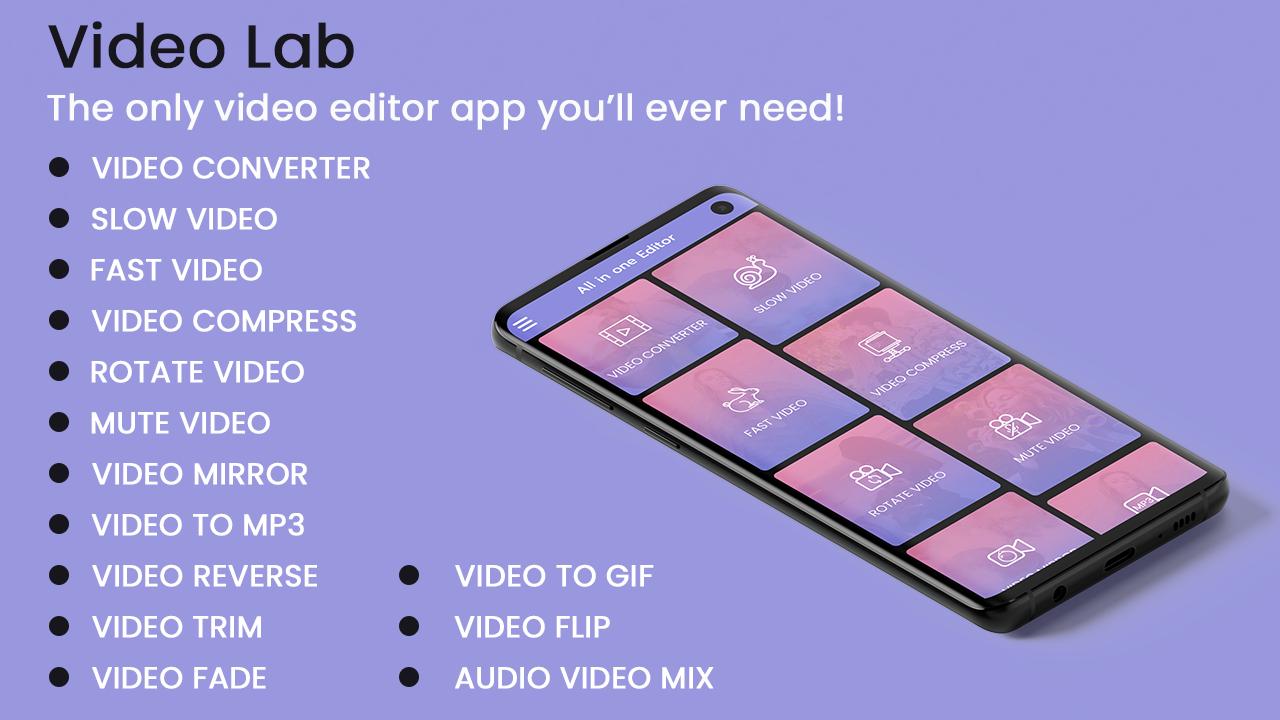
Video Editor allows you to edit your existing video with 14 different kind of options which we make you to fall in love with.
Video Converter
Slow Video
Fast Video
Video Compress
Rotate Video
Mute Video
Video Mirror
Video to MP3
Video Reverse
Video Trim
Video Fade
Video To GIF
Video Flip
Merge Video
Video to Image
Split Video
Video Audio Mix
.
.
.
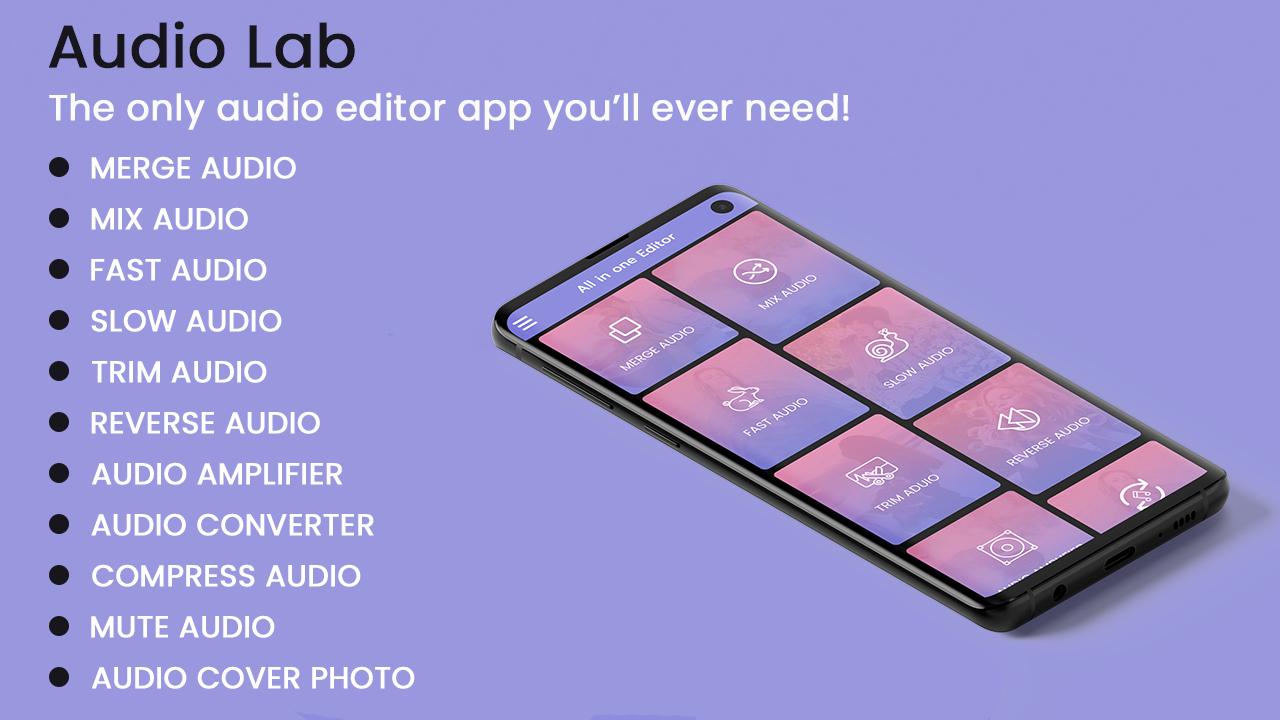
Audio Editor :- allows you to edit your existing video with 11 different kind of options.
Merge Audio
Mix Audio
Fast Audio
Slow Audio
Trim Editor
Reverse Editor
Audio Amplifier
Audio Converter
Compress Audio
Mute Part
Audio Cover Photo
My Creation :- Here you can find all edited video(s) and audio(s) in one go. So don't need to go to file manager and find your edited videos.
Please try atleast once and let us know so that we can make our better for all users.
And if like the app please leave rating & review for the same.
Thank you...
Preview
Information
Developer
Scorpion Infosoft
Latest Version
1.9
Last Updated
2021-03-28
Category
Video-players-editors
Available on
Google Play
Show More
How to play Audio Video Lab : Trim, Reverse, Merge, Music with GameLoop on PC
1. Download GameLoop from the official website, then run the exe file to install GameLoop
2. Open GameLoop and search for “Audio Video Lab : Trim, Reverse, Merge, Music” , find Audio Video Lab : Trim, Reverse, Merge, Music in the search results and click “Install”
3. Enjoy playing Audio Video Lab : Trim, Reverse, Merge, Music on GameLoop
Minimum requirements
OS
Windows 8.1 64-bit or Windows 10 64-bit
GPU
GTX 1050
CPU
i3-8300
Memory
8GB RAM
Storage
1GB available space
Recommended requirements
OS
Windows 8.1 64-bit or Windows 10 64-bit
GPU
GTX 1050
CPU
i3-9320
Memory
16GB RAM
Storage
1GB available space