
Amily: AI Art Video Maker PC
Apero Vision Lab
Download Amily: AI Art Video Maker on PC With GameLoop Emulator
Amily: AI Art Video Maker on PC
Amily: AI Art Video Maker, coming from the developer Apero Vision Lab, is running on Android systerm in the past.
Now, You can play Amily: AI Art Video Maker on PC with GameLoop smoothly.
Download it in the GameLoop library or search results. No more eyeing the battery or frustrating calls at the wrong time any more.
Just enjoy Amily: AI Art Video Maker PC on the large screen for free!
Amily: AI Art Video Maker Introduction
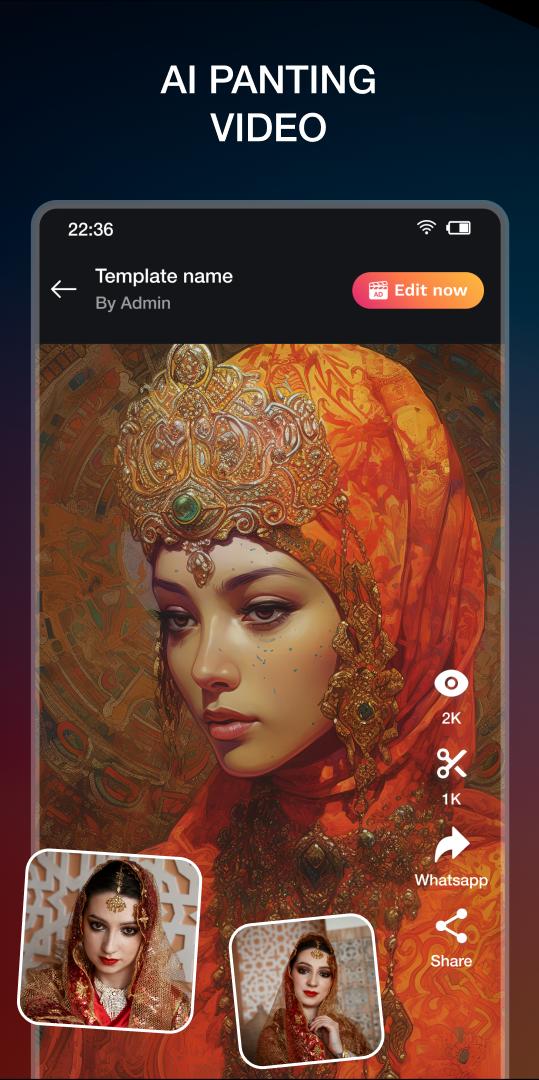
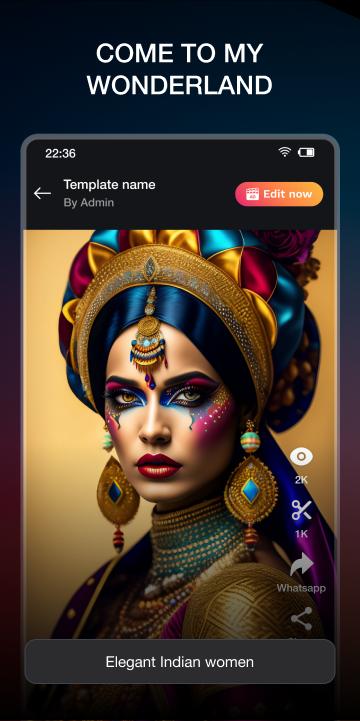
⚡ Creating and editing trending videos with video effects is so simple. Now there's a video editing app with magic effects to help you do it. 💯 Create a million-view music video maker with Amily Status Video Maker application.
🎬 Amily Status Video Maker app is a trending video maker. The Amily - photo video status maker with music app helps you create interesting videos, catch trends quickly. You can become a top video editor with just a few simple steps with Amily Video Maker. Let's experience the outstanding features of the video editing application!
⭐Main Features of video app: Amily Status Video Maker
✅ Trending Beat Effects & New Backdrop Music
- Create popular trending videos, video audio editor
- Add special effects for videos
- Add sound to video with audio status maker
- Template Video Gallery video store with interesting music and effects
- Many Hot themed video templates: Christmas, love, wedding, anniversary, India festival such as: Diwali, Ganesha, Ugadi,etc.
✅ Magical Video Effect
- Professional video effects maker
- 3D effect, magic light, sparkle effect, blur effect, etc
- Smooth transitions, no lag during editing
✅ Varied Song Selection
- Update songs featured in music charts
- Add photo video status maker with song
- Lots of music themes for you to unleash your creativity
- Add recording files to the video
✅Easy-to-use functions
- Simple procedures and a user-friendly interface
- Mix effects and combine photos
- Fast edit videos as you like
- Can edit photo video, rotate and crop photo
- Search for favorite video templates quickly
🔰 How to use Amily Status Video Maker app
- Install and open the video editor app: Amily Status Video Maker
- Create new videos or use Template Video Gallery
- Use photo video status maker with music
- Choose the right background music and theme
- Add images to videos, editing videos
- Use video combiner: video filters and photo frames
- Save the video and share with friends on social networks
💥 Why you should choose Amily Status Video Maker?
👉 Update trending video templates blur video background
👉 Add music to video, add special effects for videos
👉 Save time on ideas and creating videos
👉 High-quality images, videos and background music
👉 Export high-quality video
👉 Automatically save editing videos, drafts
⭐ Amily Status Video Maker: video editor app gives you a lot of useful features in the video creation process. Creative videos beat effects to make your social media page more engaging than ever. Followers and interactions per account will grow rapidly.
✨ Become a leading music video maker, video status maker with Amily Video Maker. Tell us more about your experience with the video maker with the music app!
We look forward to hearing from you regarding your satisfaction. Wish you a good day! ❤
Preview
Tags
Video-PlayersInformation
Developer
Apero Vision Lab
Latest Version
1.3.1
Last Updated
2023-07-28
Category
Video-players-editors
Available on
Google Play
Show More
How to play Amily: AI Art Video Maker with GameLoop on PC
1. Download GameLoop from the official website, then run the exe file to install GameLoop
2. Open GameLoop and search for “Amily: AI Art Video Maker” , find Amily: AI Art Video Maker in the search results and click “Install”
3. Enjoy playing Amily: AI Art Video Maker on GameLoop
Minimum requirements
OS
Windows 8.1 64-bit or Windows 10 64-bit
GPU
GTX 1050
CPU
i3-8300
Memory
8GB RAM
Storage
1GB available space
Recommended requirements
OS
Windows 8.1 64-bit or Windows 10 64-bit
GPU
GTX 1050
CPU
i3-9320
Memory
16GB RAM
Storage
1GB available space