
Pocket Sudoku - Free Classic S PC
Pocket Puzzle Studio
Download Pocket Sudoku - Free Classic S on PC With GameLoop Emulator
Pocket Sudoku - Free Classic S on PC
Pocket Sudoku - Free Classic S, coming from the developer Pocket Puzzle Studio, is running on Android systerm in the past.
Now, You can play Pocket Sudoku - Free Classic S on PC with GameLoop smoothly.
Download it in the GameLoop library or search results. No more eyeing the battery or frustrating calls at the wrong time any more.
Just enjoy Pocket Sudoku - Free Classic S PC on the large screen for free!
Pocket Sudoku - Free Classic S Introduction
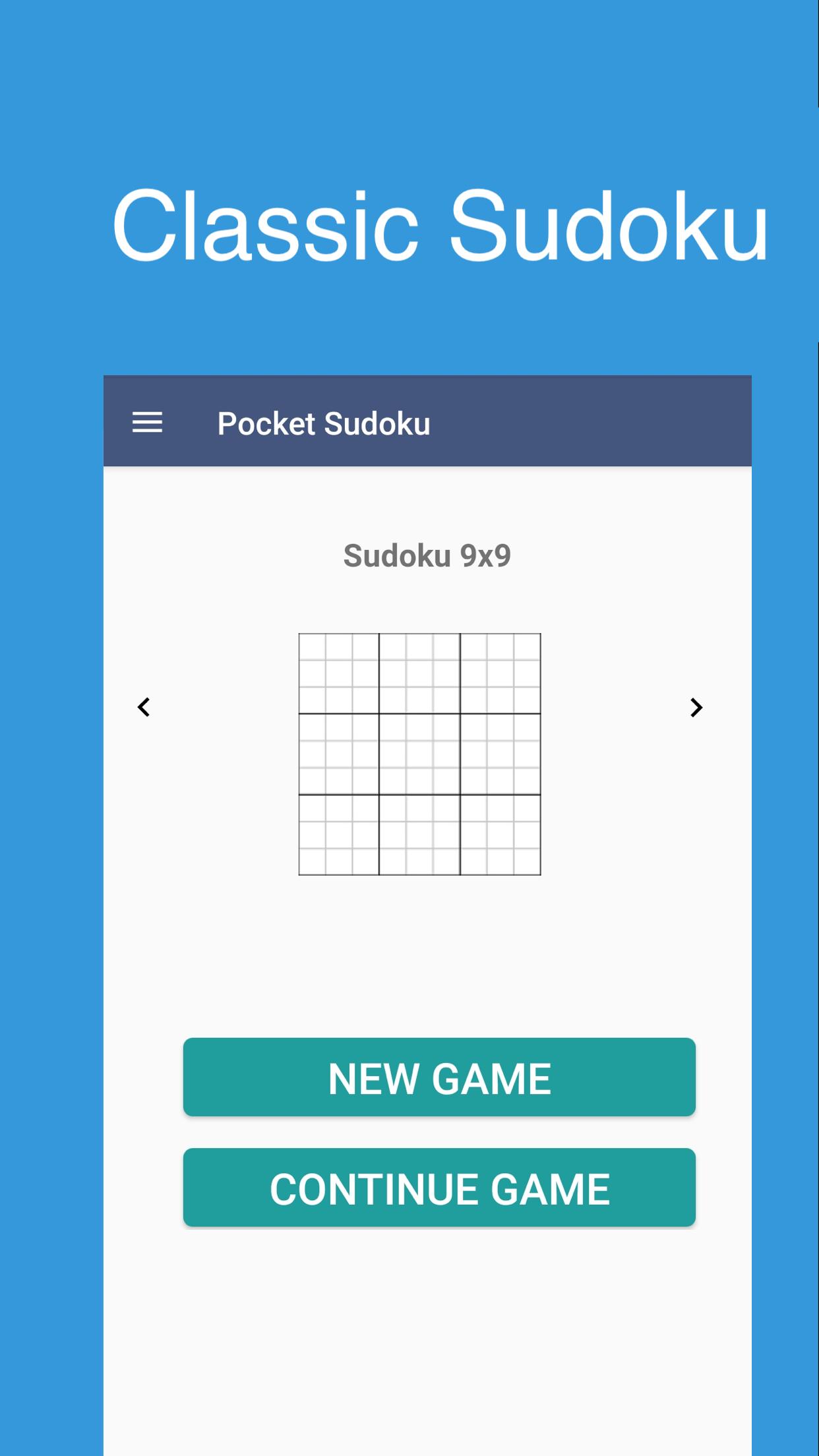
Enjoy the free Pocket Sudoku puzzle game for people who are a fresh starter and export! You can get 1000+ challenging Sudoku puzzles to train your brain, and we add 500 new sudoku puzzles every week. Brain Sudoku for beginners and advanced players! Each Sudoku has only one solution. Classic Sudoku puzzle game for your brain, logical, memory, and relax!
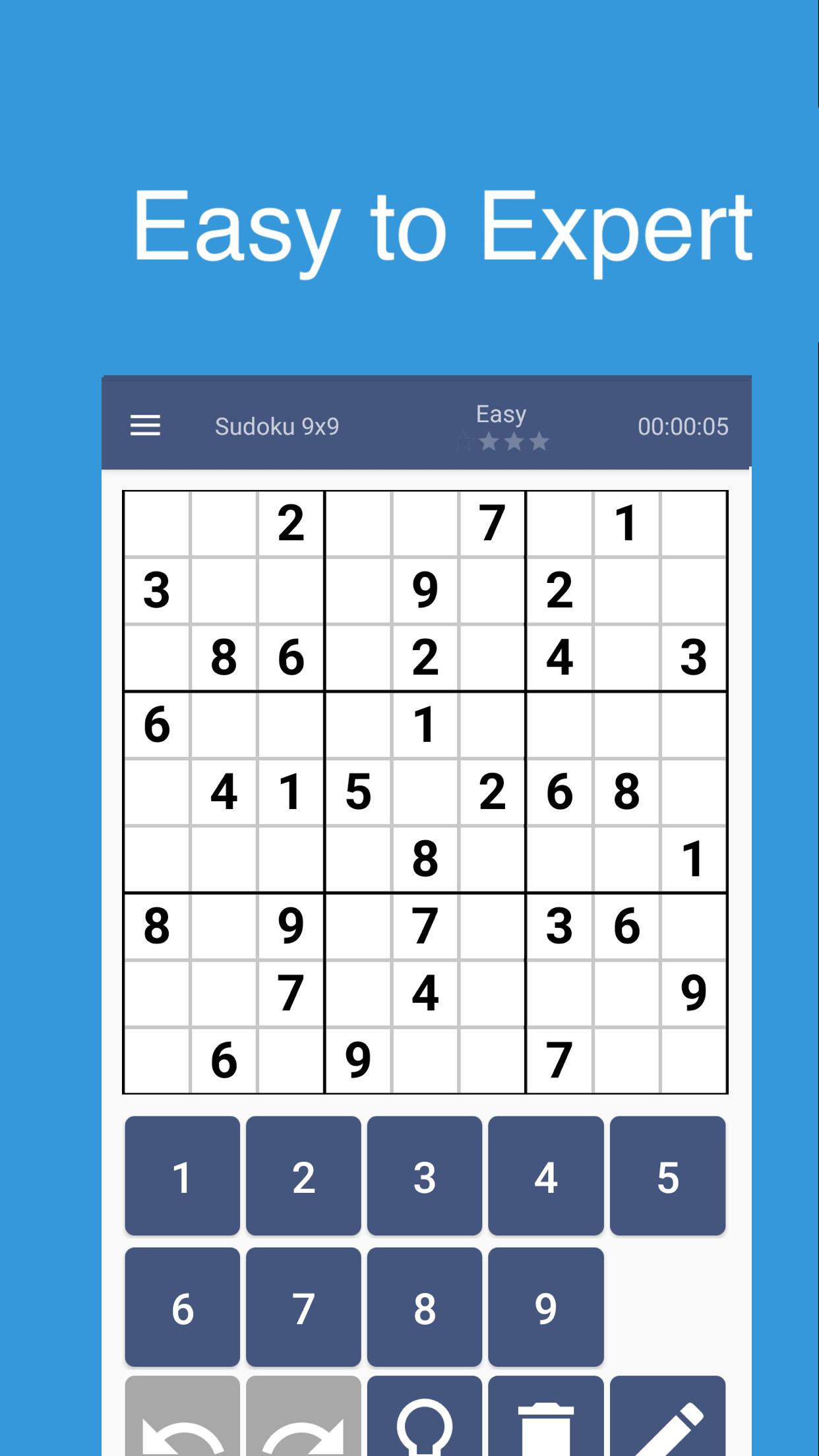
The classic Sudoku puzzle begins with a grid in which some of the numbers are already in place. A completed puzzle is one where each number from 1 to 9 appears only once in each of the 9 rows, columns, and blocks. Study the grid to find the numbers that might fit into each cell.
Key Features
✓ Sudoku puzzles come in 4 difficulty levels - easy Sudoku, medium Sudoku, hard Sudoku, and expert Sudoku! Perfect for Sudoku beginners and advanced players!
✓ Note Mode - Take notes to keep track of possible numbers.
✓ Highlight Duplicates - to avoid repeating numbers in a row, column, and block.
✓ Mistakes tip - Find your mistakes and challenge yourself or use auto-check to see your mistakes in real-time
✓ Hints - Use the free hint function when you are stuck.
✓ Statistics - There is a stats feature for each difficulty so that you can examine the game that played at any time.
We hope you enjoy Pocket Sudoku Free, and please contact our support if you have any questions :-)
If you have any idea for our Sudoku puzzle game app, or if you have any question about Sudoku and you want to discuss with us, please send us emails at getpocketpuzzle@gmail.com We are always here for you.
Preview
Tags
TriviaInformation
Developer
Pocket Puzzle Studio
Latest Version
1.2.3
Last Updated
2020-10-08
Category
Trivia
Available on
Google Play
Show More
How to play Pocket Sudoku - Free Classic S with GameLoop on PC
1. Download GameLoop from the official website, then run the exe file to install GameLoop
2. Open GameLoop and search for “Pocket Sudoku - Free Classic S” , find Pocket Sudoku - Free Classic S in the search results and click “Install”
3. Enjoy playing Pocket Sudoku - Free Classic S on GameLoop
Minimum requirements
OS
Windows 8.1 64-bit or Windows 10 64-bit
GPU
GTX 1050
CPU
i3-8300
Memory
8GB RAM
Storage
1GB available space
Recommended requirements
OS
Windows 8.1 64-bit or Windows 10 64-bit
GPU
GTX 1050
CPU
i3-9320
Memory
16GB RAM
Storage
1GB available space