
EZ 轉珠遊戲 (轉珠練習器) PC
Red Cat Studio
Download EZ 轉珠遊戲 (轉珠練習器) on PC With GameLoop Emulator
EZ 轉珠遊戲 (轉珠練習器) on PC
EZ 轉珠遊戲 (轉珠練習器), coming from the developer Red Cat Studio, is running on Android systerm in the past.
Now, You can play EZ 轉珠遊戲 (轉珠練習器) on PC with GameLoop smoothly.
Download it in the GameLoop library or search results. No more eyeing the battery or frustrating calls at the wrong time any more.
Just enjoy EZ 轉珠遊戲 (轉珠練習器) PC on the large screen for free!
EZ 轉珠遊戲 (轉珠練習器) Introduction
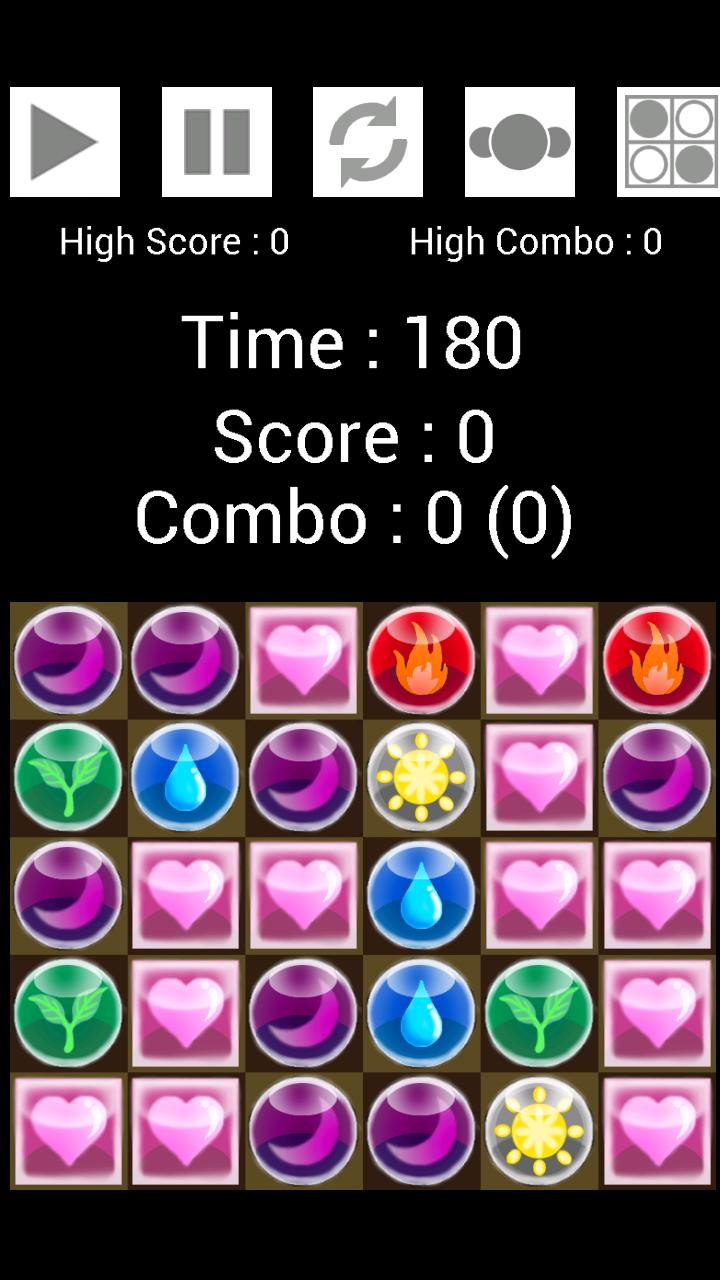
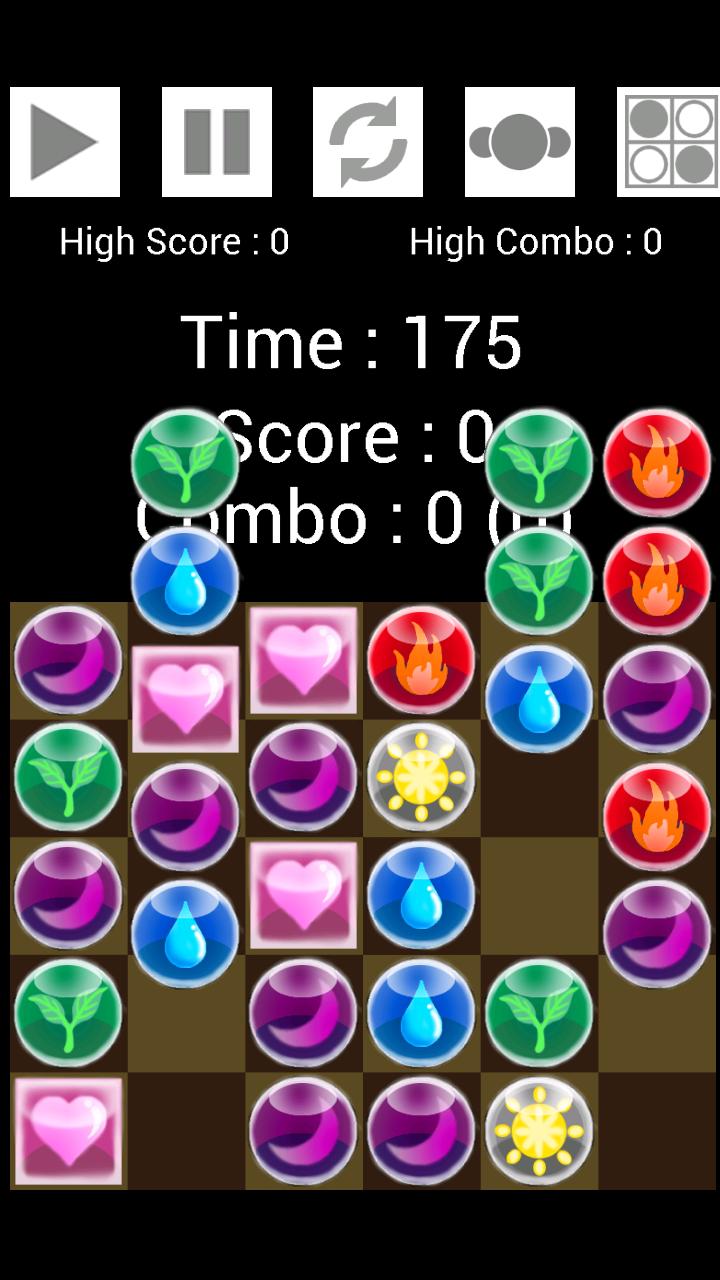
"EZ 轉珠遊戲"是款輕量級的轉珠遊戲,遊戲方式是只要將三個以上珠子連成一直線,就會消掉得到分數,並從上方會掉落新的珠子。
因沒有珠子移動時的秒數限定,因此可以拿來當作"轉珠練習器"使用。
*教學影片與說明:
http://www.youtube.com/watch?v=_i_jTpqK608&feature=youtu.be
Preview
Tags
TriviaInformation
Developer
Red Cat Studio
Latest Version
2.2
Last Updated
2016-10-25
Category
Trivia
Available on
Google Play
Show More
How to play EZ 轉珠遊戲 (轉珠練習器) with GameLoop on PC
1. Download GameLoop from the official website, then run the exe file to install GameLoop
2. Open GameLoop and search for “EZ 轉珠遊戲 (轉珠練習器)” , find EZ 轉珠遊戲 (轉珠練習器) in the search results and click “Install”
3. Enjoy playing EZ 轉珠遊戲 (轉珠練習器) on GameLoop
Minimum requirements
OS
Windows 8.1 64-bit or Windows 10 64-bit
GPU
GTX 1050
CPU
i3-8300
Memory
8GB RAM
Storage
1GB available space
Recommended requirements
OS
Windows 8.1 64-bit or Windows 10 64-bit
GPU
GTX 1050
CPU
i3-9320
Memory
16GB RAM
Storage
1GB available space