PDF Editor & Document Viewer PC
Arkay Apps
Download PDF Editor & Document Viewer on PC With GameLoop Emulator
PDF Editor & Document Viewer on PC
PDF Editor & Document Viewer, coming from the developer Arkay Apps, is running on Android systerm in the past.
Now, You can play PDF Editor & Document Viewer on PC with GameLoop smoothly.
Download it in the GameLoop library or search results. No more eyeing the battery or frustrating calls at the wrong time any more.
Just enjoy PDF Editor & Document Viewer PC on the large screen for free!
PDF Editor & Document Viewer Introduction
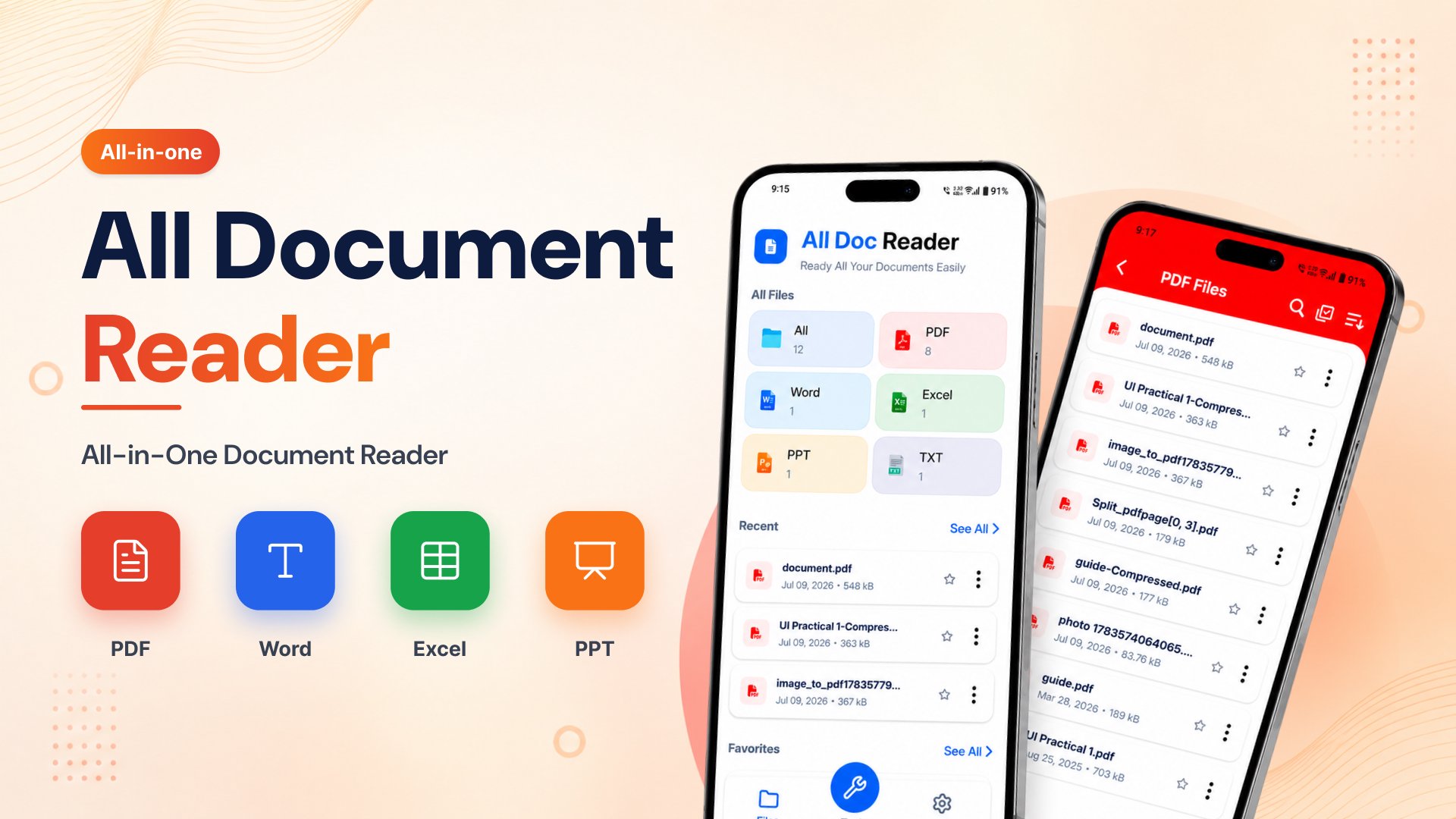
PDF Editor & Document Viewer is a fast, lightweight, and easy-to-use document reader that lets you open and manage all your files in one place. Whether you need a PDF Reader, Word Document Reader, DOCX Reader, XLS Reader, or an offline document reader, this app helps you view documents anytime without an internet connection.
No need to install multiple apps. This free document reader supports popular Office file formats including PDF, DOC, DOCX, XLS, XLSX, PPT, PPTX, and TXT. It automatically scans your device and organizes your files for quick access.
📄 Supported File Formats
PDF Reader
Word Document Reader (DOC, DOCX)
XLS Reader (XLS, XLSX)
PPT & PPTX Viewer
TXT File Reader
Read all your documents from a single, easy-to-use app.
⭐ Key Features
📑 PDF Reader
Open PDF files instantly
Smooth zoom in and zoom out
Jump directly to any page
Share PDF files easily
Fast and lightweight PDF reader
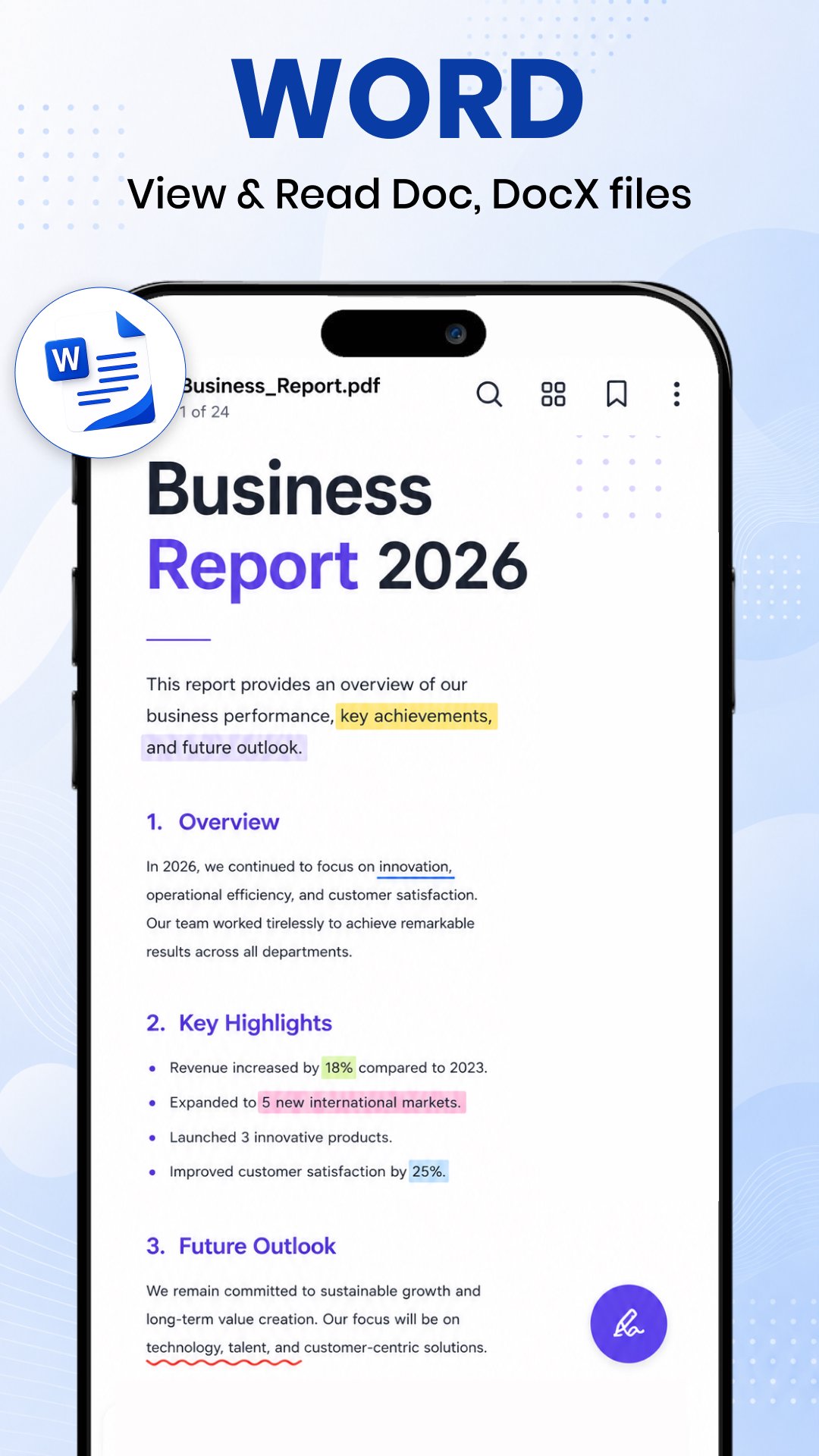
📝 Word Reader
Open DOC and DOCX files
Clean reading interface
Browse all Word documents automatically
Fast Word document viewer
📊 XLS Reader
View Excel spreadsheets
Supports XLS and XLSX files
Read reports, tables, and worksheets
Easy spreadsheet navigation
📽 PPT Viewer
Open PowerPoint presentations
Smooth slide viewing
High-quality presentation support
📂 Smart Document Manager
Automatically scans all documents
Organizes files by type
Search documents quickly
Sort by name, size, or modified date
Mark files as favorites
Share or delete documents easily
🚀 Why Choose Document Reader?
✔ All Document Reader in one app
✔ Fast PDF Reader
✔ Word Document Reader
✔ DOCX Reader
✔ XLS Reader
✔ Offline Document Reader
✔ Free Document Reader
✔ Lightweight and easy to use
✔ No internet required
✔ Dark Mode support
✔ Quick file search
✔ Simple and modern interface
📱 Perfect For
Students reading notes and assignments
Office professionals viewing reports
Teachers and business users
Anyone who needs a reliable Document Reader Offline
Whether you're looking for a PDF Reader, Word Reader, DOCX Reader, Docs Reader, XLS Reader, or a complete Office document viewer, this app gives you everything in one place.
Download Document Reader: Word, PDF, XLS today and enjoy a fast, secure, and free way to view all your documents anytime, anywhere.
Preview
Tags
TriviaEducationalInformation
Developer
Arkay Apps
Latest Version
204.0
Last Updated
2026-09-02
Category
Trivia
Available on
Google Play
Show More
How to play PDF Editor & Document Viewer with GameLoop on PC
1. Download GameLoop from the official website, then run the exe file to install GameLoop
2. Open GameLoop and search for “PDF Editor & Document Viewer” , find PDF Editor & Document Viewer in the search results and click “Install”
3. Enjoy playing PDF Editor & Document Viewer on GameLoop
Minimum requirements
OS
Windows 8.1 64-bit or Windows 10 64-bit
GPU
GTX 1050
CPU
i3-8300
Memory
8GB RAM
Storage
1GB available space
Recommended requirements
OS
Windows 8.1 64-bit or Windows 10 64-bit
GPU
GTX 1050
CPU
i3-9320
Memory
16GB RAM
Storage
1GB available space