
SoMob PC
So-Mob, Inc.
Download SoMob on PC With GameLoop Emulator
SoMob on PC
SoMob, coming from the developer So-Mob, Inc., is running on Android systerm in the past.
Now, You can play SoMob on PC with GameLoop smoothly.
Download it in the GameLoop library or search results. No more eyeing the battery or frustrating calls at the wrong time any more.
Just enjoy SoMob PC on the large screen for free!
SoMob Introduction
So-Mob is an on-demand motorcycle taxi service offering a safe, affordable and personalized riding experience. All our bikes are electric powered, fueled by solar energy, making them healthier for our drivers, riders and the environment. Your safety is important to us, so every So-Mob driver is carefully vetted, trained and well identified. Skip the traffic and ride with peace of mind. Ride with So-Mob.
How to ride with the So-Mob app:
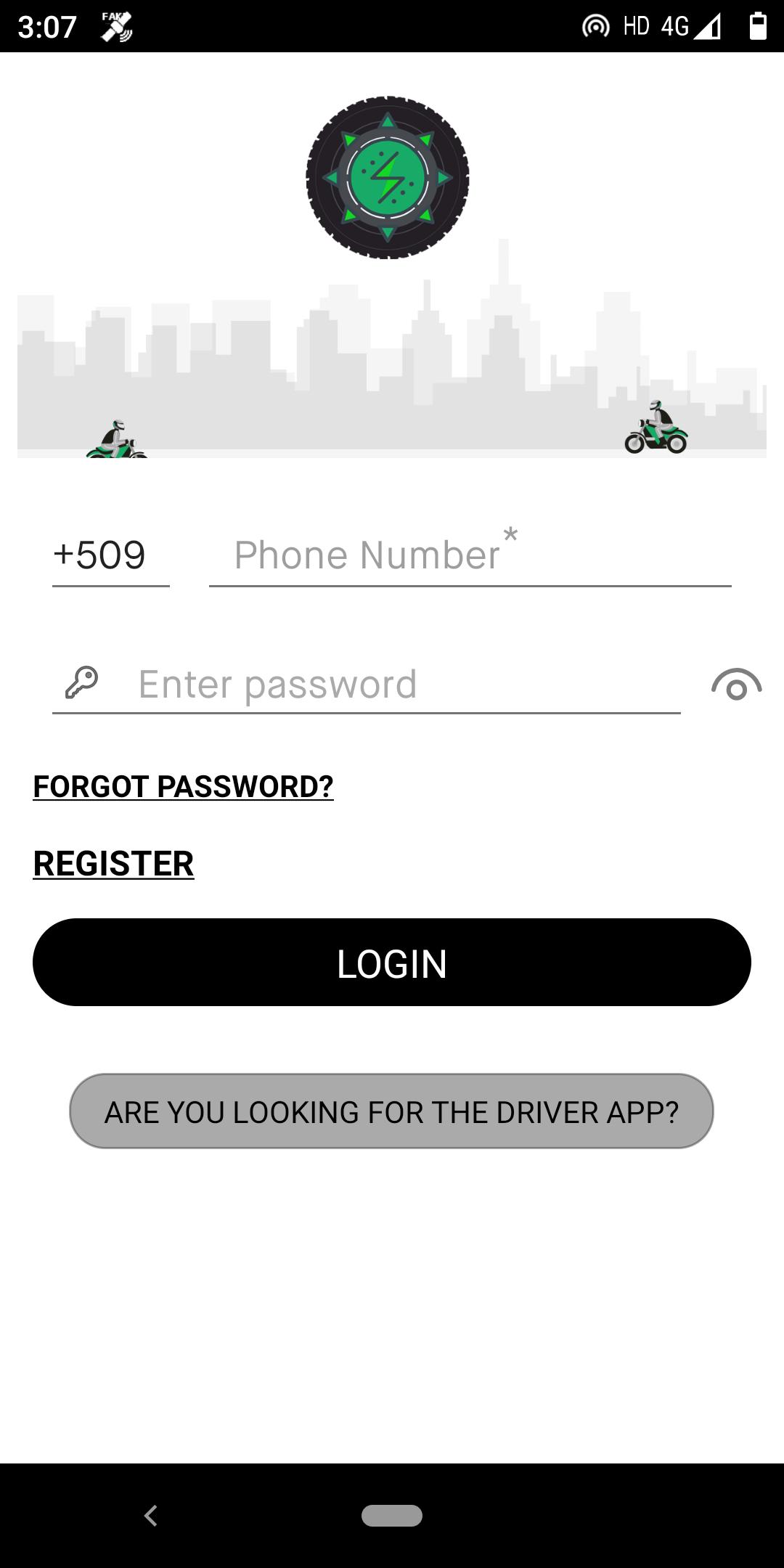
1.Open the app (first time riders register). App will automatically determine your GPS location
2.Tap to request a ride (driver may call you to confirm your location and/or destination)
3.Wait for your driver
4.Put on the complimentary hair net and helmet
5.Ride to your destination
6.Pay with cash.
So-Mob app features:
->See the ride price upfront, taking the guessing and negotiating out of your trip
->The app helps to set your pickup location even if you don’t know the exact address
->So-Mob is transforming the way transportation works in Latin America and the Caribbean. One moto taxi at a time. Our fleet of moto taxis are electric powered, refueled by solar energy and accessible quickly and easily through our app or by simply hailing a driver.
Have questions? Get in touch with us at info@so-mob.com
Follow us on Twitter, Instagram and Facebook @ridesomob
Sign up to be a So-Mob driver at info@so-mob.com
Preview
Tags
Travel-&Information
Developer
So-Mob, Inc.
Latest Version
1.0.0
Last Updated
2020-06-04
Category
Travel-local
Available on
Google Play
Show More
How to play SoMob with GameLoop on PC
1. Download GameLoop from the official website, then run the exe file to install GameLoop
2. Open GameLoop and search for “SoMob” , find SoMob in the search results and click “Install”
3. Enjoy playing SoMob on GameLoop
Minimum requirements
OS
Windows 8.1 64-bit or Windows 10 64-bit
GPU
GTX 1050
CPU
i3-8300
Memory
8GB RAM
Storage
1GB available space
Recommended requirements
OS
Windows 8.1 64-bit or Windows 10 64-bit
GPU
GTX 1050
CPU
i3-9320
Memory
16GB RAM
Storage
1GB available space