
San Francisco Airport SFO Info PC
Sinecloud
Download San Francisco Airport SFO Info on PC With GameLoop Emulator
San Francisco Airport SFO Info on PC
San Francisco Airport SFO Info, coming from the developer Sinecloud, is running on Android systerm in the past.
Now, You can play San Francisco Airport SFO Info on PC with GameLoop smoothly.
Download it in the GameLoop library or search results. No more eyeing the battery or frustrating calls at the wrong time any more.
Just enjoy San Francisco Airport SFO Info PC on the large screen for free!
San Francisco Airport SFO Info Introduction
San Francisco International Airport (SFO) is the largest airport in the Bay Area and the second largest airport in California. It is a hub for United Airlines and the principal base of operations for Virgin America. From the International Terminal passengers can board a direct rail link to downtown San Francisco (BART).
This app provides in-depth information for SFO airport.
App features :
- Comprehensive airport information.
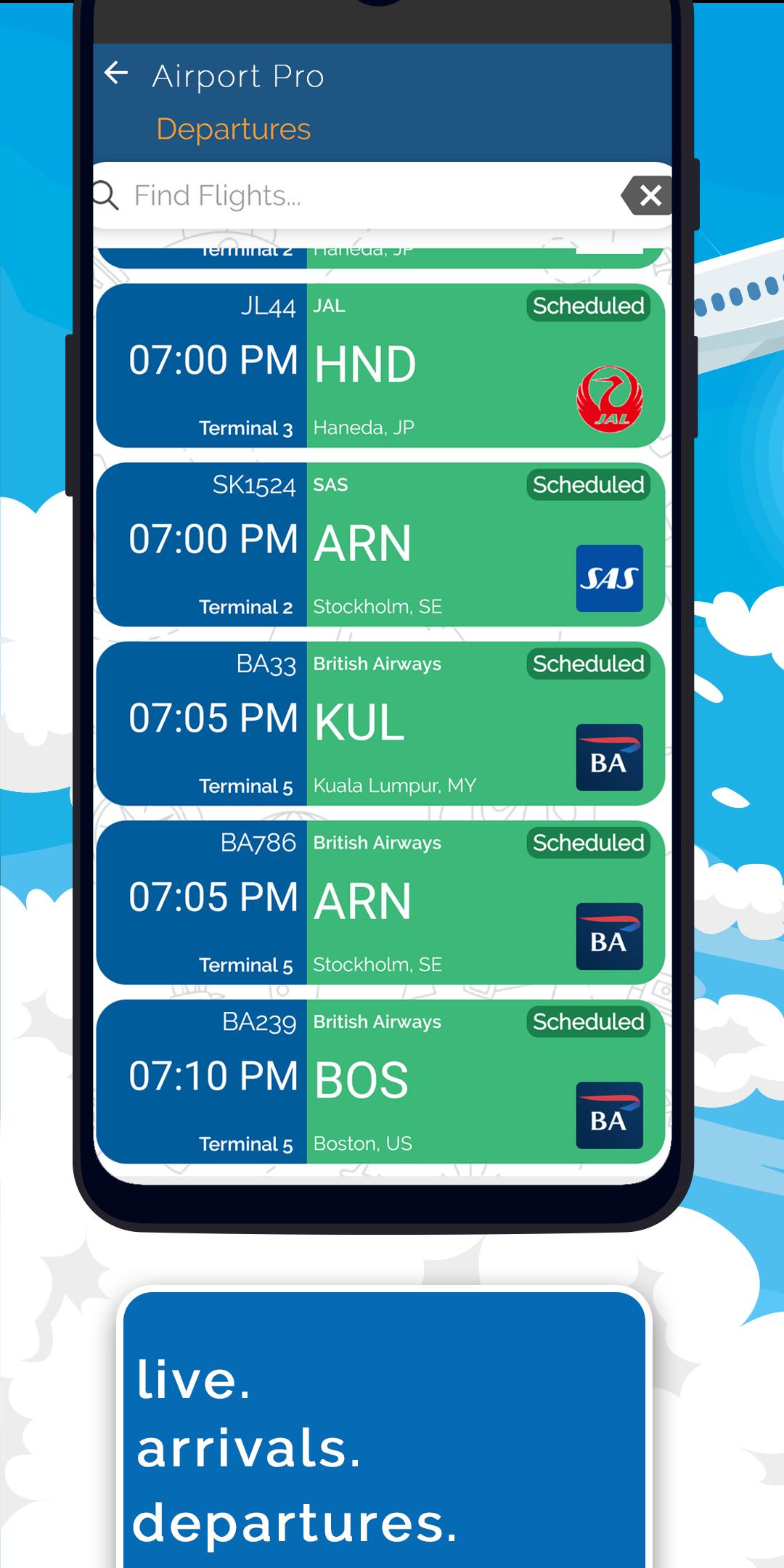
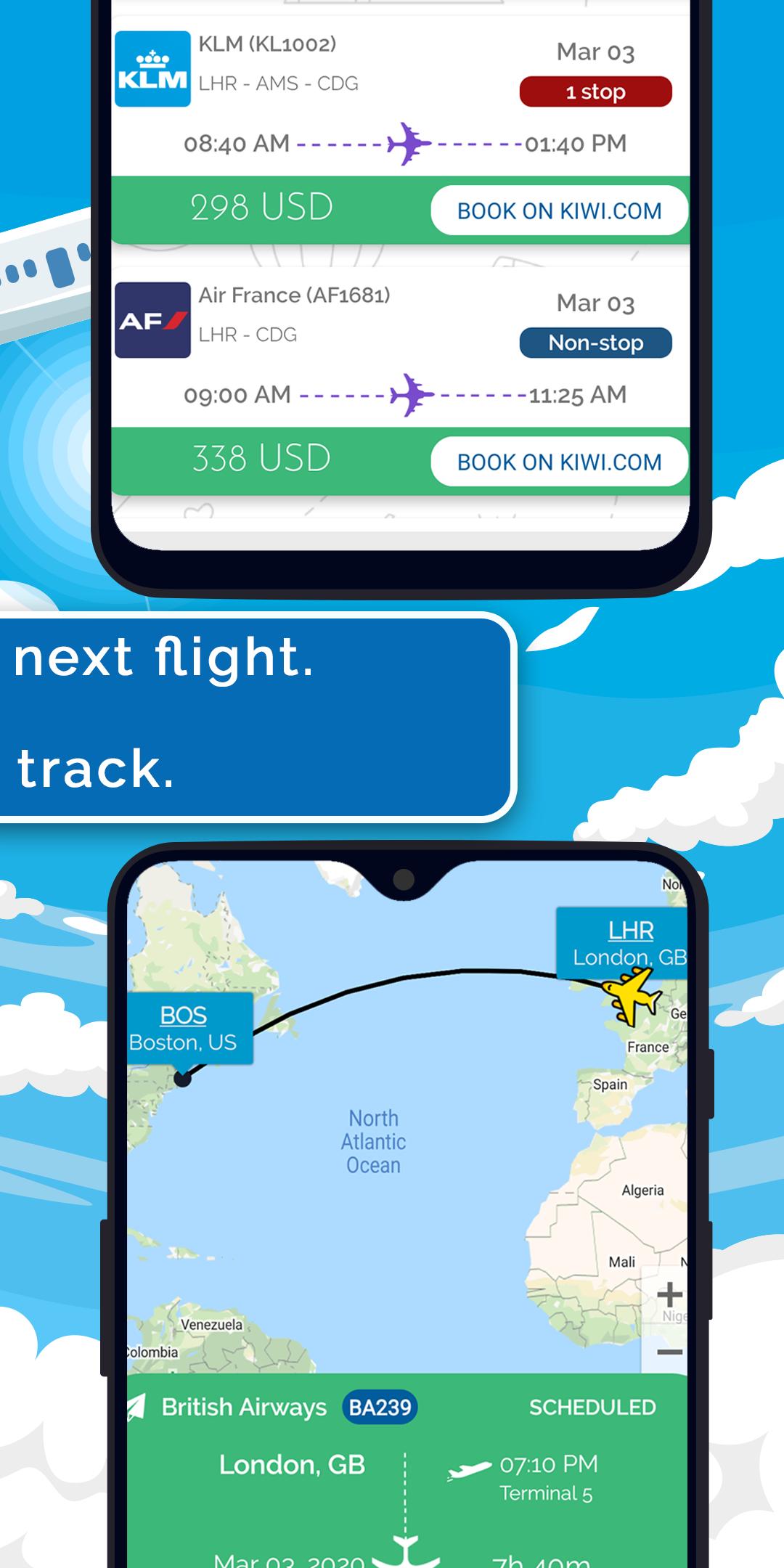
- Live arrival/departure boards with flight tracker (including map).
- Get Travel Offers - Search and compare cheap flights from hundreds of airlines.
- World Clock : Set up a world clock with your selection of cities.
- Currency Converter : Live exchange rates and converter, supports currencies from every country.
- My Trips : Save your hotel trips and rental car trips. Manage all your flight trips, track your flight, web check-in, share trip details.
- Explore San Francisco: Find interesting places / topics in and around San Francisco.
- Packing checklist : Keep track of things to pack for your next trip.
- Next flight : Find and book the next available flight from San Francisco.
- Emergency Numbers : National emergency numbers.
Preview
Tags
Travel-&Information
Developer
Sinecloud
Latest Version
15.0
Last Updated
2023-10-07
Category
Travel-local
Available on
Google Play
Show More
How to play San Francisco Airport SFO Info with GameLoop on PC
1. Download GameLoop from the official website, then run the exe file to install GameLoop
2. Open GameLoop and search for “San Francisco Airport SFO Info” , find San Francisco Airport SFO Info in the search results and click “Install”
3. Enjoy playing San Francisco Airport SFO Info on GameLoop
Minimum requirements
OS
Windows 8.1 64-bit or Windows 10 64-bit
GPU
GTX 1050
CPU
i3-8300
Memory
8GB RAM
Storage
1GB available space
Recommended requirements
OS
Windows 8.1 64-bit or Windows 10 64-bit
GPU
GTX 1050
CPU
i3-9320
Memory
16GB RAM
Storage
1GB available space