
Pewallet PC
Pewallet
Download Pewallet on PC With GameLoop Emulator
Pewallet on PC
Pewallet, coming from the developer Pewallet, is running on Android systerm in the past.
Now, You can play Pewallet on PC with GameLoop smoothly.
Download it in the GameLoop library or search results. No more eyeing the battery or frustrating calls at the wrong time any more.
Just enjoy Pewallet PC on the large screen for free!
Pewallet Introduction
Pe-Wallet have a vision and commitment to developing strategic alliances among with both a market growth, production base, through continued research growth and provide quality services that exceeds the expectations of our esteemed customers.
Making stuff easy and intuitive is not our only goal. In addition to usability, we strive to create accessibility, convenience and credibility. Simplicity reflects in our home page design and this mantra has been followed throughout the site and in our apps. Apart from this we also have a goal to achieve Regional expansion in the field of recharges, financial management and develop a strong base of key customers. Increase the assets and investments of the company to support the development of services. To build good reputation in the field of e commerce, and become a key player in the industry.
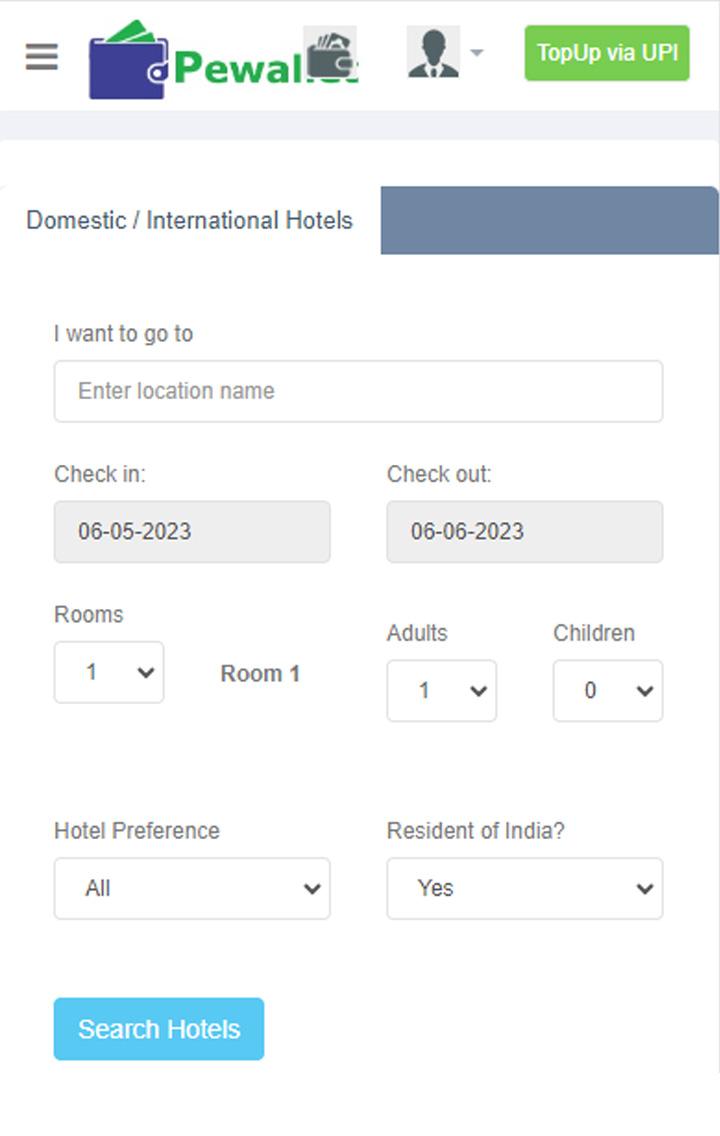
www.pe-wallet.com is a portal which is giving you all the recharge services and other services also in a single platform by which you can work easily and gracefully. Our main services in which we are vastly dealing
Recharges
Pan Card
Aadhar Card
Bill Payments
Money Transfer
Tours N Travels
IRCTC
Banking & Financial Services
Preview

Tags
Travel-&Information
Developer
Pewallet
Latest Version
3.0.0
Last Updated
2023-06-05
Category
Travel-local
Available on
Google Play
Show More
How to play Pewallet with GameLoop on PC
1. Download GameLoop from the official website, then run the exe file to install GameLoop
2. Open GameLoop and search for “Pewallet” , find Pewallet in the search results and click “Install”
3. Enjoy playing Pewallet on GameLoop
Minimum requirements
OS
Windows 8.1 64-bit or Windows 10 64-bit
GPU
GTX 1050
CPU
i3-8300
Memory
8GB RAM
Storage
1GB available space
Recommended requirements
OS
Windows 8.1 64-bit or Windows 10 64-bit
GPU
GTX 1050
CPU
i3-9320
Memory
16GB RAM
Storage
1GB available space