
P&O Freight PC
P&O Ferries Ltd
Download P&O Freight on PC With GameLoop Emulator
P&O Freight on PC
P&O Freight, coming from the developer P&O Ferries Ltd, is running on Android systerm in the past.
Now, You can play P&O Freight on PC with GameLoop smoothly.
Download it in the GameLoop library or search results. No more eyeing the battery or frustrating calls at the wrong time any more.
Just enjoy P&O Freight PC on the large screen for free!
P&O Freight Introduction
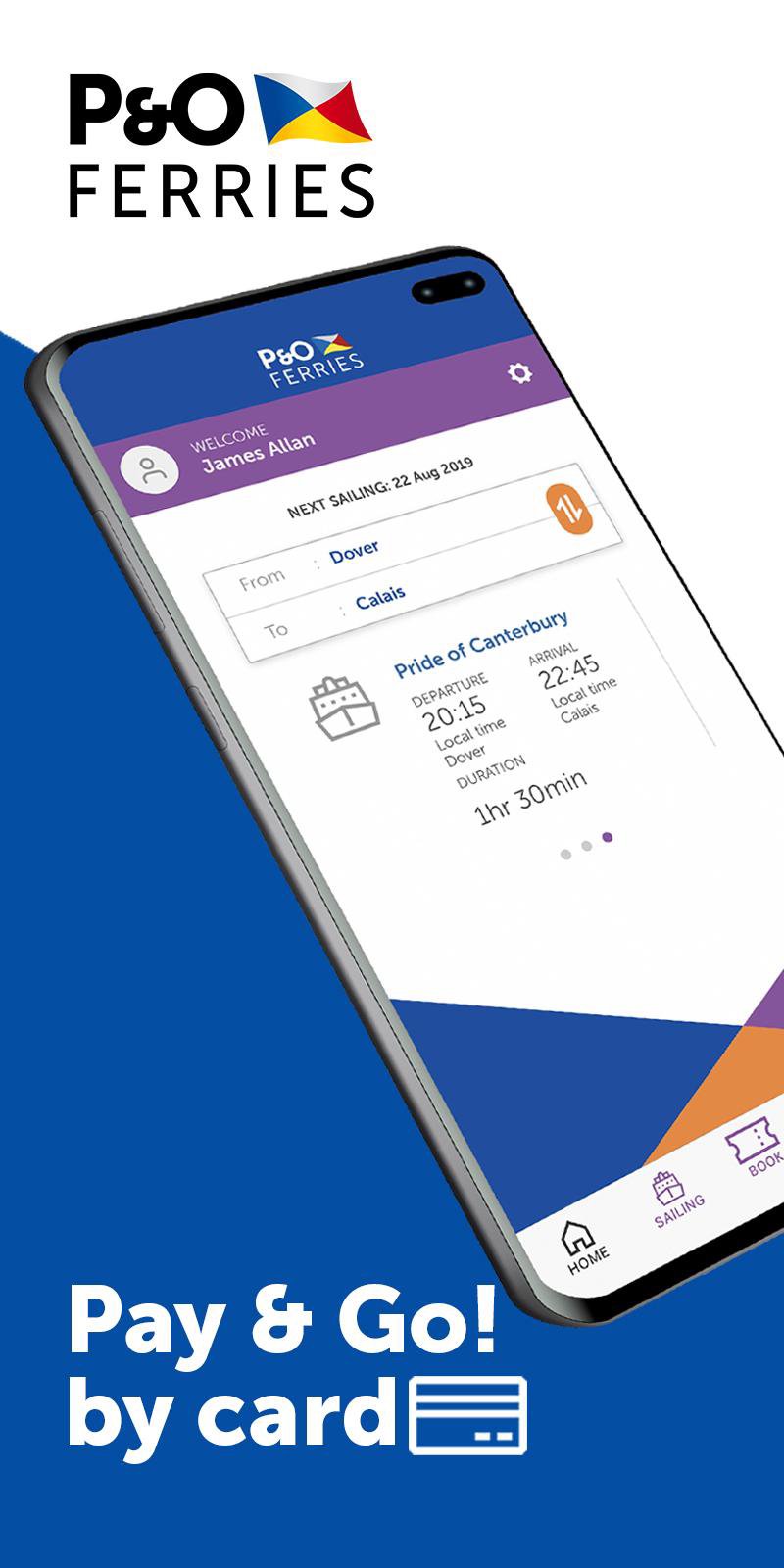
Your freight ferry sailing between Dover and Calais is easy via this handy free app, specifically designed for P&O Ferries freight non-account holders.
BOOK YOUR FERRY FREIGHT CROSSING
- If you haven’t travelled on one of our ferries as a freight customer before, with just a few personal details you will be able to register and create a profile.
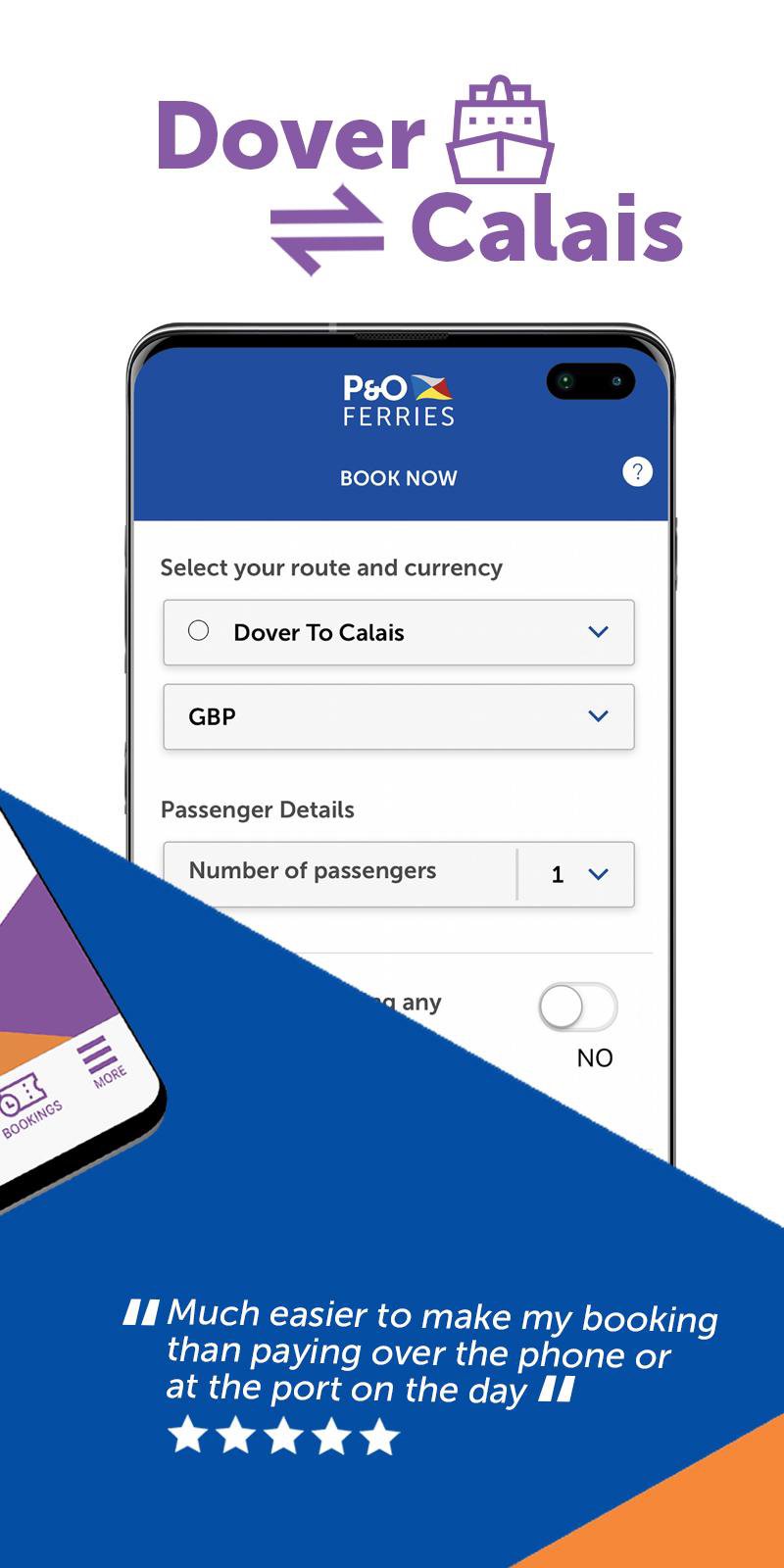
- Once you have a profile, you’ll be able to sign in, book and pay online for any ferry freight crossings between Dover and Calais for your lorry, truck or van 24/7.
- All your ferry bookings are stored in one place, and you can view them once you’ve signed in.
SAILING SCHEDULE
- Stay up-to-date with our ferry sailing schedule.
- Check for live updates on all our routes, including Dover ⇌ Calais, Hull ⇌ Zeebrugge, Hull ⇌ Europoort (Rotterdam), Tilbury ⇌ Zeebrugge, Teesport ⇌ Zeebrugge, Teesport ⇌ Europoort (Rotterdam), Larne ⇌ Cairnryan and Liverpool ⇌ Dublin.
- Manage your alerts with options to choose to be notified when there are changes to a specific sailing or you can choose to receive notification about a specific route.
MANAGE YOUR PROFILE
- Do you need to make changes to your personal details? Our app allows you to manage those changes en route 24 hours a day.
Preview
Tags
Travel-&Information
Developer
P&O Ferries Ltd
Latest Version
4.7
Last Updated
2022-04-28
Category
Travel-local
Available on
Google Play
Show More
How to play P&O Freight with GameLoop on PC
1. Download GameLoop from the official website, then run the exe file to install GameLoop
2. Open GameLoop and search for “P&O Freight” , find P&O Freight in the search results and click “Install”
3. Enjoy playing P&O Freight on GameLoop
Minimum requirements
OS
Windows 8.1 64-bit or Windows 10 64-bit
GPU
GTX 1050
CPU
i3-8300
Memory
8GB RAM
Storage
1GB available space
Recommended requirements
OS
Windows 8.1 64-bit or Windows 10 64-bit
GPU
GTX 1050
CPU
i3-9320
Memory
16GB RAM
Storage
1GB available space