
P&O Ferries: Book a Ferry Tick PC
P&O Ferries Ltd
Download P&O Ferries: Book a Ferry Tick on PC With GameLoop Emulator
P&O Ferries: Book a Ferry Tick on PC
P&O Ferries: Book a Ferry Tick, coming from the developer P&O Ferries Ltd, is running on Android systerm in the past.
Now, You can play P&O Ferries: Book a Ferry Tick on PC with GameLoop smoothly.
Download it in the GameLoop library or search results. No more eyeing the battery or frustrating calls at the wrong time any more.
Just enjoy P&O Ferries: Book a Ferry Tick PC on the large screen for free!
P&O Ferries: Book a Ferry Tick Introduction
Ferry travel adventures made easy with the P&O Ferries app.
You are the captain when you download this handy free travel app from the UK’s favourite ferry company, as voted for by consumers in the Globe Travel Awards 2016 - 2019.
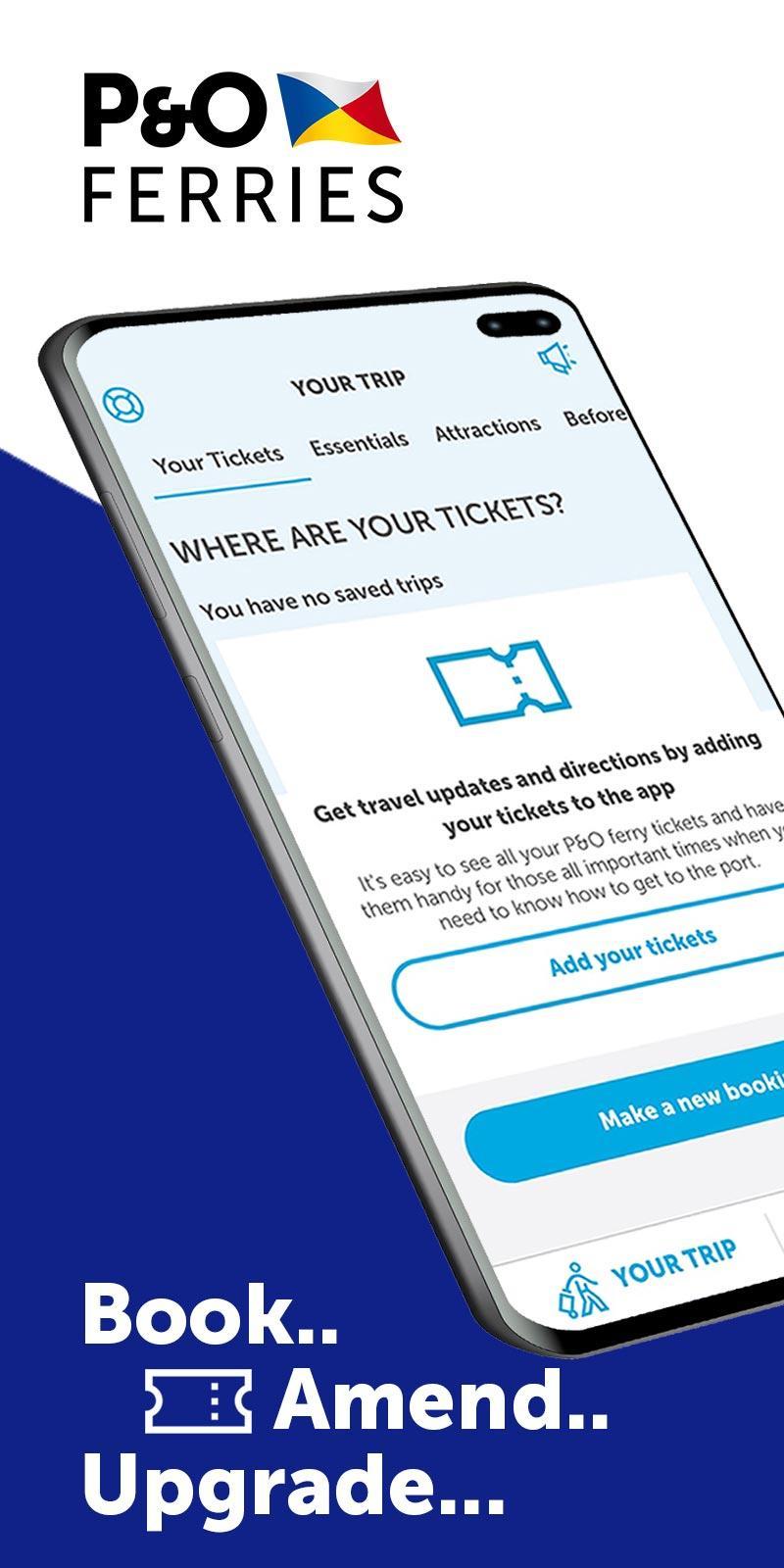
BOOK YOUR FERRY TICKETS
- For the best prices, it pays to book your ferry direct with P&O Ferries. A quick tap is all it takes to start your online booking.
- If you haven’t travelled with us before, you can create an account to sign into the app. In a hurry? You can also book a ferry using our guest checkout feature.
- Once you’ve arrived at one of our ports you can use the ferry ticket in your app to check-in
MANAGE YOUR TRIP
- You can edit a ferry ticket any time prior to check-in at the port. Upgrade your ferry crossing with Priority Boarding, Club Lounge, Pre-booked Meals or Wifi. (Services vary by ship/route)
- Plan your holiday using our ferry app; add travel insurance, RAC breakdown cover, order your foreign currency to collect on board, plan a visit to top attractions across Europe with Get Your Guide, or book with one of our accommodation partners; Booking.com, Center Parcs Europe, Magic Breaks, Cottages.com or Pierre & Vacances.
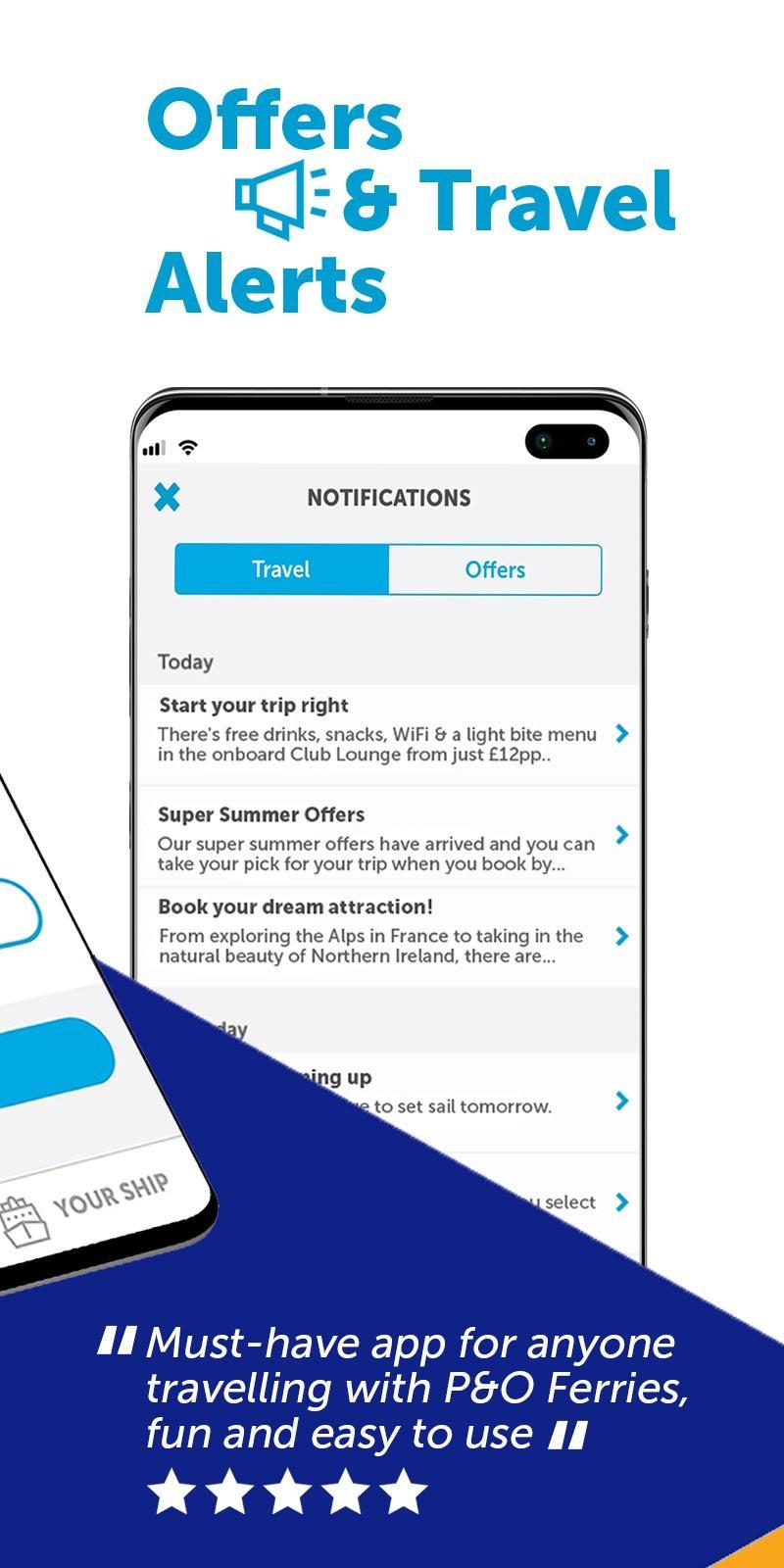
FERRY ALERTS & OFFER NOTIFICATIONS
- Stay up-to-date with those all-important ferry travel reminders
- Be first to know about special offers in our World Duty Free shop with up to 40% off high street prices
- Browse our selection of cheap ferry travel deals and plan your next holiday
- Receive exclusive on board promotions for your ferry crossing direct to your app
FIND YOUR WAY
- It pays to be prepared when you travel by ferry. Find out what to expect when you reach the port and you can even use our ferry app for directions.
- Use the on board map to locate services and facilities on each deck of our ferries
- Browse our food menus and decide where to eat from the selection of restaurants, bars and coffee shops
- Relax in the Club Lounge, pick up a gift from the shop, or take the kids to enjoy the children’s entertainment area
WHERE WE SAIL
- Our most popular route into Europe from the UK is on the English Channel from Dover to Calais. This ferry to France takes just 90 minutes.
- From Hull you can book an overnight mini cruise ferry to either Rotterdam or Zeebrugge with onward travel to Amsterdam or Bruges
- Our Irish ferry crossing travels between Liverpool and Dublin. Whilst our most northern route travels between Larne in Northern Ireland and Cairnryan in Scotland.
* please note sailings cannot be amended 60 minutes prior to departure on Dover-Calais and Cairnryan-Larne or 120 minutes prior to depart on Hull-Rotterdam/Zeebrugge
Preview
Tags
Travel-&Information
Developer
P&O Ferries Ltd
Latest Version
3.0.1
Last Updated
2022-01-21
Category
Travel-local
Available on
Google Play
Show More
How to play P&O Ferries: Book a Ferry Tick with GameLoop on PC
1. Download GameLoop from the official website, then run the exe file to install GameLoop
2. Open GameLoop and search for “P&O Ferries: Book a Ferry Tick” , find P&O Ferries: Book a Ferry Tick in the search results and click “Install”
3. Enjoy playing P&O Ferries: Book a Ferry Tick on GameLoop
Minimum requirements
OS
Windows 8.1 64-bit or Windows 10 64-bit
GPU
GTX 1050
CPU
i3-8300
Memory
8GB RAM
Storage
1GB available space
Recommended requirements
OS
Windows 8.1 64-bit or Windows 10 64-bit
GPU
GTX 1050
CPU
i3-9320
Memory
16GB RAM
Storage
1GB available space