
Hi Voice – AI Meeting Recorder PC
Translasion team
Download Hi Voice – AI Meeting Recorder on PC With GameLoop Emulator
Hi Voice – AI Meeting Recorder on PC
Hi Voice – AI Meeting Recorder, coming from the developer Translasion team, is running on Android systerm in the past.
Now, You can play Hi Voice – AI Meeting Recorder on PC with GameLoop smoothly.
Download it in the GameLoop library or search results. No more eyeing the battery or frustrating calls at the wrong time any more.
Just enjoy Hi Voice – AI Meeting Recorder PC on the large screen for free!
Hi Voice – AI Meeting Recorder Introduction
Hi Voice is developed by the Hi Translate team, a trusted name in AI-powered language and productivity tools. It is an AI meeting recorder built for real-time meeting transcription, voice-to-text conversion, live voice translation, and AI meeting notes.
As a professional meeting transcription app, Hi Voice helps you record meetings, transcribe conversations, convert voice to text, and generate AI-powered meeting summaries for meetings, lectures, interviews, and online calls.
Whether you are looking for an AI meeting recorder, a meeting notes app, a voice-to-text tool, or a real-time transcription and translation app, Hi Voice is designed to improve productivity, documentation, and communication efficiency.
🔑 CORE FEATURES – AI MEETING RECORDER & TRANSCRIPTION
🎙 AI Meeting Recorder
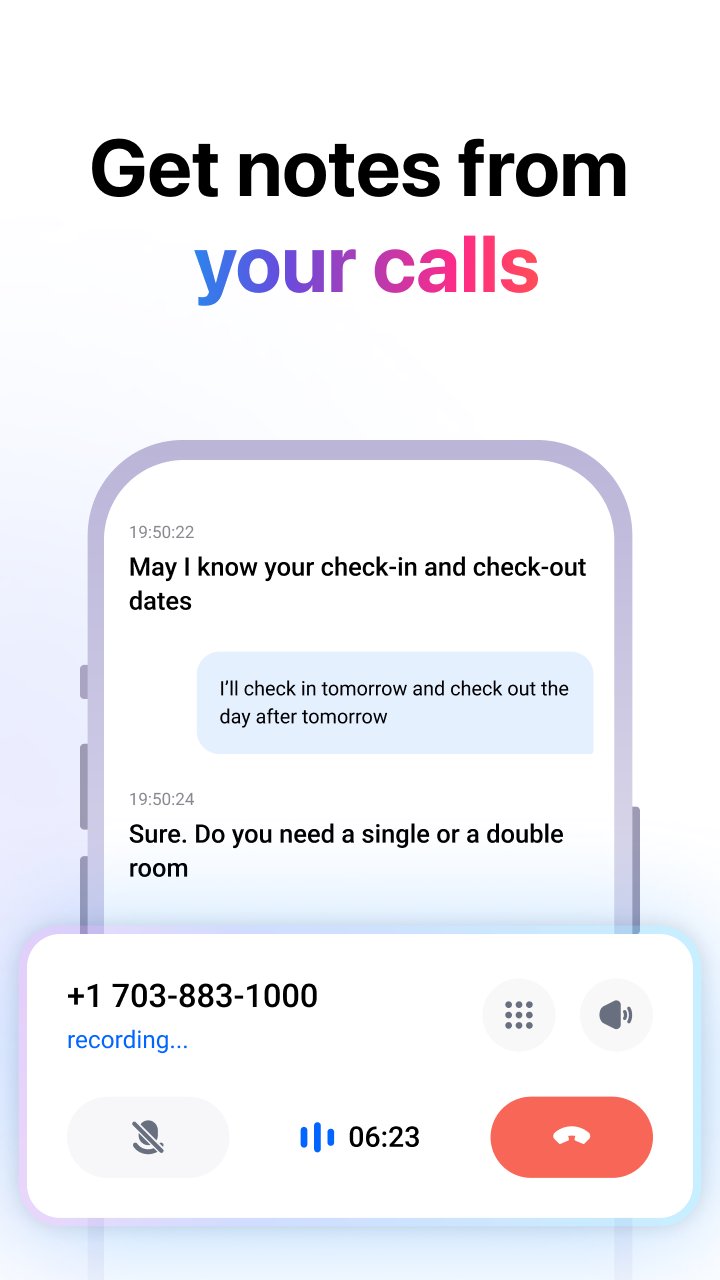
Record business meetings, online meetings, video calls, lectures, and interviews with high-quality audio. Hi Voice works as a reliable meeting recorder app for both in-person meetings and virtual meetings.
📝 Real-Time Transcription (Speech to Text)
Convert speech to text instantly using advanced AI transcription technology. Perfect for meeting transcription, lecture transcription, interview transcription, and voice-to-text notes.
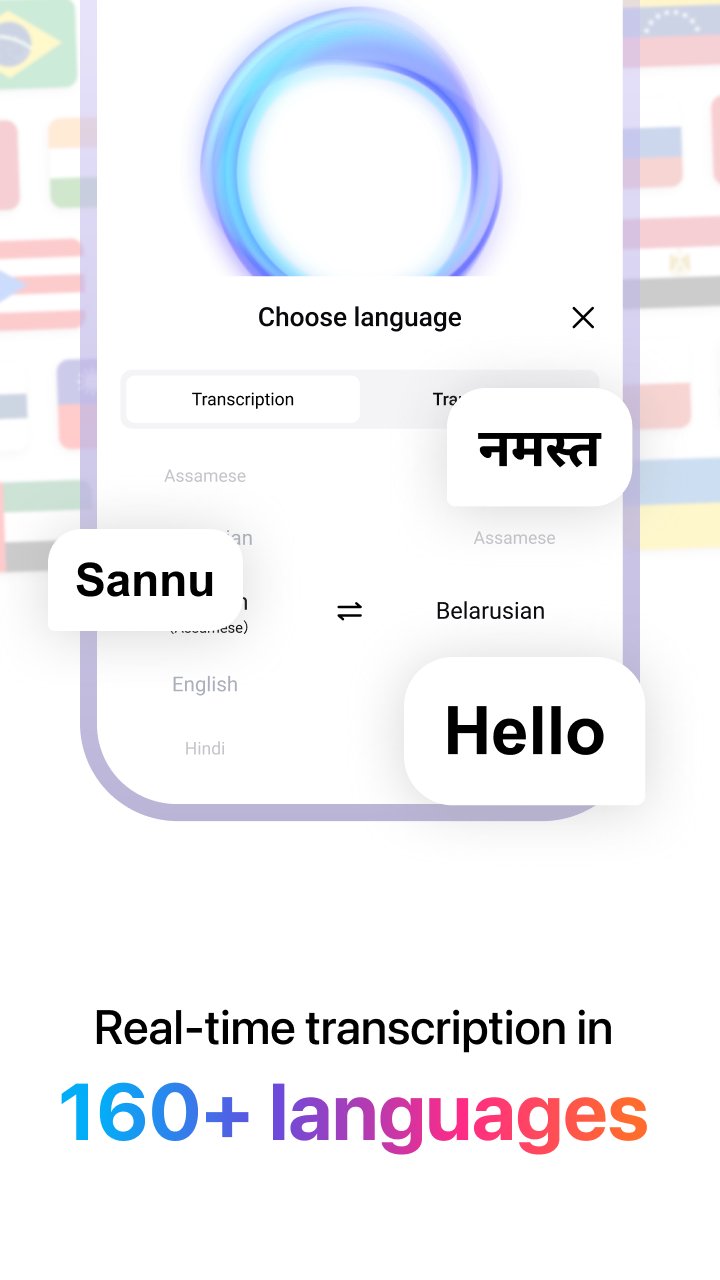
🌍 Live Voice Translation (160+ Languages)
Translate spoken language in real time across more than 160 languages. Designed for multilingual meetings, international interviews, remote work, and cross-language communication.
🧠 AI Meeting Notes & Summaries
Automatically generate structured AI meeting notes and meeting summaries. Quickly review key points, action items, and decisions without replaying the full meeting recording.
👥 Speaker Recognition for Meetings
Identify different speakers during meetings and conversations. Assign and edit speaker names to make meeting transcripts clearer and easier to manage.
📅 Calendar-Based Meeting Recording
Start meeting recording directly from your calendar. Hi Voice integrates with scheduled meetings to simplify meeting recording and meeting note-taking.
🔐 Secure Cloud Sync
All meeting recordings, transcripts, and AI meeting notes are securely stored and synced across devices for easy access anytime.
📌 USE CASES – MEETING, TRANSCRIPTION & VOICE TO TEXT
• AI meeting recorder for business meetings and team discussions
• Meeting transcription app for online meetings and offline meetings
• Voice-to-text app for lectures, classes, and academic notes
• AI transcription and translation for interviews and journalism
• Meeting notes app for remote teams and global collaboration
• Real-time voice translation for international communication
⭐ WHY CHOOSE HI VOICE
• Accurate AI meeting transcription and recording
• Fast and reliable voice-to-text conversion
• Smart AI meeting notes and summaries
• Supports real-time voice translation in multiple languages
• Designed for professionals, students, and remote teams
Hi Voice combines AI meeting recording, meeting transcription, voice-to-text conversion, live translation, and meeting notes into one powerful productivity tool. It allows you to stay focused during conversations while ensuring every important detail is captured and organized.
📬 Contact Us
Email: customer-support@hitranslate.ai
Preview
Tags
Travel-&ProductivityInformation
Developer
Translasion team
Latest Version
2.8.1.002.gp
Last Updated
2026-02-06
Category
Travel-local
Available on
Google Play
Show More
How to play Hi Voice – AI Meeting Recorder with GameLoop on PC
1. Download GameLoop from the official website, then run the exe file to install GameLoop
2. Open GameLoop and search for “Hi Voice – AI Meeting Recorder” , find Hi Voice – AI Meeting Recorder in the search results and click “Install”
3. Enjoy playing Hi Voice – AI Meeting Recorder on GameLoop
Minimum requirements
OS
Windows 8.1 64-bit or Windows 10 64-bit
GPU
GTX 1050
CPU
i3-8300
Memory
8GB RAM
Storage
1GB available space
Recommended requirements
OS
Windows 8.1 64-bit or Windows 10 64-bit
GPU
GTX 1050
CPU
i3-9320
Memory
16GB RAM
Storage
1GB available space