
Tourist Attraction Finder PC
POSITIVE INFINITY
Download Tourist Attraction Finder on PC With GameLoop Emulator
Tourist Attraction Finder on PC
Tourist Attraction Finder, coming from the developer POSITIVE INFINITY, is running on Android systerm in the past.
Now, You can play Tourist Attraction Finder on PC with GameLoop smoothly.
Download it in the GameLoop library or search results. No more eyeing the battery or frustrating calls at the wrong time any more.
Just enjoy Tourist Attraction Finder PC on the large screen for free!
Tourist Attraction Finder Introduction
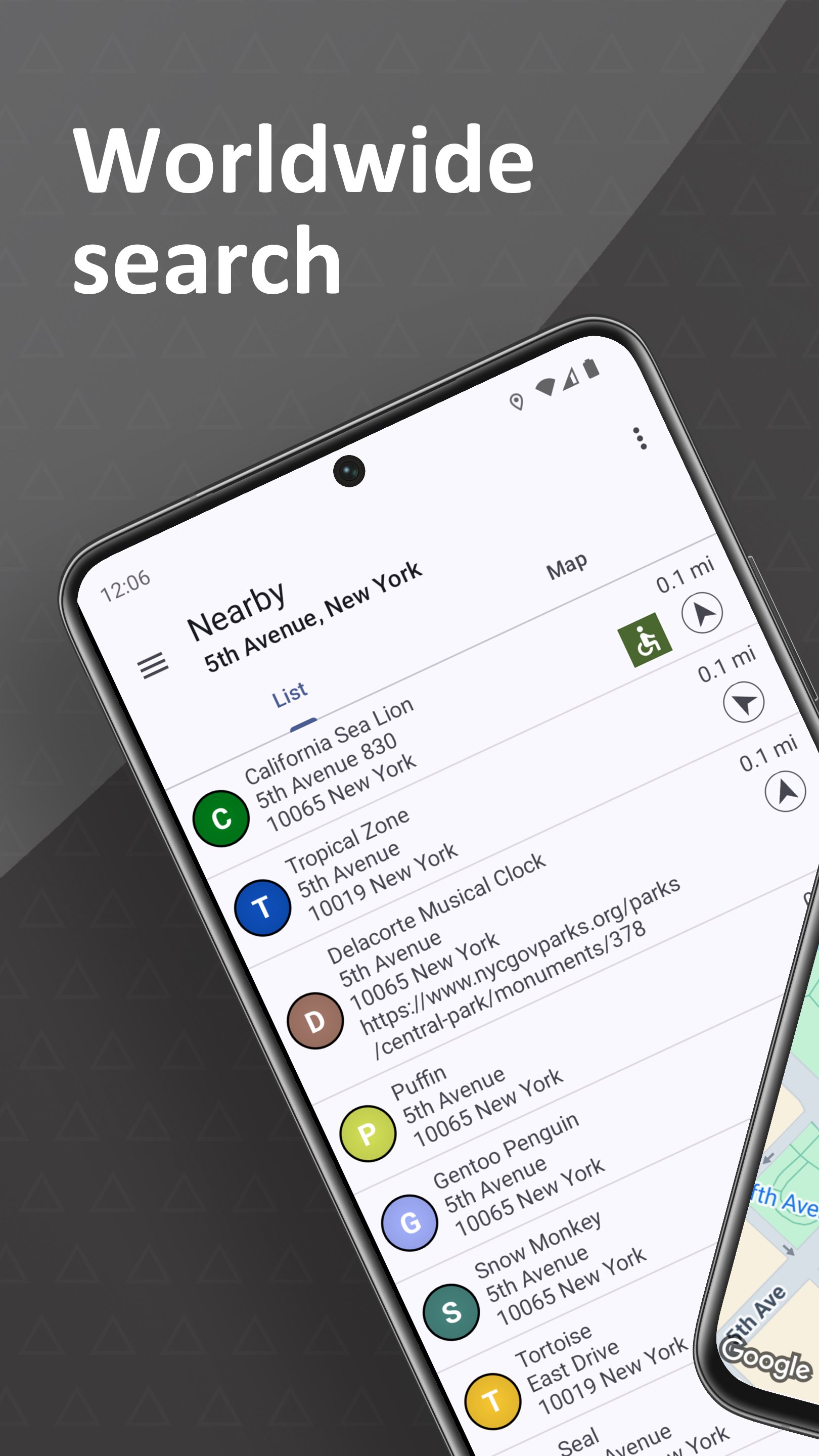
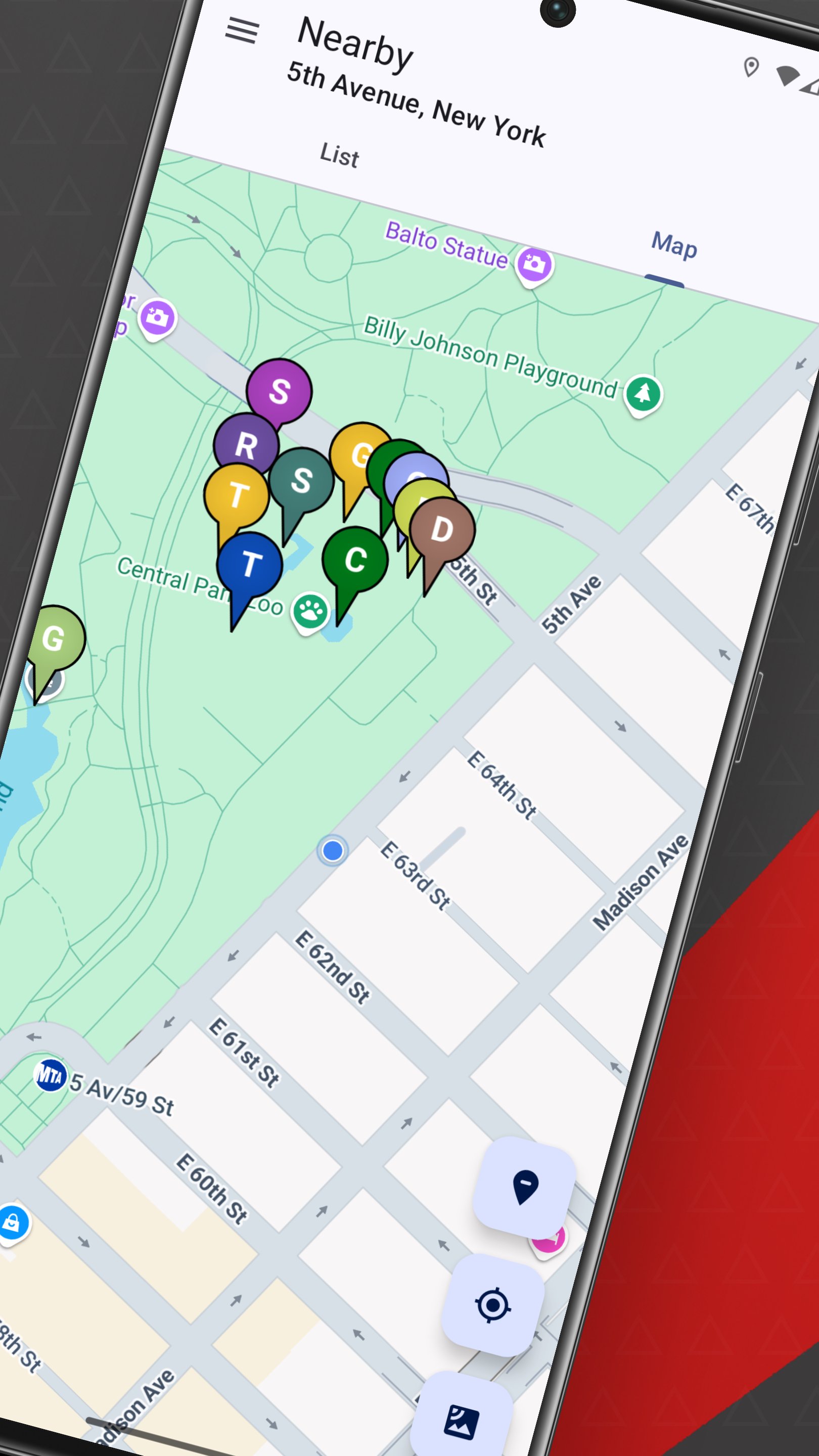
At home, on vacation or on the go: Find locations near you and anywhere in the world. The app displays items in a list and on a map and allows easy one-click navigation to locations.
Features:
[*] List and map view
[*] Detail view with additional information (if available)
[*] Navigation to the locations via Maps or external navigation apps
[*] Configurable icons (symbols / letters / name)
[*] Aerial views / Link to street views (if available)
Permissions:
[*] Location: To determine your current location (approximate or exact) so that the app can display entries in your current area. Note: The app works both with exact or approximate location sharing as well as completely without access to the current location. In this case, you can search for entries worldwide using the address search or directly via the map.
PRO version:
[*] The basic version of the app is free. However, some of the search results are hidden and not all functionality is available. Purchase the PRO features (one-time payment) to show all results, unlock all features and make the most of the app.
The app supports Wear OS! Use it on your smartwatch to find locations near you. Note: The address search / map search is currently not supported on the smartwatch.
The app supports Android Auto! Use it in compatible vehicles via the integrated display.
Preview
Tags
Travel-&Information
Developer
POSITIVE INFINITY
Latest Version
2.9.60
Last Updated
2025-09-06
Category
Travel-local
Available on
Google Play
Show More
How to play Tourist Attraction Finder with GameLoop on PC
1. Download GameLoop from the official website, then run the exe file to install GameLoop
2. Open GameLoop and search for “Tourist Attraction Finder” , find Tourist Attraction Finder in the search results and click “Install”
3. Enjoy playing Tourist Attraction Finder on GameLoop
Minimum requirements
OS
Windows 8.1 64-bit or Windows 10 64-bit
GPU
GTX 1050
CPU
i3-8300
Memory
8GB RAM
Storage
1GB available space
Recommended requirements
OS
Windows 8.1 64-bit or Windows 10 64-bit
GPU
GTX 1050
CPU
i3-9320
Memory
16GB RAM
Storage
1GB available space