
Flight Tracker - Flight Radar PC
Xtream Apps Solutions
Download Flight Tracker - Flight Radar on PC With GameLoop Emulator
Flight Tracker - Flight Radar on PC
Flight Tracker - Flight Radar, coming from the developer Xtream Apps Solutions, is running on Android systerm in the past.
Now, You can play Flight Tracker - Flight Radar on PC with GameLoop smoothly.
Download it in the GameLoop library or search results. No more eyeing the battery or frustrating calls at the wrong time any more.
Just enjoy Flight Tracker - Flight Radar PC on the large screen for free!
Flight Tracker - Flight Radar Introduction
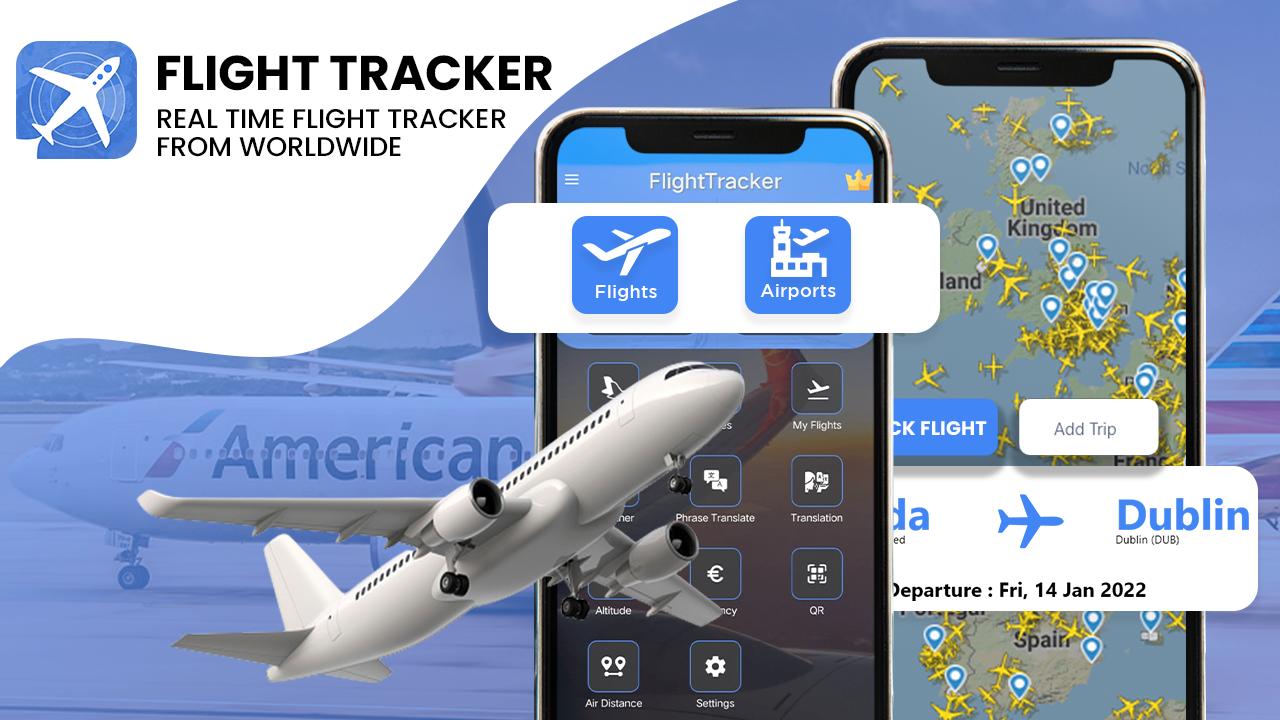
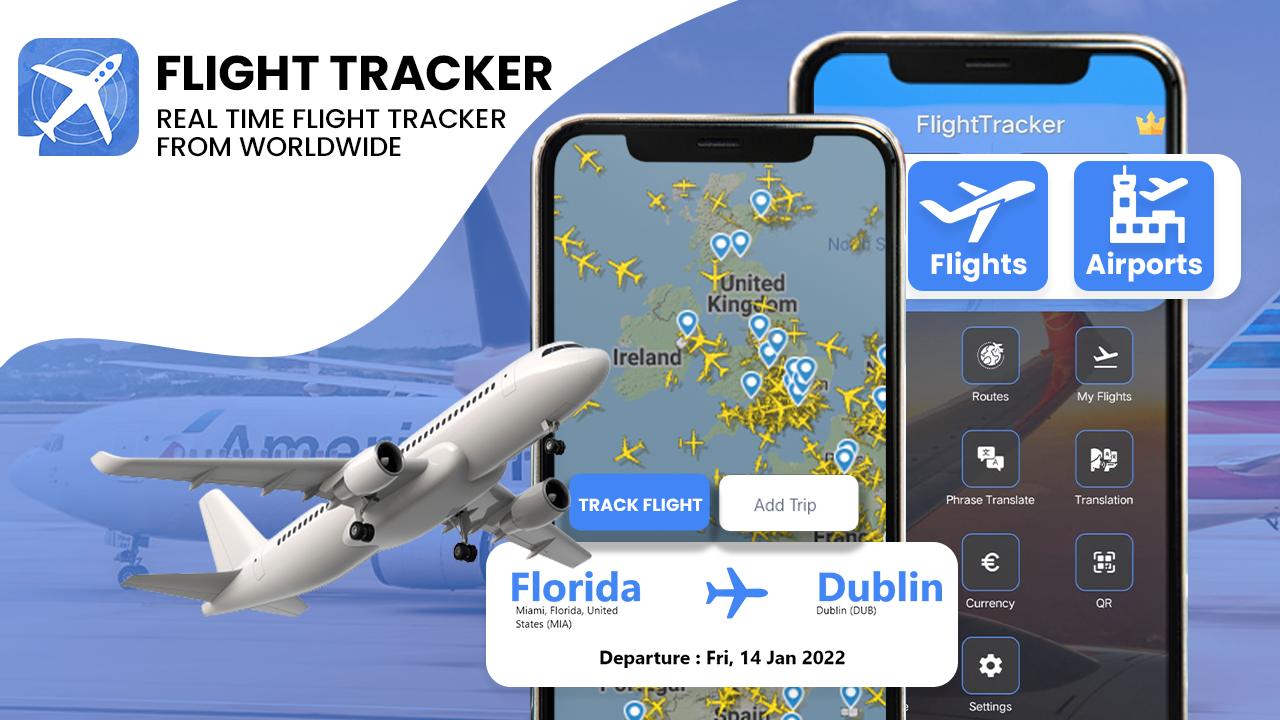
Flight Tracker app allows you to track the real-time flight status and see the live map flight track of any commercial flight worldwide and general aviation (private, charter, etc.) around the world.
Its an all in one solution that solves your travel problems. You can find destination weather, currency rates, daily conversation translations etc.
Track your flight by aircraft registration, route, airline, flight number, city pair, or airport code.
WHY YOU'LL LOVE THE FLIGHT TRACKER
• Track any flight in the world
• Detailed Departure and Arrival information
• Plan your flights on Trips
• Check local weather at your destination
• Add notes with your flight details
• Easily share your flight info
• Sync with your calendar
• Interesting Aircraft facts
• Currency Conversion
• Destination Language Translation
• QR Code Scan
• Air distance Calculator and many more.
You can find plane for a given flight or with a given registration, using the very responsive search engine. Once selected you may add the flight to the list of favorites. This will enable you later to retrieve and swap from flight to flight in a very efficient way.
Use the reliable flight search engine to find the aircraft on the flight radar and check the flight status.
➡️➡️➡️ Download our live flight tracker and plane finder app to get all important information you need for your flight. Check the flight schedule for your chosen destinations. Check any flight status - track planes - view airport arrival and departures - plan your flights and trips, travel smarter with our flight app!
Tired of Ads?
- Our free app is supported by ads, if you prefer not to see ads, please consider subscribing to support the development team directly.
Preview
Tags
Travel-&Information
Developer
Xtream Apps Solutions
Latest Version
1.20
Last Updated
2023-02-23
Category
Travel-local
Available on
Google Play
Show More
How to play Flight Tracker - Flight Radar with GameLoop on PC
1. Download GameLoop from the official website, then run the exe file to install GameLoop
2. Open GameLoop and search for “Flight Tracker - Flight Radar” , find Flight Tracker - Flight Radar in the search results and click “Install”
3. Enjoy playing Flight Tracker - Flight Radar on GameLoop
Minimum requirements
OS
Windows 8.1 64-bit or Windows 10 64-bit
GPU
GTX 1050
CPU
i3-8300
Memory
8GB RAM
Storage
1GB available space
Recommended requirements
OS
Windows 8.1 64-bit or Windows 10 64-bit
GPU
GTX 1050
CPU
i3-9320
Memory
16GB RAM
Storage
1GB available space