XPlaneMonitor PC
Wayne Piekarski
Download XPlaneMonitor on PC With GameLoop Emulator
XPlaneMonitor on PC
XPlaneMonitor, coming from the developer Wayne Piekarski, is running on Android systerm in the past.
Now, You can play XPlaneMonitor on PC with GameLoop smoothly.
Download it in the GameLoop library or search results. No more eyeing the battery or frustrating calls at the wrong time any more.
Just enjoy XPlaneMonitor PC on the large screen for free!
XPlaneMonitor Introduction
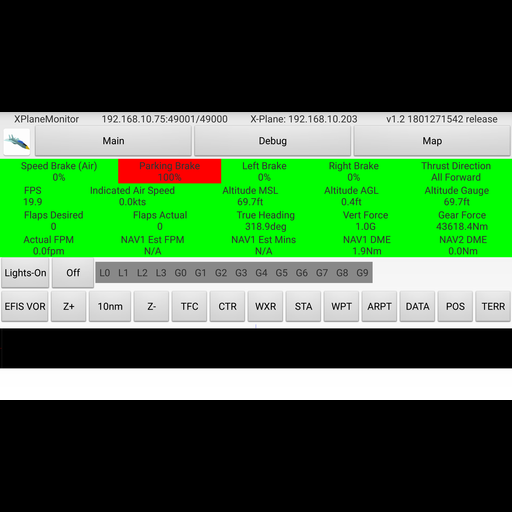
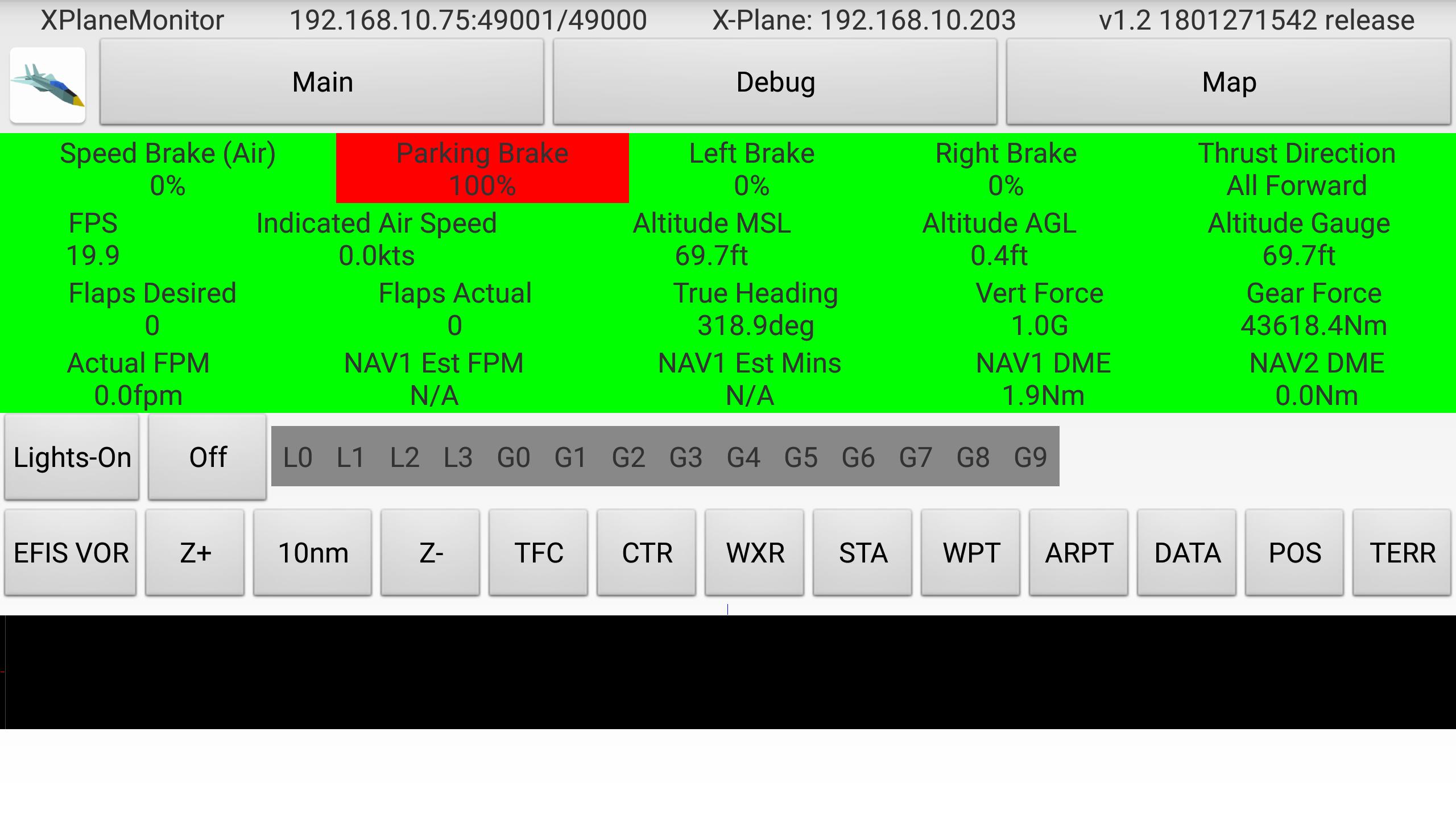
This app displays flight info about the brakes, flaps, landing gear, reverse thrust, G-forces, time and distance to NAV1, without having to look around the cockpit.
It also has buttons to turn on and off all lights, and adjust all the settings for the EFIS map display. It works with most X-Plane 11 aircraft, including the default 737/747, Zibo's 738, SSG's 747, and many others. It also implements protocol conversion so you can use the Flight Factor 767 with XHSI displays, which normally doesn't support the 767.
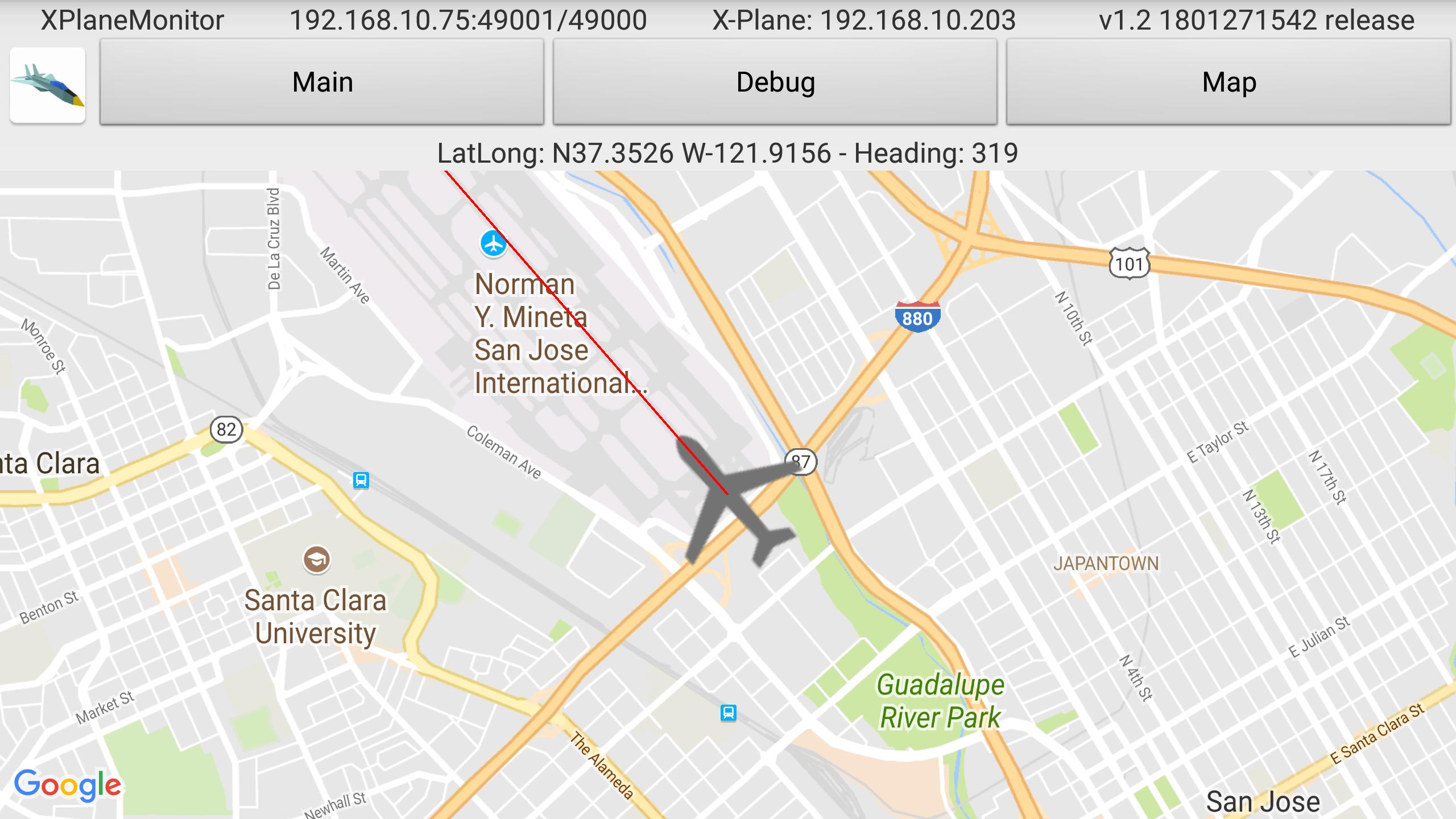
There is also a moving map showing the current aircraft location.
XPlaneMonitor will auto-detect your X-Plane instance assuming that multicast is working. Many routers do not support multicast properly, and so you can tap on the Auto BECN button to configure a manual X-Plane hostname or IP address.
You must have the ExtPlane v2 plugin installed in your X-Plane 11 Resources/plugins directory. This plugin uses port 51000 to provide external control capabilities, so you must make sure that Windows firewall is not blocking it. You must download the binaries for the plugin from http://waynepiekarski.net/extplane - you cannot use the original ExtPlane v1 plugin because it has bugs related to string datarefs.
The source code is available under GPLv3 at https://github.com/waynepiekarski/XPlaneMonitor - it is written in Kotlin and is built with Android Studio. The plugin source code is https://github.com/waynepiekarski/ExtPlane and is forked from the original code at https://github.com/vranki/ExtPlane (licensed under GPLv3).
This is an early prototype and I look forward to feedback on any problems. Visit the GitHub page to file bugs https://github.com/waynepiekarski/XPlaneMonitor
Remember: extract the plugin from http://waynepiekarski.net/extplane into your Resources/plugins directory, and make sure port 51000 is not blocked by the Windows firewall.
Preview
Tags
ToolsInformation
Developer
Wayne Piekarski
Latest Version
2.0
Last Updated
2022-10-14
Category
Tools
Available on
Google Play
Show More
How to play XPlaneMonitor with GameLoop on PC
1. Download GameLoop from the official website, then run the exe file to install GameLoop
2. Open GameLoop and search for “XPlaneMonitor” , find XPlaneMonitor in the search results and click “Install”
3. Enjoy playing XPlaneMonitor on GameLoop
Minimum requirements
OS
Windows 8.1 64-bit or Windows 10 64-bit
GPU
GTX 1050
CPU
i3-8300
Memory
8GB RAM
Storage
1GB available space
Recommended requirements
OS
Windows 8.1 64-bit or Windows 10 64-bit
GPU
GTX 1050
CPU
i3-9320
Memory
16GB RAM
Storage
1GB available space