
Xhome PC
lancens
Download Xhome on PC With GameLoop Emulator
Xhome on PC
Xhome, coming from the developer lancens, is running on Android systerm in the past.
Now, You can play Xhome on PC with GameLoop smoothly.
Download it in the GameLoop library or search results. No more eyeing the battery or frustrating calls at the wrong time any more.
Just enjoy Xhome PC on the large screen for free!
Xhome Introduction
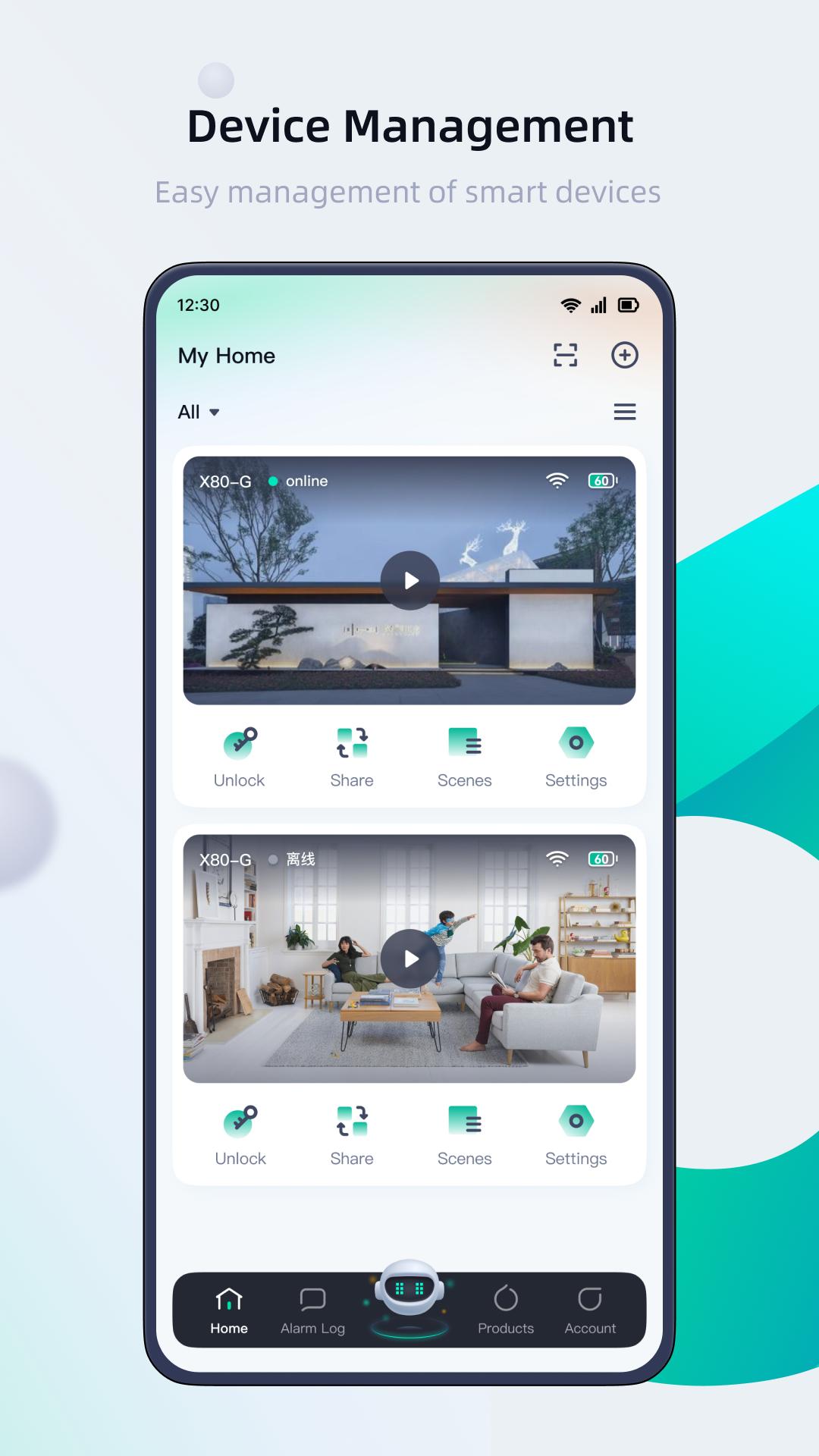
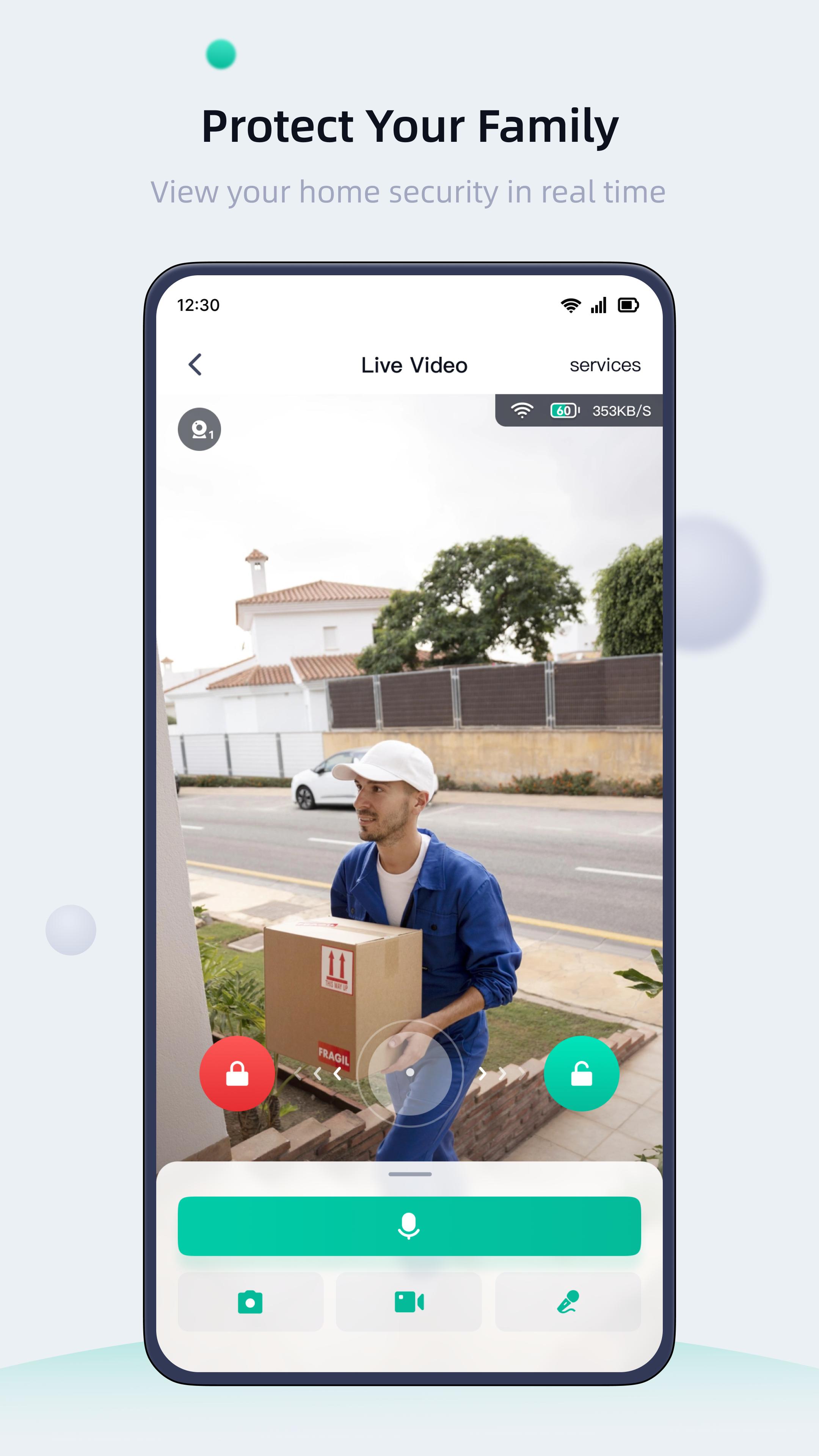
Xhome is a powerful mobile application specially developed for wireless low-power products, which can be used in office, home security and outdoor monitoring, communication alarm, video doorbell, remote management and control, etc. With smart hardware cameras, door locks, etc., it is easy to monitor all the important things in life, with a tap of a finger, you can easily communicate audio and video in any location, and get notified when someone is active. 100% wireless cameras can be placed anywhere, even outdoors, for months without the hassle of frequent battery changes. Video doorbells, locks, will not let you miss any visitors, even handle the check of couriers, etc. Voice calls can be made during live video broadcast, and voice noise reduction processing technology enables you to hear each other's voice clearly in a noisy environment. So you can easily build a safer and smarter home!
Preview
Tags
ToolsInformation
Developer
lancens
Latest Version
1.6.2.2
Last Updated
2025-09-15
Category
Tools
Available on
Google Play
Show More
How to play Xhome with GameLoop on PC
1. Download GameLoop from the official website, then run the exe file to install GameLoop
2. Open GameLoop and search for “Xhome” , find Xhome in the search results and click “Install”
3. Enjoy playing Xhome on GameLoop
Minimum requirements
OS
Windows 8.1 64-bit or Windows 10 64-bit
GPU
GTX 1050
CPU
i3-8300
Memory
8GB RAM
Storage
1GB available space
Recommended requirements
OS
Windows 8.1 64-bit or Windows 10 64-bit
GPU
GTX 1050
CPU
i3-9320
Memory
16GB RAM
Storage
1GB available space