
Wi Fi Automatic - Network Tool PC
DanielParkApp
Download Wi Fi Automatic - Network Tool on PC With GameLoop Emulator
Wi Fi Automatic - Network Tool on PC
Wi Fi Automatic - Network Tool, coming from the developer DanielParkApp, is running on Android systerm in the past.
Now, You can play Wi Fi Automatic - Network Tool on PC with GameLoop smoothly.
Download it in the GameLoop library or search results. No more eyeing the battery or frustrating calls at the wrong time any more.
Just enjoy Wi Fi Automatic - Network Tool PC on the large screen for free!
Wi Fi Automatic - Network Tool Introduction
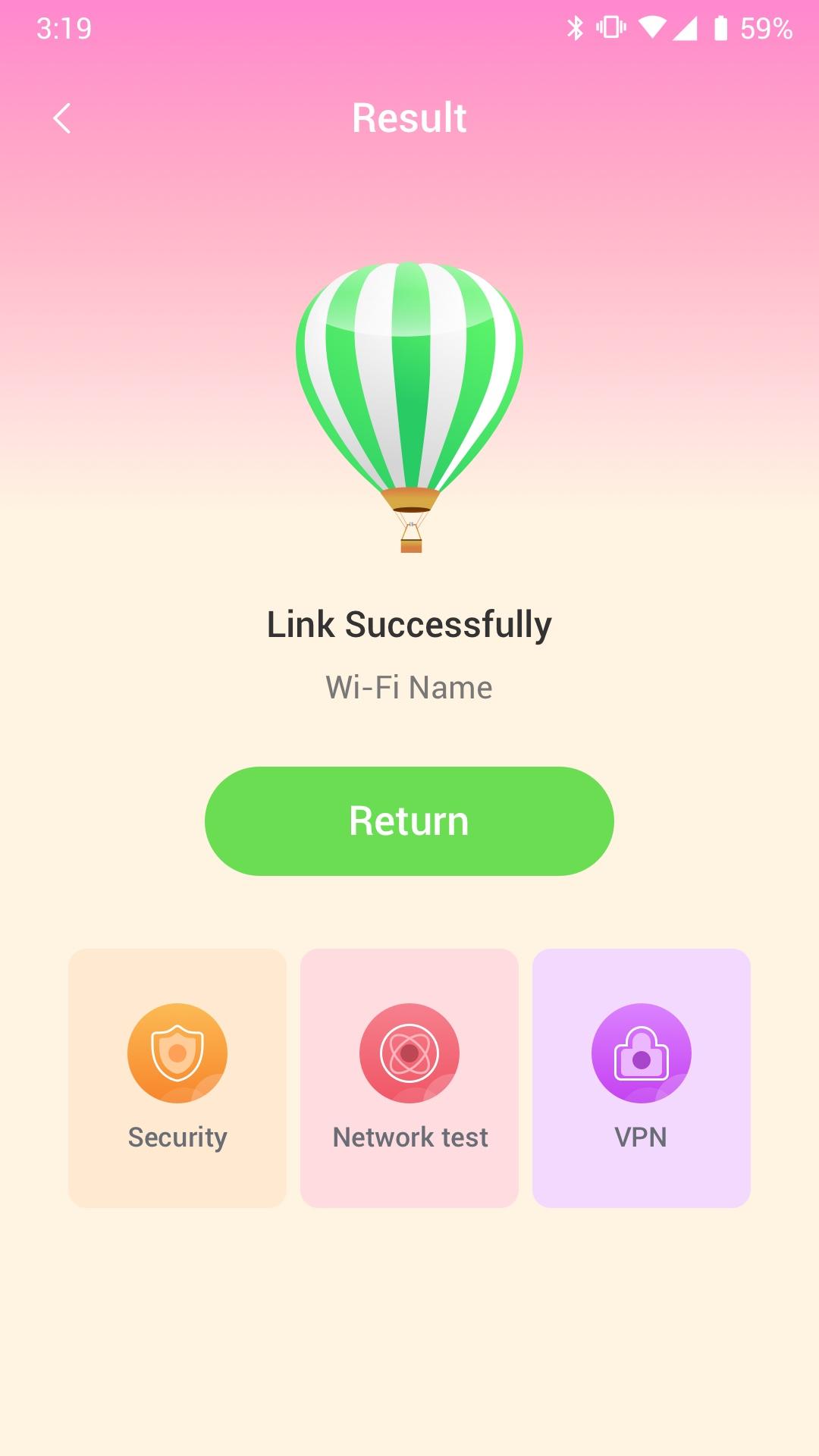
Wi Fi Automatic can efficiently query surrounding Wi-Fi hotspots and monitor the signal strength of all available WiFi networks
· Use WiFi Monitor to detect slow WiFi networks and identify poor signal strength.
· Use the Wi Fi Automatic app to scan all WiFi networks in your environment.
· Use the Wi Fi Automatic app to measure the signal strength of your WiFi network.
Wi Fi Automatic can help you diagnose various issues in your wifi network settings, internet connection, and also detect various issues on remote servers with the extensive tools it provides.
With Wi Fi Automatic's free tools and utilities, you can:
• Run WiFi and cellular speed tests, download and upload speed analysis and latency
• Use Wi Fi Automatic to scan the network and discover all devices connected to any network
Wifi signal display:
- Display text representation of signal strength
- Wifi network type (WEP, WPA, WPA2)
Wi-Fi Scanner:
- Fast and reliable detection of all network devices
- Vendor names, IP and MAC addresses of all discovered devices
Preview
Tags
ToolsInformation
Developer
DanielParkApp
Latest Version
1.0.3
Last Updated
2022-09-06
Category
Tools
Available on
Google Play
Show More
How to play Wi Fi Automatic - Network Tool with GameLoop on PC
1. Download GameLoop from the official website, then run the exe file to install GameLoop
2. Open GameLoop and search for “Wi Fi Automatic - Network Tool” , find Wi Fi Automatic - Network Tool in the search results and click “Install”
3. Enjoy playing Wi Fi Automatic - Network Tool on GameLoop
Minimum requirements
OS
Windows 8.1 64-bit or Windows 10 64-bit
GPU
GTX 1050
CPU
i3-8300
Memory
8GB RAM
Storage
1GB available space
Recommended requirements
OS
Windows 8.1 64-bit or Windows 10 64-bit
GPU
GTX 1050
CPU
i3-9320
Memory
16GB RAM
Storage
1GB available space