
Website Link Indexer Pro PC
UpApplications
Download Website Link Indexer Pro on PC With GameLoop Emulator
Website Link Indexer Pro on PC
Website Link Indexer Pro, coming from the developer UpApplications, is running on Android systerm in the past.
Now, You can play Website Link Indexer Pro on PC with GameLoop smoothly.
Download it in the GameLoop library or search results. No more eyeing the battery or frustrating calls at the wrong time any more.
Just enjoy Website Link Indexer Pro PC on the large screen for free!
Website Link Indexer Pro Introduction
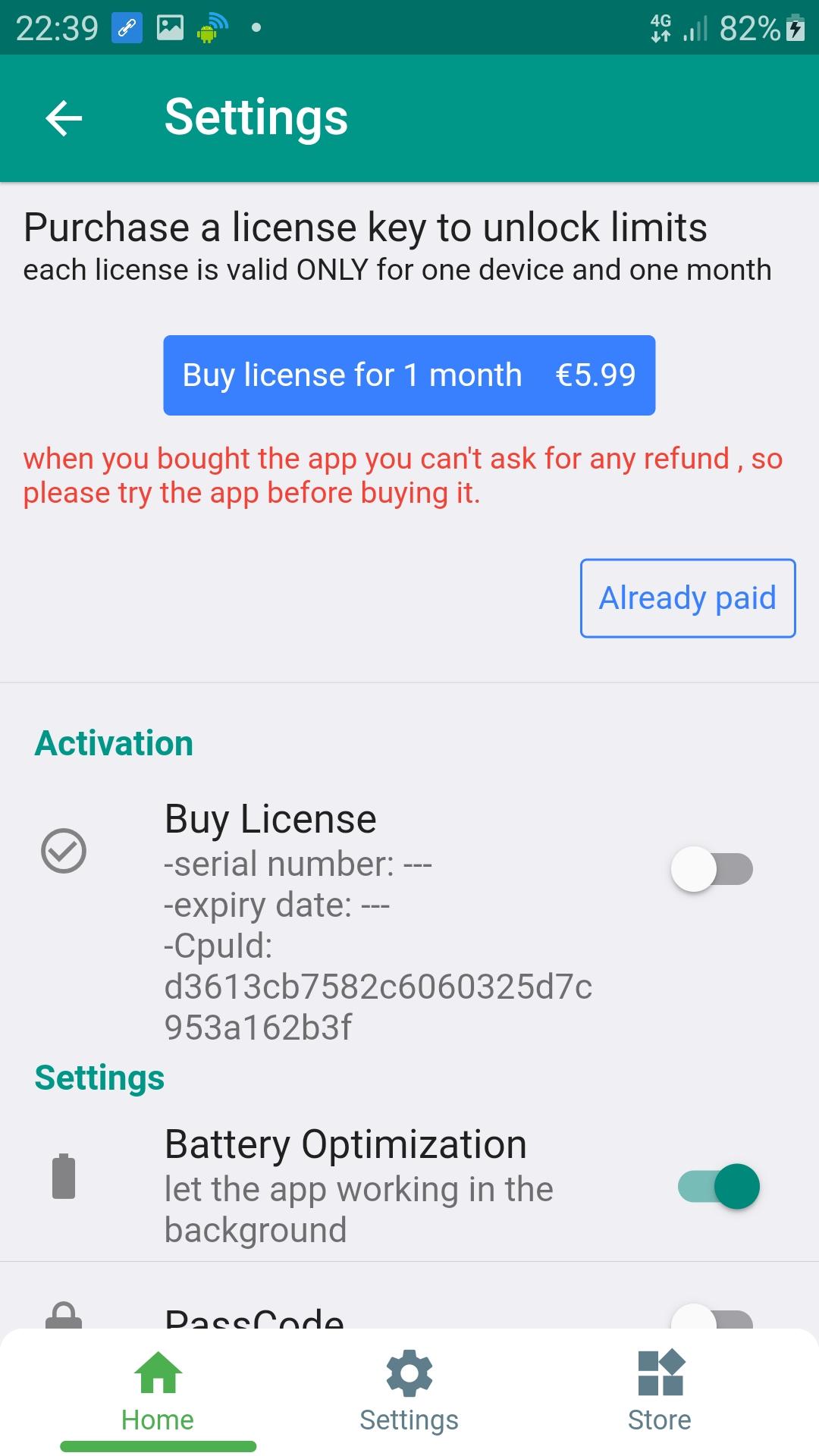
* one activation code is valid ONLY for one phone.
* when you bought the app you can't ask for any refund , so please try the app before buying it.
* you MUST exclude the app from battery optimization from settings, it's MANDATORY.
Website indexing is the process of downloading data from webpages and storing it into databases by search engines. They do this because they need to process data to display most relevant results to their users.
So, Web page indexing is important for websites to being displayed in search engines against user queries.
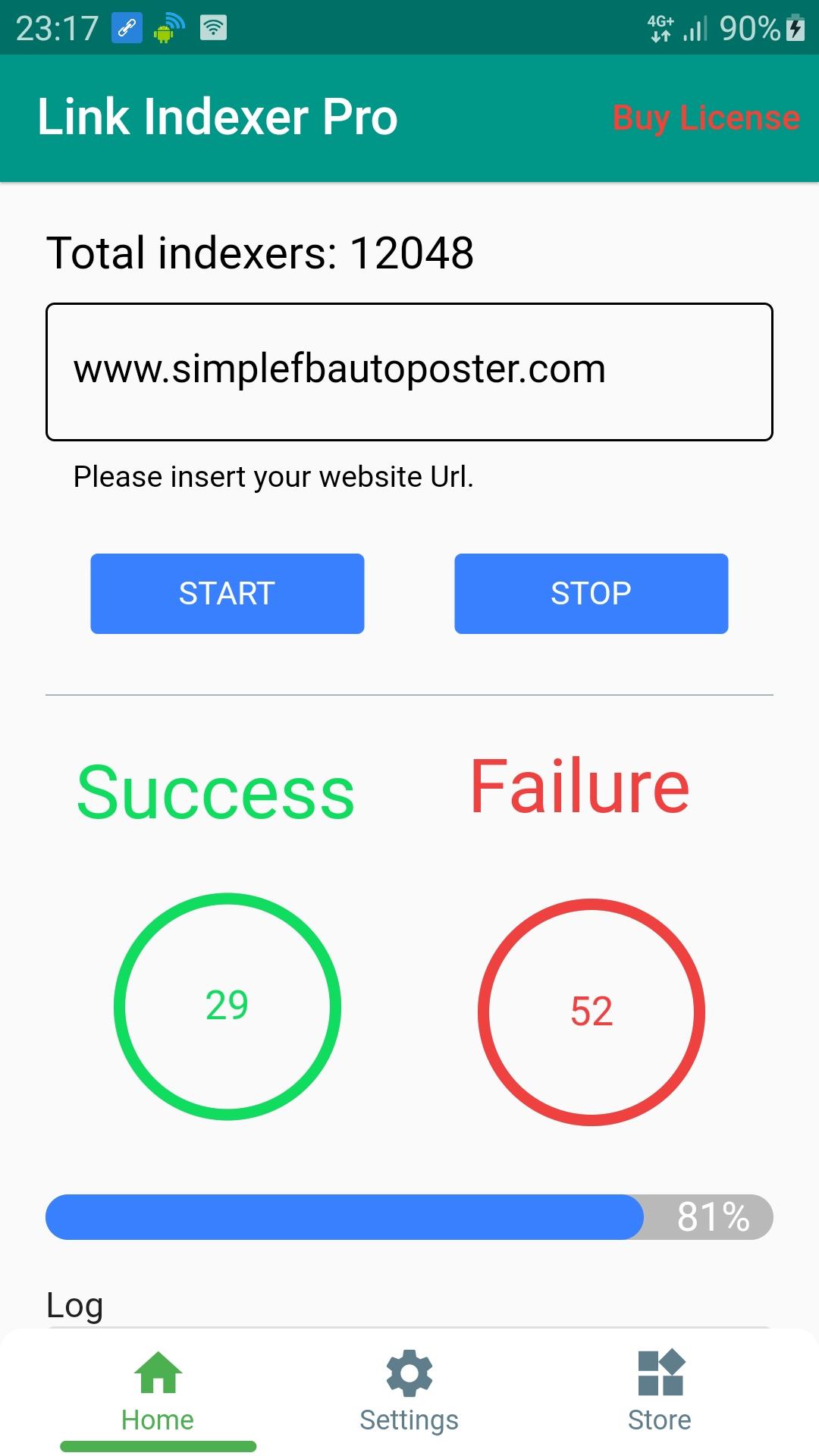
The Best Indexer , Submit your Site URL to Google Bing Search Engines and Boost Your Links
Over than 10.000 indexer
*when you purchase the app you well get an activation code valid for one month.
* when you uninstall the app you lose your license and you can't ask for any refund
Preview
Tags
ToolsInformation
Developer
UpApplications
Latest Version
13.1.23
Last Updated
2023-01-13
Category
Tools
Available on
Google Play
Show More
How to play Website Link Indexer Pro with GameLoop on PC
1. Download GameLoop from the official website, then run the exe file to install GameLoop
2. Open GameLoop and search for “Website Link Indexer Pro” , find Website Link Indexer Pro in the search results and click “Install”
3. Enjoy playing Website Link Indexer Pro on GameLoop
Minimum requirements
OS
Windows 8.1 64-bit or Windows 10 64-bit
GPU
GTX 1050
CPU
i3-8300
Memory
8GB RAM
Storage
1GB available space
Recommended requirements
OS
Windows 8.1 64-bit or Windows 10 64-bit
GPU
GTX 1050
CPU
i3-9320
Memory
16GB RAM
Storage
1GB available space