Mimic Party PC
Meta Innovations
Download Mimic Party on PC With GameLoop Emulator
Mimic Party on PC
Mimic Party, coming from the developer Meta Innovations, is running on Android systerm in the past.
Now, You can play Mimic Party on PC with GameLoop smoothly.
Download it in the GameLoop library or search results. No more eyeing the battery or frustrating calls at the wrong time any more.
Just enjoy Mimic Party PC on the large screen for free!
Mimic Party Introduction
Long Description:
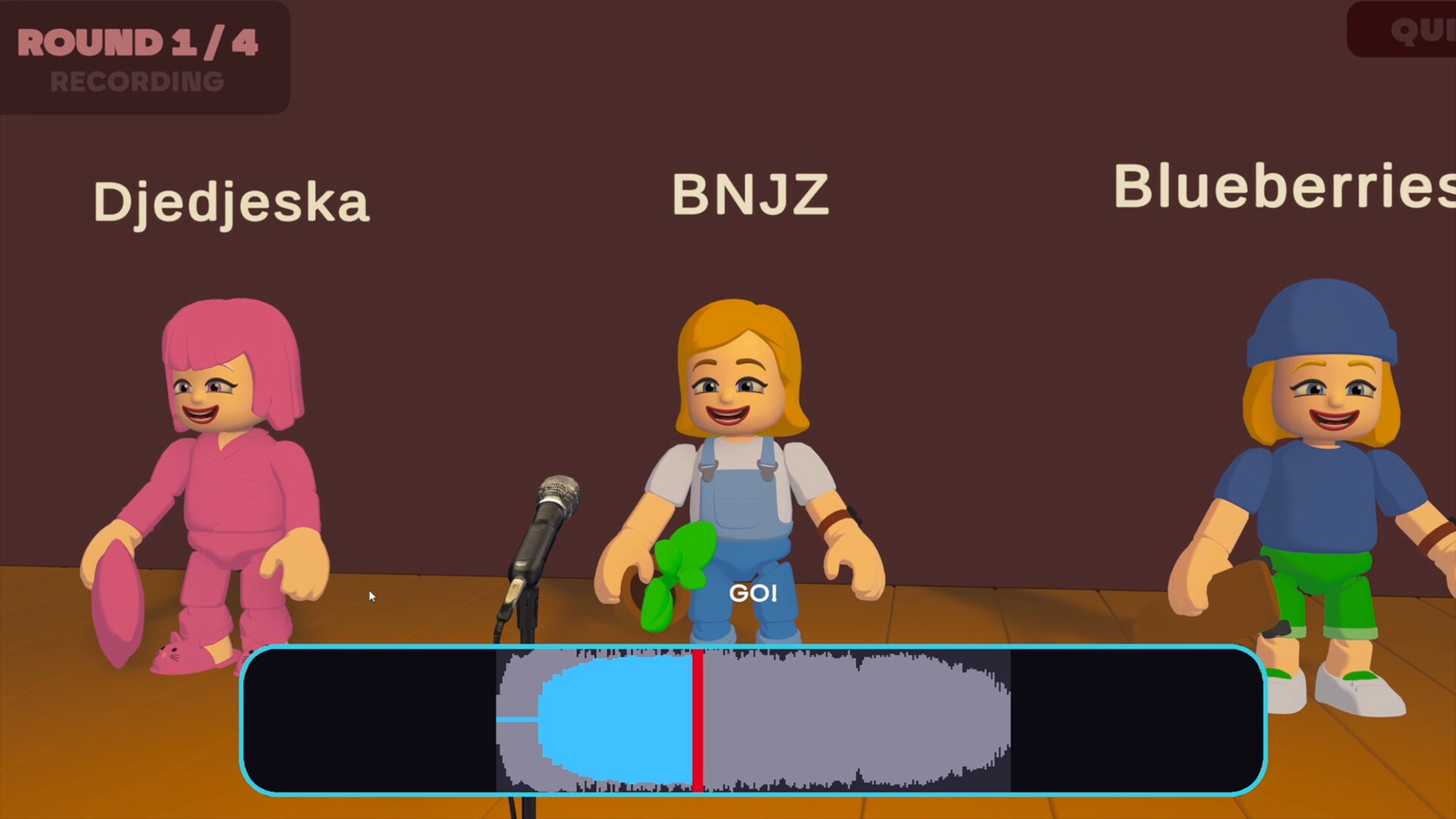
Get ready for a fun-filled party experience with Mimic Party, a casual game packed with funny challenges, quick reactions, and entertaining moments! Watch carefully, copy the right moves, and try to keep up as each challenge puts your memory, timing, and observation skills to the test.
Whether you're trying to match a character, repeat an action, or complete a tricky challenge, every round brings something different. Stay focused, react quickly, and show off your best mimic skills!
🎭 Mimic & Match
Watch the action and try to copy the correct movements and patterns.
🎯 Test Your Timing
React quickly and complete challenges before you make a mistake.
Preview
Tags
ToolsCasualInformation
Developer
Meta Innovations
Latest Version
1.0.98
Last Updated
2026-10-07
Category
Tools
Available on
Google Play
Show More
How to play Mimic Party with GameLoop on PC
1. Download GameLoop from the official website, then run the exe file to install GameLoop
2. Open GameLoop and search for “Mimic Party” , find Mimic Party in the search results and click “Install”
3. Enjoy playing Mimic Party on GameLoop
Minimum requirements
OS
Windows 8.1 64-bit or Windows 10 64-bit
GPU
GTX 1050
CPU
i3-8300
Memory
8GB RAM
Storage
1GB available space
Recommended requirements
OS
Windows 8.1 64-bit or Windows 10 64-bit
GPU
GTX 1050
CPU
i3-9320
Memory
16GB RAM
Storage
1GB available space