
VU+ TOOLS PC
bigmetamobile
Download VU+ TOOLS on PC With GameLoop Emulator
VU+ TOOLS on PC
VU+ TOOLS, coming from the developer bigmetamobile, is running on Android systerm in the past.
Now, You can play VU+ TOOLS on PC with GameLoop smoothly.
Download it in the GameLoop library or search results. No more eyeing the battery or frustrating calls at the wrong time any more.
Just enjoy VU+ TOOLS PC on the large screen for free!
VU+ TOOLS Introduction
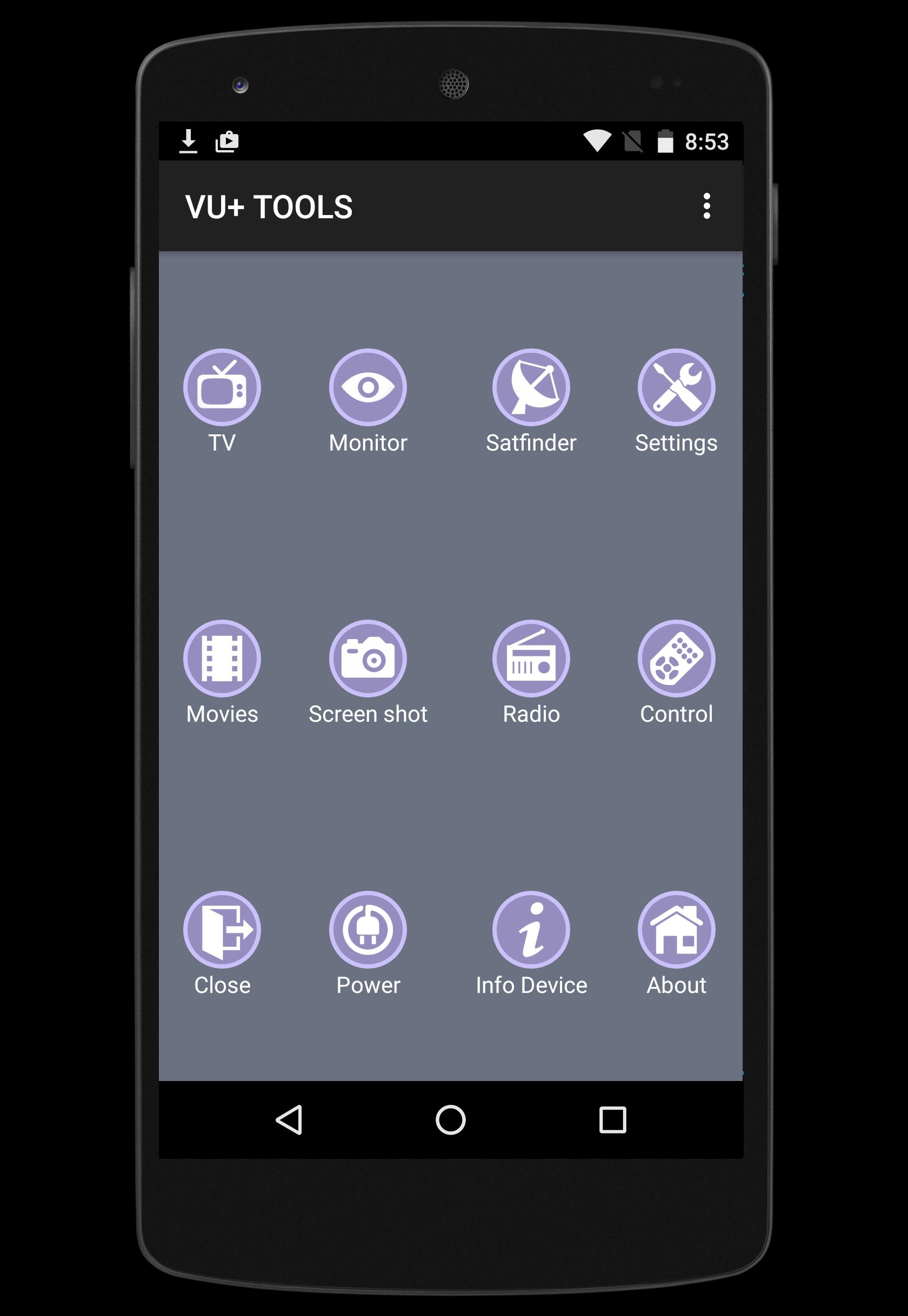
VU+ TOOLS is an Android application designed to allow you to control and manage your VUplus receivers such as VU+ SOLO or VU+ DUO , either from the same network.
- For best performace you must have stable 802.11g/n Wi-Fi connection between your receiver and your android smatphone or tablet. (802.11n strongly recommended)
Features:
★ Live TV and RADIO streaming directly from your Vu+ receiver.
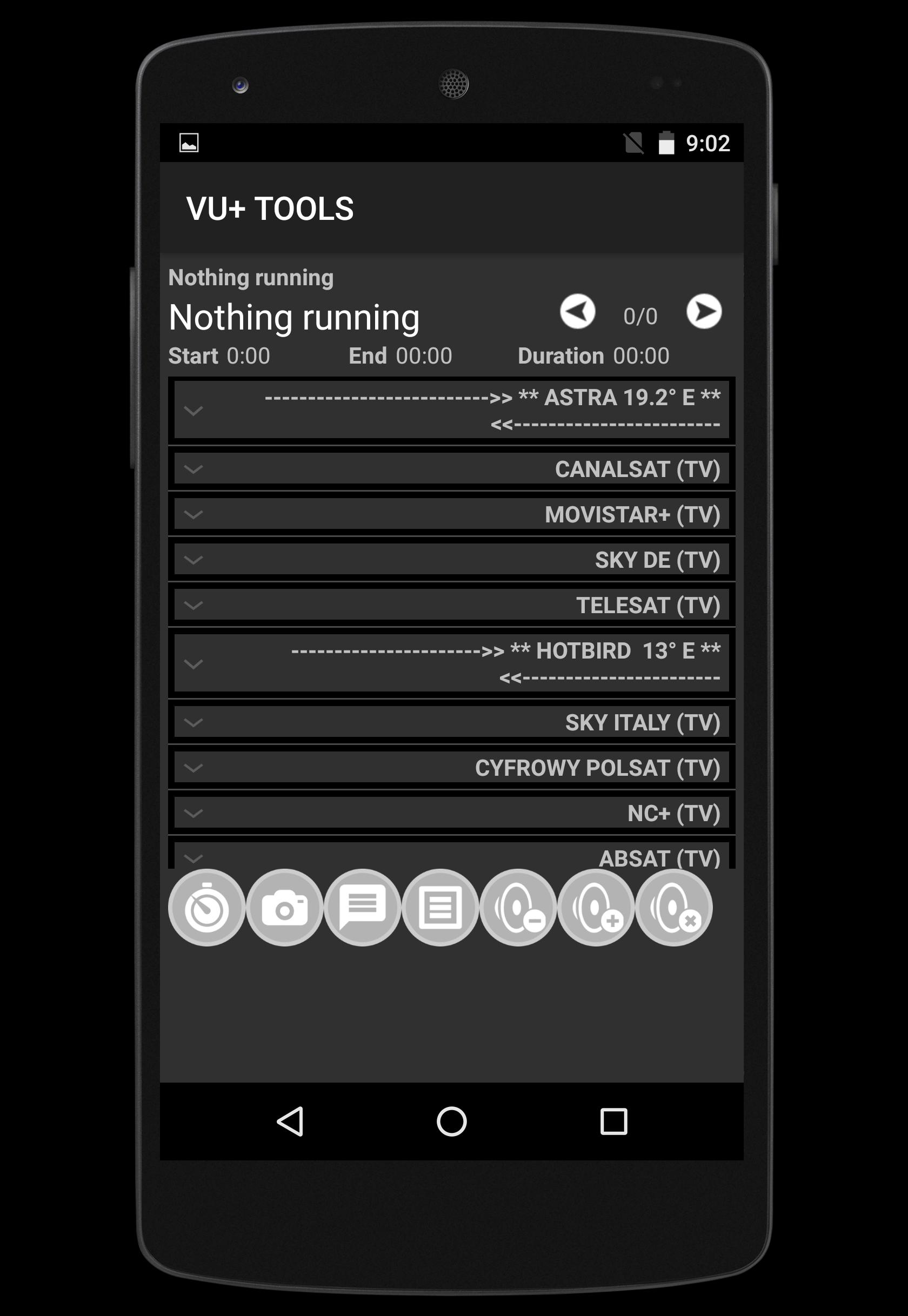
★ Show and discover Channel list provided Favourite group
★ Zapping channel
★ Satfinder (signal meter)
★ Add ZAP channel
★ Send message to your TV via your receiver
★ Volume Control UP-DOWN-MUTE
★ Show and Play recorded files directly to your TV
★ Monitor your receivers by screenshots from live TV
★ Manage timers record (add, edit, delete) either from EPG or manually.
★ EPG information provided
★ Take Screen shot from your TV
List of supported VU+ receivers :
► Vu+ SOLO
► Vu+ SOLO 2
► Vu+ SOLO SE
► Vu+ SOLO 4K
► Vu+ ZERO
► Vu+ UNO
► Vu+ UNO 4K
► Vu+ DUO
► Vu+ DUO 2
► Vu+ ULTIMO
► Vu+ ULTIMO 4K
This application was tested with BLACK HOLE, VTI, Open Black Hole,OpenPLi, Open VIX, SATDREAMGER, HDMU, INDB, OpenDroid, OpenSPA, PKT Hypervision, RUDream,
If you have any feedback, a feature request, or wish to report an issue,Contact us at bigmetamobile@gmail.com
Our Facebook page : https://www.facebook.com/bigmetamobile
Preview
Tags
ToolsInformation
Developer
bigmetamobile
Latest Version
1.2
Last Updated
2015-12-15
Category
Tools
Available on
Google Play
Show More
How to play VU+ TOOLS with GameLoop on PC
1. Download GameLoop from the official website, then run the exe file to install GameLoop
2. Open GameLoop and search for “VU+ TOOLS” , find VU+ TOOLS in the search results and click “Install”
3. Enjoy playing VU+ TOOLS on GameLoop
Minimum requirements
OS
Windows 8.1 64-bit or Windows 10 64-bit
GPU
GTX 1050
CPU
i3-8300
Memory
8GB RAM
Storage
1GB available space
Recommended requirements
OS
Windows 8.1 64-bit or Windows 10 64-bit
GPU
GTX 1050
CPU
i3-9320
Memory
16GB RAM
Storage
1GB available space