MT V2ray PRO PC
sando--k
Download MT V2ray PRO on PC With GameLoop Emulator
MT V2ray PRO on PC
MT V2ray PRO, coming from the developer sando--k, is running on Android systerm in the past.
Now, You can play MT V2ray PRO on PC with GameLoop smoothly.
Download it in the GameLoop library or search results. No more eyeing the battery or frustrating calls at the wrong time any more.
Just enjoy MT V2ray PRO PC on the large screen for free!
MT V2ray PRO Introduction
MT V2ray PRO
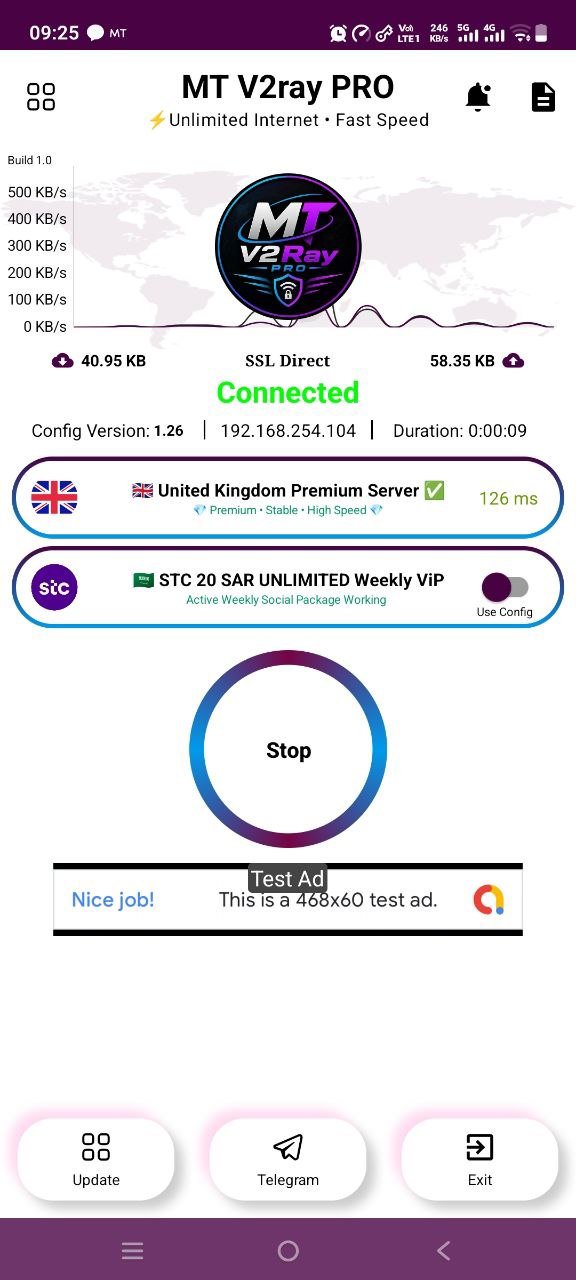
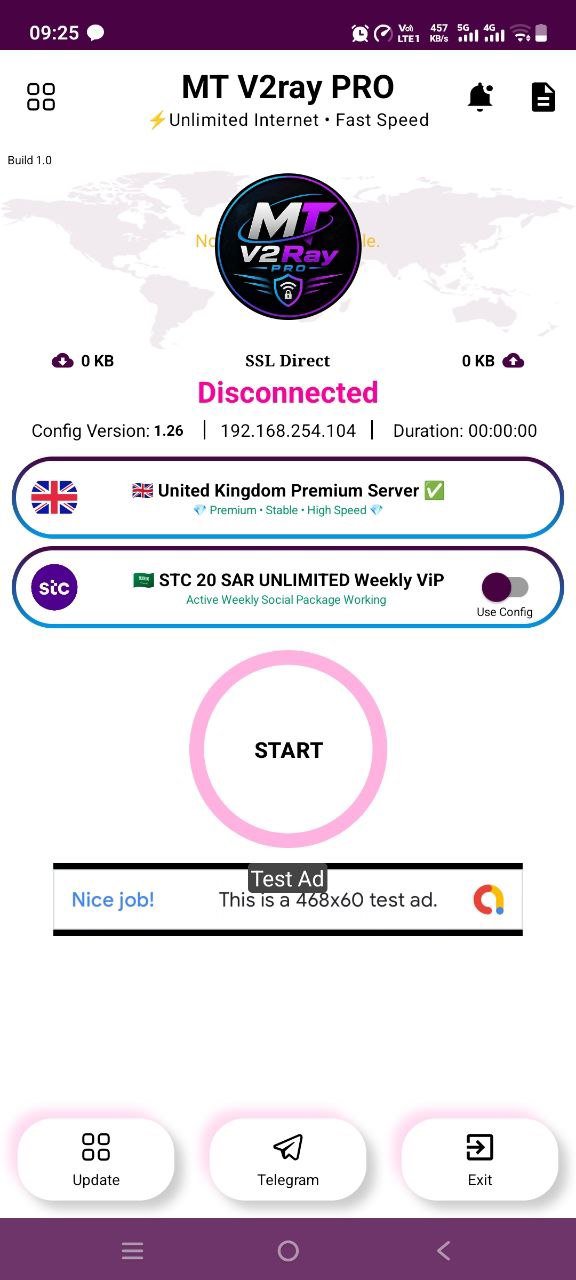
Experience a fast, secure, and reliable internet connection with MT V2ray PRO. Designed for speed, privacy, and stability, our app helps you enjoy a smooth browsing experience using advanced V2Ray technology and premium servers.
Whether you're browsing, streaming, gaming, or staying connected, MT V2ray PRO delivers high-speed performance with secure encrypted connections.
Features
🚀 High-Speed Performance
Optimized V2Ray technology
Fast and stable connections
Low latency premium servers
🔒 Secure Connection
Encrypted internet traffic
Privacy-focused connection
Safe browsing on public Wi-Fi
🌍 Premium Global Servers
Multiple server locations
Reliable network infrastructure
Stable international connectivity
⚡ Multiple Connection Modes
V2Ray
SSL Direct
WebSocket
HTTP
TLS
Additional supported protocols
📊 Real-Time Network Monitor
Live upload/download speed
Connection duration
Ping monitoring
Network statistics
🎨 Modern Interface
Simple and user-friendly design
One-tap connect
Easy server selection
Dark themed interface
Why Choose MT V2ray PRO?
Fast premium servers
Stable connection performance
Secure encrypted tunneling
Low latency networking
Easy to use
Lightweight application
Regular updates
Optimized for Android devices
Perfect For
Secure browsing
Online gaming
Video streaming
Social media
Messaging
Everyday internet use
Privacy
MT V2ray PRO values your privacy. The application is designed to provide secure encrypted connections while offering a smooth and reliable networking experience.
Disclaimer
MT V2ray PRO is a networking utility application intended for legitimate network management, secure connections, and personal use. Users are responsible for complying with local laws, regulations, and the terms of service of the networks they access.
Preview
Tags
ToolsInformation
Developer
sando--k
Latest Version
v1.6
Last Updated
2026-08-21
Category
Tools
Available on
Google Play
Show More
How to play MT V2ray PRO with GameLoop on PC
1. Download GameLoop from the official website, then run the exe file to install GameLoop
2. Open GameLoop and search for “MT V2ray PRO” , find MT V2ray PRO in the search results and click “Install”
3. Enjoy playing MT V2ray PRO on GameLoop
Minimum requirements
OS
Windows 8.1 64-bit or Windows 10 64-bit
GPU
GTX 1050
CPU
i3-8300
Memory
8GB RAM
Storage
1GB available space
Recommended requirements
OS
Windows 8.1 64-bit or Windows 10 64-bit
GPU
GTX 1050
CPU
i3-9320
Memory
16GB RAM
Storage
1GB available space